Sable Optional for Create: Octo Arms Octo Arms v1.3.1
optionalMatching file found Matched file: Sable NeoForge 2.0.6 for mc1.21.1
CurseForge · Minecraft mod
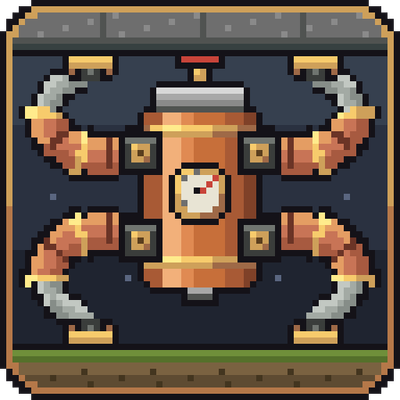
A Create Backtank with four pneumatic Tentacles. Climb walls, hang from ceilings, ride Sable and Create Aeronautics Ships
Quick answer
Create: Octo Arms Octo Arms v1.3.1 targets 1.21.1 with NeoForge. The project page does not say whether this file belongs on the client, dedicated server, or both. All 1 required mods have matching files.
Where it goes
The project page does not say whether this file belongs on the client, dedicated server, or both.
The source does not explicitly classify this release as client-only or server-only.
Octo Arms v1.3.1. Change the file and its required mods may change too.
Install Create first. We found matching files for this game-version and loader setup. 3 come through another mod in the chain.
3 extra mods were pulled in by other dependencies. Indented rows show who needs each one. We only count dependency files that match this setup. A file for another loader does not fill the gap.
Before you install it
Built for Create: Octo Arms Octo Arms v1.3.1. Pick another file and the loader, install side or required mods may change.
Use Octo Arms v1.3.1. It targets 1.21.1 with NeoForge; another release may have different loader, side or dependency requirements.
Install Create first. We found matching files for this game-version and loader setup. 3 come through another mod in the chain.
The project page does not say whether this file belongs on the client, dedicated server, or both.
Use the “Get this file” button beside Octo Arms v1.3.1. It opens that exact file at the source.
About this project
A Create Backtank with four pneumatic Tentacles. Climb walls, hang from ceilings, ride Sable and Create Aeronautics Ships.
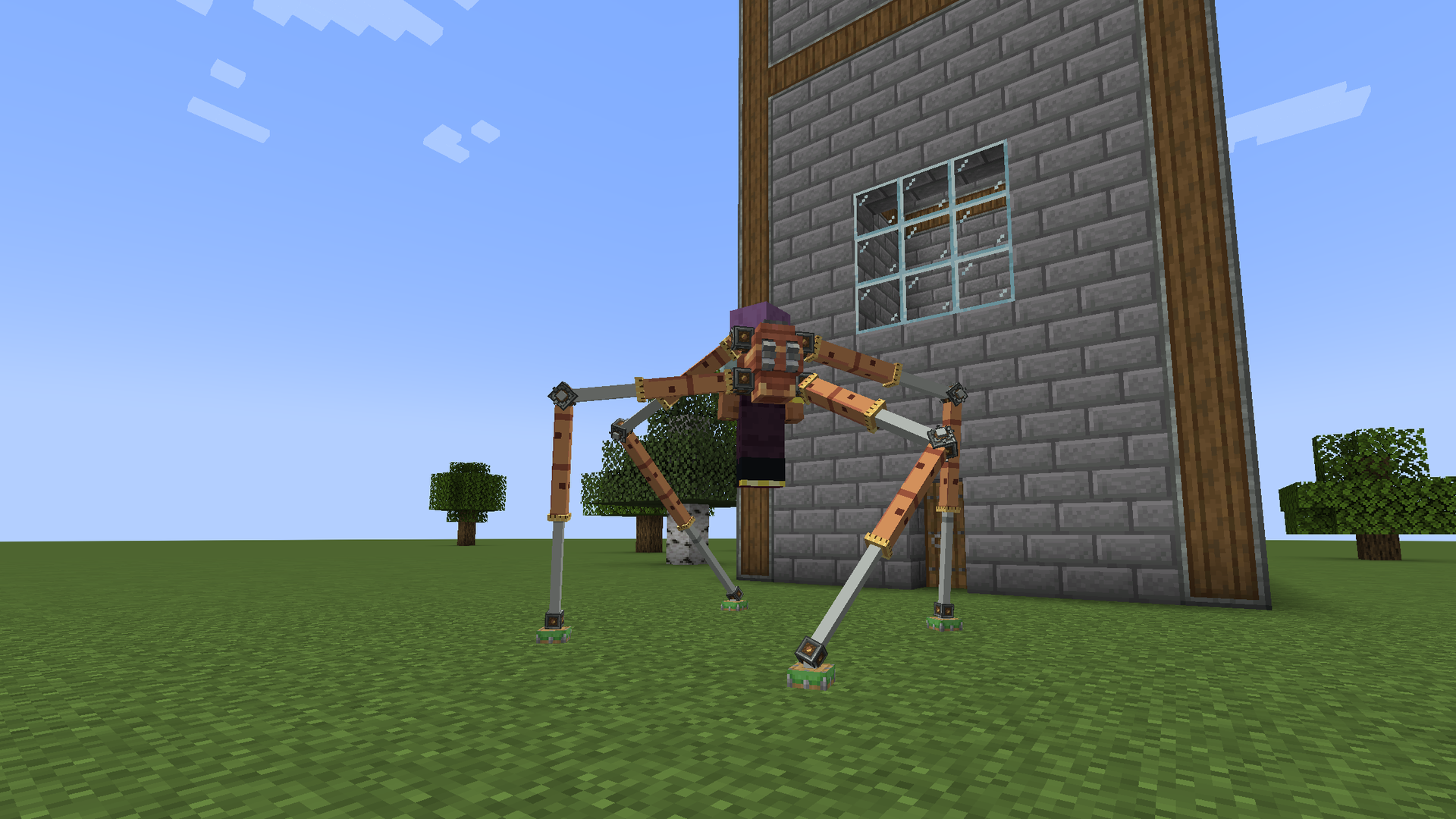
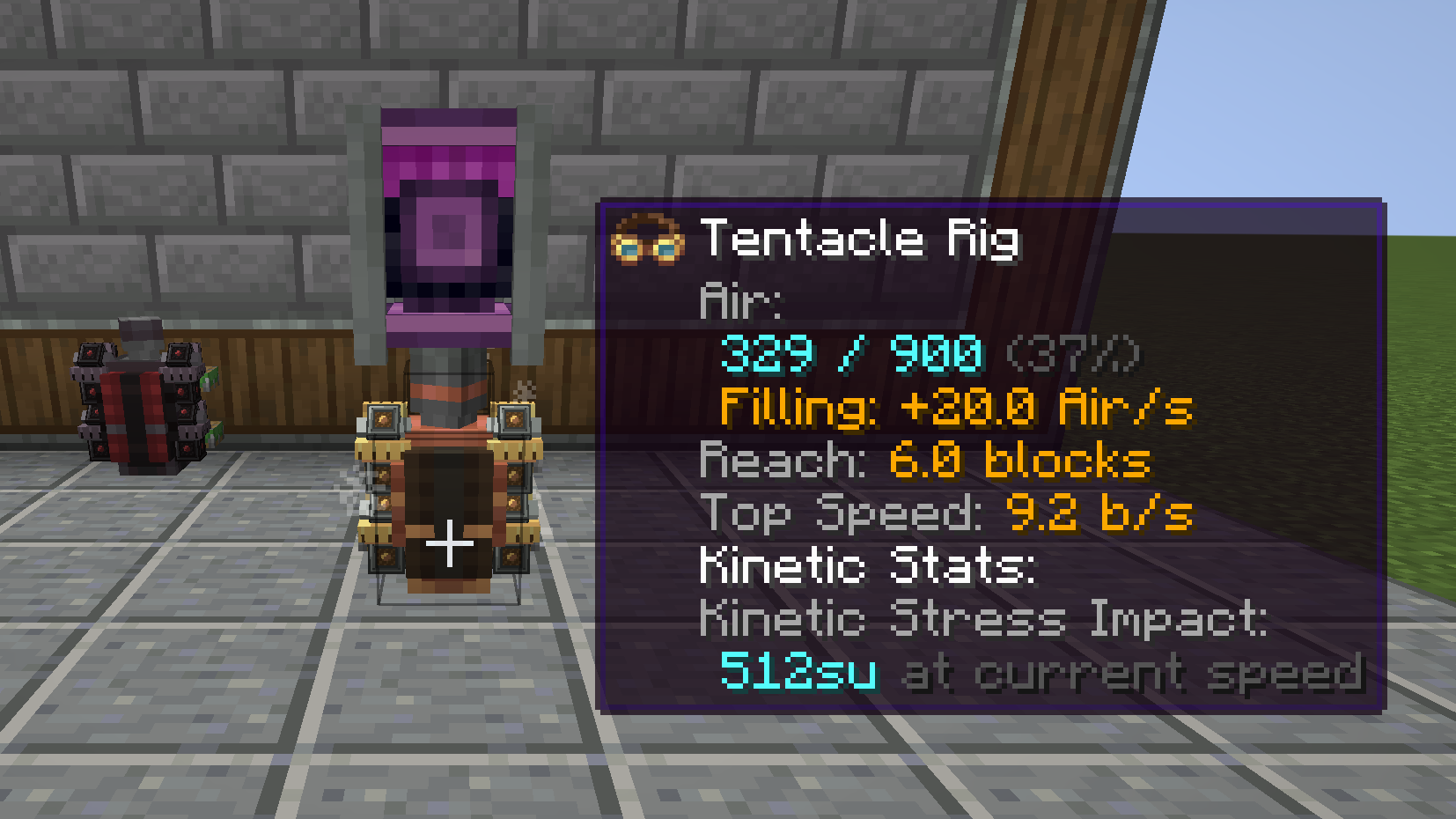
Craft a Tentacle Rig: a Backtank with four Tentacles and a Precision Mechanism. Wear it in the chest slot and Double Jump. The Tentacles grab nearby block faces and carry you where you look: across the floor, up a wall, under a ledge or a ceiling. Your hands stay free, so you can mine, build and fight while you hang. The Rig runs on the Backtank's Air and refills like any Backtank.
Space goes up, Shift goes down. The Rig only moves you where at least two Tentacles can hold, so you can't walk off an edge.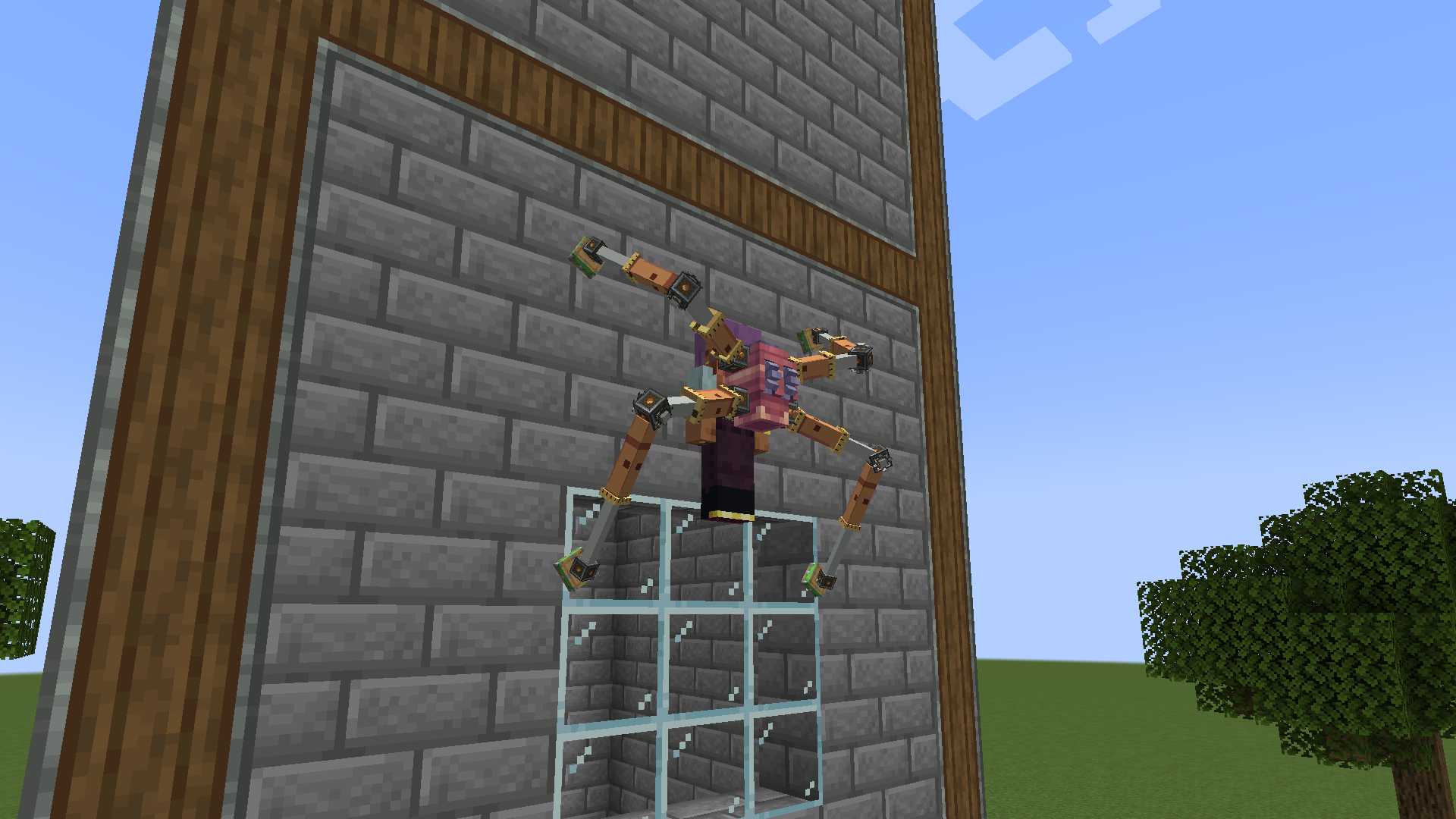
Ponder (hold W over a Rig or Tentacle) shows all of this step by step.
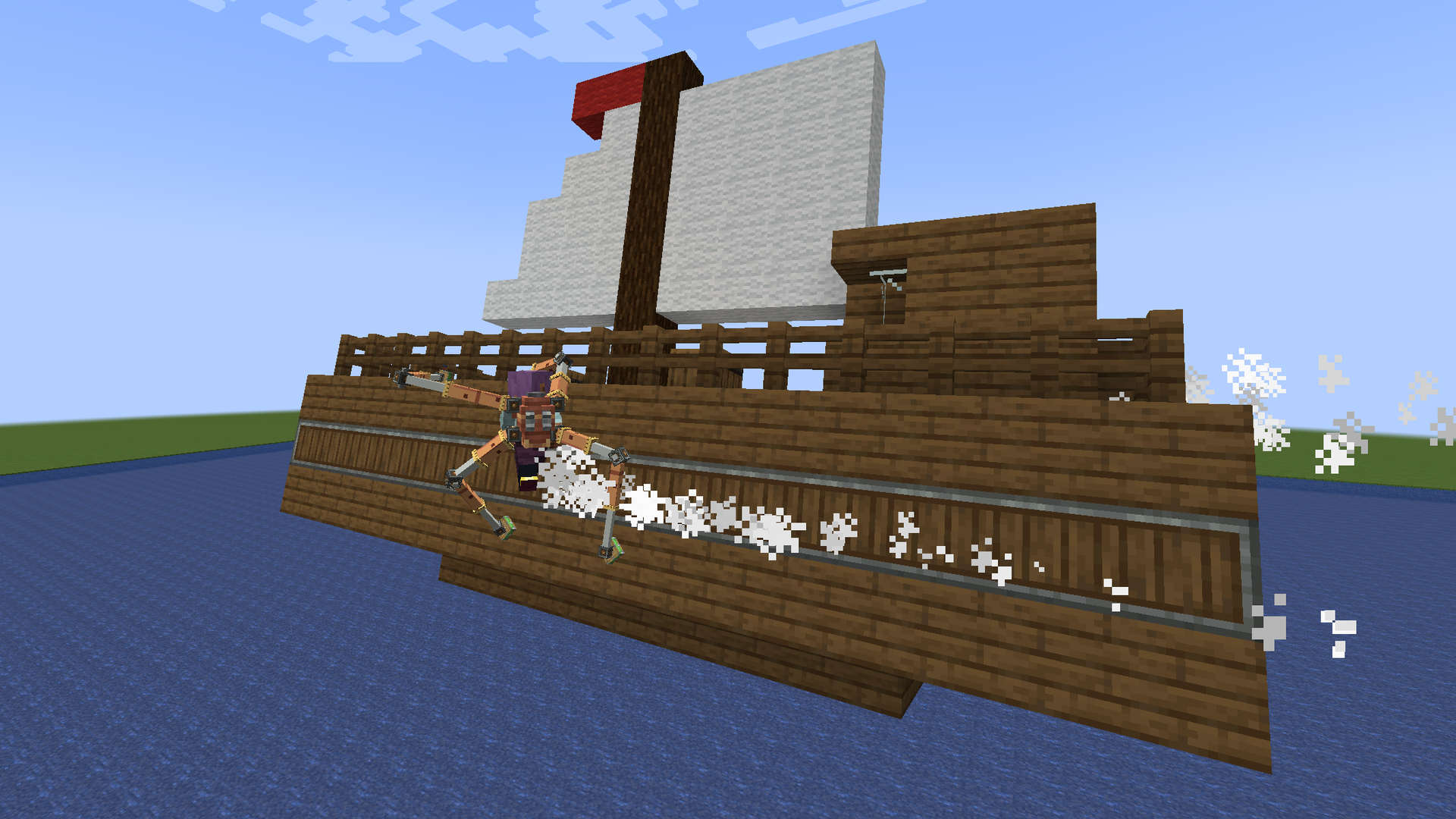
Octo Arms works fully with Sable Ships, and Create Aeronautics Ships are Sable Ships, so they are supported the same way. With Sable installed, the blocks of a Ship are Grips like world blocks. Grip a Ship's floor, walls, hull or underside, parked or moving, and move between the world and a Ship both ways. Air use counts only your own move. Server admins can turn it off with ships.grip = false.
| Mod | Version |
|---|---|
| Minecraft | 1.21.1 |
| NeoForge | 21.1.228+ |
| Create | 6.0.10+, below 6.1.0 |
| Sable | optional, 2.0.5+, below 2.1 (for Ships) |
| JEI | optional |
Install on both client and server, same version on both.
MIT License. Built on Create (not bundled); uses Create's Backtank, Sticker and Ponder. Ship support through Sable (optional, not bundled).
Developed with AI assistance (Claude).
Project description from CurseForge.
Pick your setup
Choose the version and loader you play, then open the matching release.
Check the dependencies, then try the file in a copied instance before changing a world you care about.
Recent files
octo-arms-1.3.1+mc1.21.1.jar
18 Oct 2026
octo-arms-1.3.0+mc1.21.1.jar
17 Oct 2026
octo-arms-1.2.1+mc1.21.1.jar
16 Oct 2026
octo-arms-1.2.0+mc1.21.1.jar
15 Oct 2026
Looking for an older file? The official CurseForge project page is in Resources.
 mod
modStore encoded AE2 patterns on disks instead of filling a provider's slots. Adds a disk-based provider (block and cable panel), a pattern transferer, and two assemblers. Requires AE2.
 mod
modBackports 26.4, 1.21.11 and part of 1.21 Minecraft content to 1.20.1-1.21.1, faithful to vanilla with bugfixes
 mod
modTaczCurios adds custom curios (accessories) to the game Tacz.