Minecraft version
Back to mods 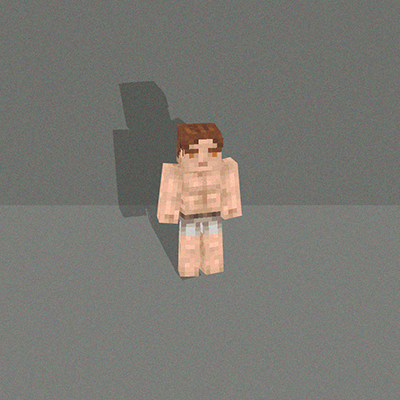
CurseForge · Minecraft mod
Souls Character Creator
Create a character that suits you perfectly.
Choose a version Pick your version below, then grab the matching file.
Quick answer
Which Souls Character Creator release should I use?
beta file soulscharactercreator-0.1.0.jar
Game version 1.20.1
Loader Forge
Souls Character Creator soulscharactercreator-0.1.0.jar targets 1.20.1 with Forge. The project page does not say whether this file belongs on the client, dedicated server, or both. No extra mods listed for this file.
Where it goes
Is Souls Character Creator required on the client, server, or both?
The project page does not say whether this file belongs on the client, dedicated server, or both.
Client Source doesn’t say
Dedicated server Source doesn’t say
Loader for this release Forge
Required install it here Optional supported, not mandatory Not supported do not install here Source doesn’t say do not assume
The source does not explicitly classify this release as client-only or server-only.
What else does Souls Character Creator soulscharactercreator-0.1.0.jar need?
soulscharactercreator-0.1.0.jar. Change the file and its required mods may change too.
This file does not list any required mods. Do not add a library just because a different file uses it.
This file does not list any required or optional mods.
Before you install it
Add Souls Character Creator without breaking your instance.
Built for Souls Character Creator soulscharactercreator-0.1.0.jar. Pick another file and the loader, install side or required mods may change.
- 01
Stick to this file
Use soulscharactercreator-0.1.0.jar. It targets 1.20.1 with Forge; another release may have different loader, side or dependency requirements.
- 02
Bring the mods it needs
This file does not list any required mods. Do not add a library just because a different file uses it.
- 03
Put it on the correct side
The project page does not say whether this file belongs on the client, dedicated server, or both.
- 04
Pick the file you checked
Use the “Get this file” button beside soulscharactercreator-0.1.0.jar. It opens that exact file at the source.
About this project
What does Souls Character Creator add?
SoulsCharacterCreator
Create a character that feels like your own.
SoulsCharacterCreator brings character customization directly into Minecraft. When you first join a world, you can choose your character’s gender, body base, hairstyle, and other details, adjust their colors, and save your look. There’s no need to draw an entire skin beforehand or upload it to a third-party website.
The interface takes inspiration from Elden Ring, with muted dark colors, smooth camera transitions, and a live preview of your character while you customize.
What can you customize?
- A male or female character, using the Steve and Alex models respectively.
- Your body base.
- Your hairstyle, with separate options for each gender.
- Your eyes and eyebrows.
- A beard or mustache for male characters.
Hair, eyes, eyebrows, beards, and mustaches can be dyed any color. Use the color picker, enter or paste a HEX code, or start with one of the preset shades.
Every change appears on the model immediately. Drag to rotate your character, and the camera smoothly zooms in when you move from body selection to facial details. While the editor is open, switching between male and female characters remembers each gender’s chosen hairstyle and hair color.
Once you’re happy with your look, click Confirm or press your assigned key — E by default. You can change the binding in Minecraft’s Controls settings.
Does it work on servers?
Yes. Once you confirm your appearance, other players can see it both in the world and on your head icon in the TAB player list. Your choices are saved across reconnects, deaths, and dimension changes.
While you’re experimenting in the editor, only you can see the changes. Everyone else sees your new look after you confirm it.
The mod must be installed on the server and on every player’s client.
Can you add your own hairstyles and other parts?
Absolutely — without rebuilding the mod.
For a new male hairstyle, place its PNG in:
config/rpgplayer/human/male/hair/
For a new female hairstyle, place its PNG in:
config/rpgplayer/human/female/hair/
Each gender’s folder contains categories for body bases, eyes, hair, and eyebrows. The male folder also includes a category for beards and mustaches.
After adding a file, reconnect to the server. The server automatically sends new parts to players, so you don’t need to distribute the textures separately.
Texture requirements
- Use 64×64 PNGs with the appropriate Minecraft skin layout.
- For parts that support the color picker, use a white or grayscale base with a transparent background.
- Use lowercase Latin letters, numbers, and underscores in file names, without spaces. Example:
long_braid.png. - Each file must be no larger than 64 KiB.
- Up to 128 custom PNGs are supported.
Commands
Two commands are available to administrators.
Open the character editor
/charactermemu skinopen <player>
Opens the character editor for a player — for example, when they want to change their appearance.
Restore the account skin
/charactermemu setbaseskin <player>
Restores the player’s regular account skin. The editor will no longer open automatically, but an administrator can reopen it with the first command.
Both commands require permission level 2 and can be used from the server console. The target player must be online.
Please note: the command is spelled
/charactermemu.
Good to know
- The mod supports English and Russian.
- Your custom appearance does not change your Mojang account skin — it is only used in games running this mod.
- Compatibility with other mods that replace player skins, player models, or the TAB list should be checked separately.
**Minecraft 1.20.1 · Forge · Java 17
 **
Project description from CurseForge.
Pick your setup
Souls Character Creator by Minecraft version and loader
Choose the version and loader you play, then open the matching release.
Check the dependencies, then try the file in a copied instance before changing a world you care about.
Recent files
Souls Character Creator versions and loaders
soulscharactercreator-0.1.0.jar
23 Oct 2026
Client Source doesn’t say Server Source doesn’t say Dependencies No extras listed Listed on Release listing
Check the 1.20.1 · Forge setup 1.20.1Forge beta
Looking for an older file? The official CurseForge project page is in Resources.
 mod
CurseForge + Modrinth · Minecraft
Electroblob's Wizardry Redux
Explore and discover an intuitive and big magic system with more than 180 spells. Recreation of the old RPG classic mod
 mod
CurseForge + Modrinth · Minecraft
Resource Data Pack Loader
RDPL - Resource and Datapack loading to a new level. Run the same packs on any supported version of Minecraft. Restoring JOY back to Modpack building! The API that should have been. By MCT.
 mod
CurseForge + Modrinth · Minecraft
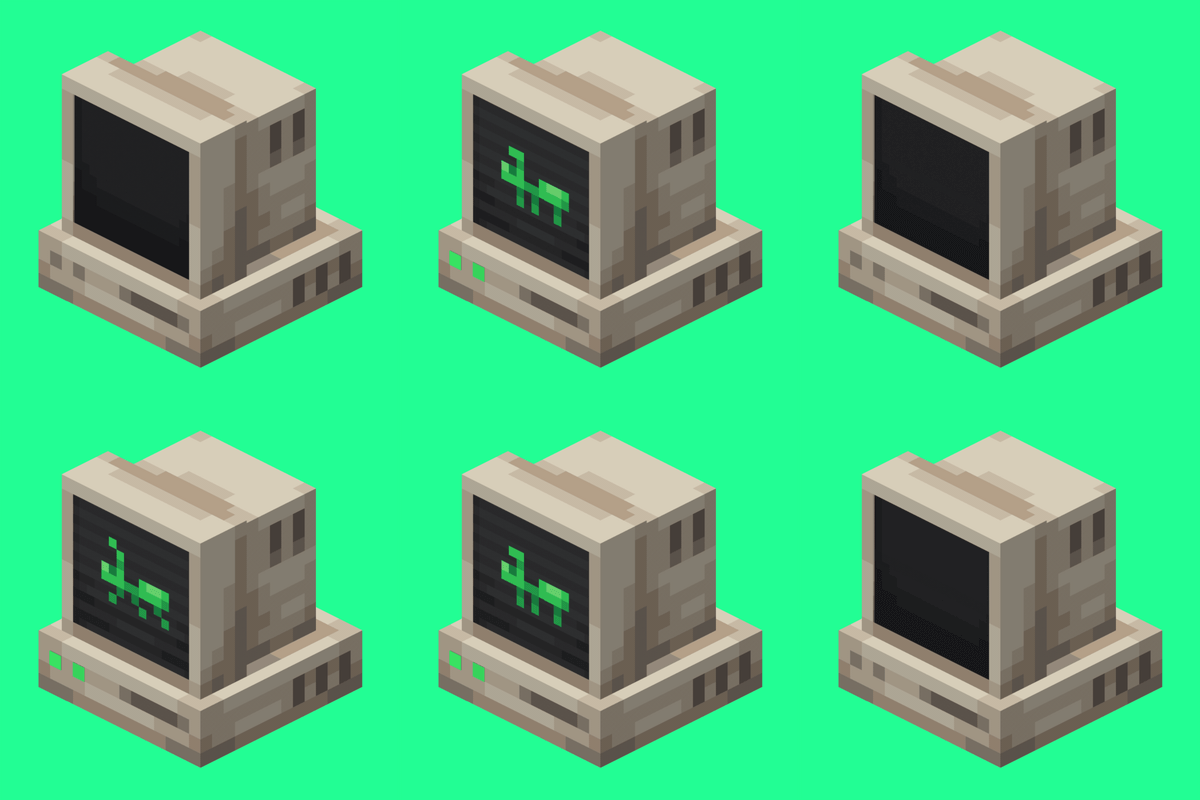
AntOS Computer | Quests + Guidebook
An immersive and fully functioning computer that provides an anternative to the stale and overused quest book and guide book