Fabric API Needed by Elytra Pilot HUD elytra-flight-hud-1.0.1.jar
requiredMatching file found Matched file: [26.3] Fabric API 0.166.2+26.3
CurseForge · Minecraft mod
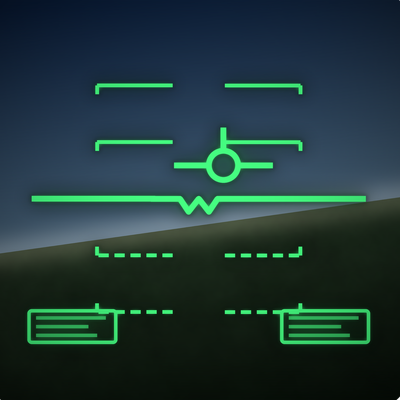
Fighter jet style elytra HUD: angle of attack, climb angle, flight path marker, speed and altitude readouts with personal records, and a PULL UP ground warning.
Quick answer
Elytra Pilot HUD elytra-flight-hud-1.0.1.jar targets 26.3 with Fabric. The project page does not say whether this file belongs on the client, dedicated server, or both. All 1 required mods have matching files.
Where it goes
The project page does not say whether this file belongs on the client, dedicated server, or both.
The source does not explicitly classify this release as client-only or server-only.
elytra-flight-hud-1.0.1.jar. Change the file and its required mods may change too.
Install Fabric API first. We found matching files for this game-version and loader setup.
We only count dependency files that match this setup. A file for another loader does not fill the gap.
Before you install it
Built for Elytra Pilot HUD elytra-flight-hud-1.0.1.jar. Pick another file and the loader, install side or required mods may change.
Use elytra-flight-hud-1.0.1.jar. It targets 26.3 with Fabric; another release may have different loader, side or dependency requirements.
Install Fabric API first. We found matching files for this game-version and loader setup.
The project page does not say whether this file belongs on the client, dedicated server, or both.
Use the “Get this file” button beside elytra-flight-hud-1.0.1.jar. It opens that exact file at the source.
About this project
A clean, see through flight HUD for elytra pilots.
Toggle each part, change the HUD size and the LEVEL tolerance in config/glc_flightui.properties.
Client side only. Works on any server or Realm.
Voice lines generated with Kokoro TTS (Apache 2.0).
Project description from CurseForge.
Pick your setup
Choose the version and loader you play, then open the matching release.
Check the dependencies, then try the file in a copied instance before changing a world you care about.
Recent files
23 Oct 2026
Looking for an older file? The official CurseForge project page is in Resources.
 mod
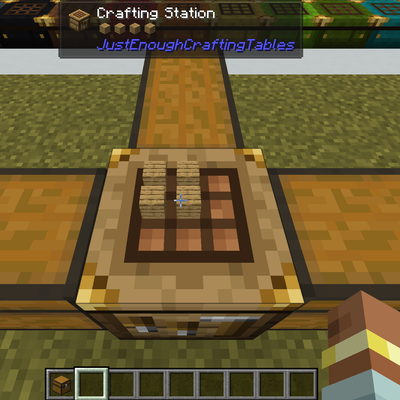
This simple mod just adds dyeable crafting tables that keeps its grid content, shows the items on top, and lets you craft from connected inventories. You can search, store, & repeat craft and JEI/EMI transfer from storage.
 mod
Heavy rain can turn into a flood! Rivers, lakes and oceans overflow their banks, then drain away when the storm passes.
 mod
Smooth, configurable client-side zoom with mouse-wheel adjustment and R as the default zoom key.