Fabric API Needed by garb-1.0.1+1.21.1
requiredMatching file found Matched file: [1.21.1] Fabric API 0.116.18+1.21.1
CurseForge · Minecraft mod
Choose a class before you go into the adventure
Quick answer
garb-1.0.1+1.21.1 targets 1.21.1 with Fabric. The project page does not say whether this file belongs on the client, dedicated server, or both. All 2 required mods have matching files.
Where it goes
The project page does not say whether this file belongs on the client, dedicated server, or both.
The source does not explicitly classify this release as client-only or server-only.
garb-1.0.1+1.21.1. Change the file and its required mods may change too.
Install Fabric API, Cloth Config API (Fabric/Forge/NeoForge) first. We found matching files for this game-version and loader setup.
We only count dependency files that match this setup. A file for another loader does not fill the gap.
Before you install it
Built for garb-1.0.1+1.21.1. Pick another file and the loader, install side or required mods may change.
Use garb-1.0.1+1.21.1. It targets 1.21.1 with Fabric; another release may have different loader, side or dependency requirements.
Install Fabric API, Cloth Config API (Fabric/Forge/NeoForge) first. We found matching files for this game-version and loader setup.
The project page does not say whether this file belongs on the client, dedicated server, or both.
Use the “Get this file” button beside garb-1.0.1+1.21.1. It opens that exact file at the source.
About this project



Before you enter the world, choose a class to get certain perks which enhances the chosen playstyle from the beginning! Three different characters can get created with the chosen player name and skin!


This mod is developed for Fabric.
There are no plans to develop a Forge version.
Modpack Permission:
Feel free to use it in any modpacks.
Bug Report:
Just report bugs at the github page.
Project description from CurseForge.
Pick your setup
Choose the version and loader you play, then open the matching release.
Check the dependencies, then try the file in a copied instance before changing a world you care about.
Recent files
garb-1.0.1.jar
12 Nov 2026
25 Oct 2026
Looking for an older file? The official CurseForge project page is in Resources.
 mod
Spell Codex: Iron's Spells 'n Spellbooks Addon turns Iron's spell list into a progression-driven Spell Codex, wired into Spell Actionbar.
 mod
Banners on Horses, Boats, Happy Ghasts, as Capes, Hats, more layers and more!
 mod
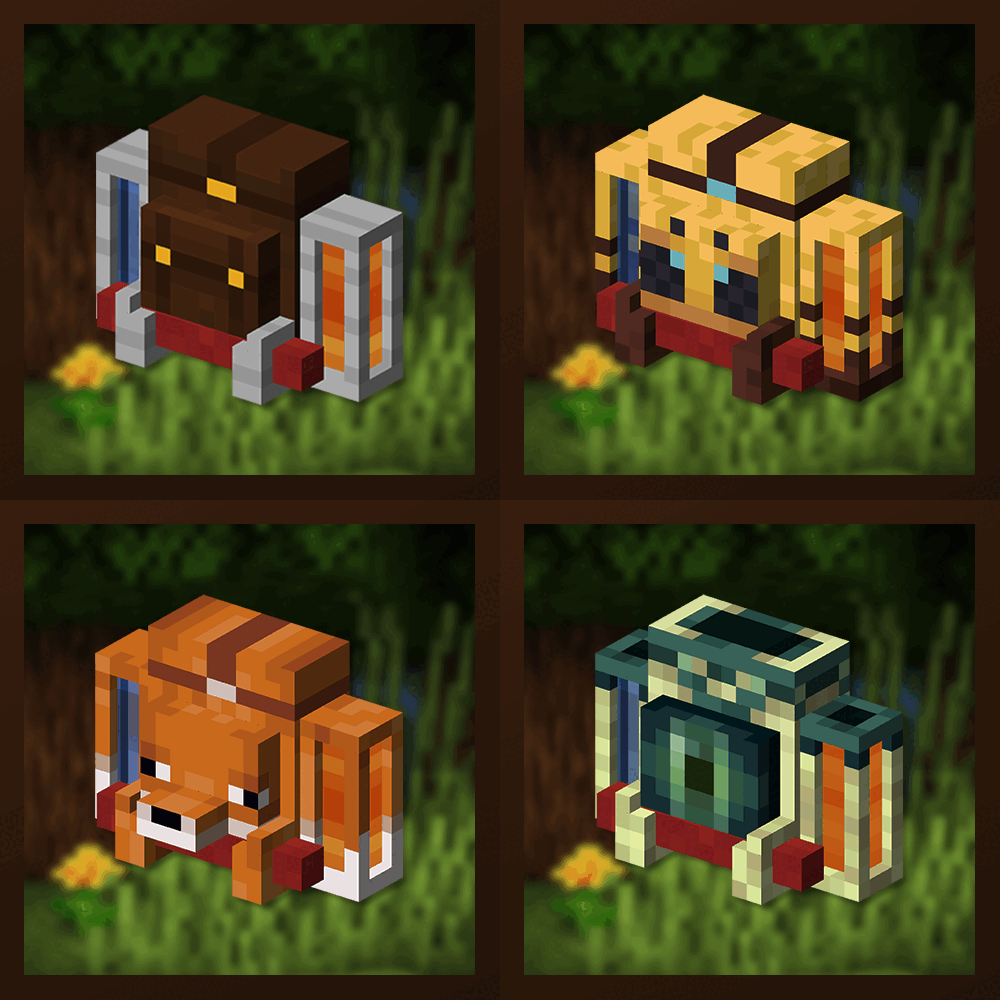
Unique and upgradeable backpacks with customisation, Curios API/Trinkets integration and more!
