FTB Quests (NeoForge) Needed by ID's questwright questwright-0.12.1.jar
requiredNo matching file

CurseForge · Minecraft mod
Automatically writes a complete Quest book for any modpack, with a chapter for every mod built from its own recipes, guidebooks and achievements
Quick answer
ID's questwright questwright-0.12.1.jar targets 1.21, 1.20.2, 1.21.8 with Fabric, Forge, NeoForge. The project page does not say whether this file belongs on the client, dedicated server, or both. 2 required mods need a matching file.
Where it goes
The project page does not say whether this file belongs on the client, dedicated server, or both.
The source does not explicitly classify this release as client-only or server-only.
questwright-0.12.1.jar on 26.2 Forge. Every mod below is checked against that same setup.
Install FTB Quests (NeoForge), FTB Quests (Fabric) first, but 2 required mods have no matching file for this setup. Do not mix loader builds to force a match.
We only count dependency files that match this setup. A file for another loader does not fill the gap.
Before you install it
Built for ID's questwright questwright-0.12.1.jar on 26.2 Forge. Pick another file and the loader, install side or required mods may change.
Use questwright-0.12.1.jar. It targets 1.21, 1.20.2, 1.21.8 with Fabric, Forge, NeoForge; another release may have different loader, side or dependency requirements.
Install FTB Quests (NeoForge), FTB Quests (Fabric) first, but 2 required mods have no matching file for this setup. Do not mix loader builds to force a match.
The project page does not say whether this file belongs on the client, dedicated server, or both.
Use the “Get this file” button beside questwright-0.12.1.jar. It opens that exact file at the source.
About this project
I kept making my own modpacks and then forgetting what half the mods did, or where you're even supposed to start. Big packs fix that with a quest book, but whenever I added more mods or custom content, I still felt like I wasn't getting everything the mods have to offer. I didn't want to write a quest book by hand every time I added a mod, so I made a mod that writes it for me.
Questwright looks at the mods in your pack and builds a quest book from them. It works from the real recipes, so the order makes sense: if an item is made in a machine, its quest comes after the quest for that machine. You never get asked to craft something before you can make the thing that crafts it. It also reads the pack maker's changes, like KubeJS scripts, and orders the quests around them. 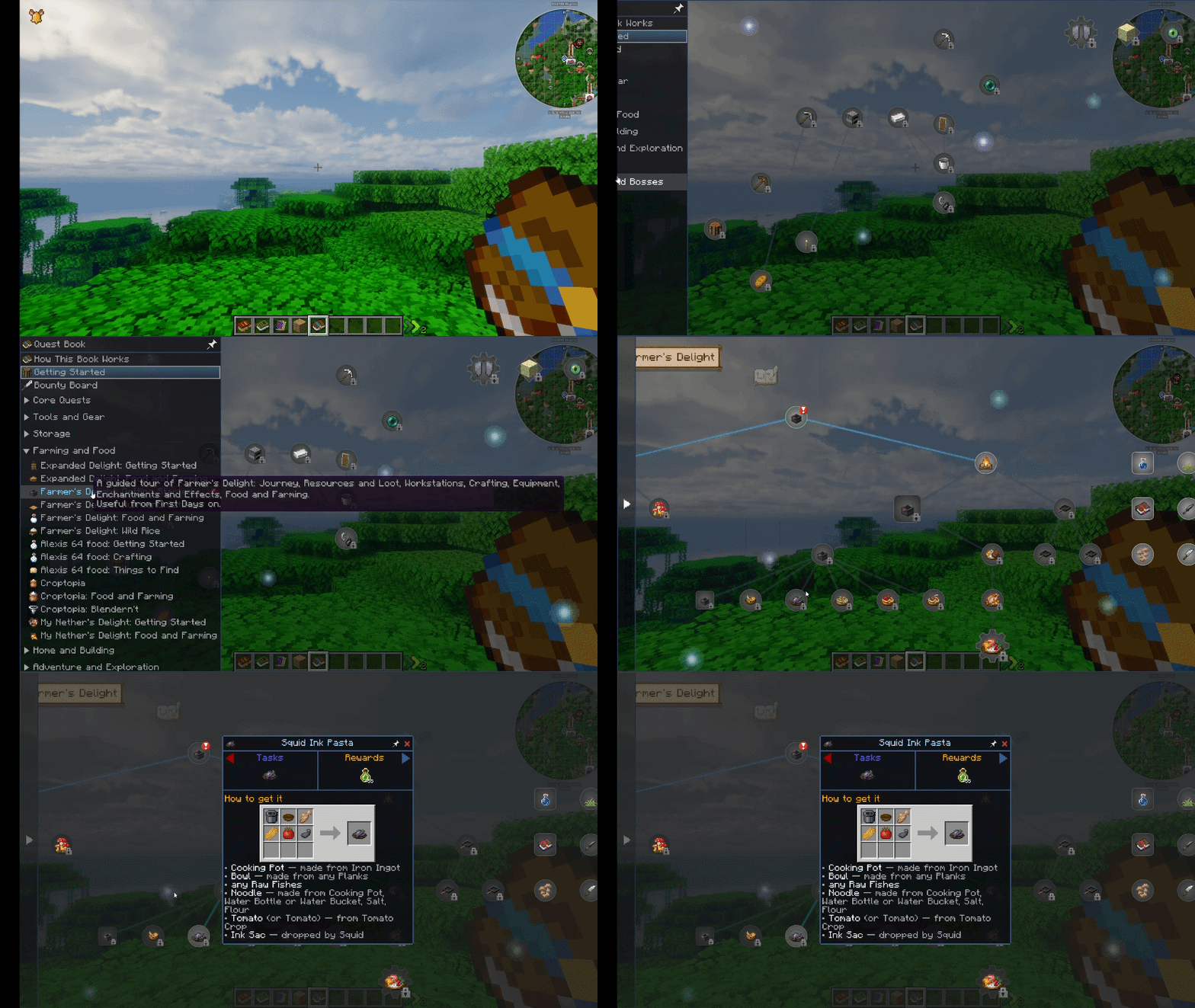
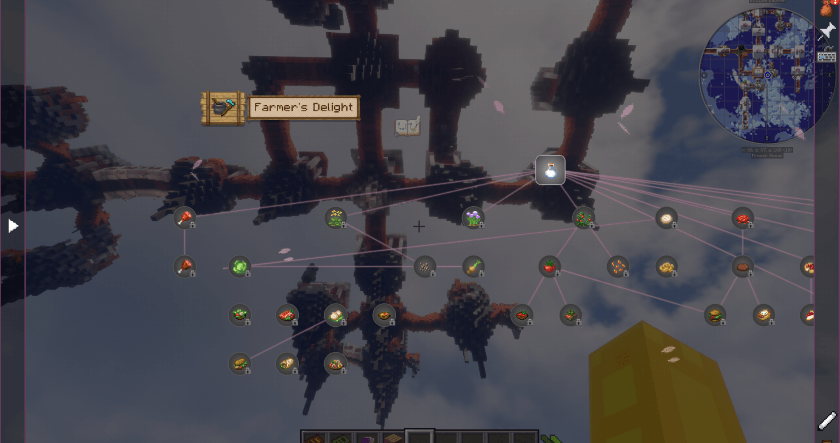
/questwright fillgaps undo.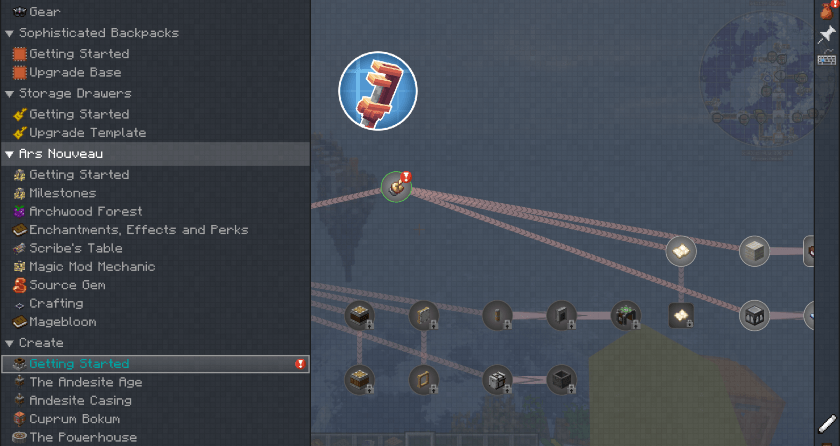
/questwright status: shows what it's doing/questwright settings: changes settings in game, like book layout, quest order, rewards, which mods are included and more/questwright theme: picks the book's look/questwright fillgaps: adds missing chapters to an existing quest book/questwright pictures: switches recipes between pictures and words/questwright logos: turns the mod logos on the chapter pages on or off/questwright language: picks the language for quest textEverything is in config/questwright.json. You can:
Quest text comes in English, German, Spanish, French, Japanese, Korean, Polish, Portuguese, Russian and Chinese.
Some mods get better quests than others, depending on how many recipes and guide pages they come with. If a chapter looks wrong, please open an issue and include your mod list. That helps me fix it a lot faster.
You can use it in modpacks, no need to ask.
If you'd like to support it, I have a Ko-fi. Thanks for checking it out!
Project description from CurseForge.
Pick your setup
Choose the version and loader you play, then open the matching release.
Showing the newest 12 of 23 game versions. Older files are in the list below.
Check the dependencies, then try the file in a copied instance before changing a world you care about.
Recent files
1 Nov 2026
28 Oct 2026
27 Oct 2026
26 Oct 2026
Looking for an older file? The official CurseForge project page is in Resources.
