Kotlin for Forge Needed by lanternverse-1.0.1-beta.jar
requiredMatching file found Matched file: Kotlin for Forge 4.13.0

CurseForge · Minecraft mod
Become a Lantern in Minecraft, wield the power of your ring, master incredible abilities, and embark on an epic quest-filled journey across the Lanternverse!
Quick answer
lanternverse-1.0.1-beta.jar targets 1.20.1 with Forge. The project page does not say whether this file belongs on the client, dedicated server, or both. All 2 required mods have matching files.
Where it goes
The project page does not say whether this file belongs on the client, dedicated server, or both.
The source does not explicitly classify this release as client-only or server-only.
lanternverse-1.0.1-beta.jar on 1.20.1. Every mod below is checked against that same setup.
Install Kotlin for Forge, Valkyrien Skies (Forge/Fabric) first. We found matching files for this game-version and loader setup.
We only count dependency files that match this setup. A file for another loader does not fill the gap.
Before you install it
Built for lanternverse-1.0.1-beta.jar on 1.20.1. Pick another file and the loader, install side or required mods may change.
Use lanternverse-1.0.1-beta.jar. It targets 1.20.1 with Forge; another release may have different loader, side or dependency requirements.
Install Kotlin for Forge, Valkyrien Skies (Forge/Fabric) first. We found matching files for this game-version and loader setup.
The project page does not say whether this file belongs on the client, dedicated server, or both.
Use the “Get this file” button beside lanternverse-1.0.1-beta.jar. It opens that exact file at the source.
About this project

A distress call cuts out. A small town calls it an accident. In The Last Call, the case is yours.
Lanternverse brings the Green Lantern Corps to Minecraft. Earn a Power Ring, shape solid light into your own constructs, and protect inhabited worlds across a galaxy of 3,600 sectors. Or start as a civilian and catch a ship to another planet.
Lanternverse is still in development and will update regularly.
Check the progress on the Lanternverse Youtube Channel
&
Use Minecraft Java Edition 1.20.1 with Forge 47.4.28. Download Minecraft Forge
Lanternverse requires two additional mods.
Valkyrien Skies 2.4.11 for Forge 1.20.1
For manual installation, put all three .jar files in your Forge profile's mods folder.
Optional client mods — Lanternverse supports Distant Horizons and Embeddium. Embeddium with Distant Horizons is a tested setup.
Languages — Play in English, Spanish, Brazilian Portuguese, or Polish. Minecraft’s Language setting controls the text and supported voice tracks.
Upgrading from an older galaxy layout? Back up your old world and create a new one for Beta 1.0.

Play the first main-story episode in Lanternverse Beta 1.0. A worker’s last call for help ends mid-transmission. The official report calls his death an accident. Follow the signal to a small town and see whether the evidence backs up the official story.
Fill the Rank 1 XP bar to receive the distress call, even while you’re out in space. Open O → Missions → Available → The Last Call to hear the call, read the transcript, and accept. Finish the episode to reach Rank 2 — Officer.
On a server, each sector has its own town and can host one active run at a time. You have three hours to finish the case. Dying or running out of time fails the mission and starts a 30-minute retry cooldown.
Build Willpower by discovering biomes and structures, fighting hostile mobs, and taking on Minecraft’s bosses. At 500 Willpower, you can qualify for recruitment when your sector has an opening. Your story can begin right here on Earth, in Sector 2814.
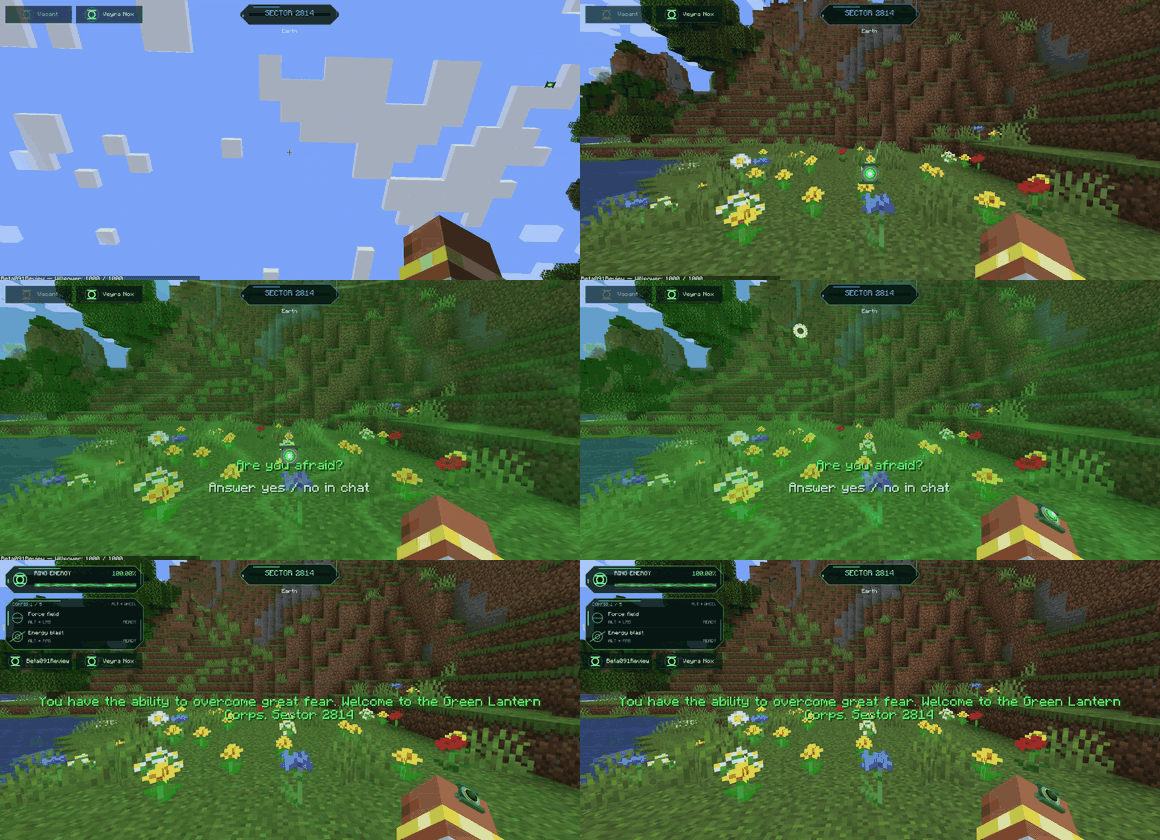
Outdated capture from an earlier beta.
Your first assignment takes you to Oa in Sector 1, at the center of the galaxy. The Guardians welcome you in a voiced initiation cinematic, show you a hologram of the Local Power Battery, and entrust you with a Personal Power Battery. Visit the library to read the Book of Oa, recharge at the towering Green Central Power Battery, and meet the Legacy of a Lantern who served before you.
Return to your assigned sector with a Quantum Link and a Personal Power Battery. Your first personal recharge earns Corps recognition and unlocks your uniform’s emblem. Complete First Service, your first field assignment, to earn Rank 1 — Poozer. Side missions build rank XP once you finish the debrief.
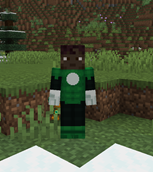
Outdated capture from an earlier beta.
Not yet initiated (No Green Lantern Emblem)
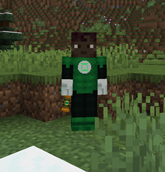
Outdated capture from an earlier beta.
Initiated (Green Lantern Emblem)
Oa’s Central Power Battery → Local Power Battery → Personal Power Battery → Power Ring
Every patrol depends on this chain. Mine Chromatic Metal Ore on airless planets and moons, then take the smelted ingots to Oa. The Central Power Battery infuses them with Willpower.
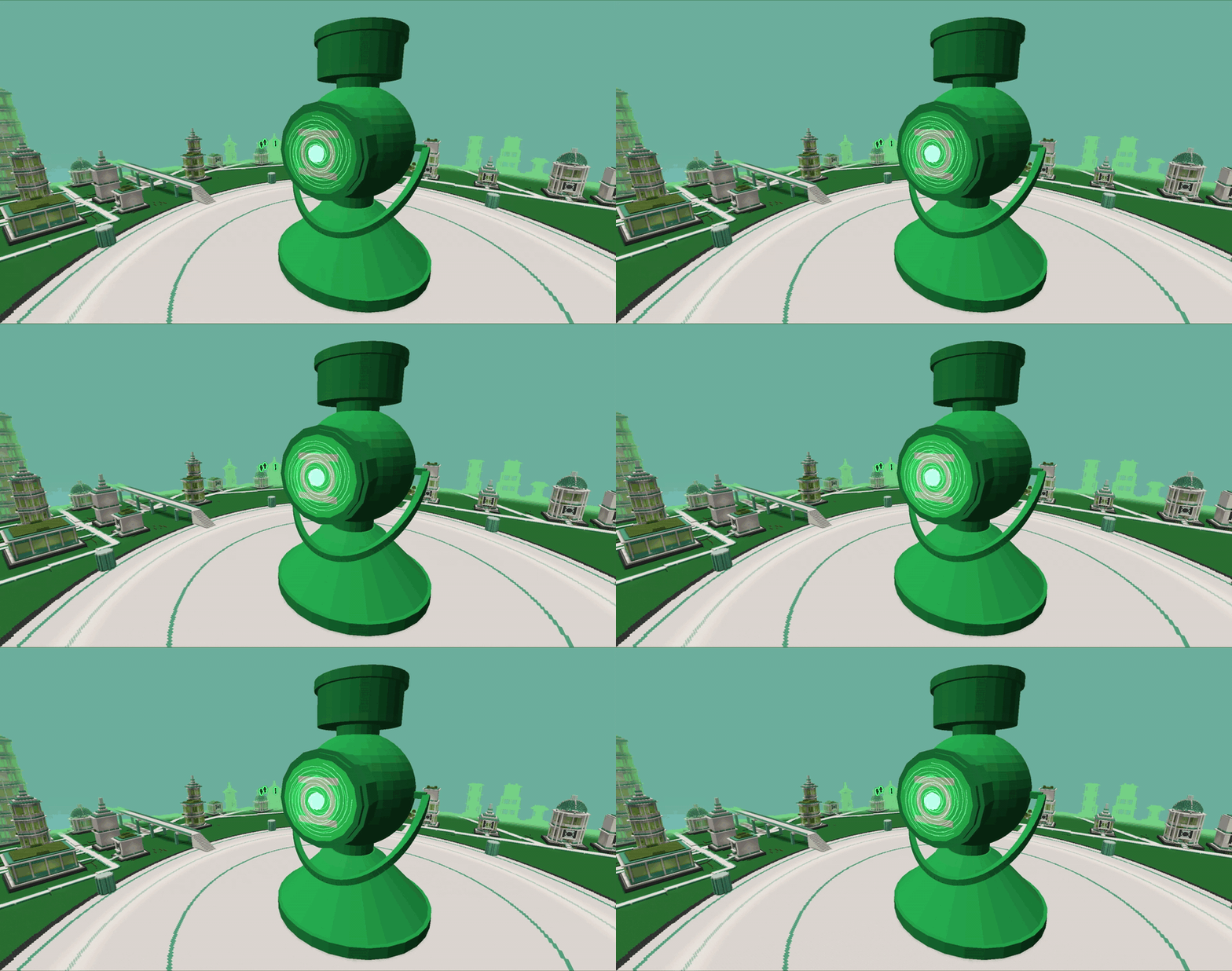
Outdated capture from an earlier beta.
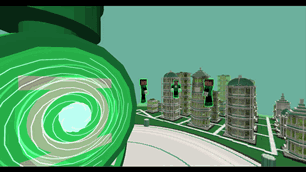
Outdated capture from an earlier beta.
Use that metal to build a Local Power Battery around your Quantum Link on a planet in your assigned sector. The interactive assembly guide in O → Batteries shows the build layer by layer. Synchronize your Personal Power Battery at the local installation to carry up to five full ring charges into the field. If you leave it behind, you can summon the original battery back when it’s recoverable.
Synced Local Battery
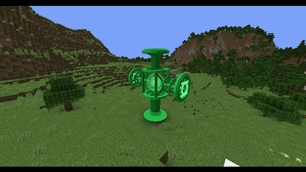
Outdated capture from an earlier beta.
Unsynced Local Battery
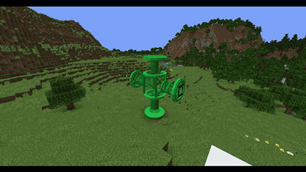
Outdated capture from an earlier beta.
Synced Personal Battery
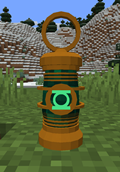
Outdated capture from an earlier beta.
Unsynced Personal Battery
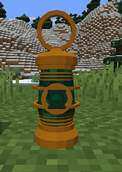
Outdated capture from an earlier beta.
Recharge your Local Battery’s Willpower Crystal at Oa when its supply runs out. A Local Battery Raid can pull you back from patrol to defend the source that keeps your ring running. Fight off three waves, watch your battery’s integrity, and use the assembly guide to repair its frame if the raiders take it offline.
Land on inhabited planets and explore settlements built in different architectural styles. Accept an assignment in the Corps mission journal, follow its waypoint, and get the local briefing.
Report back to finish the assignment and earn your XP. The HUD gives you the next objective and highlights remaining targets or clues in the last five minutes of Corps side missions. Your service and story decisions shape your standing with the Guardians, visible in the Corps Overview. Let your standing fall too far and the Guardians can expel you from the Corps.
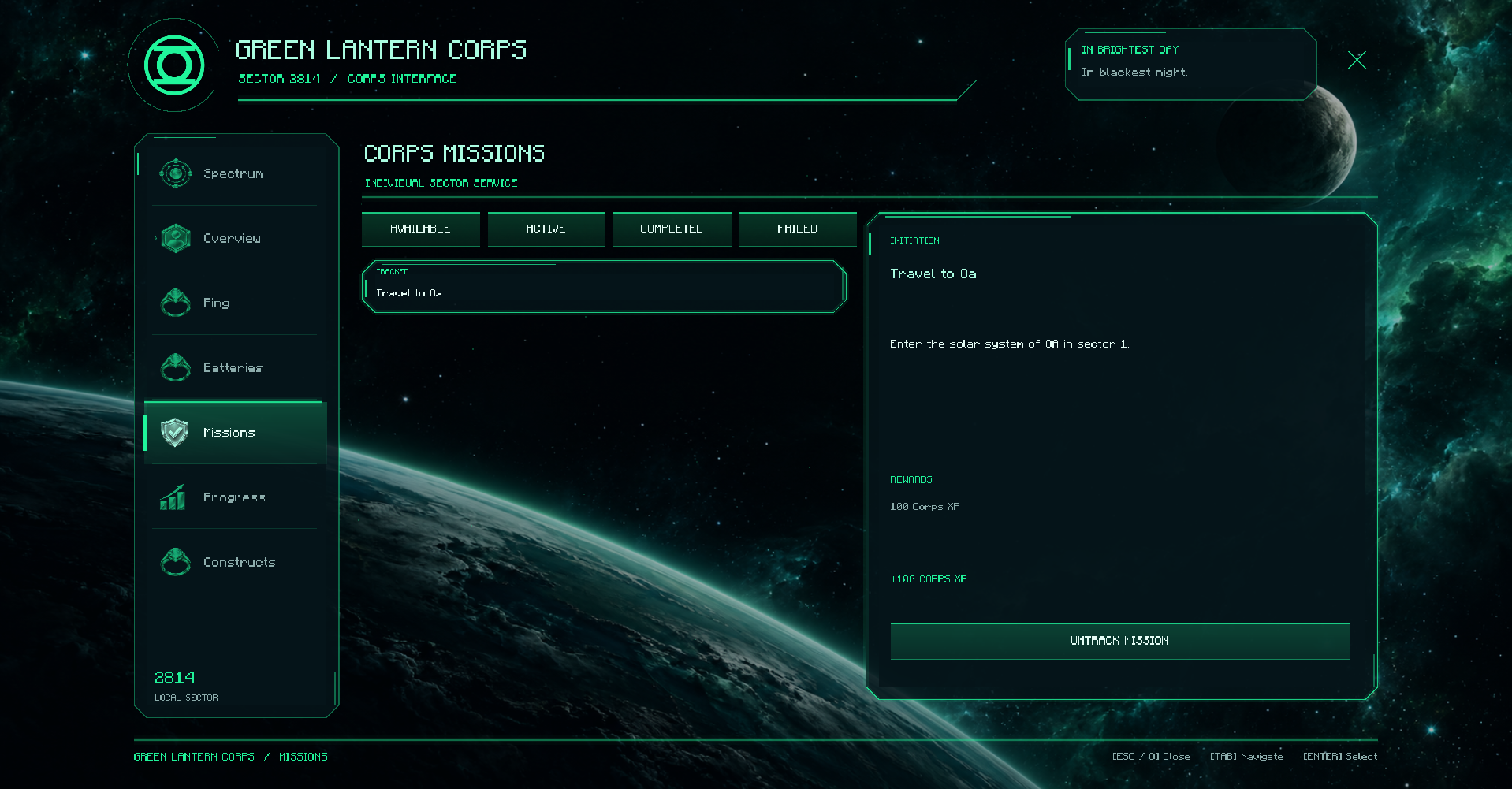
Outdated capture from an earlier beta.
Move under a Force Field, keep pressure on foes with a continuous Energy Blast, or fire an Energy Pulse through a cluster of enemies. Use the Ring Scanner to investigate your surroundings. Containment can carry injured civilians, hold enemies or eligible players briefly, protect connected glass, and move your own constructs.
Bring Sentry along. Summon your ring’s companion for a second set of eyes during investigations. Rename it, ask it to follow and protect you, or leave it on guard.
In the Construct Editor, design a structure block by block, save it as a blueprint, and project it into the world. Move it, stand on it, or dismiss it when the job is done. Higher ranks let you build larger constructs, and keeping them active draws energy from your ring. You can also conjure temporary tools and weapons, from a pickaxe to a bow.
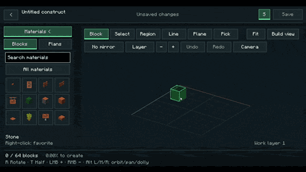
Outdated capture from an earlier beta.
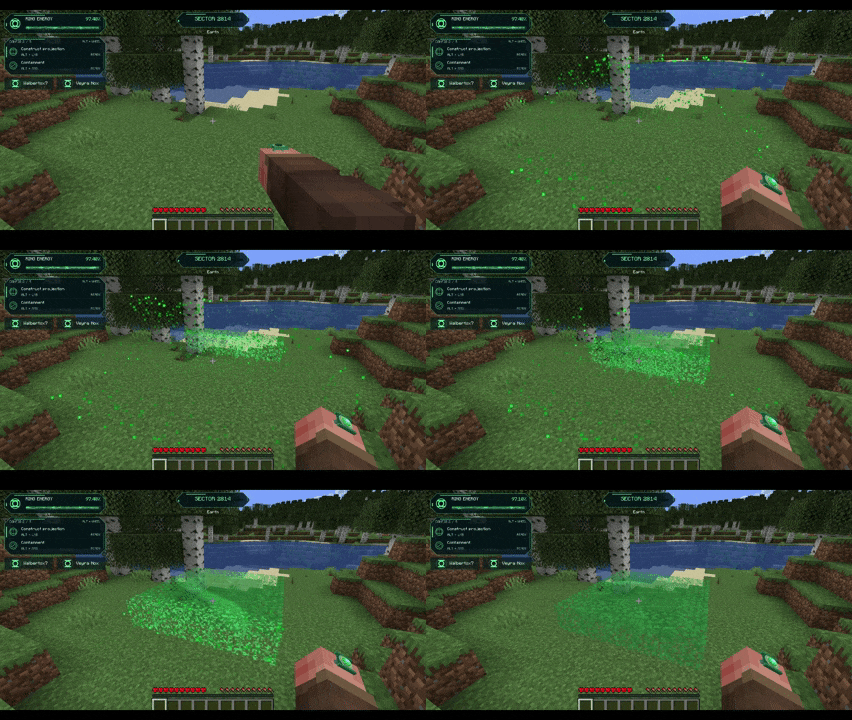
Outdated capture from an earlier beta.
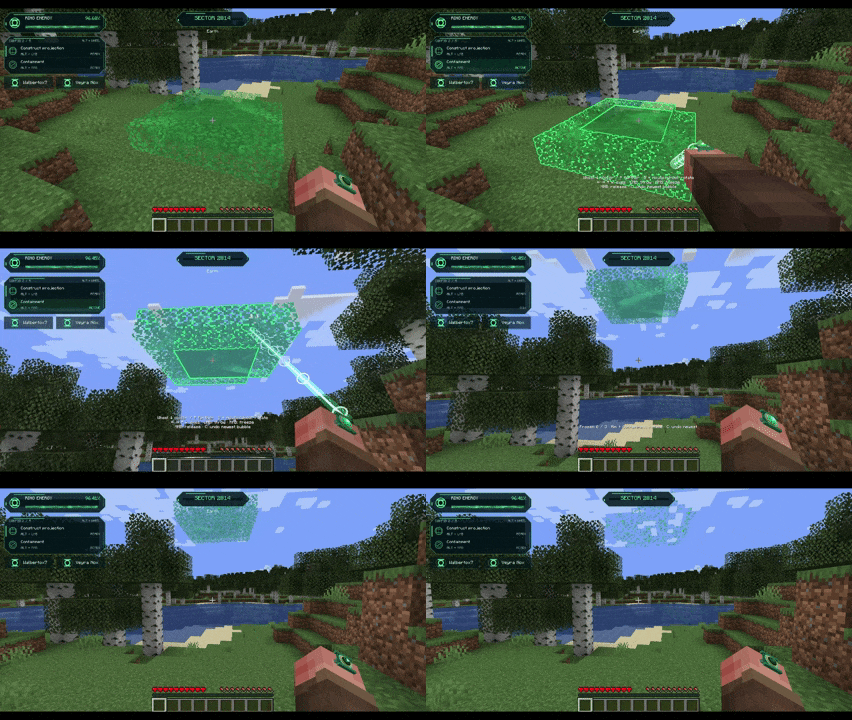
Outdated capture from an earlier beta.
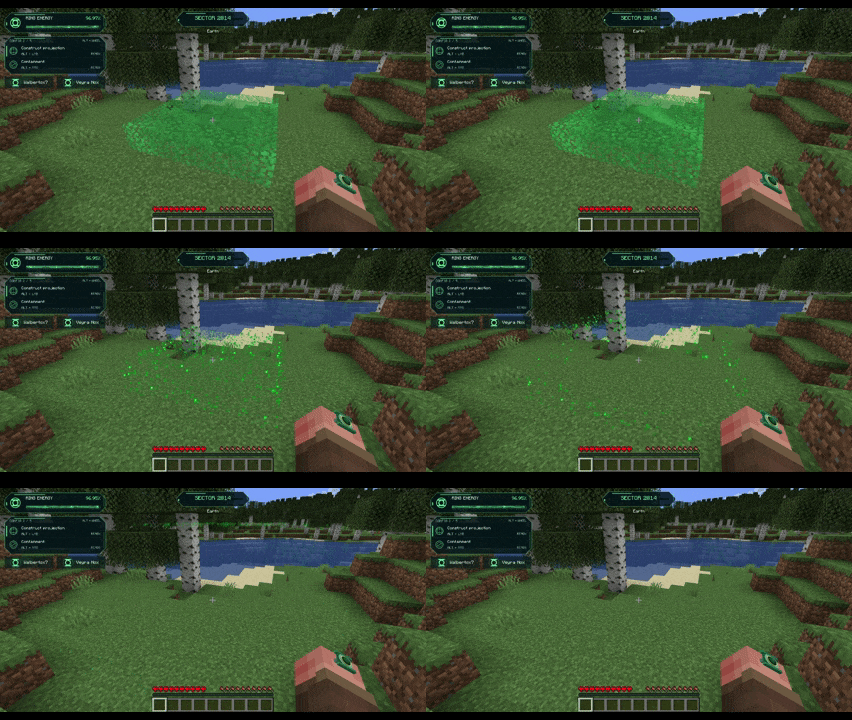
Outdated capture from an earlier beta.
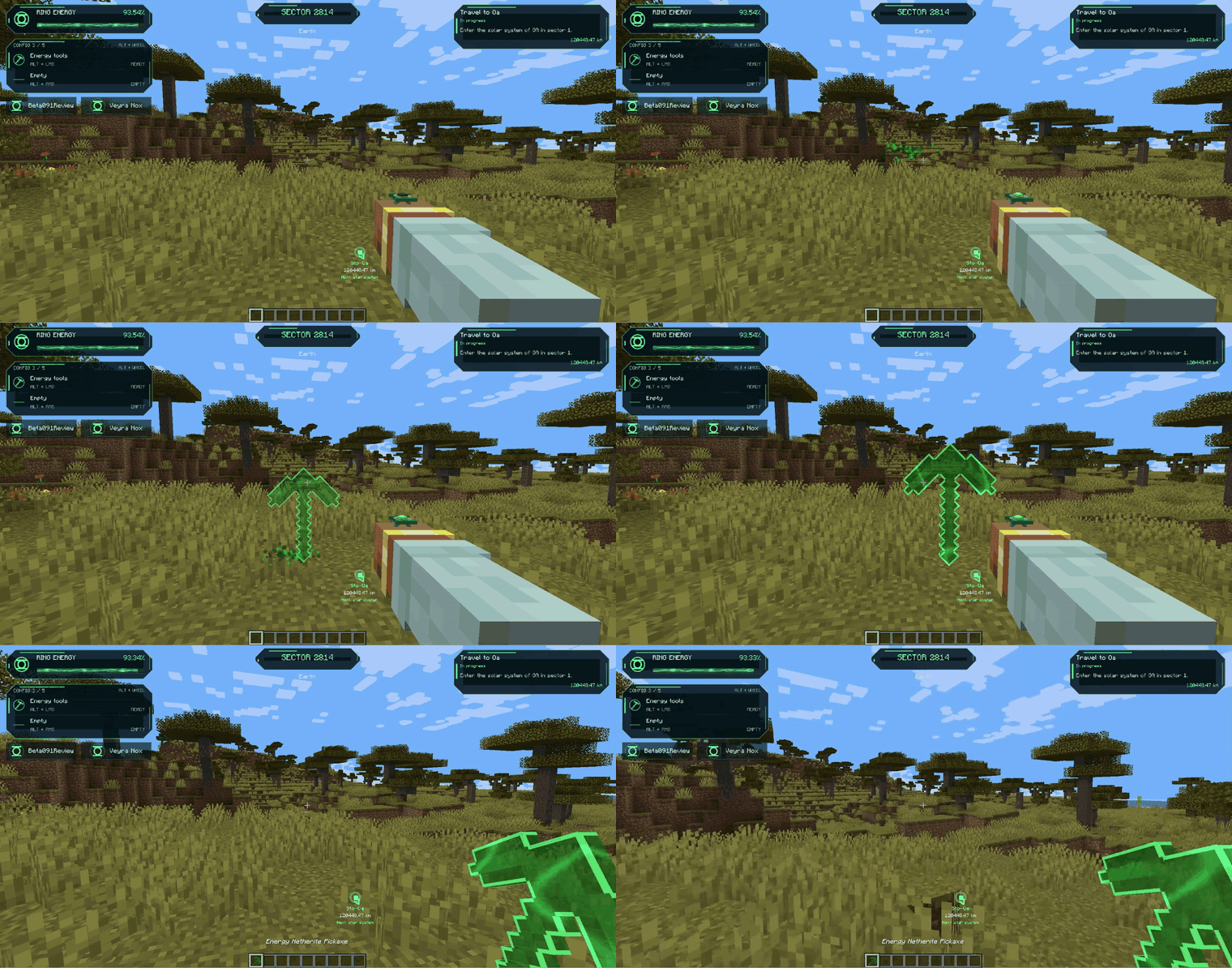
Outdated capture from an earlier beta.
Start exploring before you earn a ring. Visit a public spaceport, talk to the ticket clerk, and choose a destination on the civilian map. Buy a ticket with emeralds, have the pilot validate it, and take a seat. Watch your ship lift off, cross space, and land at your destination. Press F5 for an exterior view during the trip.
Carry a Portable Radio to pick up civilian jobs. On an atmospheric world, craft a spaceport compass or use /lanternverse spaceport locate to find a public spaceport.
Open the interactive Galactic Map to search for sectors, star systems, and planets. Set a destination, launch from the surface, and follow your marker across space. See wind build around you at speed, fire flare during atmospheric passage, and a green trail stretch out in deep space. Hit Supercruise for speeds up to 750,000 m/s.
Land on Earth’s Moon or seek out Mogo, a world that is itself a Green Lantern. Scan a planet, moon, or star with your ring, or scan a whole system to highlight its planets. In the vacuum, keeping your ring charged keeps you alive.
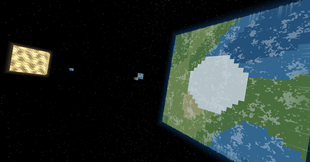
Outdated capture from an earlier beta.
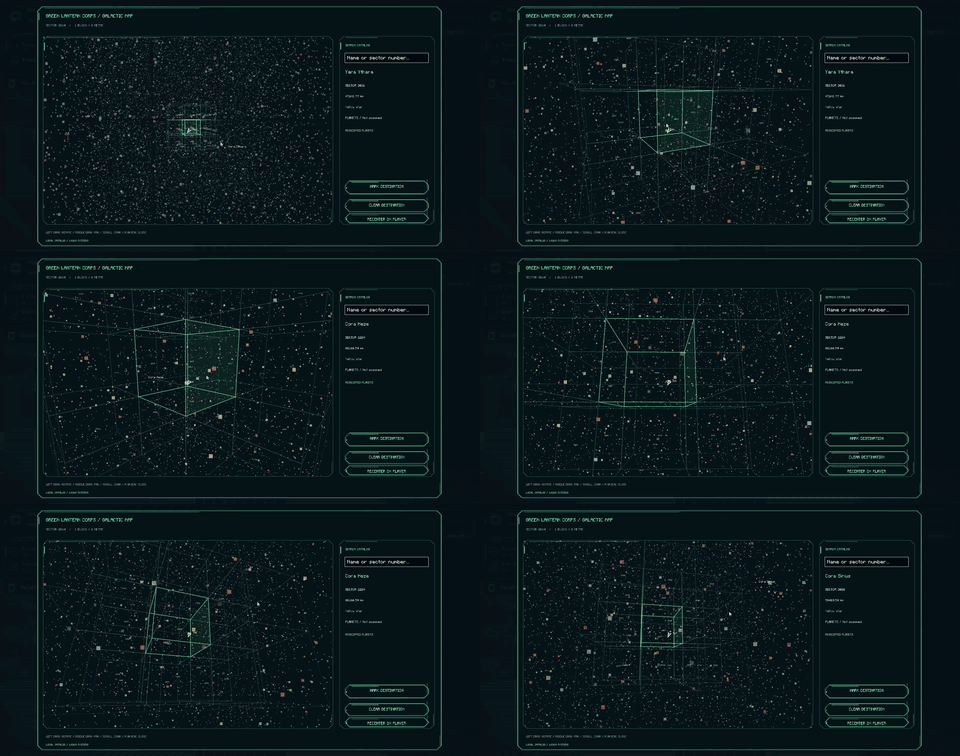
Outdated capture from an earlier beta.
The Corps menus put your equipment and assignments in one place. Switch power loadouts in Ring, check your recharge network in Batteries, track an assignment in Missions, review your rank in Progress, and open your blueprint library in Constructs. In Customize, change your uniform and energy colors, adjust effect opacity, and move or hide individual HUD modules.
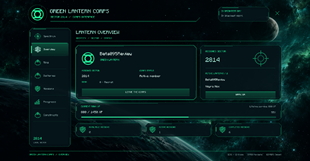
Outdated capture from an earlier beta.
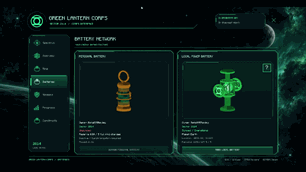
Outdated capture from an earlier beta.
Rise of Will is the playable Green Lantern chapter. The Last Call is its first main-story episode. Future updates will expand the story and give civilians and Lanterns more ways to explore.
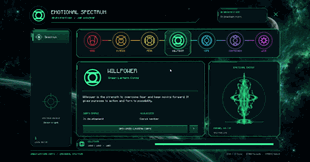
Outdated capture from an earlier beta.
CONTROLS — LANTERNVERSE BETA 1.0
These are the default PC controls. You can change the mod’s keybinds in Options > Controls > Key Binds > Green Lantern Mod.
QUICK START
• O — Open the Corps menu. Access Ring, Batteries, Missions, Progress, and Constructs.
• M — Open the Galactic Map.
• E — Open your inventory and equip the Power Ring in its dedicated slot.
• Double-tap Space — Toggle ring flight in the atmosphere. In space, use it to brake automatically.
• Left Alt + left or right click — Use the power assigned to that mouse button.
• Left Alt + mouse wheel — Cycle through your ring loadouts.
• N — Materialize or dissolve your uniform.
• F1 — Hide or restore the full HUD temporarily. Use O → Customize → HUD Layout to save a Lanternverse HUD layout.
When the ring asks “Are you afraid?”, type “no” in chat to accept the offer or “yes” to decline it.
FLIGHT AND NAVIGATION
• W / A / S / D + mouse — Move and steer in normal flight. In Cruise, look in the direction you want to travel.
• Hold Left Ctrl — Boost forward or accelerate in space.
• Double-tap Left Ctrl in space — Start automatic Cruise. At cruise speed in Deep Space, double-tap again to enter Supercruise.
• Hold Left Shift — Brake. Tap once during Supercruise to return to normal Cruise.
• Double-tap Left Shift during Cruise or Supercruise — Brake automatically to a stop.
• Z / X — Roll left / right.
• Galactic Map — Left-click to select, left-drag to rotate, middle-drag to pan, and scroll to zoom. Choose Set Destination to place a navigation marker.
If you changed Minecraft’s Jump, Sprint, Sneak, or Use Item keys, use your own bindings for those actions.
RING POWERS
Open O → Ring to assign powers to the left and right slots. Hold Left Alt with the mouse button assigned to the power.
• Force Field — Hold to keep the shield active while you move.
• Energy Blast — Hold to charge and sustain the blast. Release to stop.
• Energy Pulse — Tap to fire. Wait one second between shots.
• Ring Scanner — Aim and hold to scan.
• Sentry — Summon your companion. Right-click it to talk or change its mode.
• Containment — Aim at a target and activate the power. Release the power controls to use the handling shortcuts below.
• Construct Projection — Select a saved design. Hold to preview its placement and release the mouse button to project it.
• Energy Tools — Tap to form and equip the selected tool. Hold for about 0.8 seconds to open the tool wheel. Point or scroll, then left-click to select. Press Q to dissolve the equipped tool.
CONSTRUCTS AND CONTAINMENT
• Hold R — Open the saved constructs wheel. Point at a design and release R to select it. Scroll to change pages.
• V — Dissolve the construct you’re controlling, or your oldest remaining construct.
• Ctrl + V — Dissolve all your constructs.
• Right-click a supported projected block — Interact with it outside Containment.
• Mouse wheel while holding a target — Scroll up to move it farther away or down to bring it closer.
• Hold G and move the mouse — Rotate the held construct’s yaw and pitch.
• Hold G and scroll — Roll the held construct.
• Arrow keys while holding a construct — Adjust its rotation precisely. Left and Right adjust yaw. Up and Down adjust pitch.
• Left-click / Right-click / Middle-click while holding a target — Throw it / freeze it in place / release it gently.
• C — Release your oldest active containment. If Sentry’s emergency shield is active, this cancels it first.
• Ctrl + C — Release all your active containments.
CONSTRUCT EDITOR
Open the editor from O → Constructs.
• 1 / 2 / 3 / 4 / 5 / 6 — Switch to Block / Select / Region / Line / Plane / Pick.
• Left-click / Right-click in Block mode — Place / remove a block.
• Right-click a palette material — Toggle it as a favorite.
• Select mode — Click to select a block. Hold Shift while clicking to add to the selection.
• Region mode — Drag to select a region. Hold Shift while dragging to add to the selection.
• Line or Plane mode — Drag on the highlighted plane and release to build a line or fill a rectangle.
• Pick mode — Click a block to sample its material and block state.
• Alt + left / middle / right drag — Orbit / pan / dolly the camera.
• Mouse wheel / Shift + wheel — Zoom / change the active build layer. Scroll over the palette to browse materials.
• C / F / A — Cycle the camera view / frame the selection / frame the full design.
• R / T — Rotate the selection or current block orientation / switch the block’s half where supported.
• Ctrl + A — Select all.
• Ctrl + D — Start duplicating the selection.
• Enter / Esc — Confirm / cancel a pending transform. Esc also cancels a drag.
• Delete / Backspace — Remove the selection.
• Ctrl + Z — Undo.
• Ctrl + Y or Ctrl + Shift + Z — Redo.
• Ctrl + S — Save the blueprint.
BATTERIES, DIALOGUE, AND MENUS
• Personal Power Battery — Use right-click with a synced battery in your off-hand to start recharging your equipped ring. Right-click a placed battery to recharge or left-click it to pick it up.
• Summoned battery — Select Summon Personal Battery in O > Batteries. Right-click to collect it with an empty main hand.
• Local Power Battery — Right-click its service panel to recharge or resynchronize. Shift + right-click the crystal panel to open it.
• Central Power Battery on Oa — Right-click an emitter. The action depends on your equipped ring and off-hand item.
• Local Battery Assembly screen — Scroll or press Up / Down to change layers. Click a cell to inspect it, drag the preview to rotate it, use Tab / Enter for buttons, and press Esc to go back.
• Guardian and resident dialogue — Right-click to talk. Click a response or press A / B / C / D once the choices appear. Scroll to read, press Backspace to go back when available, or press Esc to close.
• Book of Oa — Left / Right or Page Up / Page Down turns pages. Esc closes the book.
• Public transport — Right-click a free seat after ticket validation. Press Shift to stand after the ship lands.
_Lanternverse is an unofficial fan-made project and is not affiliated with DC Comics, Warner Bros., or Mojang Studios.
Project description from CurseForge.
Pick your setup
Choose the version and loader you play, then open the matching release.
Check the dependencies, then try the file in a copied instance before changing a world you care about.
Recent files
27 Nov 2026
26 Nov 2026
16 Nov 2026
6 Nov 2026
Looking for an older file? The official CurseForge project page is in Resources.
 mod
This mod adds some miners like BC's quarry.
 mod
Industrial tech mod: machines, FE, fluids, heat, logistics, late-game multiblocks and nanites
 mod
Perform necromancy and dark rituals using the power of souls. Highly configurable.