Minecraft version
Back to mods 
CurseForge · Minecraft mod
Living Horizons
Vanilla-style atmosphere without shaders: depth haze, sun glare, swaying grass, water ripples and ambient wildlife.
Choose a version Pick your version below, then grab the matching file.
Quick answer
Which Living Horizons release should I use?
Latest stable file Living Horizons 1.9.0 (Forge 26.3)
Game version 26.3
Loader Forge
Living Horizons 1.9.0 (Forge 26.3) targets 26.3 with Forge. The project page does not say whether this file belongs on the client, dedicated server, or both. No extra mods listed for this file.
Where it goes
Is Living Horizons required on the client, server, or both?
The project page does not say whether this file belongs on the client, dedicated server, or both.
Client Source doesn’t say
Dedicated server Source doesn’t say
Loader for this release Forge
Required install it here Optional supported, not mandatory Not supported do not install here Source doesn’t say do not assume
The source does not explicitly classify this release as client-only or server-only.
What else does Living Horizons 1.9.0 (Forge 26.3) need?
Living Horizons 1.9.0 (Forge 26.3). Change the file and its required mods may change too.
This file does not list any required mods. Do not add a library just because a different file uses it.
This file does not list any required or optional mods.
Before you install it
Add Living Horizons without breaking your instance.
Built for Living Horizons 1.9.0 (Forge 26.3). Pick another file and the loader, install side or required mods may change.
- 01
Stick to this file
Use Living Horizons 1.9.0 (Forge 26.3). It targets 26.3 with Forge; another release may have different loader, side or dependency requirements.
- 02
Bring the mods it needs
This file does not list any required mods. Do not add a library just because a different file uses it.
- 03
Put it on the correct side
The project page does not say whether this file belongs on the client, dedicated server, or both.
- 04
Pick the file you checked
Use the “Get this file” button beside Living Horizons 1.9.0 (Forge 26.3). It opens that exact file at the source.
About this project
What does Living Horizons add?
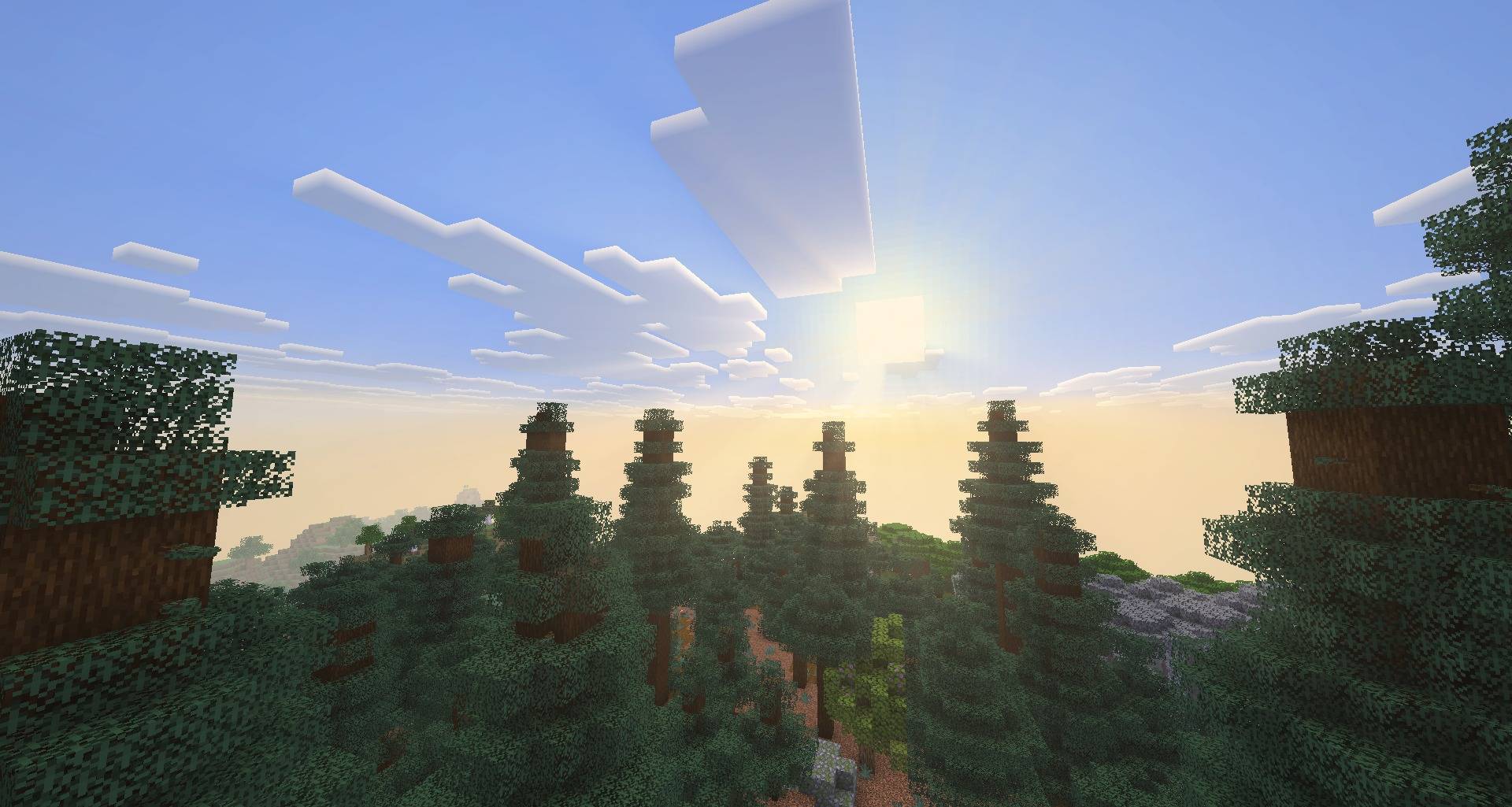
Living Horizons gives the vanilla world light, air and life, without shader packs. Every effect keeps Minecraft's own pixel style, runs entirely on the client and costs next to nothing.
Minecraft 26.3, 1.21.1, 1.12.2 and 1.7.10 | Fabric · NeoForge · Forge | Works with Sodium | Client-side only
Light & shadow
- Sun shading: slopes turned away from the sun fall into cool shade and sunlit faces warm up. At sunrise the snow turns lavender and far mountains glow pink in the haze.
- Contact shadows: soft shading where blocks meet, under ledges and eaves, around trunks and grass. No grain, no harsh black edges.
- Light shafts: beams of sunlight stream past trees, hills and cloud edges when you look towards the sun.
- Sun glare: a soft glow around the sun that hides behind terrain, dims in the rain and turns golden at sunrise and sunset.
- Cave mouths glow with the daylight beyond them.
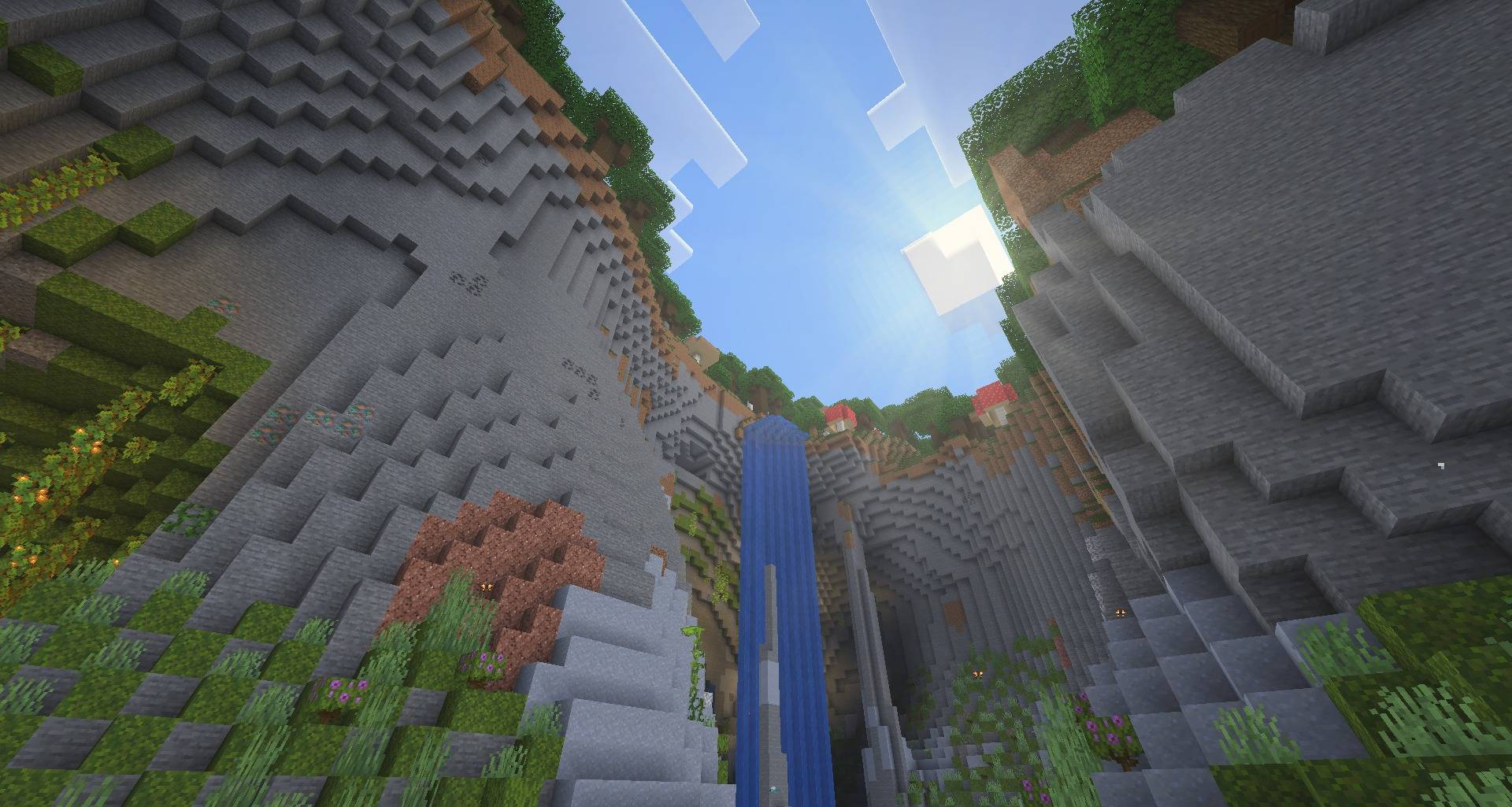
Air you can feel
- Depth haze: distant land fades into the colour of the sky, and the edge of the render distance melts away instead of cutting off.
- Biome atmosphere: warm, dusty air over deserts and badlands; a cold, pale mist over snowy lands.
- Snowstorms: snowfall in cold biomes becomes a whiteout that swallows the distance, the sky and the clouds.
- Dust storms: now and then a tan haze rolls over the desert, full of blowing sand and tumbleweeds.
- Cave gloom: underground, the distance sinks into darkness and the vignette deepens.
- Sky & colour: a deep blue overhead fading to a bright horizon, clouds with bright tops and bluish undersides, warm torchlight and cool moonlit nights.
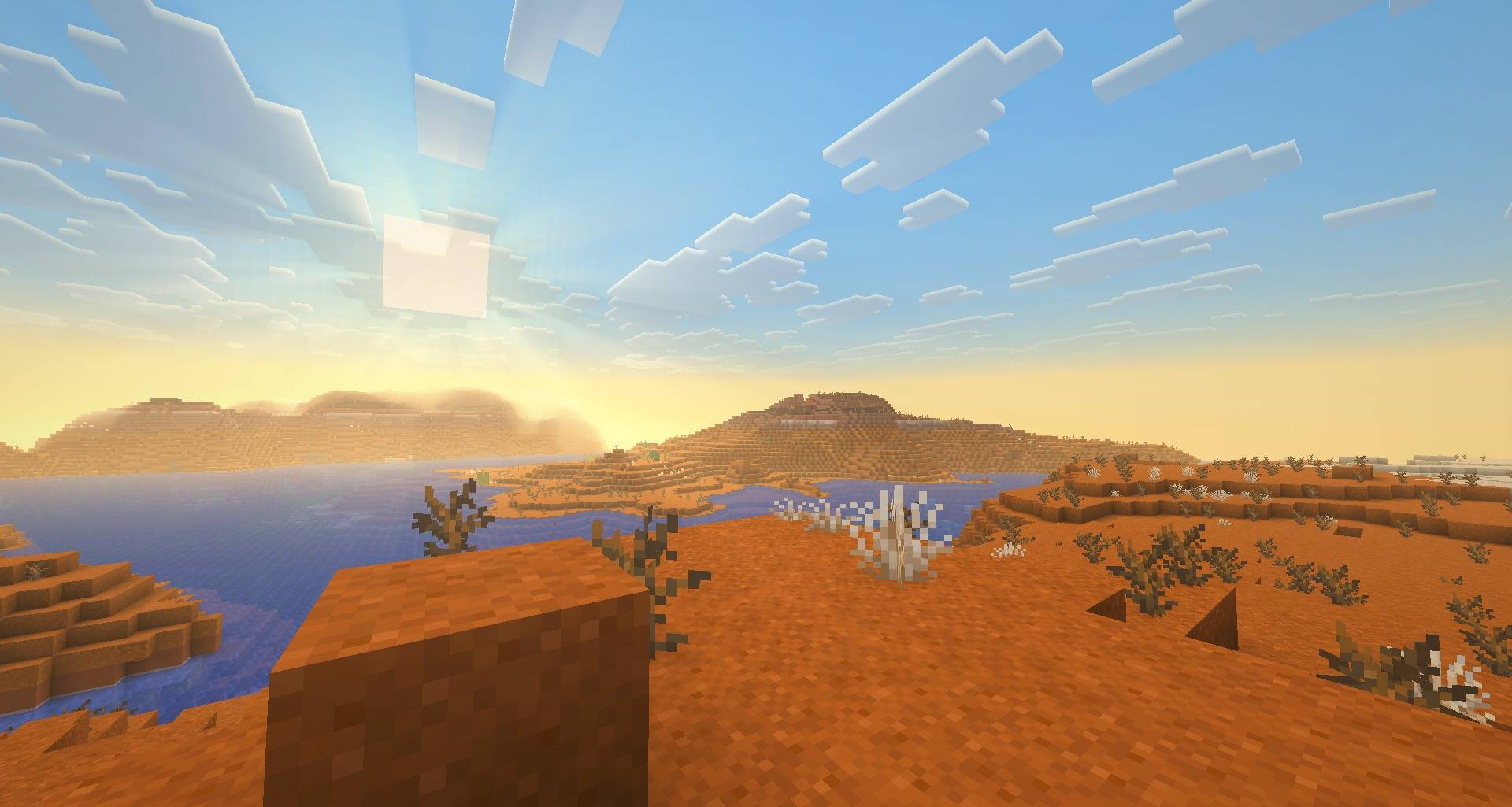
Deserts and cold lands
- Tumbleweeds bounce along with the wind, sand drifts across the dunes, dust devils spin up on hot afternoons and vultures circle overhead.
- Snow flurries, spindrift blowing off the ground, ice that glints in the sun and little puffs of snow under your feet.
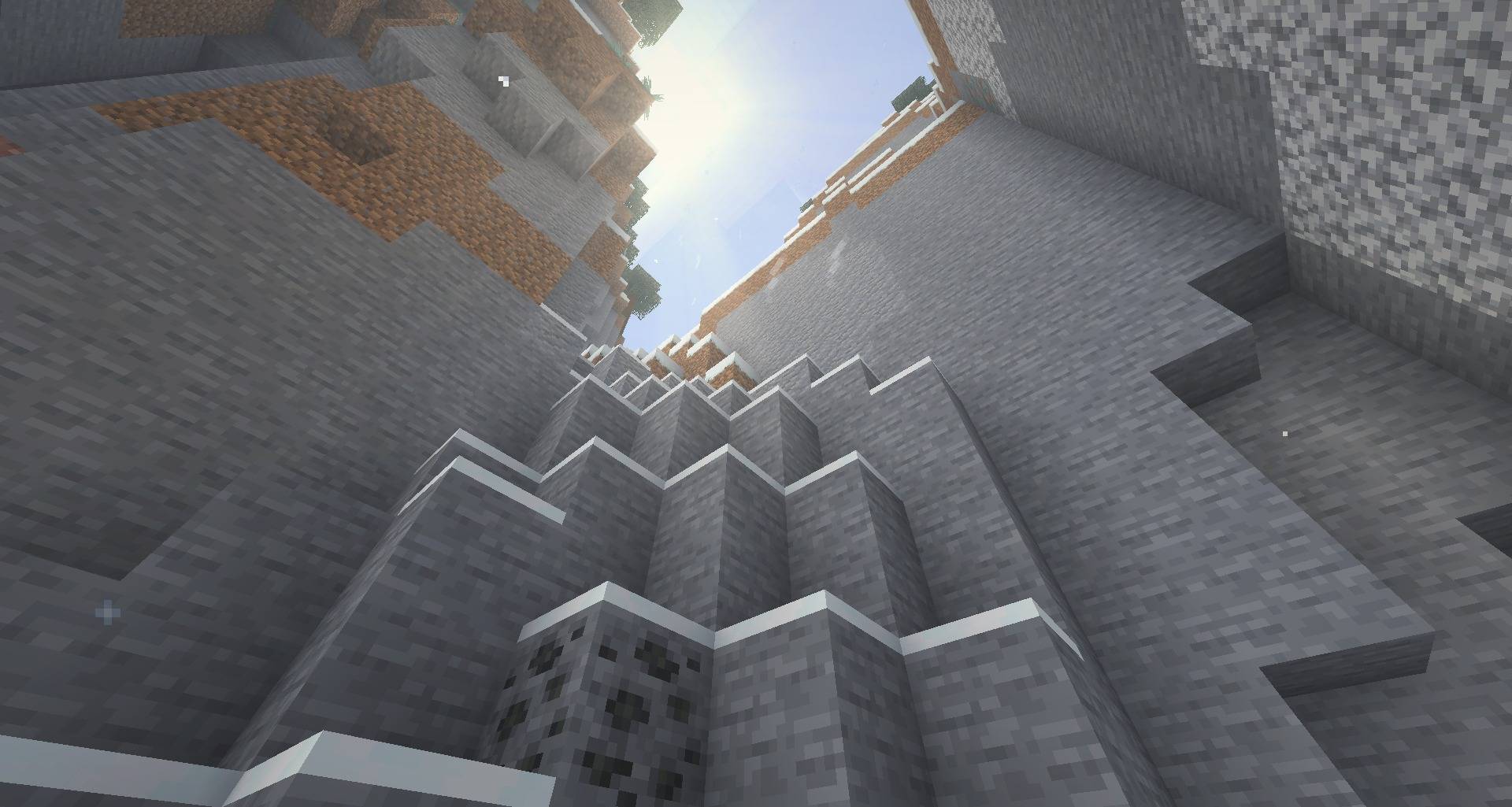
A forest that moves
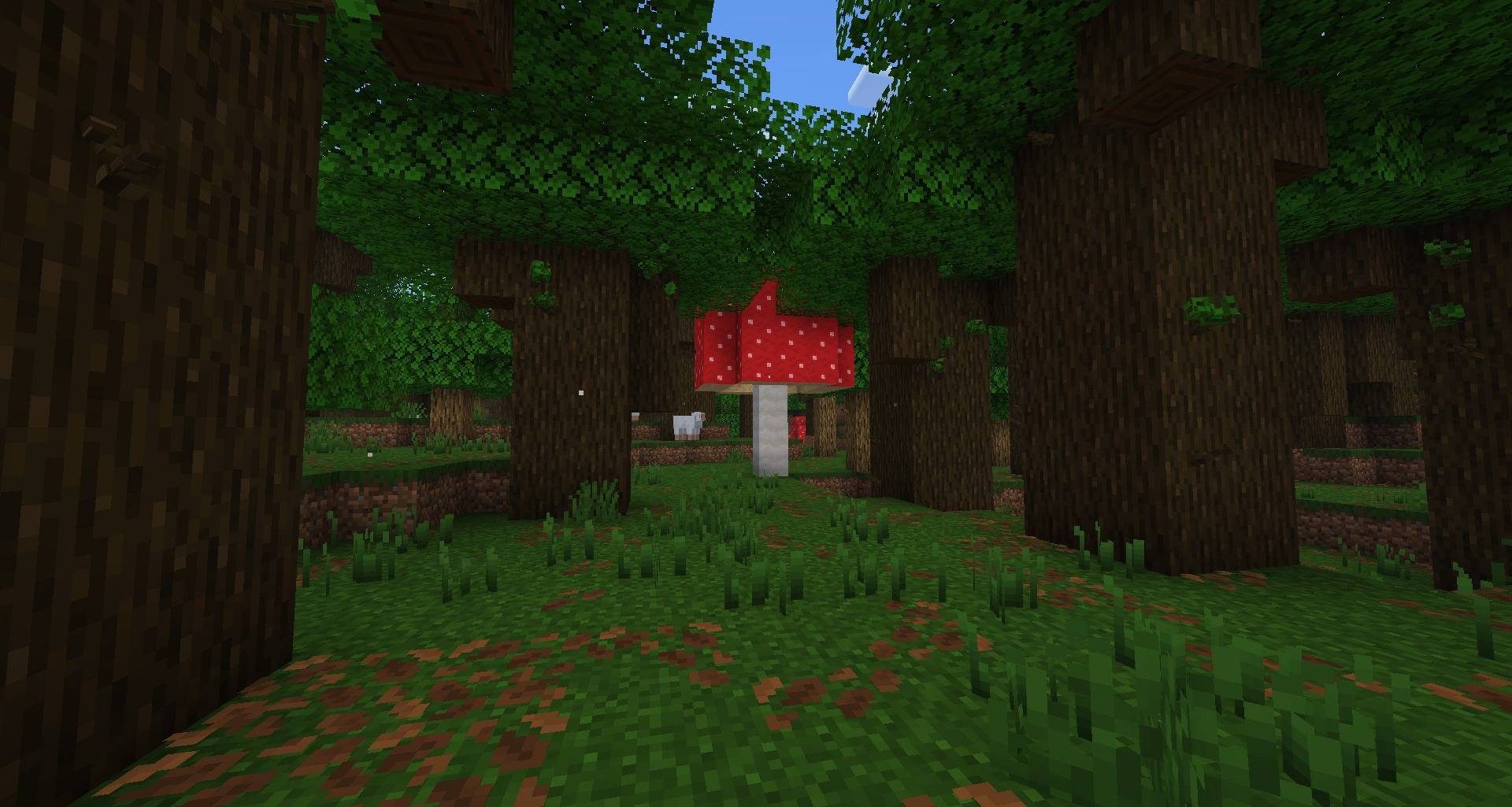
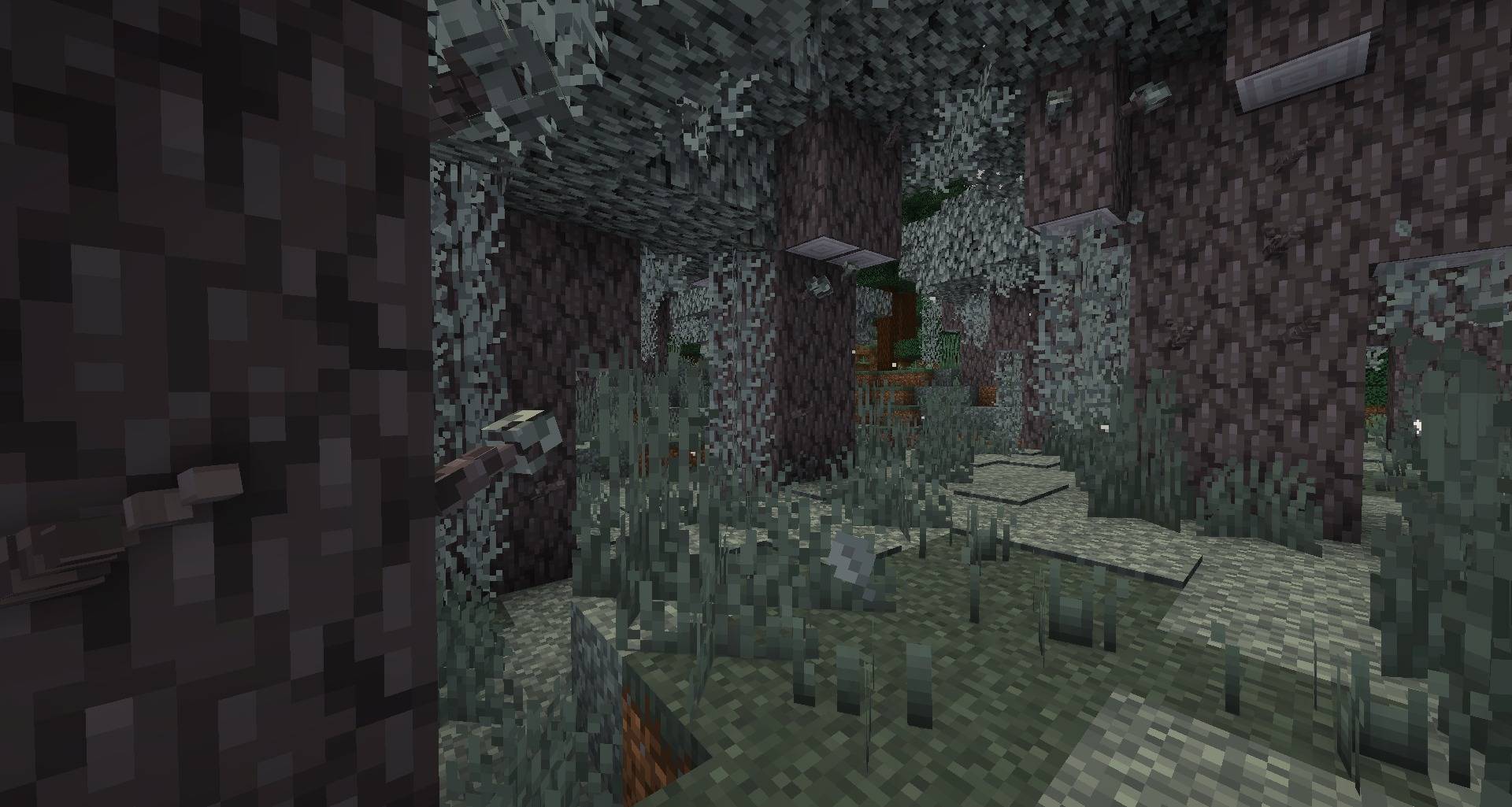
- Swaying plants: grass, flowers, crops, leaves, vines and hanging moss move in the wind, and plants part as you walk through them.
- Twigs on trees: small 3D twigs built from each tree's own bark and leaves: needled spruce boughs, pink cherry sprigs, bare pale oak twigs and more. They bob in the wind.
- Grass tufts: small pixel blades on grass blocks that bend when anything walks through them.
Living water
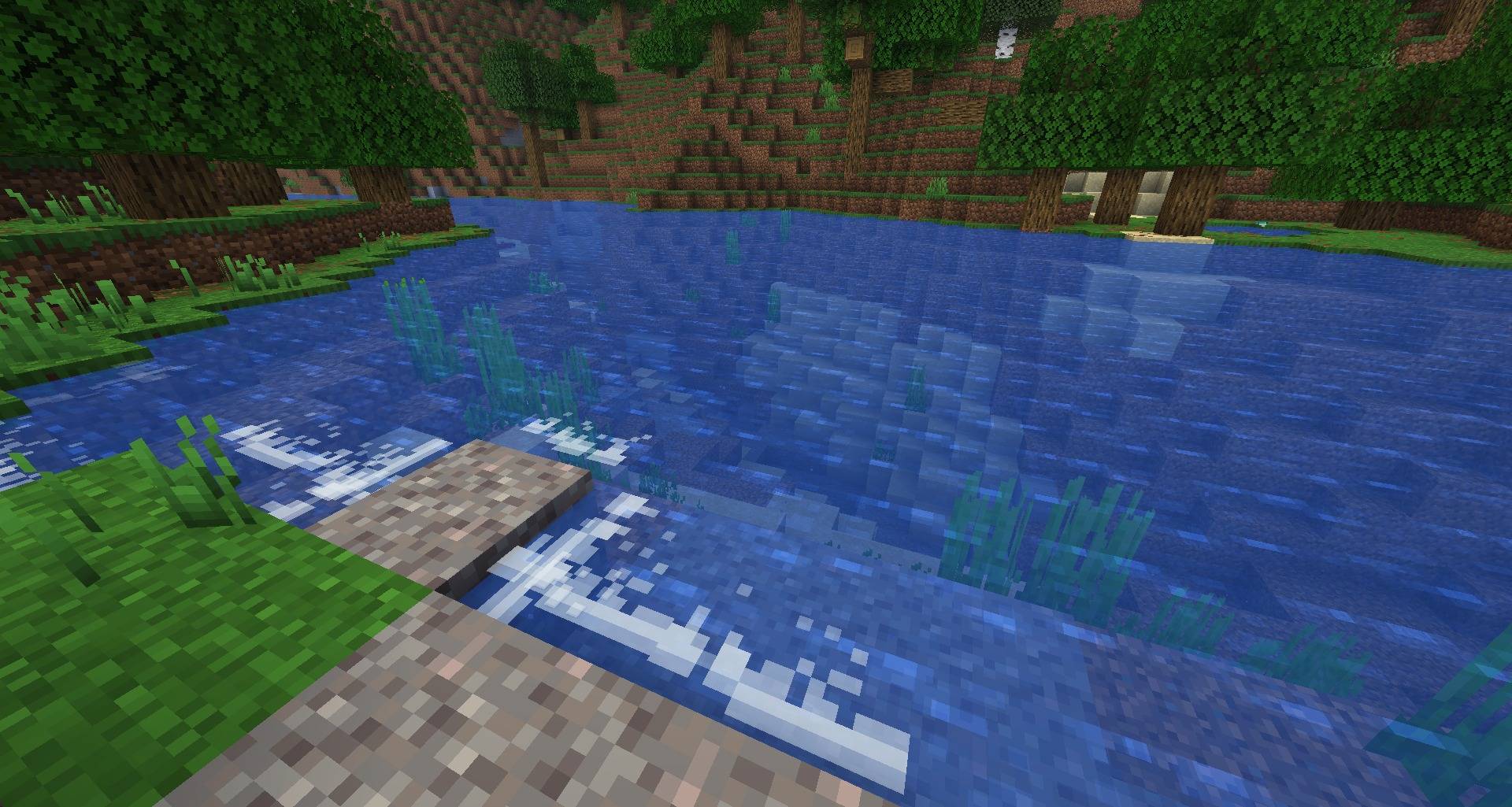
- Surf: foam lines roll in along the shores of oceans, rivers and lakes, break against the blocks and wash back.
- Ripples spread from players, mobs, boats, dropped items and raindrops; still water gently waves.
- Morning mist gathers over the water in low, slowly churning banks.
Ambient life
- Butterflies over flowers, fireflies at night, flocks of birds and birds taking off from trees.
- Dragonflies and jumping fish over rivers and lakes.
- Dust in caves and sunbeams, meadow pollen, moths around lamps and visible breath in the cold.
Settings
Every effect can be switched off or tuned on four pages with live preview: Atmosphere, Light & Sky, Water & Plants and Life.
| Action | Key |
|---|---|
| Open settings | K |
The key can be rebound in the Controls menu. Settings are also available from Mod Menu (Fabric) and the Mods list (NeoForge/Forge). Configuration is stored in config/livinghorizons.json.
Compatibility
- Sodium: fully supported, including swaying plants, water waves and the new light and shadows.
- Iris: while a shader pack is active, Living Horizons leaves light, vegetation and colour grading to the pack.
- Servers: not needed on the server and safe on any server. The mod adds no blocks, items or registry entries.
- Fabric requires Fabric API.
- Minecraft 1.12.2 (Forge) requires MixinBooter 11 or newer. It works with OptiFine; while an OptiFine shader pack is loaded, the light, sway and colour effects turn off and leave the look to the pack.
- Minecraft 1.7.10 (Forge) requires UniMixins. It works with Angelica: the fog, sky, particles and glare stay on, while the torch and moon light tint, the light and colour passes and the sway turn off there. While a shader pack is loaded, the light, sway and colour effects turn off and leave the look to the pack.
Performance
- Fog, light and colour tweaks adjust values the game already computes every frame.
- Light and shadows are one screen pass at the end of the world render, with no extra geometry.
- Swaying runs in the terrain shader from data written while chunks are built, with no per-frame CPU work.
- Particles have per-kind limits and follow the vanilla Particles setting; Minimal turns them off.
Community
Questions, ideas and bug reports: Discord
Project description from CurseForge.
Pick your setup
Living Horizons by Minecraft version and loader
Choose the version and loader you play, then open the matching release.
Minecraft version
1.21.1
3 loader buildsMinecraft version
1.12.2
1 loader buildMinecraft version
1.7.10
1 loader buildCheck the dependencies, then try the file in a copied instance before changing a world you care about.
Recent files
Living Horizons versions and loaders
Living Horizons 1.9.0 (Forge 26.3)
livinghorizons-forge-1.9.0-26.3.jar
1 Nov 2026
Client Source doesn’t say Server Source doesn’t say Dependencies No extras listed Listed on Release listing
Check the 26.3 · Forge setup Forge26.3 release
Living Horizons 1.9.0 (NeoForge 26.3)
livinghorizons-neoforge-1.9.0-26.3.jar
1 Nov 2026
Client Source doesn’t say Server Source doesn’t say Dependencies No extras listed Listed on Release listing
Check the 26.3 · NeoForge setup NeoForge26.3 release
Living Horizons 1.9.0 (Fabric 26.3)
livinghorizons-fabric-1.9.0-26.3.jar
1 Nov 2026
Client Source doesn’t say Server Source doesn’t say Dependencies 1 required · 1 unchecked Listed on Release listing
Check the 26.3 · Fabric setup Fabric26.3 release
Living Horizons 1.9.0 (Fabric 1.21.1)
livinghorizons-fabric-1.9.0-1.21.1.jar
1 Nov 2026
Client Source doesn’t say Server Source doesn’t say Dependencies 1 required · 1 unchecked Listed on Release listing
Check the 1.21.1 · Fabric setup Fabric1.21.1 release
Living Horizons 1.9.0 (NeoForge 1.21.1)
livinghorizons-neoforge-1.9.0-1.21.1.jar
1 Nov 2026
Client Source doesn’t say Server Source doesn’t say Dependencies No extras listed Listed on Release listing
Check the 1.21.1 · NeoForge setup 1.21.1NeoForge release
Living Horizons 1.9.0 (Forge 1.21.1)
livinghorizons-forge-1.9.0-1.21.1.jar
1 Nov 2026
Client Source doesn’t say Server Source doesn’t say Dependencies No extras listed Listed on Release listing
Check the 1.21.1 · Forge setup Forge1.21.1 release
Living Horizons 1.9.0 (Forge 1.12.2)
livinghorizons-forge-1.9.0-1.12.2.jar
1 Nov 2026
Client Source doesn’t say Server Source doesn’t say Dependencies 1 required · 1 unchecked Listed on Release listing
Check the 1.12.2 · Forge setup Forge1.12.2 release
Living Horizons 1.9.0 (Forge 1.7.10)
livinghorizons-forge-1.9.0-1.7.10.jar
1 Nov 2026
Client Source doesn’t say Server Source doesn’t say Dependencies 1 required · 1 unchecked Listed on Release listing
Check the 1.7.10 · Forge setup Forge1.7.10 release
Living Horizons 1.8.0 (Forge 1.7.10)
livinghorizons-forge-1.8.0-1.7.10.jar
31 Oct 2026
Client Source doesn’t say Server Source doesn’t say Dependencies 1 required · 1 unchecked Listed on Release listing
Check the 1.7.10 · Forge setup Forge1.7.10 release
Living Horizons 1.8.0 (Forge 1.12.2)
livinghorizons-forge-1.8.0-1.12.2.jar
30 Oct 2026
Client Source doesn’t say Server Source doesn’t say Dependencies 1 required · 1 unchecked Listed on Release listing
Check the 1.12.2 · Forge setup Forge1.12.2 release
Living Horizons 1.8.0 (Forge 1.21.1)
livinghorizons-forge-1.8.0-1.21.1.jar
30 Oct 2026
Client Source doesn’t say Server Source doesn’t say Dependencies No extras listed Listed on Release listing
Check the 1.21.1 · Forge setup Forge1.21.1 release
Living Horizons 1.8.0 (NeoForge 1.21.1)
livinghorizons-neoforge-1.8.0-1.21.1.jar
30 Oct 2026
Client Source doesn’t say Server Source doesn’t say Dependencies No extras listed Listed on Release listing
Check the 1.21.1 · NeoForge setup 1.21.1NeoForge release
Looking for an older file? The official CurseForge project page is in Resources.
 mod
CurseForge · Minecraft
Grab That!
Grab that! or Yeet it...
 mod
CurseForge · Minecraft
Realtime 3D Chess, Multiplayer or bots and customisable ♟️
A chess table with real 3D pieces. Play a friend or a bot (five levels), point at a piece to see its moves, and pick from seven boards and seven chess sets, including marble, gold, sci-fi and fantasy.
 mod
CurseForge · Minecraft
CursedFoundry Loading Screen
CursedFoundry Loading Screen is a custom branded loading-screen mod for CursedFoundry modpacks. It replaces the standard loading presentation with a molten orange-and-black CursedFoundry design, animated progress display, mod-loading information