Minecraft version
Back to mods 
CurseForge · Minecraft mod
Packwise AI Assistant
Search items, installed mods and client recipes in-game, with optional local AI explanations through Ollama. For Fabric and NeoForge on Minecraft 1.21.1.
Choose a version Pick your version below, then grab the matching file.
Quick answer
Which Packwise AI Assistant release should I use?
Latest stable file AI Minecraft Assistant 0.1.0 — NeoForge 1.21.1
Game version 1.21.1
Loader NeoForge
Packwise AI Assistant AI Minecraft Assistant 0.1.0 — NeoForge 1.21.1 targets 1.21.1 with NeoForge. The project page does not say whether this file belongs on the client, dedicated server, or both. No extra mods listed for this file.
Where it goes
Is Packwise AI Assistant required on the client, server, or both?
The project page does not say whether this file belongs on the client, dedicated server, or both.
Client Source doesn’t say
Dedicated server Source doesn’t say
Loader for this release NeoForge
Required install it here Optional supported, not mandatory Not supported do not install here Source doesn’t say do not assume
The source does not explicitly classify this release as client-only or server-only.
What else does Packwise AI Assistant AI Minecraft Assistant 0.1.0 — NeoForge 1.21.1 need?
AI Minecraft Assistant 0.1.0 — NeoForge 1.21.1. Change the file and its required mods may change too.
This file does not list any required mods. Do not add a library just because a different file uses it.
This file does not list any required or optional mods.
Before you install it
Add Packwise AI Assistant without breaking your instance.
Built for Packwise AI Assistant AI Minecraft Assistant 0.1.0 — NeoForge 1.21.1. Pick another file and the loader, install side or required mods may change.
- 01
Stick to this file
Use AI Minecraft Assistant 0.1.0 — NeoForge 1.21.1. It targets 1.21.1 with NeoForge; another release may have different loader, side or dependency requirements.
- 02
Bring the mods it needs
This file does not list any required mods. Do not add a library just because a different file uses it.
- 03
Put it on the correct side
The project page does not say whether this file belongs on the client, dedicated server, or both.
- 04
Pick the file you checked
Use the “Get this file” button beside AI Minecraft Assistant 0.1.0 — NeoForge 1.21.1. It opens that exact file at the source.
About this project
What does Packwise AI Assistant add?
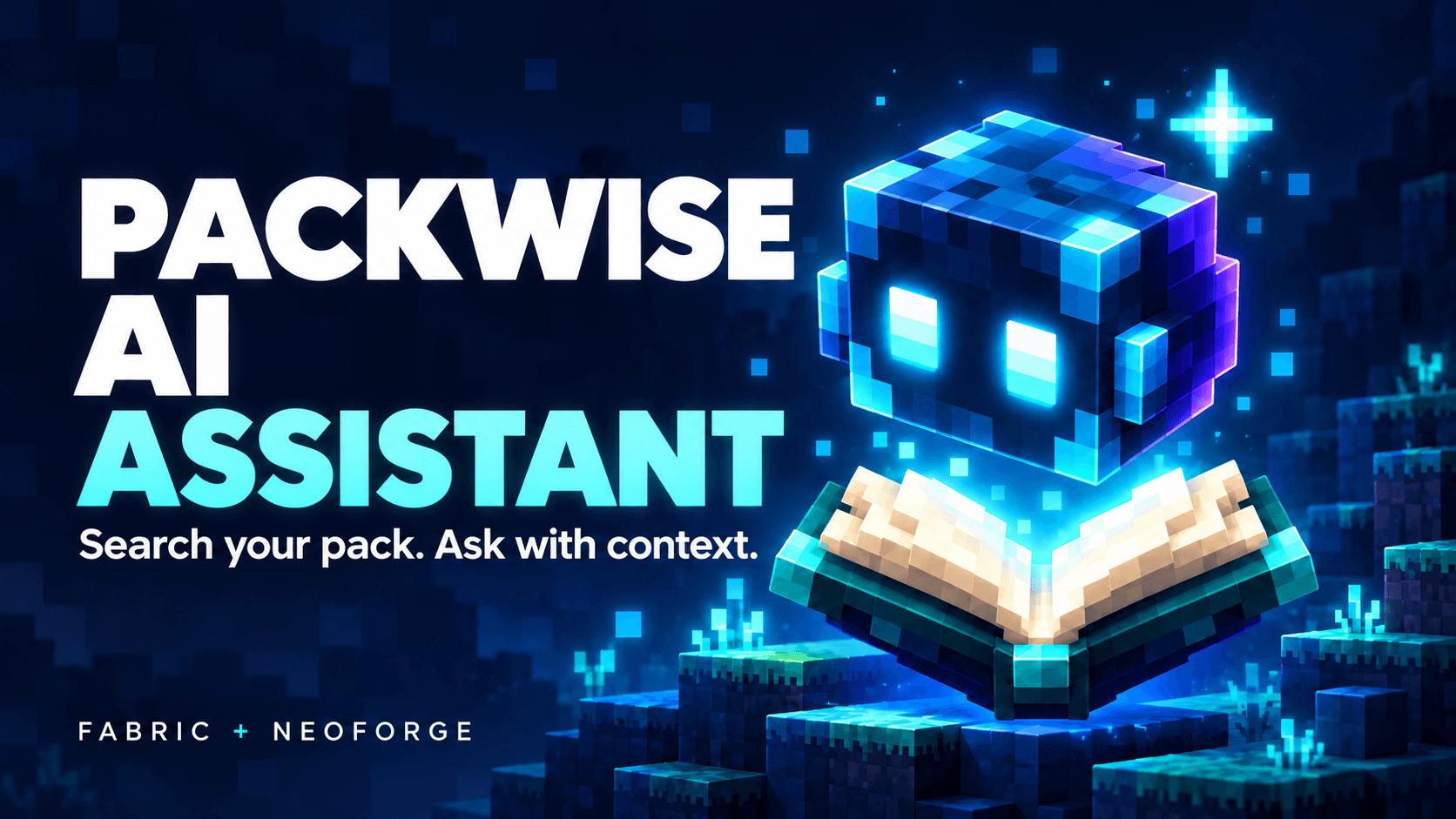
Search your pack. Ask with context.
Packwise AI Assistant (shown in-game as AI Minecraft Assistant) puts item, mod and recipe lookup inside the game. Find the registered IDs and recipe facts your client can see, then optionally ask a locally running AI to explain a small, previewed selection of that information.
Minecraft 1.21.1 • Fabric and NeoForge • Client-side • English and Russian
What you can do
- Find items by name or registry ID.
- Browse installed mods and their metadata.
- Look up recipes available to your client while a world is open, including output IDs, recipe types and exposed ingredient alternatives.
- Use the block you are looking at as a search starting point with one click.
- Ask an optional AI assistant about the selected context after reviewing exactly what will be sent.
- Tune your searches with result limits, mod filters and searchable settings.
Press F9, or click AI Assistant on the title or pause menu. Local lookup works with AI disabled.
Install
- Use Minecraft Java 1.21.1 with Java 21.
- Download the JAR for your loader and place it in your client’s
modsfolder. - Fabric: Fabric Loader 0.20.1+ and Fabric API 0.116.17+1.21.1 or newer for 1.21.1.
- NeoForge: NeoForge 21.1.265+ within the 21.1 series. Fabric API is not required.
Install one loader version of this mod. Server installation is not needed for the client interface.
Optional local AI with Ollama
AI is disabled by default. To enable local answers, install Ollama separately and download a model. Ollama is free; a local model uses your computer’s memory and processing power.
A lightweight starting model is qwen2.5:1.5b:
ollama pull qwen2.5:1.5b
Keep Ollama running. In AI Assistant → Settings, select Local, set the model to qwen2.5:1.5b and the endpoint to http://127.0.0.1:11434/api/chat, then save. CPU mode is the default; GPU use is optional on compatible hardware.
Enter a question, prepare the context, review the preview and click Ask AI. The mod does not install Ollama or download models for you.
You control the context
The request includes your typed question, interface language and a limited selection of public item, mod and recipe facts. The preview shows this context before you send it. The mod does not automatically collect chat, logs, player names, server addresses, coordinates, world seeds or inventory contents.
Local mode connects only to your own computer. An optional external HTTPS endpoint using the Ollama chat protocol can be configured separately and requires confirmation for each request.
What to expect
Recipe detail depends on what the client and the recipe expose; this is a text lookup rather than a full crafting-grid or inventory planner. AI answers can be wrong, so check them against the displayed IDs and recipes. The assistant does not play for you or execute game commands.
Version 0.1.0 has been checked in Fabric and NeoForge clients, with automated core tests and a live local Ollama model. Large modpacks and every custom recipe type have not been exhaustively tested.
По-русски
Packwise AI Assistant (в игре — AI Minecraft Assistant) помогает искать предметы, установленные моды и доступные клиенту рецепты прямо в игре. Откройте помощника клавишей F9 или кнопкой AI Assistant в главном меню и меню паузы. Интерфейс поддерживает русский и английский языки.
Локальный поиск работает сразу, при отключённом AI. Для AI-ответов отдельно установите бесплатную Ollama, загрузите модель командой ollama pull qwen2.5:1.5b и оставьте Ollama запущенной. В настройках помощника выберите Local, модель qwen2.5:1.5b и адрес http://127.0.0.1:11434/api/chat. Сохраните настройки, подготовьте контекст вопроса и проверьте его перед отправкой. По умолчанию используется CPU.
Нужны Minecraft 1.21.1, Java 21 и JAR для вашего загрузчика. Для Fabric также необходим Fabric API; для NeoForge он не нужен. AI может ошибаться — сверяйте ответы с показанными данными игры.
License: MIT.
Project description from CurseForge.
Pick your setup
Packwise AI Assistant by Minecraft version and loader
Choose the version and loader you play, then open the matching release.
Check the dependencies, then try the file in a copied instance before changing a world you care about.
Recent files
Packwise AI Assistant versions and loaders
AI Minecraft Assistant 0.1.0 — NeoForge 1.21.1
ai-minecraft-assistant-neoforge-0.1.0.jar
28 Oct 2026
Client Source doesn’t say Server Source doesn’t say Dependencies No extras listed Listed on Release listing
Check the 1.21.1 · NeoForge setup 1.21.1NeoForge release
AI Minecraft Assistant 0.1.0 — Fabric 1.21.1
ai-minecraft-assistant-fabric-0.1.0.jar
28 Oct 2026
Client Source doesn’t say Server Source doesn’t say Dependencies 1 required · 1 unchecked Listed on Release listing
Check the 1.21.1 · Fabric setup Fabric1.21.1 release
Looking for an older file? The official CurseForge project page is in Resources.
 mod
CurseForge + Modrinth · Minecraft
Modulation
A growing collection of quality-of-life tweaks, bug fixes, and cross-mod integrations for modpack creators!
 mod
CurseForge · Minecraft
/hunger disable
Allows one to enable or disable the hunger system for individuals. Compatible with LuckPerms.
 mod
CurseForge · Minecraft
Awesome Tooltips
This mod turns boring tooltips into awesome RPG ones, with automatic support for other mods.