Fabric API Needed by Brown Bears bears-fabric-26.3-1.0.0.jar
requiredMatching file found Matched file: [26.3] Fabric API 0.166.0+26.3
CurseForge · Minecraft mod
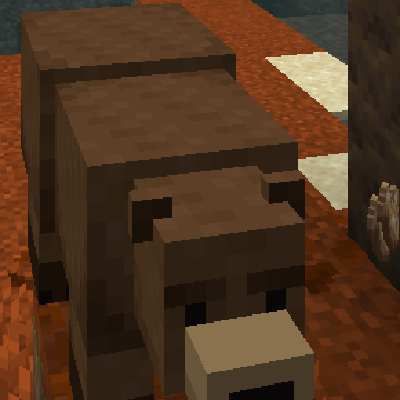
Adds simple brown bears to the Dappled Forest that act just like polar bears. One small Fabric file, nothing to set up.
Quick answer
Brown Bears bears-fabric-26.3-1.0.0.jar targets 26.3 with Fabric. The project page does not say whether this file belongs on the client, dedicated server, or both. All 1 required mods have matching files.
Where it goes
The project page does not say whether this file belongs on the client, dedicated server, or both.
The source does not explicitly classify this release as client-only or server-only.
bears-fabric-26.3-1.0.0.jar. Change the file and its required mods may change too.
Install Fabric API first. We found matching files for this game-version and loader setup.
We only count dependency files that match this setup. A file for another loader does not fill the gap.
Before you install it
Built for Brown Bears bears-fabric-26.3-1.0.0.jar. Pick another file and the loader, install side or required mods may change.
Use bears-fabric-26.3-1.0.0.jar. It targets 26.3 with Fabric; another release may have different loader, side or dependency requirements.
Install Fabric API first. We found matching files for this game-version and loader setup.
The project page does not say whether this file belongs on the client, dedicated server, or both.
Use the “Get this file” button beside bears-fabric-26.3-1.0.0.jar. It opens that exact file at the source.
About this project
This mod is super simple. It adds one thing: brown bears.
They live in the Dappled Forest and act exactly like polar bears. Same model, same sounds, same behavior, new brown fur.
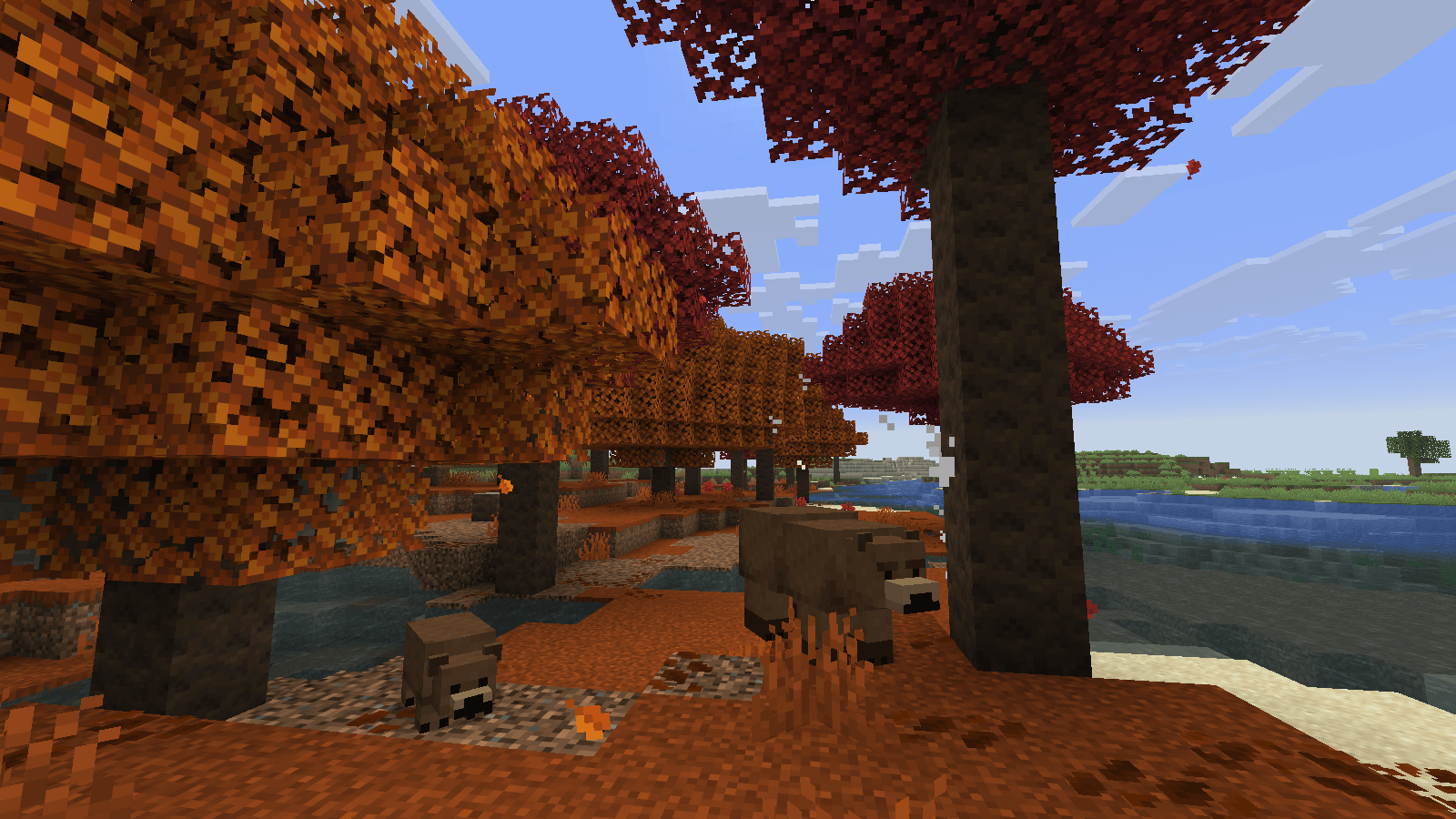
No config. No commands. No items to craft. No new blocks.
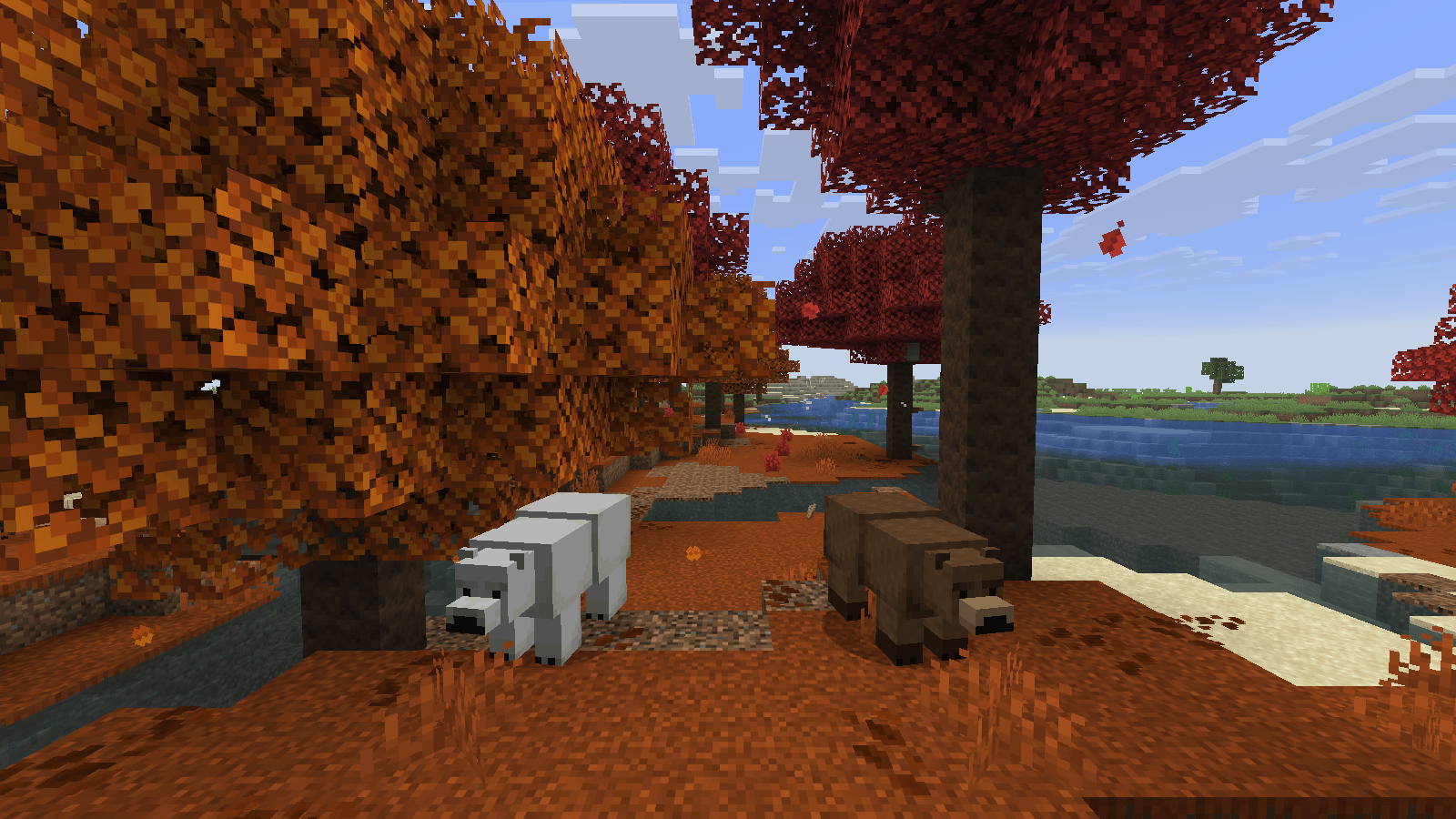
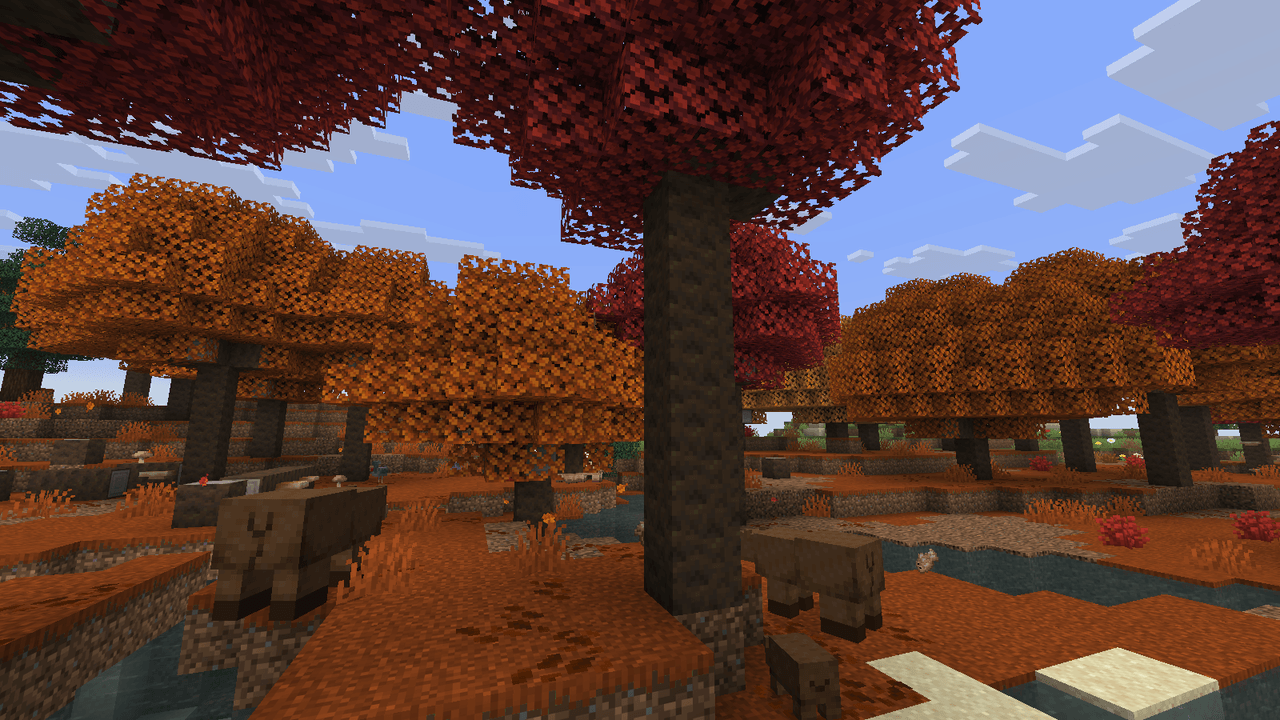
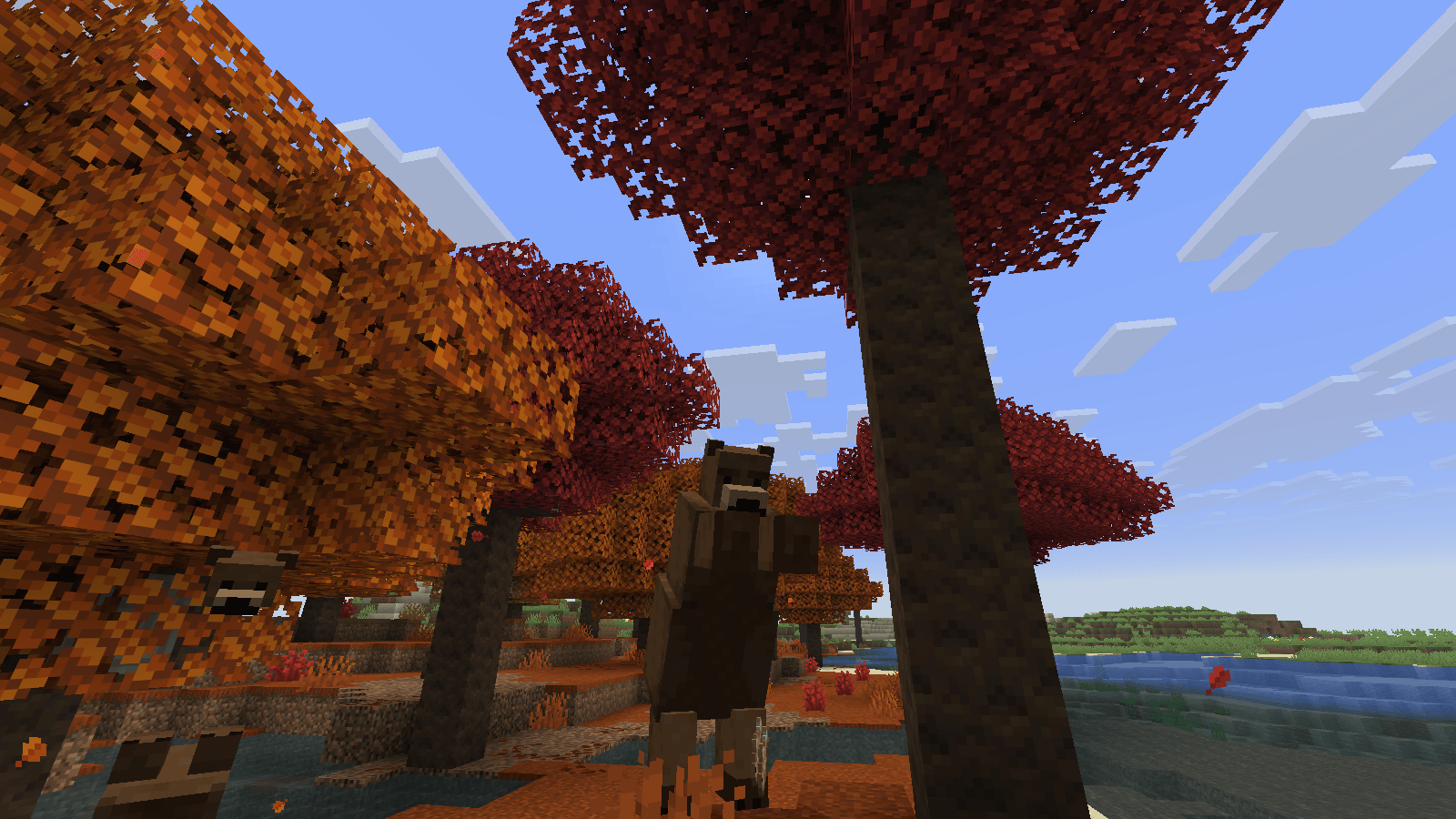
Works in singleplayer. On a server, install it on the server and on every player's game.
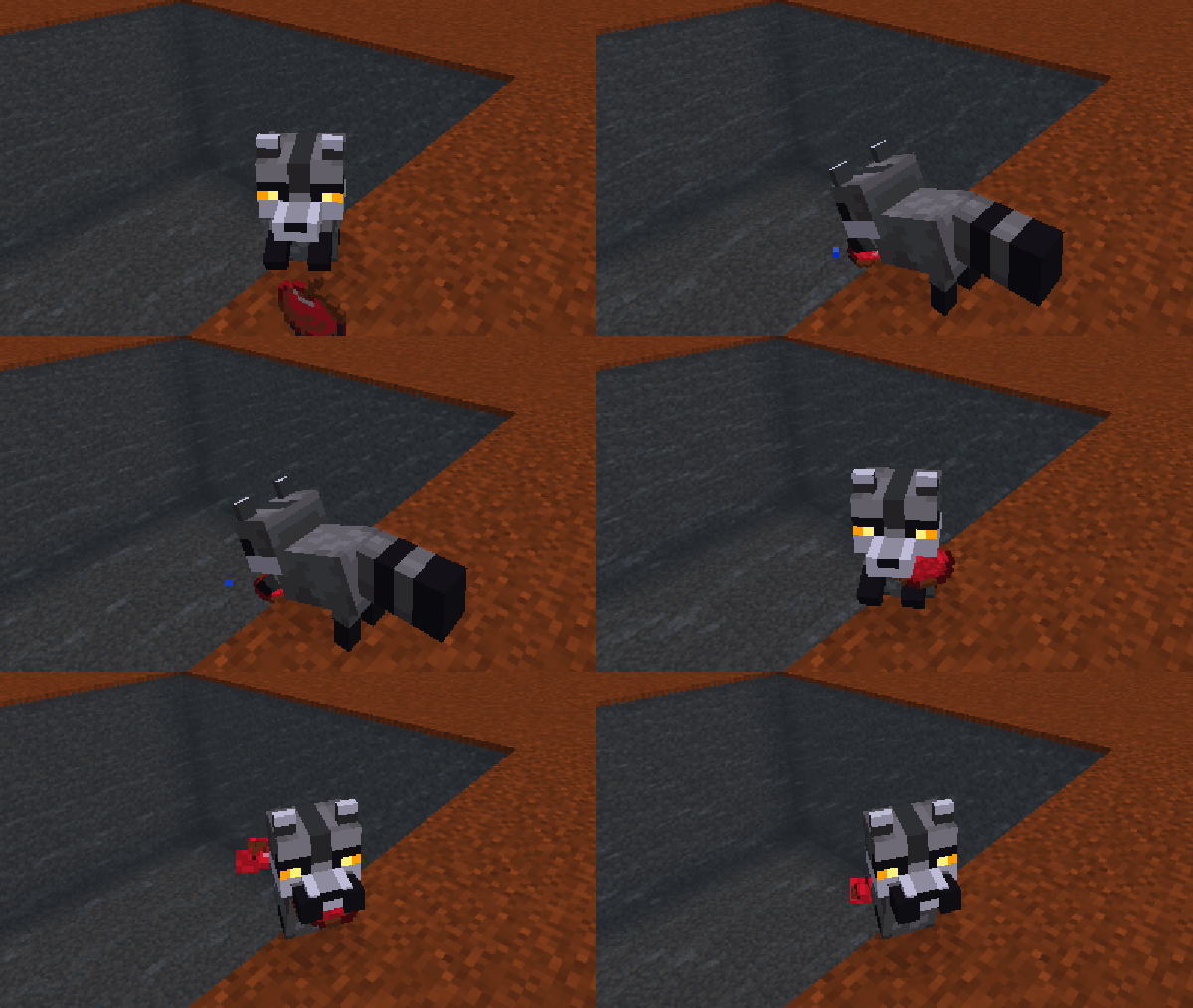
Dappled Forest Raccoons adds raccoons to the same forest. They wash their food before they eat it. It is a separate download.

A friendly Minecraft Skyblock server: start with one tree and a chest, and grow the greatest island in the sky.
Project description from CurseForge.
Pick your setup
Choose the version and loader you play, then open the matching release.
Check the dependencies, then try the file in a copied instance before changing a world you care about.
Recent files
31 Oct 2026
Looking for an older file? The official CurseForge project page is in Resources.
 mod
This mod adds vanilla-style hair to your Minecraft skin
 mod
Coffee Variants is a mod that adds a variety of coffee to minecraft as well as a barista villager and a coffee structure.
 mod
This mods adds new ways to create mob spawners using create mod, including spawning and killing.