Cinematic Interactions Needed by Cinematic Interactions: Create cinecreate-0.1.1-neoforge-1.21.1.jar
requiredMatching file found Matched file: Cinematic Interactions 0.18.2 — NeoForge 1.21.1

CurseForge · Minecraft mod
Cinematic Interactions style animations for Create machines
Quick answer
Cinematic Interactions: Create cinecreate-0.1.1-neoforge-1.21.1.jar targets 1.21.1 with NeoForge. The project page does not say whether this file belongs on the client, dedicated server, or both. All 2 required mods have matching files.
Where it goes
The project page does not say whether this file belongs on the client, dedicated server, or both.
The source does not explicitly classify this release as client-only or server-only.
cinecreate-0.1.1-neoforge-1.21.1.jar. Change the file and its required mods may change too.
Install Cinematic Interactions, Create first. We found matching files for this game-version and loader setup. 1 comes through another mod in the chain.
1 extra mod was pulled in by another dependency. Indented rows show who needs each one. We only count dependency files that match this setup. A file for another loader does not fill the gap.
Before you install it
Built for Cinematic Interactions: Create cinecreate-0.1.1-neoforge-1.21.1.jar. Pick another file and the loader, install side or required mods may change.
Use cinecreate-0.1.1-neoforge-1.21.1.jar. It targets 1.21.1 with NeoForge; another release may have different loader, side or dependency requirements.
Install Cinematic Interactions, Create first. We found matching files for this game-version and loader setup. 1 comes through another mod in the chain.
The project page does not say whether this file belongs on the client, dedicated server, or both.
Use the “Get this file” button beside cinecreate-0.1.1-neoforge-1.21.1.jar. It opens that exact file at the source.
About this project
Create's machines, worked by hand.



This add-on brings the first-person scenes of Cinematic Interactions to Create. Right-click a machine and you work it by hand: lay an ingot under the press, put planks into a crafter wall, turn a valve with both hands.
Create itself doesn't change. Same recipes, same results, and your wrench, goggles and filters work as usual.

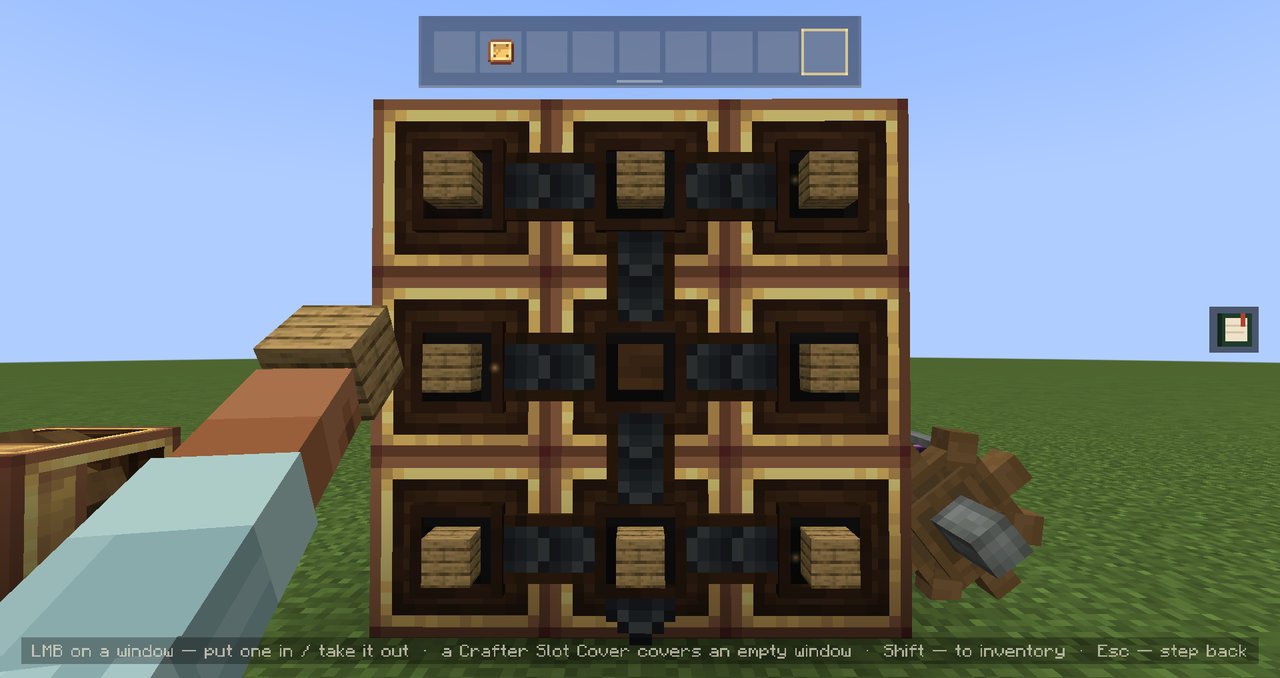 Mechanical Crafters Fill the wall window by window, up to 10×10 |
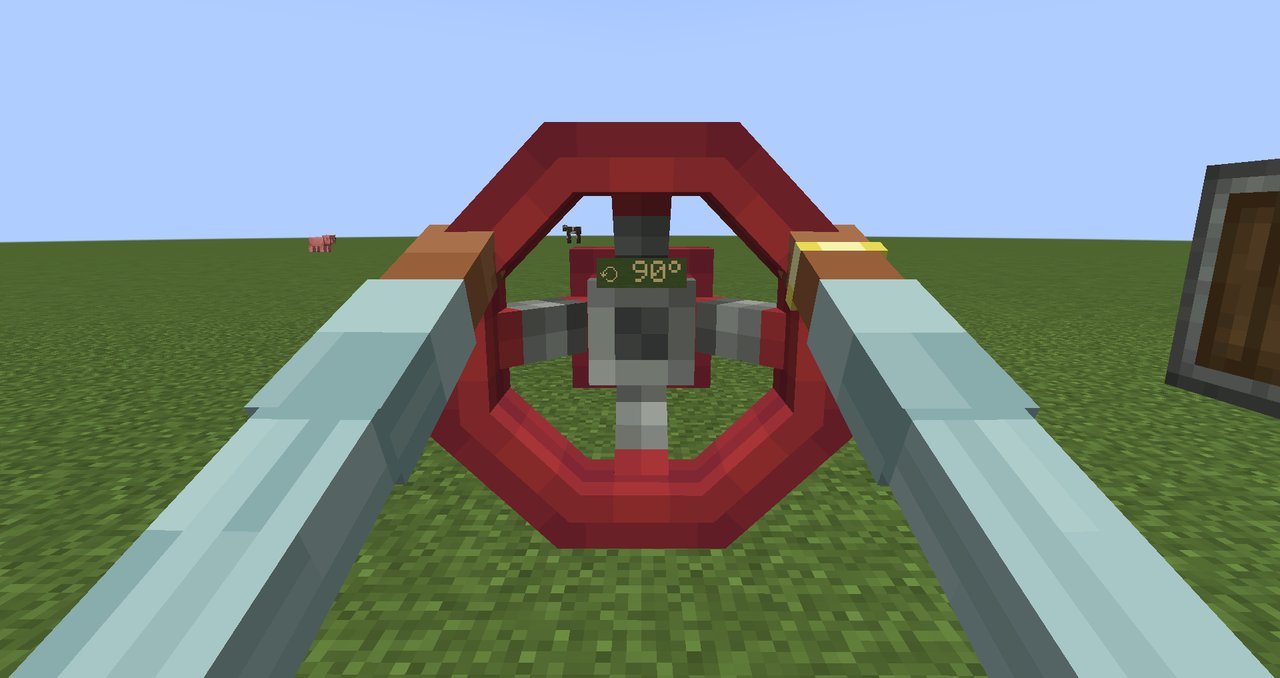 Valve Handles Both hands on the wheel, any colour |
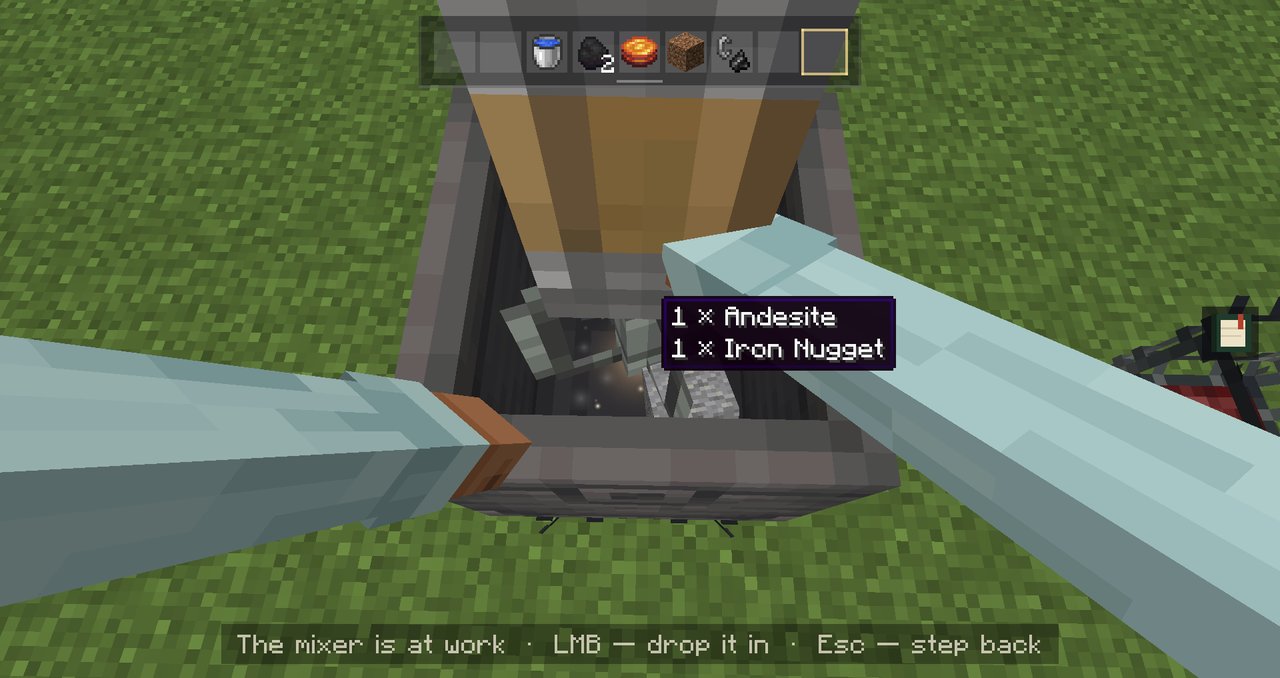 Basins Drop it in, pour it in, watch the mixer go |
|---|---|---|
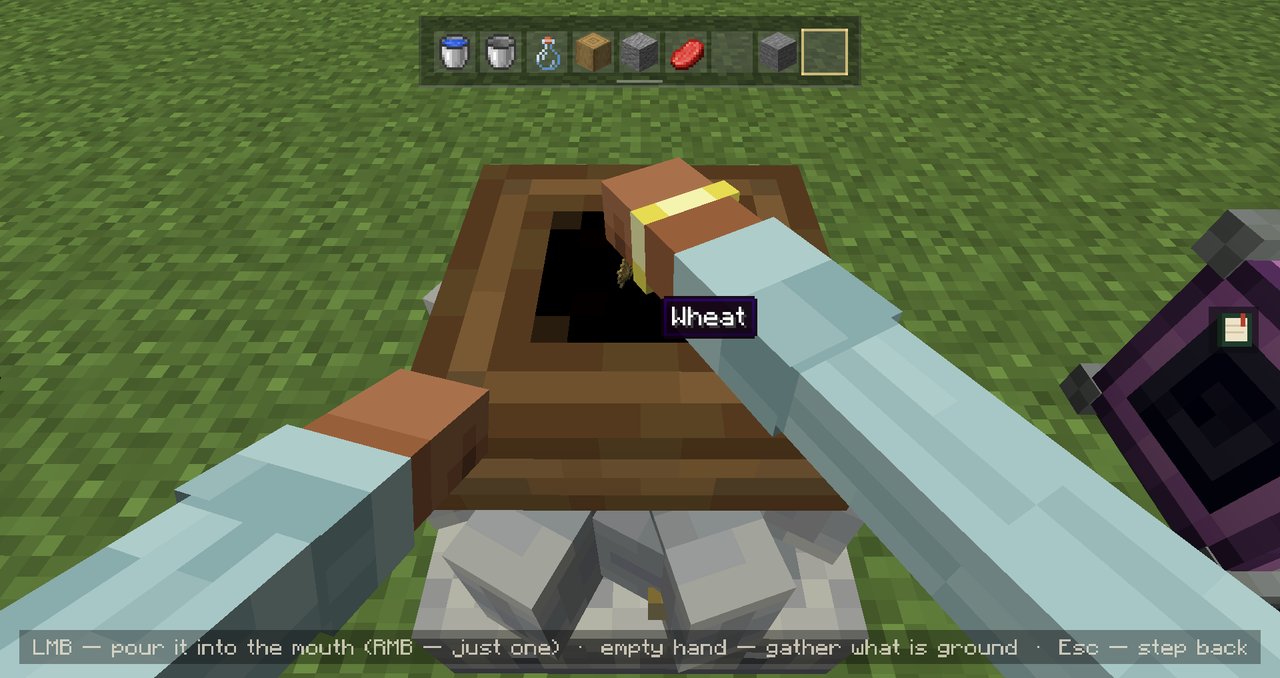 Millstones Pour the grain right into its mouth |
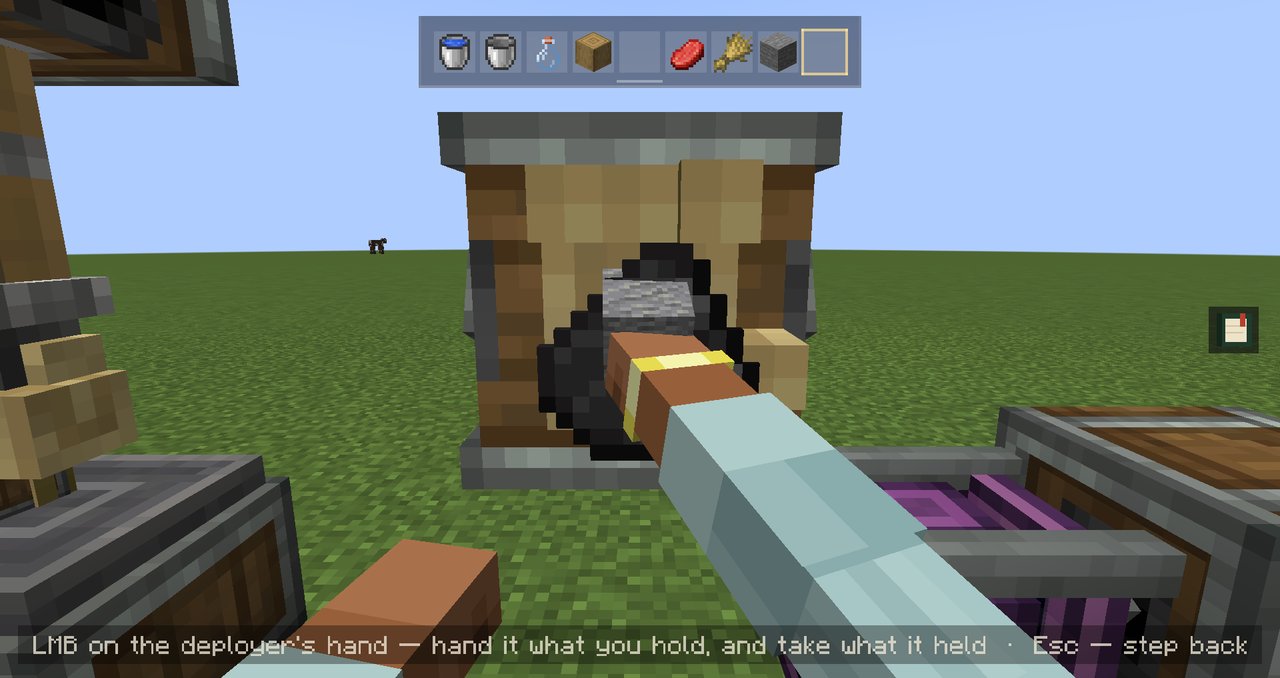 Deployers Hand it a tool, take back what it held |
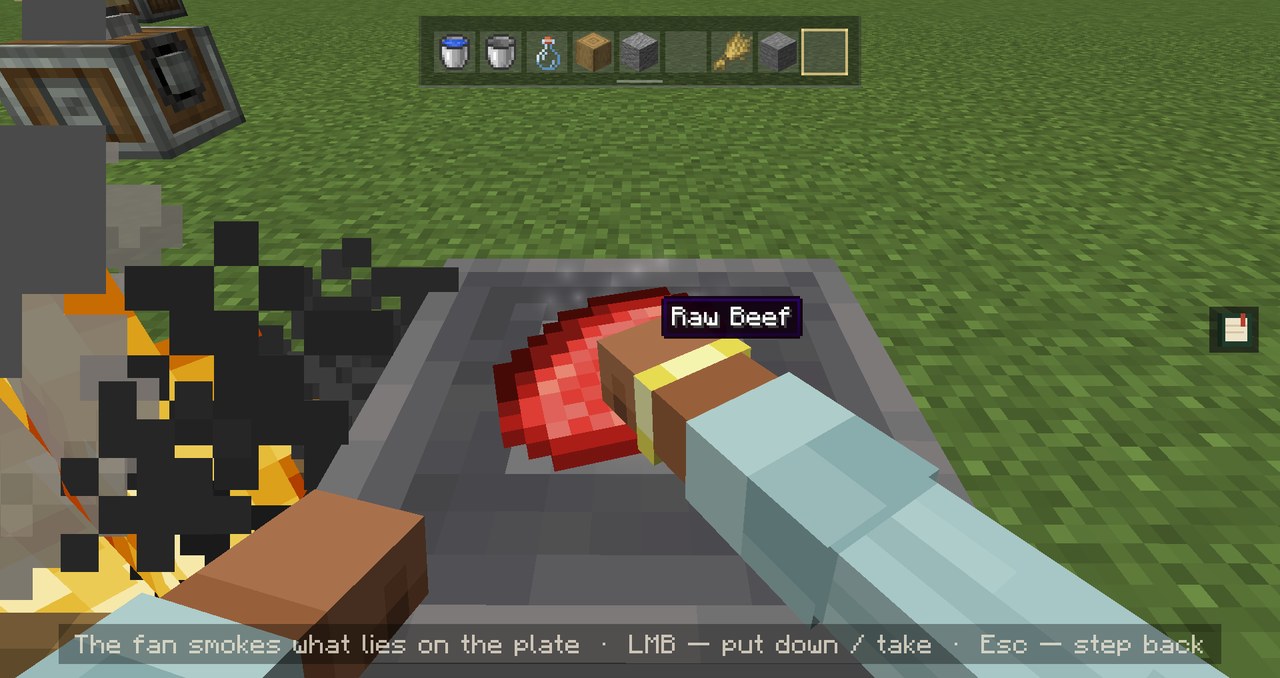 Encased Fans Lay the beef in the smoke and wait |
Also in: depots under a press or a spout, Blaze Burners, Hand Cranks, Item Drains and the Weighted Ejector.
| Key | What it does |
|---|---|
| Right-click | Starts the scene at most machines |
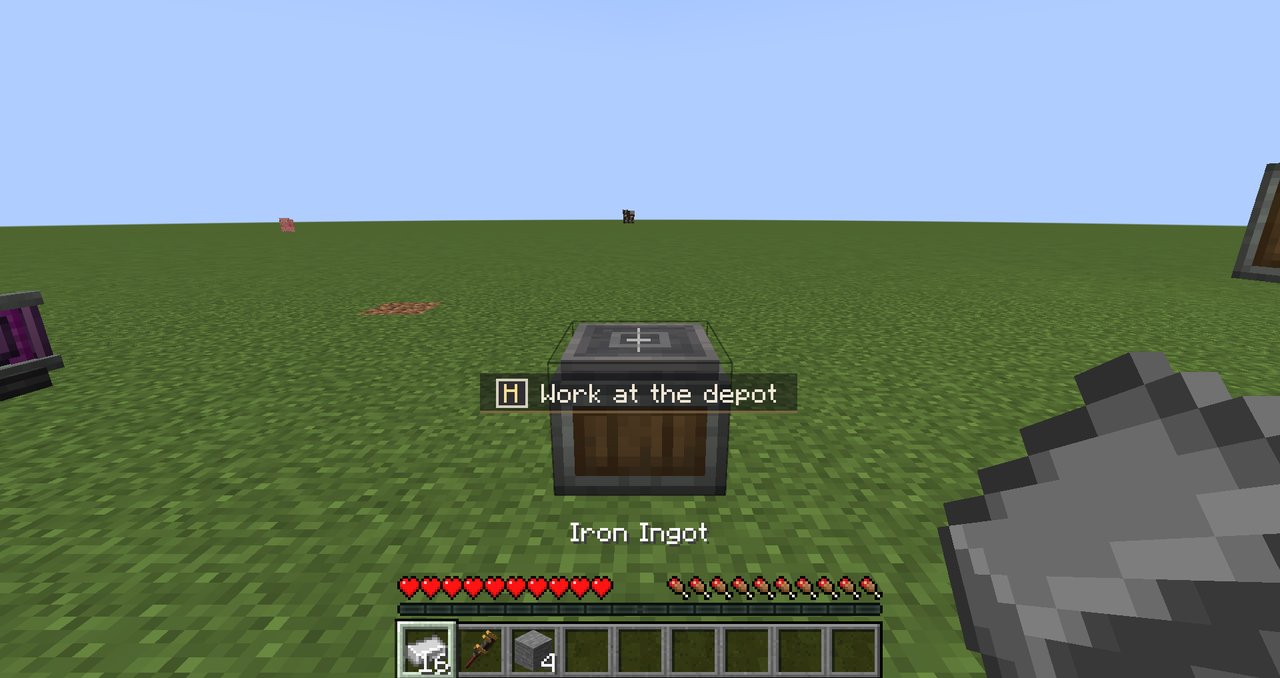
| H | Starts it at any supported machine. A bare depot only starts with H, so its quick click stays Create's |
| Left / right click | Your two hands inside the scene. The hints at the bottom say which one does what |
| Sneak + right-click | Skips the scene and does the plain Create click |
| Esc | Step back |
I want the plain click on some machines.
Then just switch them. In Mods → Cinematic Interactions: Create → Config, every machine can start its scene on right-click, only with H, or never.
Can a crafter wall be any size?
Up to 10×10, that's Create's own limit. Bare hands manage up to 3×3, and for anything bigger you'll need an Extendo Grip.
Does it work on servers?
Yes. On a server that doesn't have it, you still get a lighter version of the scenes that runs on your side only.
| Minecraft 1.21.1 on NeoForge |
Create 6.0.10 or newer |
Cinematic Interactions 0.18.28 or newer |
|---|
Install it on both the client and the server.
Made by JS_ON · MIT license · Report an issue
Uses Cinematic Interactions by Southware and Create by simibubi and the Creators of Create.
Not affiliated with Mojang, Microsoft, the Create team or Southware.
Project description from CurseForge.
Pick your setup
Choose the version and loader you play, then open the matching release.
Check the dependencies, then try the file in a copied instance before changing a world you care about.
Recent files
4 Nov 2026
1 Nov 2026
Looking for an older file? The official CurseForge project page is in Resources.
