Fabric API Needed by Auto Crystal Bot autocrystalbot-1.2.1.jar
requiredMatching file found Matched file: [1.21.11] Fabric API 0.141.6+1.21.11

CurseForge · Minecraft mod
Two keybinds for crystal PvP: one places obsidian and an End Crystal and breaks it, the other places, charges and explodes a Respawn Anchor.
Quick answer
Auto Crystal Bot autocrystalbot-1.2.1.jar targets 1.21.11 with Fabric. The project page does not say whether this file belongs on the client, dedicated server, or both. All 1 required mods have matching files.
Where it goes
The project page does not say whether this file belongs on the client, dedicated server, or both.
The source does not explicitly classify this release as client-only or server-only.
autocrystalbot-1.2.1.jar. Change the file and its required mods may change too.
Install Fabric API first. We found matching files for this game-version and loader setup.
We only count dependency files that match this setup. A file for another loader does not fill the gap.
Before you install it
Built for Auto Crystal Bot autocrystalbot-1.2.1.jar. Pick another file and the loader, install side or required mods may change.
Use autocrystalbot-1.2.1.jar. It targets 1.21.11 with Fabric; another release may have different loader, side or dependency requirements.
Install Fabric API first. We found matching files for this game-version and loader setup.
The project page does not say whether this file belongs on the client, dedicated server, or both.
Use the “Get this file” button beside autocrystalbot-1.2.1.jar. It opens that exact file at the source.
About this project
Auto Crystal Bot is a small client-side Fabric mod for Crystal PvP and Anchor PvP. It gives you two separate keybinds: one for crystals and one for anchors. Each key only does its own job, so both work even when End Crystals and Respawn Anchors are on your hotbar at the same time.
Home)End)Tip: To use
Efor Crystal Place, first move the vanilla Inventory key to another button.
Automatic placing counts as a macro on many PvP servers and can get you banned. Read the rules of your server before you use it. Use at your own risk; it works best in singleplayer, on your own server, or on servers that allow macros.
Project description from CurseForge.
Pick your setup
Choose the version and loader you play, then open the matching release.
Check the dependencies, then try the file in a copied instance before changing a world you care about.
Recent files
4 Nov 2026
Looking for an older file? The official CurseForge project page is in Resources.
 mod
A tech mod with pipes, computers, guns, rusty machinery and meat.
 mod
Catch wild ants, raise Queens in living Formicariums, and grow colonies that produces resources
 mod
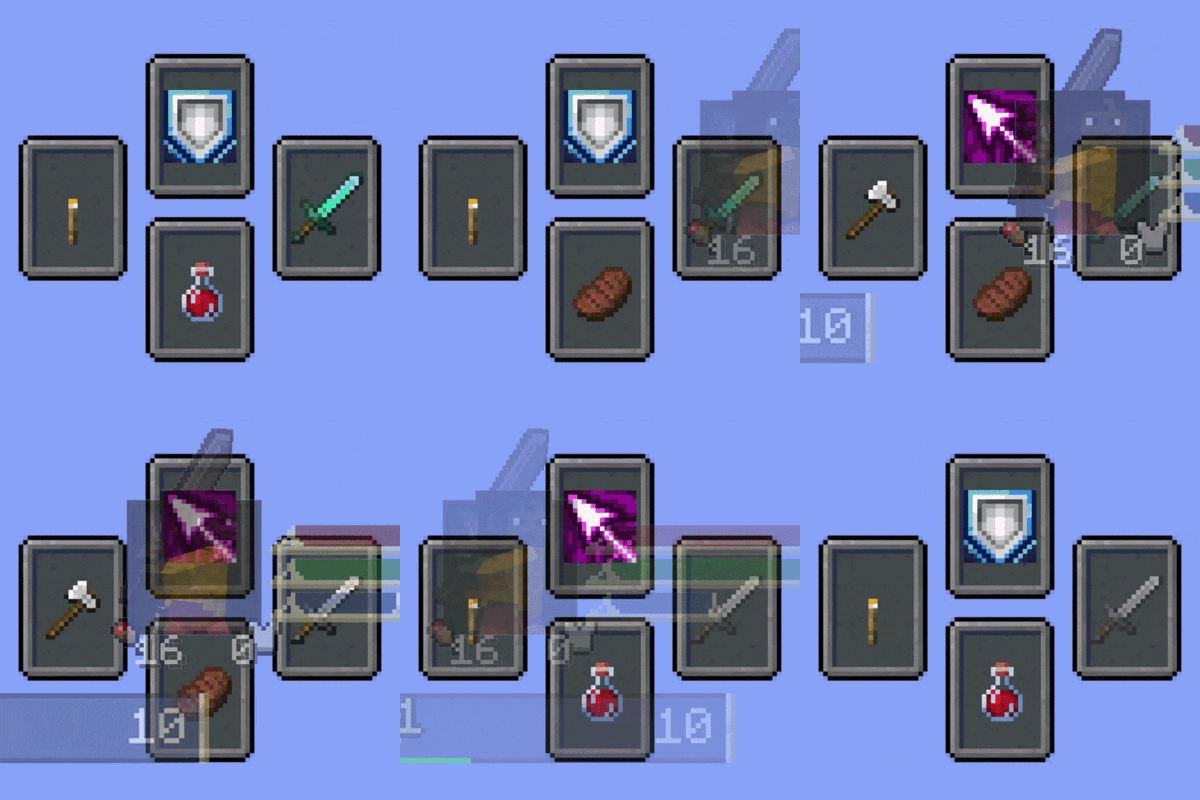
Adds a soulslike HUD featuring equipment slots, boss bar, status gauges and team display.