Minecraft version
Back to mods 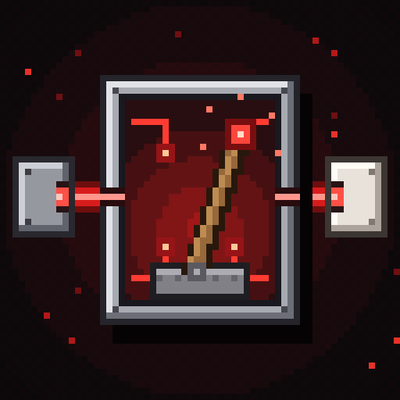
CurseForge · Minecraft mod
Redstone controller
Name any lever or button and control them all from one menu. Build laser sensors for automatic doors, alarms and sirens, plus name and status signs. For NeoForge 1.21.1.
Choose a version Pick your version below, then grab the matching file.
Quick answer
Which Redstone controller release should I use?
Latest stable file rscontroller-1.14.0.jar
Game version 1.21.1
Loader NeoForge
Redstone controller rscontroller-1.14.0.jar targets 1.21.1 with NeoForge. The project page does not say whether this file belongs on the client, dedicated server, or both. No extra mods listed for this file.
Where it goes
Is Redstone controller required on the client, server, or both?
The project page does not say whether this file belongs on the client, dedicated server, or both.
Client Source doesn’t say
Dedicated server Source doesn’t say
Loader for this release NeoForge
Required install it here Optional supported, not mandatory Not supported do not install here Source doesn’t say do not assume
The source does not explicitly classify this release as client-only or server-only.
What else does Redstone controller rscontroller-1.14.0.jar need?
rscontroller-1.14.0.jar. Change the file and its required mods may change too.
This file does not list any required mods. Do not add a library just because a different file uses it.
This file does not list any required or optional mods.
Before you install it
Add Redstone controller without breaking your instance.
Built for Redstone controller rscontroller-1.14.0.jar. Pick another file and the loader, install side or required mods may change.
- 01
Stick to this file
Use rscontroller-1.14.0.jar. It targets 1.21.1 with NeoForge; another release may have different loader, side or dependency requirements.
- 02
Bring the mods it needs
This file does not list any required mods. Do not add a library just because a different file uses it.
- 03
Put it on the correct side
The project page does not say whether this file belongs on the client, dedicated server, or both.
- 04
Pick the file you checked
Use the “Get this file” button beside rscontroller-1.14.0.jar. It opens that exact file at the source.
About this project
What does Redstone controller add?
Redstone Controller
Name your levers and buttons, then control all of them from one menu. Add laser sensors for automatic doors and alarms, and signs that show what everything is and whether it is on.
**Minecraft 1.21.1 · NeoForge · No dependencies · Required on both client and server**
Levers, buttons and the Controller
Look at a lever or button and press **K** (rebindable under Controls, category "Redstone Controller"; in VR it can be bound to a controller button). Type a name and save.
Craft the **Redstone Controller**: 4 iron ingots, 4 redstone and a lever in the middle. Right-click to open a menu with everything you have named. Toggle levers, press buttons, run special buttons and switch lasers on or off, all from one place.
**Special Button** (stone button + redstone + gold ingot): press K on it and choose, per lever, button or laser, what happens when it is pressed: nothing, turn on, turn off, toggle, or press.
Laser sensors
Craft a **Laser Emitter** and a **Laser Receiver**. The emitter shoots a beam from its front; place the receiver on the other side, facing the emitter.
**Emitter (K):** visible beam on/off, colour, and range of 16, 32, 48 or 64 blocks. Redstone power turns it off.
**Receiver (K):** choose what can break the beam (players, hostile mobs, animals and other mobs, items, arrows, anything else), invert the signal, and pick which named levers, buttons and lasers to control **when broken** and **when intact**.
Solid blocks break the beam. Glass, panes and bars let it through.
Receiver modes
| Mode | What it does |
|---|---|
| **Signal** | Redstone output while the beam is broken. |
| **Toggle** | Each time the beam is broken it flips on/off, like a lever. |
| **Timed button** | Breaking the beam turns it on for 0.5 s to 60 s, like a button. |
| **Door** | Fully automatic doors: see below. |
| **Armed laser** | Alarm system: see below. |
Automatic doors
Put an emitter and a receiver at the door (a pair, or one on each side), pick **Door**, and tick the levers that open it. It works with piston doors, doors, trapdoors and fence gates.
It does not matter which position the lever is in: the system learns it, flips it to the opposite position when the door opens and back when it closes.
**Open early:** the door starts opening when someone walks towards the beams (2 to 12 blocks away, default 4), so piston doors are open before you arrive.
Several sensors at the same door work together as a group. Everyone who arrives keeps it open, and it closes a moment after the last person. It never closes on someone standing in the doorway.
After closing it stays locked until everyone has stepped away from the beams.
Options: who opens it (players, or players and mobs), nearby doors, redstone output while open or closed, and sync with other sensors.
**Armed door:** the right players and mobs get in as usual, the wrong ones do not, and the alarm goes off.
Alarm system
Pick **Armed laser** on a receiver.
Choose who triggers it (everyone, everyone except chosen players, or only chosen players), how long it rings (10 s to 5 min, or until you switch it off in the Controller) and which mobs count, including mobs from other mods (searchable list).
Levers can move while the alarm rings and move back afterwards.
**Alarm Siren** (iron, note block, redstone): plays an alarm sound and shows a warning in the middle of the screen for players within 64 blocks. Right-click to change sound, sneak + right-click to change warning text.
**Alarm Light** (red glass, redstone lamp, iron, redstone): blinks while the alarm rings. Right-click to change colour.
Signs
**Name Sign** shows what a button is called and what it is.
**Status Sign** shows the current state (ON / off / BROKEN). Updates instantly.
Place a sign next to a named block and it finds it by itself, or press K on the sign to choose manually.
Commands (op)
/rscontroller list | activate | press | register | remove | macro | set | sign | link | trust | alarmlink | mob | sync
Debugging: start with -Drscontroller.debug=true to log what door groups do.
**Note:** the logic has been tested on a real server. Please report any issues with menus, keybinds or sign visuals.
License: All Rights Reserved
Project description from CurseForge.
Pick your setup
Redstone controller by Minecraft version and loader
Choose the version and loader you play, then open the matching release.
Check the dependencies, then try the file in a copied instance before changing a world you care about.
Recent files
Redstone controller versions and loaders
rscontroller-1.14.0.jar
12 Nov 2026
Client Source doesn’t say Server Source doesn’t say Dependencies No extras listed Listed on Release listing
Check the 1.21.1 · NeoForge setup 1.21.1NeoForge release
rscontroller-1.13.0.jar
5 Nov 2026
Client Source doesn’t say Server Source doesn’t say Dependencies No extras listed Listed on Release listing
Check the 1.21.1 · NeoForge setup 1.21.1NeoForge release
Looking for an older file? The official CurseForge project page is in Resources.
 mod
CurseForge · Minecraft
Minecraft : Future Tech
Power your world. Split the atom. Connect the future.
 mod
CurseForge + Modrinth · Minecraft
More Banner Features
Banners on Horses, Boats, Happy Ghasts, as Capes, Hats, more layers and more!
 mod
CurseForge + Modrinth · Minecraft
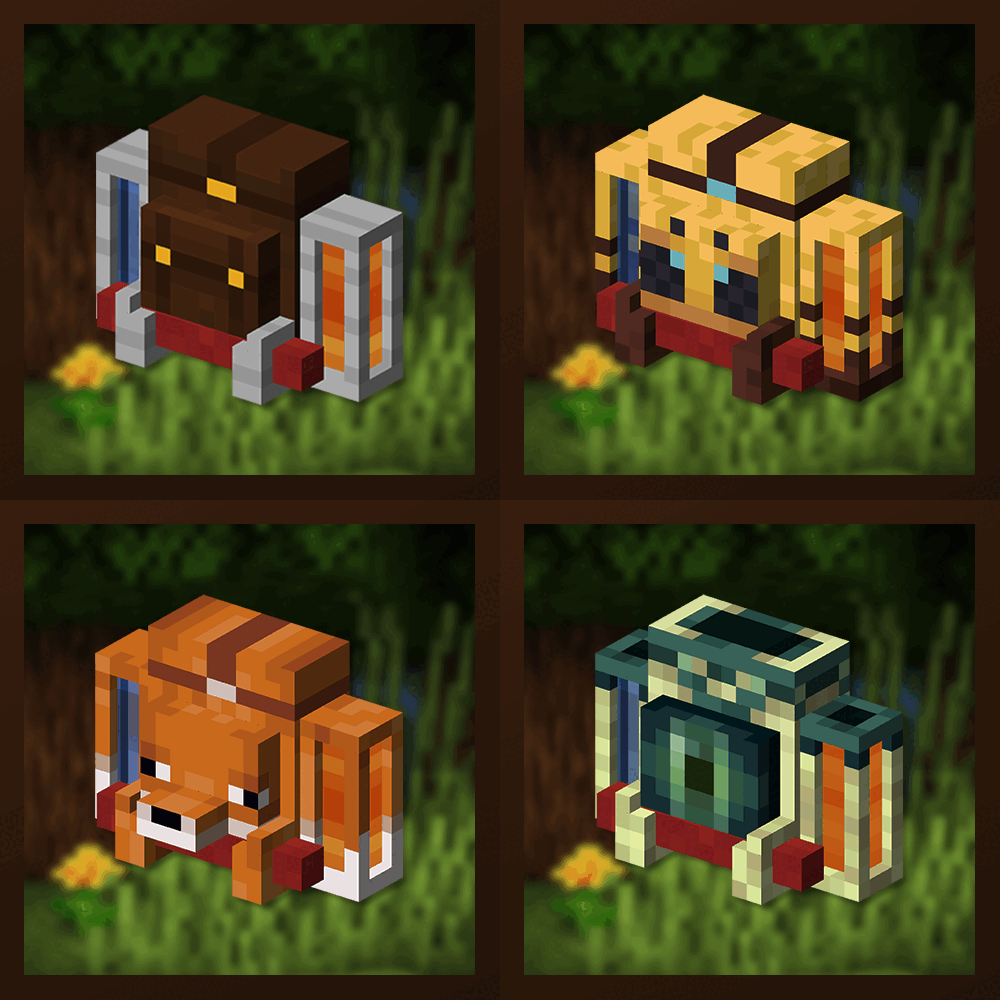
Traveler's Backpack
Unique and upgradeable backpacks with customisation, Curios API/Trinkets integration and more!