Minecraft version
Back to mods 
CurseForge · Minecraft mod
Minecraft : Future Tech
Power your world. Split the atom. Connect the future.
Choose a version Pick your version below, then grab the matching file.
Quick answer
Which Minecraft : Future Tech release should I use?
Latest stable file futuretech-release.jar
Game version 1.21.1
Loader NeoForge
Minecraft : Future Tech futuretech-release.jar targets 1.21.1 with NeoForge. The project page does not say whether this file belongs on the client, dedicated server, or both. No extra mods listed for this file.
Where it goes
Is Minecraft : Future Tech required on the client, server, or both?
The project page does not say whether this file belongs on the client, dedicated server, or both.
Client Source doesn’t say
Dedicated server Source doesn’t say
Loader for this release NeoForge
Required install it here Optional supported, not mandatory Not supported do not install here Source doesn’t say do not assume
The source does not explicitly classify this release as client-only or server-only.
What else does Minecraft : Future Tech futuretech-release.jar need?
futuretech-release.jar. Change the file and its required mods may change too.
This file does not list any required mods. Do not add a library just because a different file uses it.
This file does not list any required or optional mods.
Before you install it
Add Minecraft : Future Tech without breaking your instance.
Built for Minecraft : Future Tech futuretech-release.jar. Pick another file and the loader, install side or required mods may change.
- 01
Stick to this file
Use futuretech-release.jar. It targets 1.21.1 with NeoForge; another release may have different loader, side or dependency requirements.
- 02
Bring the mods it needs
This file does not list any required mods. Do not add a library just because a different file uses it.
- 03
Put it on the correct side
The project page does not say whether this file belongs on the client, dedicated server, or both.
- 04
Pick the file you checked
Use the “Get this file” button beside futuretech-release.jar. It opens that exact file at the source.
About this project
What does Minecraft : Future Tech add?
About:
Welcome to FutureTech, the ultimate technology, networking, and nuclear energy modification for Minecraft. Whether you want to build a massive power grid, create a high-speed fiber-optic network, or run your very own nuclear reactor, FutureTech has the tools you need to industrialize your world.
⚡ Core Features (V1 & Upcoming):
Advanced Electrical Grid: Generate, store, and distribute energy using dual voltage tiers (120V & 240V). Use transformers to step-up or step-down power safely. Overload your cables and watch them melt!
Kinetic Energy: Convert electricity into mechanical power using Electric Motors and Mechanical Shafts to automate your factories.
Fiber Optics & Networking: Connect your machines with lossless fiber-optic cables. Watch the red laser data stream through the glass, and route your network wirelessly using the Network Router and WiFi Antennas.
Network Stations (PC): Monitor your entire factory from a single computer block. Access data, read reactor temperatures, and control your grid from the Network Station GUI.
Nuclear Reactor Core: The pinnacle of power. Insert fuel rods, lower the control rods, and generate massive amounts of energy. But beware... if you mismanage the heat and coolant, a catastrophic Meltdown will destroy your base and irradiate the surrounding area.
Industrial Components: Crafting chains including Uranium, Enriched Uranium, Plutonium, Steel Casings, Heat Exchangers, and more.
⚠️ V1 Release Note:
This is the foundational release. The entire block structure, GUIs, custom 3D models, and creative tabs are fully functional. The deep simulation (Meltdowns, Network Data sync) will be rolling out in upcoming updates!
Project description from CurseForge.
Pick your setup
Minecraft : Future Tech by Minecraft version and loader
Choose the version and loader you play, then open the matching release.
Check the dependencies, then try the file in a copied instance before changing a world you care about.
Recent files
Minecraft : Future Tech versions and loaders
futuretech-release.jar
futuretech-2.0.0-release.jar
12 Nov 2026
Client Source doesn’t say Server Source doesn’t say Dependencies No extras listed Listed on Release listing
Check the 1.21.1 · NeoForge setup 1.21.1NeoForge release
futuretech-0.1.0-beta
futuretech-1.0.0.jar
11 Nov 2026
Client Source doesn’t say Server Source doesn’t say Dependencies No extras listed Listed on Release listing
Check the 1.21.1 · NeoForge setup 1.21.1NeoForge beta
Looking for an older file? The official CurseForge project page is in Resources.
 mod
CurseForge · Minecraft
Redstone controller
Name any lever or button and control them all from one menu. Build laser sensors for automatic doors, alarms and sirens, plus name and status signs. For NeoForge 1.21.1.
 mod
CurseForge + Modrinth · Minecraft
More Banner Features
Banners on Horses, Boats, Happy Ghasts, as Capes, Hats, more layers and more!
 mod
CurseForge + Modrinth · Minecraft
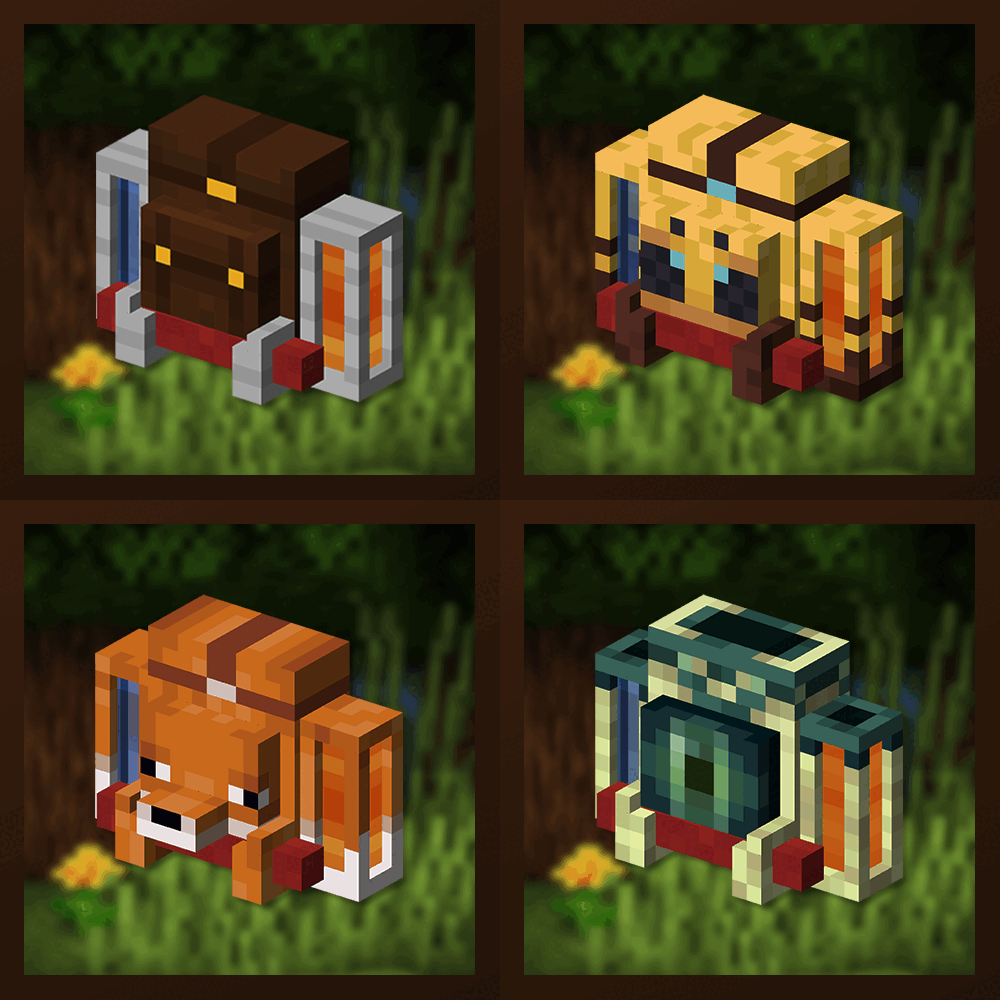
Traveler's Backpack
Unique and upgradeable backpacks with customisation, Curios API/Trinkets integration and more!