Minecraft version
Back to mods 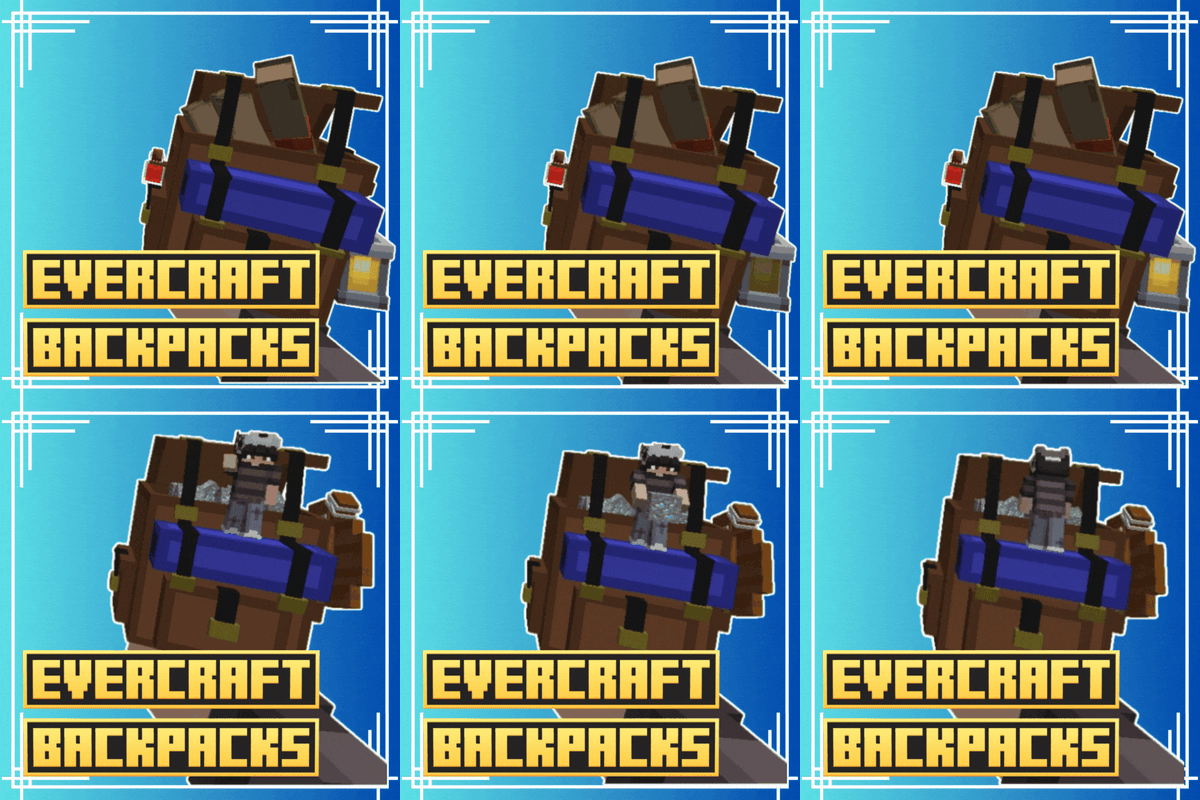
CurseForge · Minecraft mod
Evercraft Backpacks
Evercraft Backpacks expands your adventure with two functional backpacks, each with its own inventory and crafting recipe. Backpacks cannot be stored inside one another, and their contents stay with them.
Choose a version Pick your version below, then grab the matching file.
Quick answer
Which Evercraft Backpacks release should I use?
beta file evercraft-backpacks-1.0.jar
Game version 26.3
Loader Fabric
Evercraft Backpacks evercraft-backpacks-1.0.jar targets 26.3 with Fabric. The project page does not say whether this file belongs on the client, dedicated server, or both. No extra mods listed for this file.
Where it goes
Is Evercraft Backpacks required on the client, server, or both?
The project page does not say whether this file belongs on the client, dedicated server, or both.
Client Source doesn’t say
Dedicated server Source doesn’t say
Loader for this release Fabric
Required install it here Optional supported, not mandatory Not supported do not install here Source doesn’t say do not assume
The source does not explicitly classify this release as client-only or server-only.
What else does Evercraft Backpacks evercraft-backpacks-1.0.jar need?
evercraft-backpacks-1.0.jar. Change the file and its required mods may change too.
This file does not list any required mods. Do not add a library just because a different file uses it.
This file does not list any required or optional mods.
Before you install it
Add Evercraft Backpacks without breaking your instance.
Built for Evercraft Backpacks evercraft-backpacks-1.0.jar. Pick another file and the loader, install side or required mods may change.
- 01
Stick to this file
Use evercraft-backpacks-1.0.jar. It targets 26.3 with Fabric; another release may have different loader, side or dependency requirements.
- 02
Bring the mods it needs
This file does not list any required mods. Do not add a library just because a different file uses it.
- 03
Put it on the correct side
The project page does not say whether this file belongs on the client, dedicated server, or both.
- 04
Pick the file you checked
Use the “Get this file” button beside evercraft-backpacks-1.0.jar. It opens that exact file at the source.
About this project
What does Evercraft Backpacks add?
Evercraft Backpacks expands your adventure with two functional backpacks, each with its own inventory and crafting recipe. Backpacks cannot be stored inside one another, and their contents stay with them.
The mod also displays backpacks and tools on your character’s back, with options to adjust their position and size or hide items individually. To round out the experience, it includes combat, mining, and exploration missions with rewards, plus a user interface translated into Portuguese, English, and Spanish.
Project description from CurseForge.
Pick your setup
Evercraft Backpacks by Minecraft version and loader
Choose the version and loader you play, then open the matching release.
Check the dependencies, then try the file in a copied instance before changing a world you care about.
Recent files
Evercraft Backpacks versions and loaders
evercraft-backpacks-1.0.jar
5 Nov 2026
Client Source doesn’t say Server Source doesn’t say Dependencies No extras listed Listed on Release listing
Check the 26.3 · Fabric setup Fabric26.3 beta
Looking for an older file? The official CurseForge project page is in Resources.
 mod
CurseForge · Minecraft
Lanecraft
A real MOBA inside Minecraft: top-down camera, click to move, QWER abilities, 10 champions, three lanes, jungle, items and fog of war. Play vs bots or with friends.
 mod
CurseForge + Modrinth · Minecraft
Sophisticated Storage
Storage mod with multiple tiers and functional upgrades
 mod
CurseForge · Minecraft
NotEars
Animated 3D ears, tails and wings for players, with custom colors and a wardrobe to try them on.