Jade 🔍 Optional for Fieldframe 0.3.5
optionalMatching file found Matched file: [NeoForge 26.1.X] 26.1.12
CurseForge · Minecraft mod
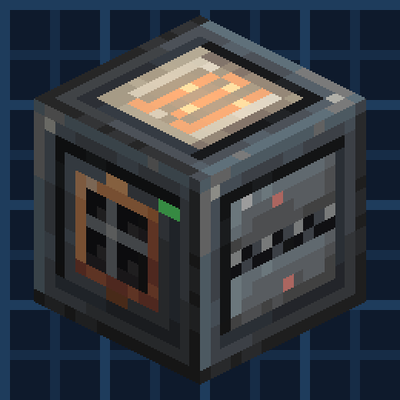
Build each machine from parts: a chassis with a module on every side. Inspired by Engineer's Toolbox & Thermal Expansion.
Quick answer
Fieldframe 0.3.5 targets 26.1.2 with NeoForge. The project page does not say whether this file belongs on the client, dedicated server, or both. No extra mods listed for this file.
Where it goes
The project page does not say whether this file belongs on the client, dedicated server, or both.
The source does not explicitly classify this release as client-only or server-only.
Fieldframe 0.3.5. Change the file and its required mods may change too.
This file does not list any required mods. Do not add a library just because a different file uses it.
10 extra mods were pulled in by other dependencies. Indented rows show who needs each one. We only count dependency files that match this setup. A file for another loader does not fill the gap.
Before you install it
Built for Fieldframe 0.3.5. Pick another file and the loader, install side or required mods may change.
Use Fieldframe 0.3.5. It targets 26.1.2 with NeoForge; another release may have different loader, side or dependency requirements.
This file does not list any required mods. Do not add a library just because a different file uses it.
The project page does not say whether this file belongs on the client, dedicated server, or both.
Use the “Get this file” button beside Fieldframe 0.3.5. It opens that exact file at the source.
About this project

Requires Metallurgy: Recast for its metals, ores and dusts.
Fieldframe is a tech mod where you build every machine yourself. Place a chassis and put a module on each of its six sides. A Heater, a Crusher and an Item Port make an ore line. Swap the Heater for a Fuel Engine and you get a different machine. Inspired by Engineer's Toolbox and Thermal Expansion.
No pipes or cables. Only frames and modules.

Every chassis has three item stores, three tanks, an RF buffer and eight signal channels, shared by all its modules. The Item Port pulls ore in and the Crusher takes it from the same store. A Fuel Engine fills the RF buffer and a Power Terminal sends it out.
Faceplates light up while a module is working.
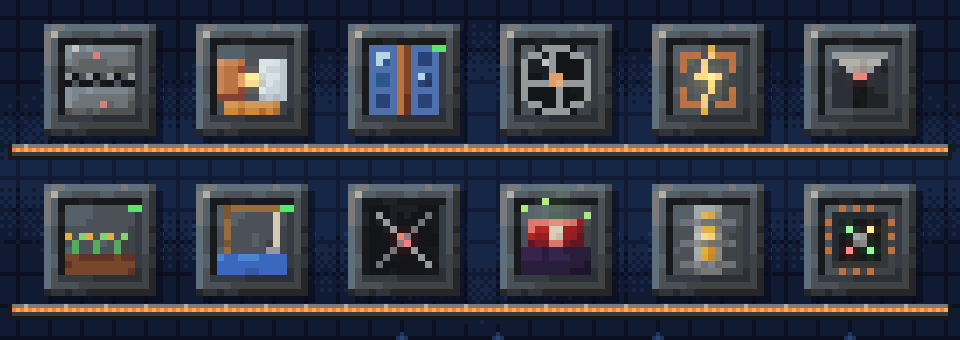
There are 77 modules. Heating, crushing, mixing, alloying and other processing. Power from fuel, solar, wind, water, steam, a treadmill, a hand crank and more. Block breakers, crop tenders, pumps, fishers and mob grinders. Logic, timers, sensors and other control. Full list on the wiki.
The Controller Plate runs a small program with states, so a machine can do one thing until something changes and then do another. Program Cards copy a program to another machine.
Chassis come in tiers from Hardened to Resonant. You can add upgrades for more storage, bigger tanks, more power and faster throughput. Overclocking speeds a machine up but heats it, so you keep it cool with ice.
Bolted Chassis join two to eight chassis into one machine. Blueprints save a machine you built, and you can build it again from your inventory or copy one straight out of the manual.
Fluid Armor, the Tesla and Arc Whips and the Graviton Hook are made from the same parts as the machines.
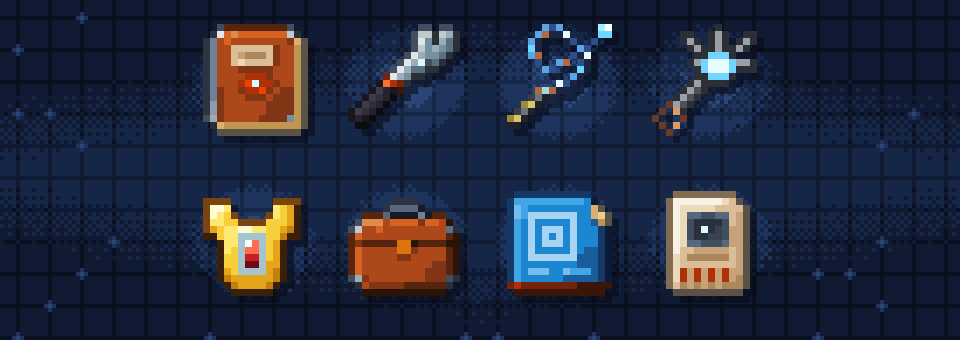
The Engineering Field Manual is built in. It shows each module's live numbers and recipes, and walks you through your first machine with a checklist.
Fieldframe Frameworks adds big multiblock frames: the Grand Frame, a Foundry for liquid alloys, a Cooling Tower, a Gantry that quarries, farms or pumps over an area, and the Starcore fusion reactor, which needs a control program to stay lit.
Fieldframe Transit adds glass tubes you ride from one station to another. Mobs can ride them too.
JEI shows the recipes. Jade shows what a machine is doing when you look at it. Both are optional.
All the numbers are in data files. Modules, upgrades, tiers, fuels and recipes can be added or changed from a KubeJS script or a Java addon. Fieldframe registers its own content through the same public API that addons use.
Wiki: all 77 modules, how machines work and the pack-maker formats are documented at oculifelis.github.io/mod-wiki.
Inspired by Emasher's Engineer's Toolbox, with none of its code or art. The classic EnderTech and FLORA textures and the Painterly item templates and the NeoVitae armor art are credited in CREDITS.md.
Made by Oculifelis. ```
Project description from CurseForge.
Pick your setup
Choose the version and loader you play, then open the matching release.
Check the dependencies, then try the file in a copied instance before changing a world you care about.
Recent files
fieldframe-0.3.5-26.1.2-neoforge.jar
9 Nov 2026
Looking for an older file? The official CurseForge project page is in Resources.
 mod
The all-in-one Christmas mod: gingerbread houses and decorated trees in the snow, presents you wrap for friends, an advent calendar, reindeer (watch for the red-nosed one), gingerbread men, Krampus, festive food, lights and decorations.
 mod
Unofficial fork of GregTech CEu Modern, maintained for the GregTech Odyssey modpack.
 mod
A client-side Minecraft toolkit with a customizable HUD, zoom, POV freelook, chat heads, auto respawn, entity hiding, ping diagnostics, creative fly speed, play-screen folders for organization, and cleaner visuals for video production.