NeoEssentials Optional for Farmstead AI Builder 1.1.1
optionalMatching file found Matched file: NeoEssentials-1.0.6-1.21x

CurseForge · Minecraft mod
Type what you want built — a hologram shows where it goes, then it rises block by block. Text-to-build generation for NeoForge 1.21.1 servers, with full undo and daily spend limits. Powered by the Farmstead AI service.
Quick answer
Farmstead AI Builder 1.1.1 targets 1.21.1 with NeoForge. The project page does not say whether this file belongs on the client, dedicated server, or both. No extra mods listed for this file.
Where it goes
The project page does not say whether this file belongs on the client, dedicated server, or both.
The source does not explicitly classify this release as client-only or server-only.
Farmstead AI Builder 1.1.1. Change the file and its required mods may change too.
This file does not list any required mods. Do not add a library just because a different file uses it.
We only count dependency files that match this setup. A file for another loader does not fill the gap.
Before you install it
Built for Farmstead AI Builder 1.1.1. Pick another file and the loader, install side or required mods may change.
Use Farmstead AI Builder 1.1.1. It targets 1.21.1 with NeoForge; another release may have different loader, side or dependency requirements.
This file does not list any required mods. Do not add a library just because a different file uses it.
The project page does not say whether this file belongs on the client, dedicated server, or both.
Use the “Get this file” button beside Farmstead AI Builder 1.1.1. It opens that exact file at the source.
About this project
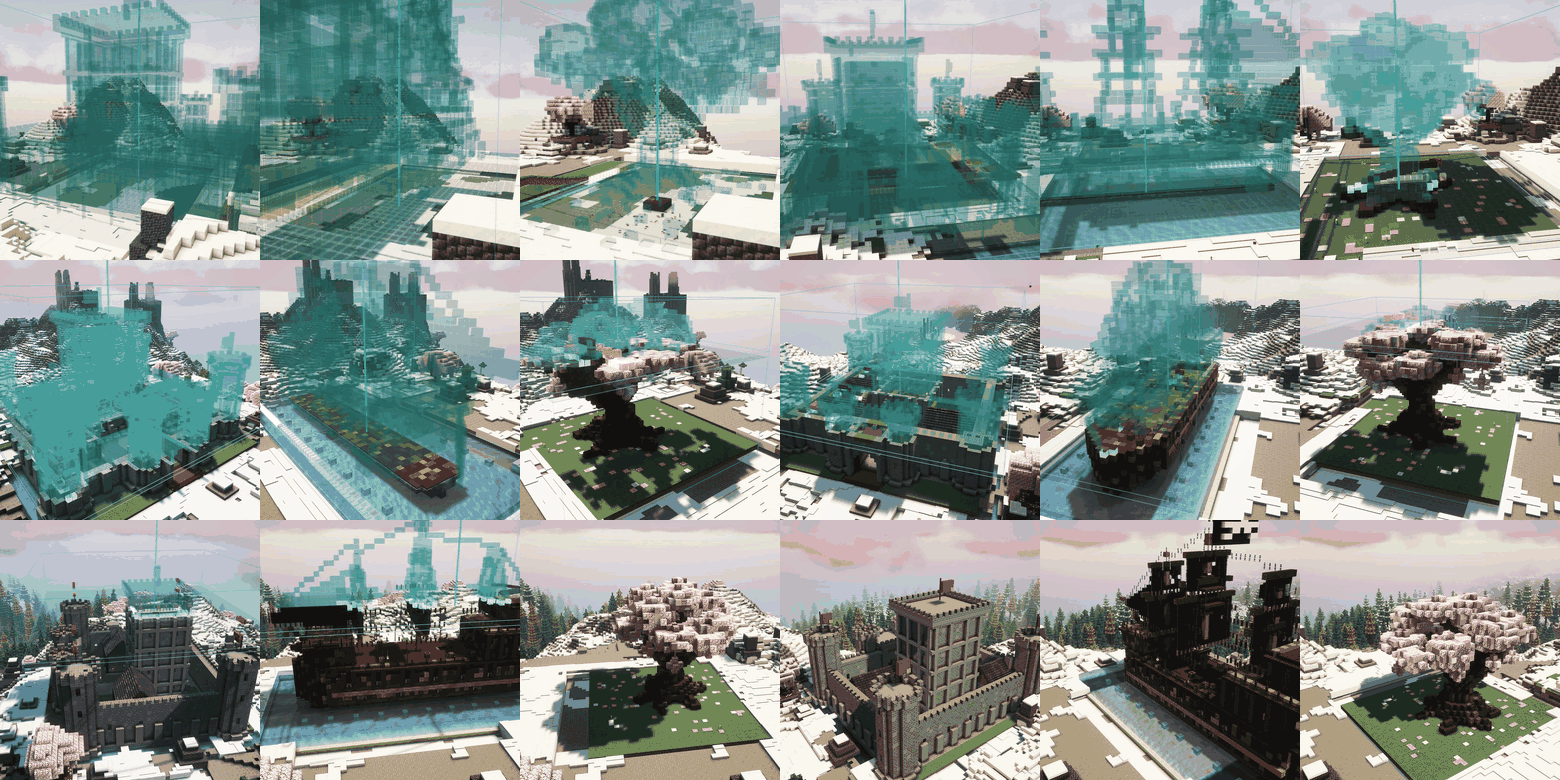
Farmstead AI Builder turns a sentence into a building. A player types /aibuild create a medieval tavern with a porch, and a couple of minutes later a hologram of that tavern hangs under their crosshair. They carry it to the right spot, turn it to face the road, confirm, and the tavern is laid in front of them course by course, from the ground up.
Every build is planned for its own prompt: not a pre-made schematic with another texture. A fishing hut on stilts and a stone tower with a flag come out as two different buildings. Houses, castles, ships, bridges, farms, whole harbours, even trees and statues.
For NeoForge 1.21.1 servers. The same jar on players' clients draws the hologram and the build animation; players without it can still join.
Uses generative AI. Builds are generated by the Farmstead AI service (
ai.farmsteadminecraft.online), the mod places them. Generation is paid with AI tokens from the server owner's account on farmsteadminecraft.online; a build usually costs 200–600 tokens. The service receives the build description and the requesting player's UUID and nickname, nothing else.
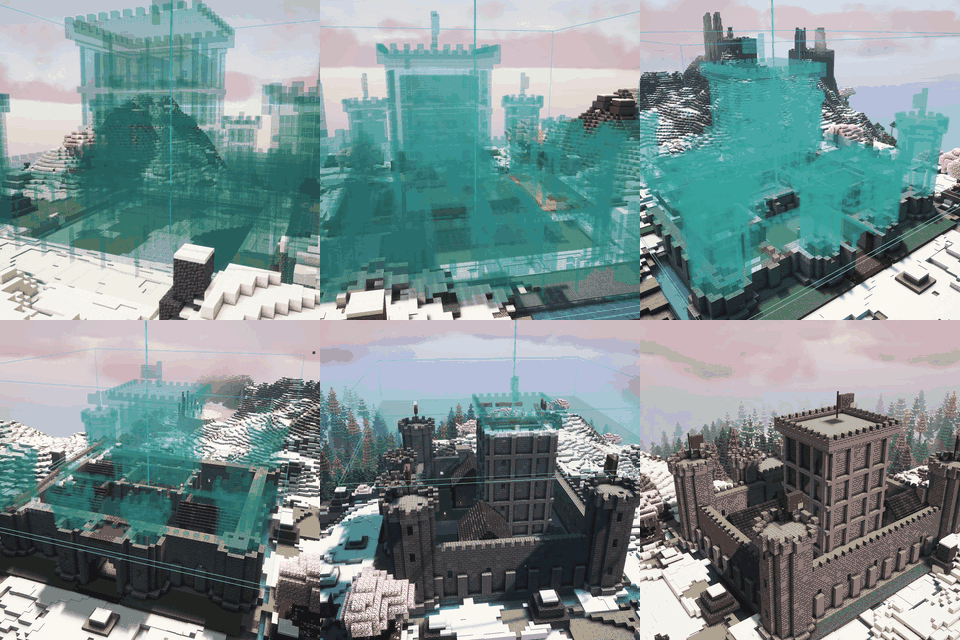 A castle rises out of its hologram |
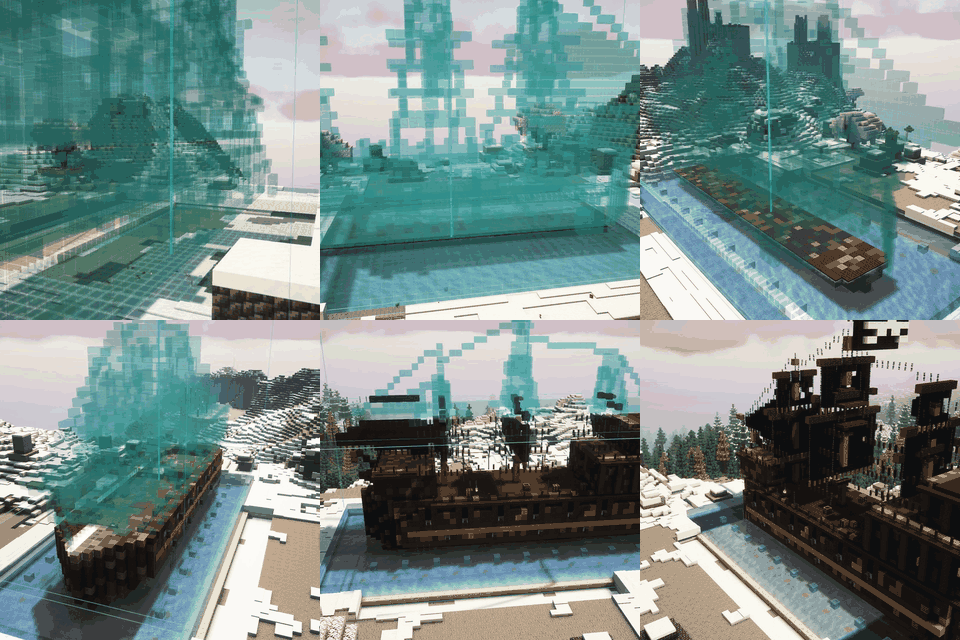 A galleon in its own dock |
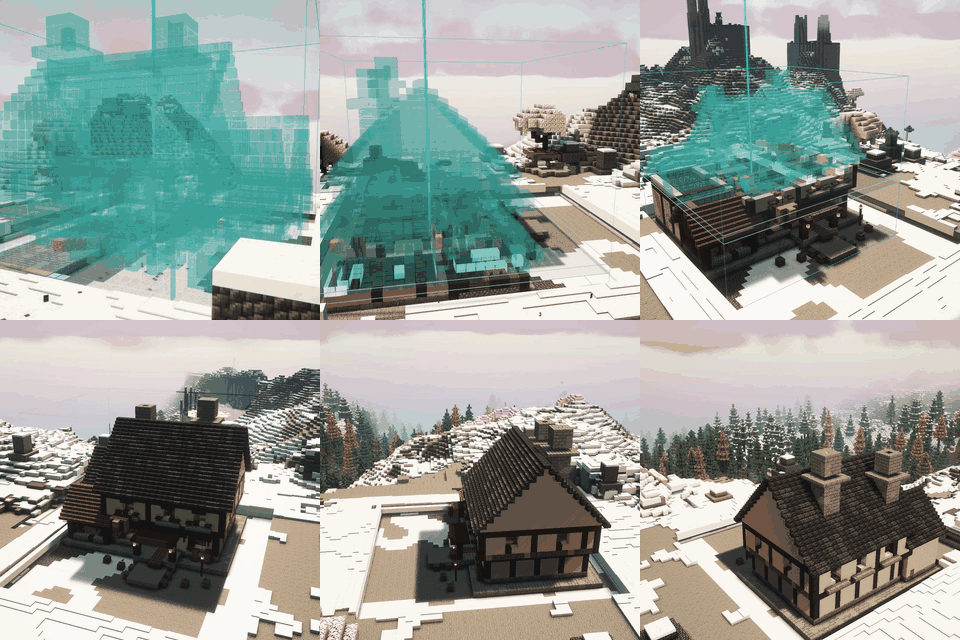 A timber tavern, course by course |
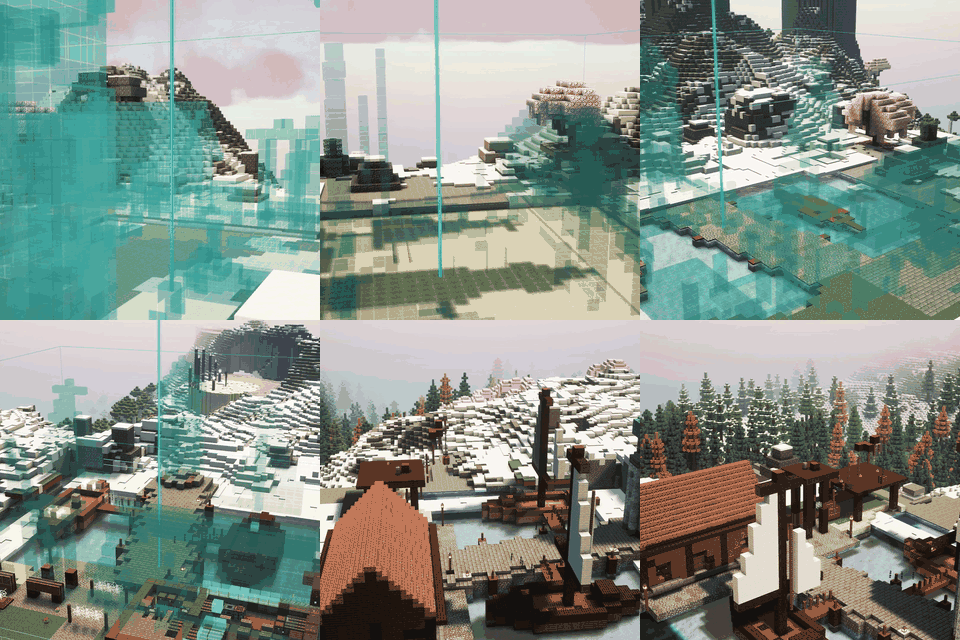 A whole harbour from one prompt |
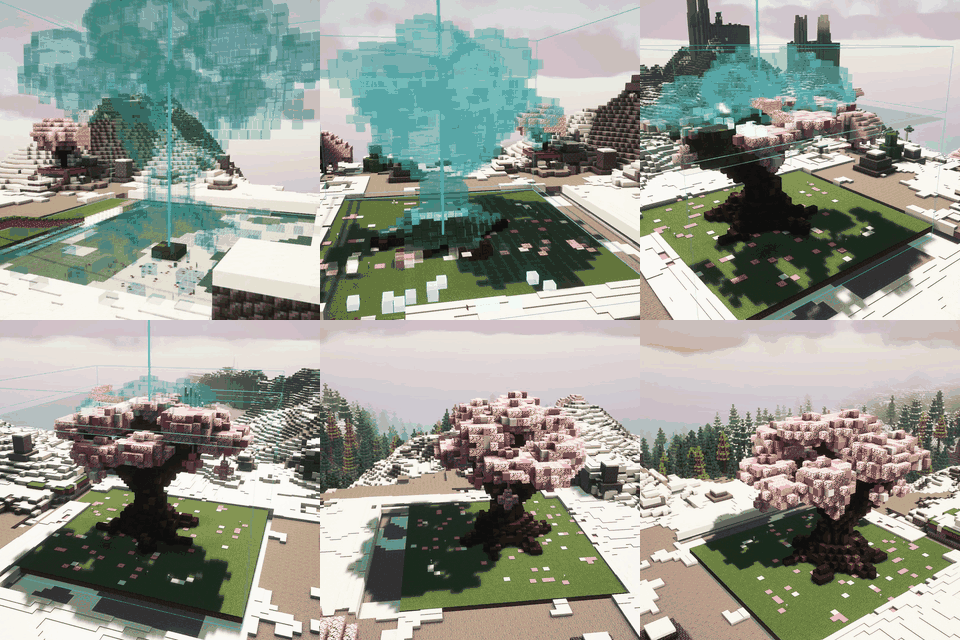 Not only buildings: a sakura garden |
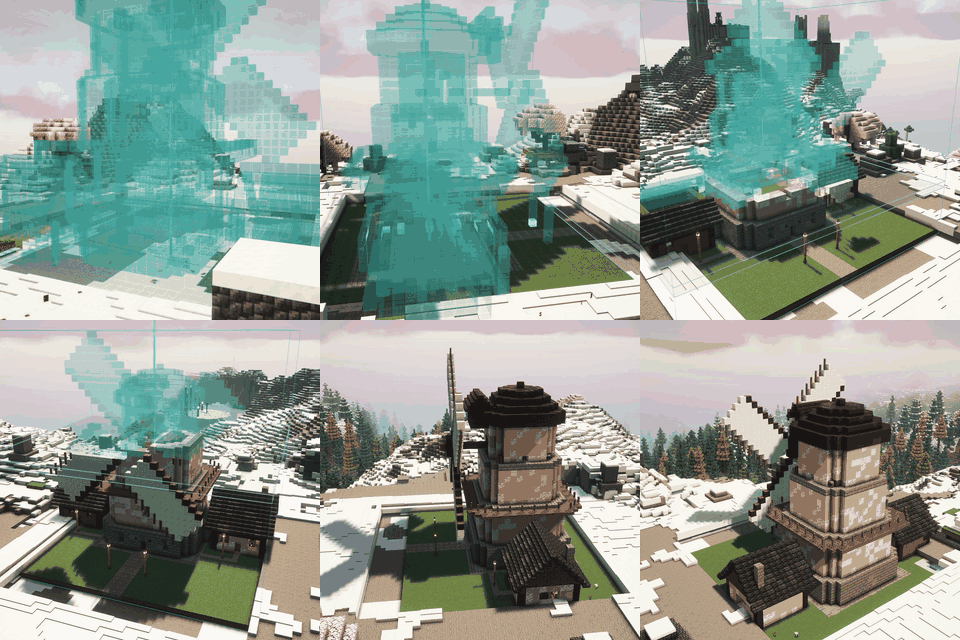 A windmill, sails and all |
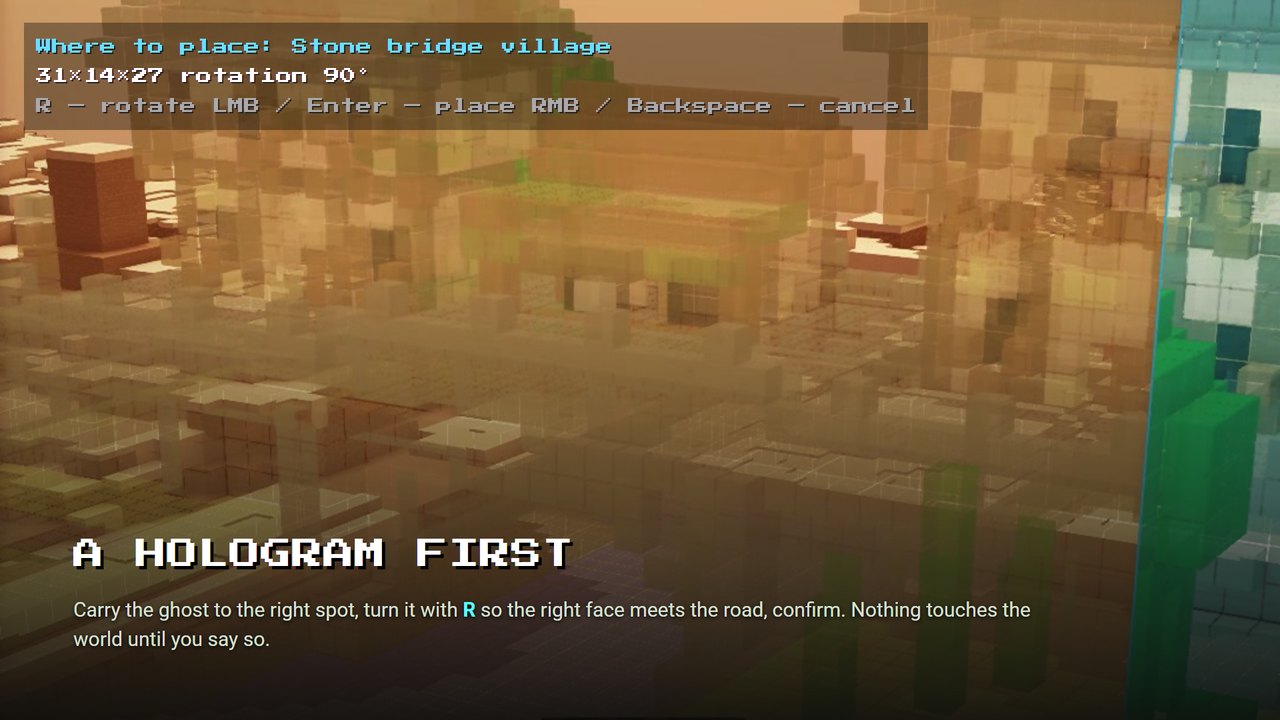 Aim the hologram, turn it with R |
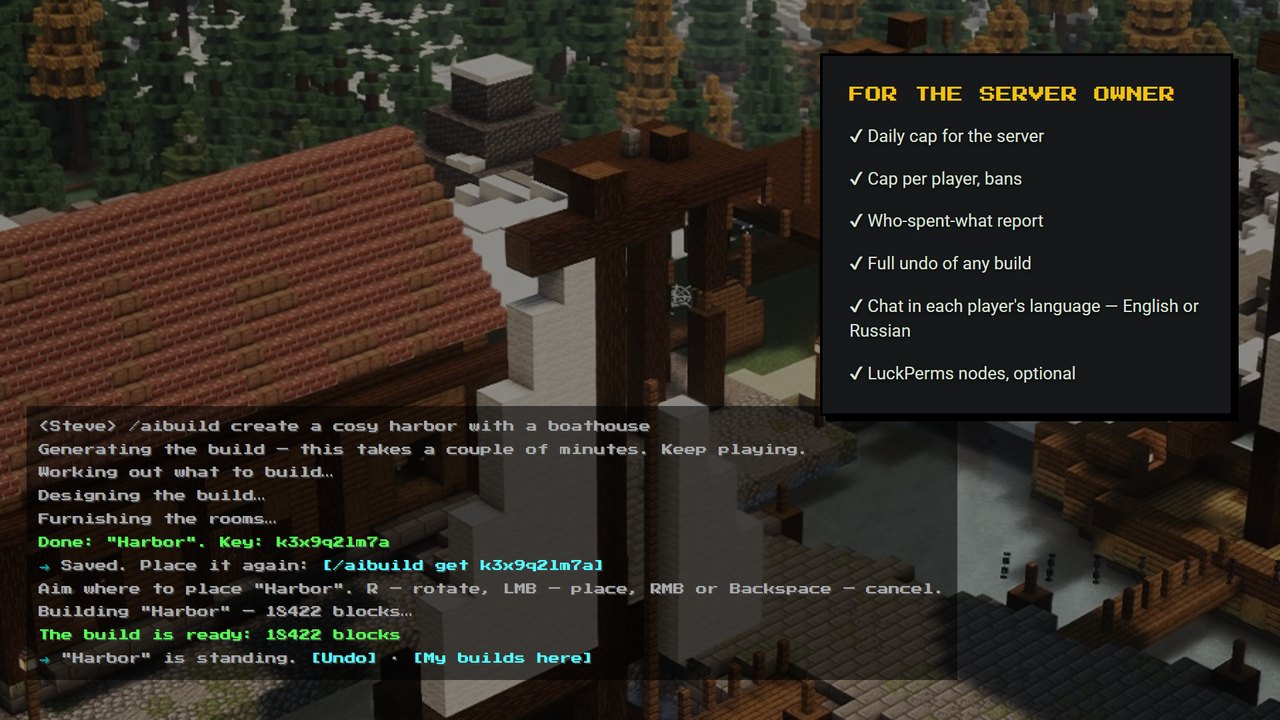 Every step told in chat, clickable |
R rotates, LMB or Enter places, RMB or Backspace cancels./aibuild area marks two corners in the world, and the build is planned to fit that volume, not cut down to it./aibuild undo brings back the trees, the slope and the road exactly, for the last build or any earlier one./aibuild list shows your builds, /aibuild get <key> places one again, anywhere, facing any way, for free.aibuilder.command.* node; the nodes are registered with the NeoForge Permission API, so LuckPerms sees them on its own./aibuild status for operators, a note on join when a new version is out.| Command | What it does | Tokens |
|---|---|---|
/aibuild create <description> |
Generate a build and place it through the hologram | yes |
/aibuild area → /aibuild area build <description> |
Generate into a selected region | yes |
/aibuild list, /aibuild get <key> |
Your builds; place one again | — |
/aibuild placed, /aibuild undo, /aibuild remove <n> |
Take a build down and restore the ground | — |
/aibuild balance |
What is left of today's cap | — |
/aibuild help, about, status |
Commands you can use, version, the server's spend (operators) | — |
mods/ and hand the same file to your players.config/farmstead_aibuilder.toml appears.fsm_ and is shown once.[api] section as bearer_token = "fsm_..." and restart the server. The log says [Farmstead] AI service OK.| Minecraft | Loader | Side |
|---|---|---|
| 1.21.1 | NeoForge | Server required, client recommended |
Java 21. Outbound HTTPS from the server to ai.farmsteadminecraft.online. Optional: LuckPerms, RegionGuard or Farmstead Claims.
Who pays for the builds? The server owner, with AI tokens on farmsteadminecraft.online. Players never pay; you decide how much each of them may spend per day.
Do players need the mod? Recommended, not required. With it they get the aiming hologram and the build animation; without it they can join and use the commands, and the build simply appears in front of them.
Will it lag my server? Generation runs on our service, not on your machine. Placement is spread over ticks at a few milliseconds each.
Can a player build over someone's base? Not with RegionGuard or Farmstead Claims installed: the whole build must fit inside the player's own claim. Without a claims mod, restrict the commands with permission levels or LuckPerms nodes.
Can I use it on a paid server or in a modpack? Yes: install it on your own servers, paid ones included, and hand it to your players, also inside a client modpack for your server. Re-uploading the jar to other sites is not allowed. Full license.
Made by Farmstead · Documentation · Issues · Changelog
Project description from CurseForge.
Pick your setup
Choose the version and loader you play, then open the matching release.
Check the dependencies, then try the file in a copied instance before changing a world you care about.
Recent files
farmstead-aibuilder-neoforge-1.21.1.jar
13 Nov 2026
farmstead-aibuilder-neoforge-1.21.1.jar
12 Nov 2026
Looking for an older file? The official CurseForge project page is in Resources.
 mod
A train mod using Create Aeronautics.
 mod
This provides more support and network management commands for Beyond Dimension.
 mod
Fixes overlapping Create Crushing Wheel recipes by removing exact duplicates and giving each unique recipe an equal chance to run.