Cinematic Interactions Optional for Cinematic Belongings cinematic_belongings-1.21.1-1.7.0.jar
optionalNo matching file

CurseForge · Minecraft mod
Reach into your bag: a 3D inventory and animated backpacks, made to match Cinematic Interactions.
Quick answer
Cinematic Belongings cinematic_belongings-1.21.1-1.7.0.jar targets 1.21.1 with Forge. The project page does not say whether this file belongs on the client, dedicated server, or both. No extra mods listed for this file.
Where it goes
The project page does not say whether this file belongs on the client, dedicated server, or both.
The source does not explicitly classify this release as client-only or server-only.
cinematic_belongings-1.21.1-1.7.0.jar. Change the file and its required mods may change too.
This file does not list any required mods. Do not add a library just because a different file uses it.
We only count dependency files that match this setup. A file for another loader does not fill the gap.
Before you install it
Built for Cinematic Belongings cinematic_belongings-1.21.1-1.7.0.jar. Pick another file and the loader, install side or required mods may change.
Use cinematic_belongings-1.21.1-1.7.0.jar. It targets 1.21.1 with Forge; another release may have different loader, side or dependency requirements.
This file does not list any required mods. Do not add a library just because a different file uses it.
The project page does not say whether this file belongs on the client, dedicated server, or both.
Use the “Get this file” button beside cinematic_belongings-1.21.1-1.7.0.jar. It opens that exact file at the source.
About this project
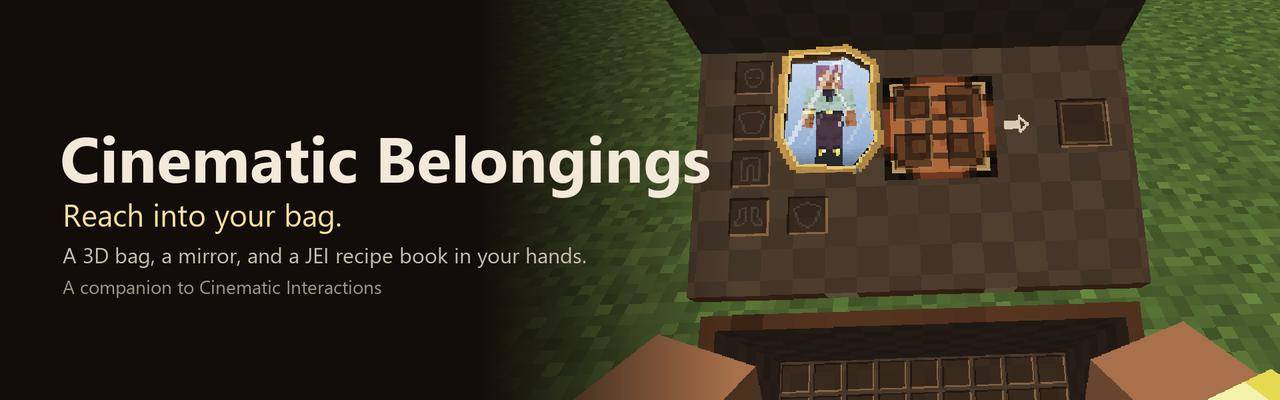
Your inventory deserves the Cinematic treatment.
Cinematic Interactions turned crafting tables, furnaces and anvils into hands-on scenes. Cinematic Belongings does the same for the things you carry: press E and you pull a satchel off your hip, throw back the flap and reach in for what you need.
Every item lies in the open bag as a real 3D item. Point at one and your hand hovers over it; click and you take it; click a pocket to put it down. The layout is the one you already know:
At a furnace, crafting table, anvil or any other Cinematic station, the bag icon at the left edge of the screen gives way to your bag, held open at your side. Point into it and your own hand reaches in, takes the item and carries it to the station, everything behaves exactly as before.
Press C while the bag is open to switch, or set it in the config:
| Style | |
|---|---|
| Full 3D | Items lie in the bag in 3D (default) |
| Semi 3D | The inventory panel lies flat inside the bag, its top half on the flap |
| Hybrid | The normal window, with the bag held beside it; your hand follows your mouse |
| Pouch | A small belt pouch opens and the normal window appears |
Press Tab at any time for the full window (recipe book, mod buttons).
With Sophisticated Backpacks, a worn backpack swings round off your shoulder into your hands, a held one is lifted and opened, and a placed one is opened as you lean over it. It is always the real backpack: its colours, upgrades and window.
Cinematic Belongings is my second mod, if you like the mod and would like to support the development or even support me making more mods in the future, you can; https://buymeacoffee.com/xayd Thank you so much!!
Not affiliated with Cinematic Interactions or Sophisticated Backpacks.
| File | Title | Description |
|---|---|---|
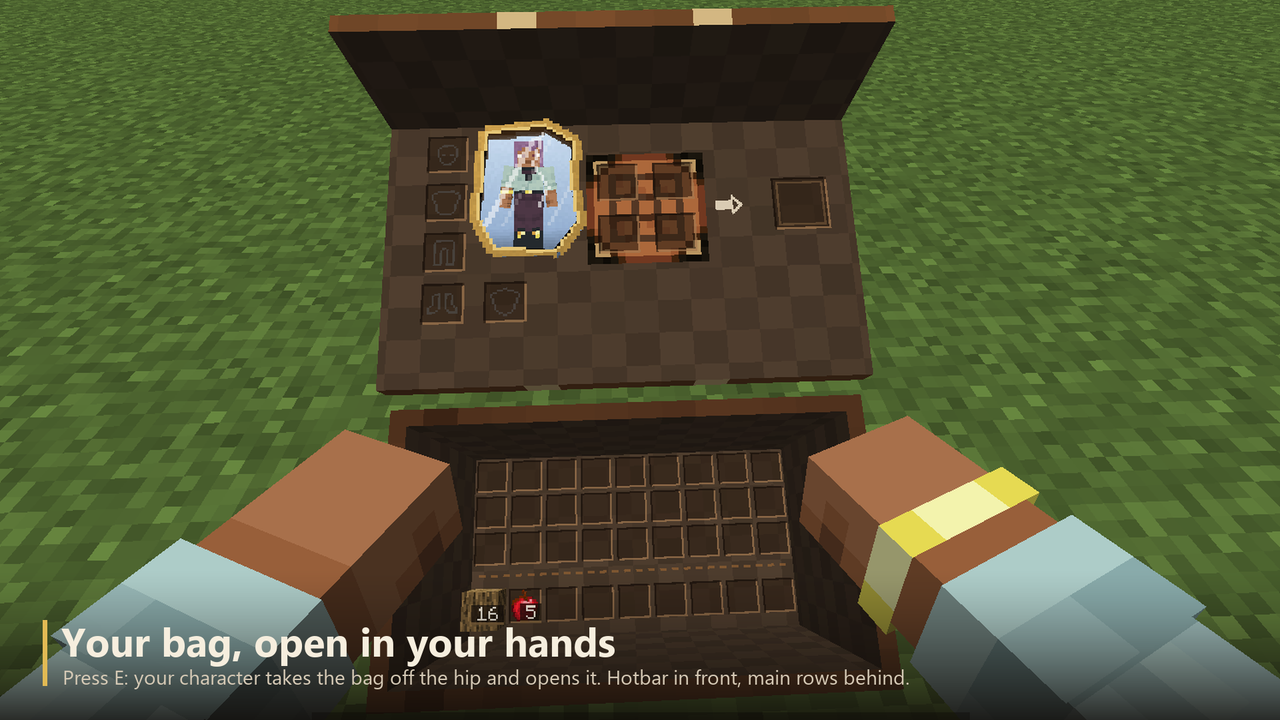 |
Your bag, open in your hands | Press E: your character takes the bag off the hip and opens it. Hotbar in front, main rows behind. |
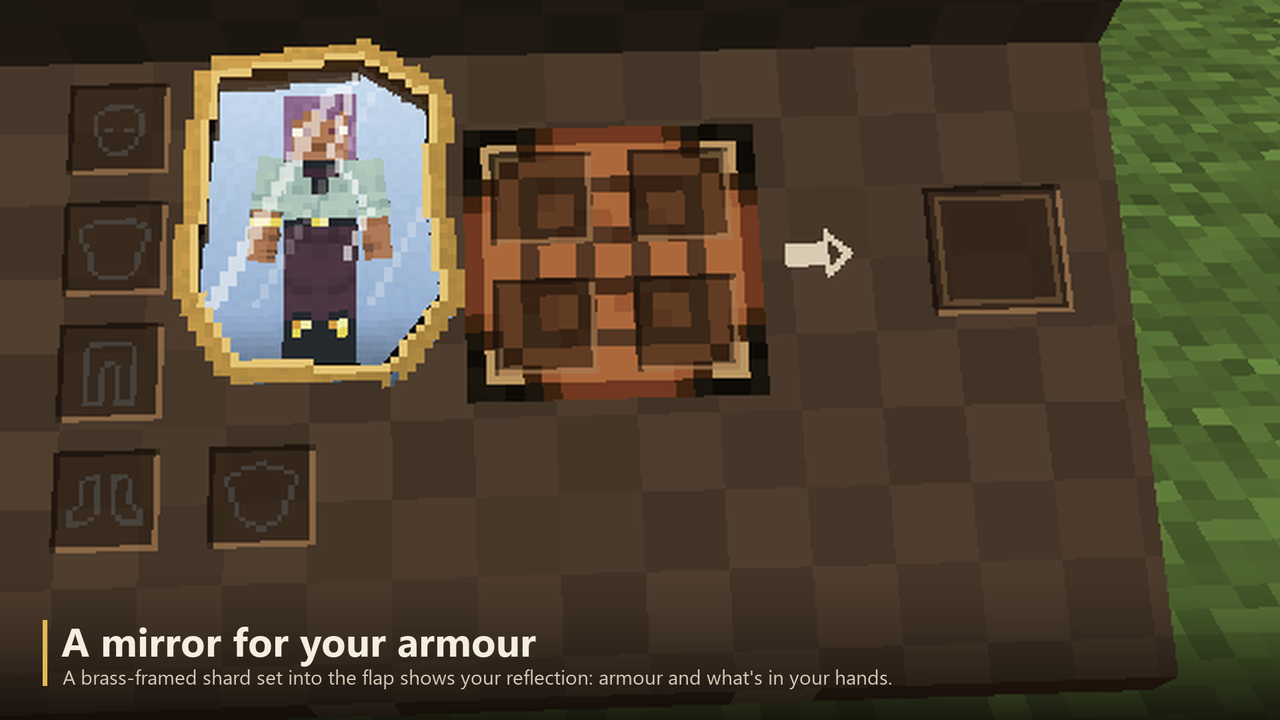 |
A mirror for your armour | A brass-framed shard set into the flap shows your reflection: armour and what's in your hands. |
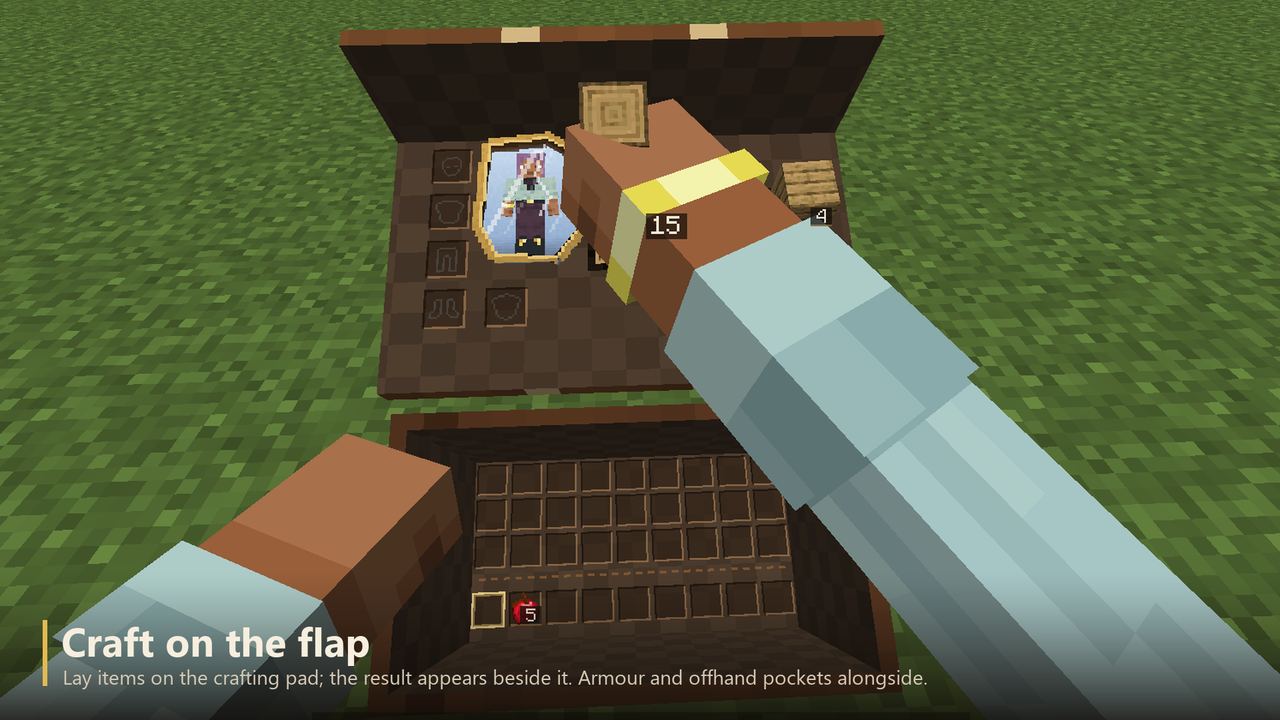 |
Craft on the flap | Lay items on the crafting pad; the result appears beside it. Armour and offhand pockets alongside. |
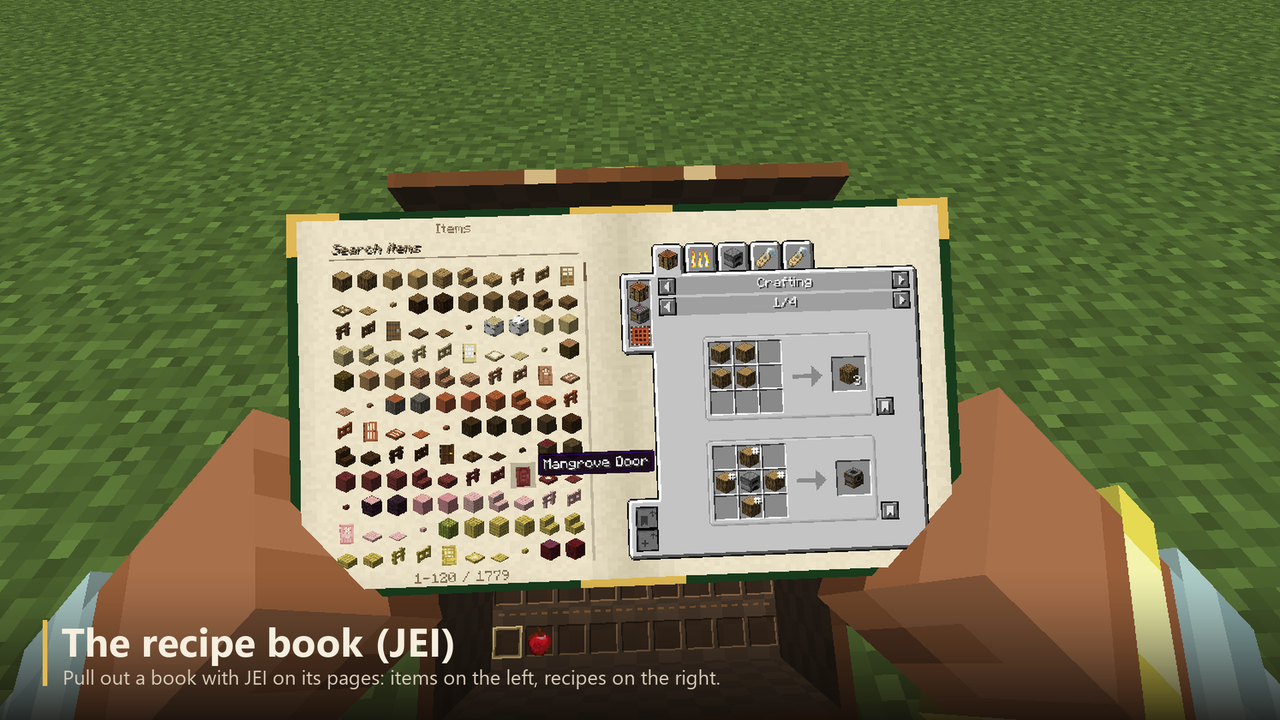 |
The recipe book (JEI) | Pull out a book with JEI on its pages: items on the left, recipes on the right. |
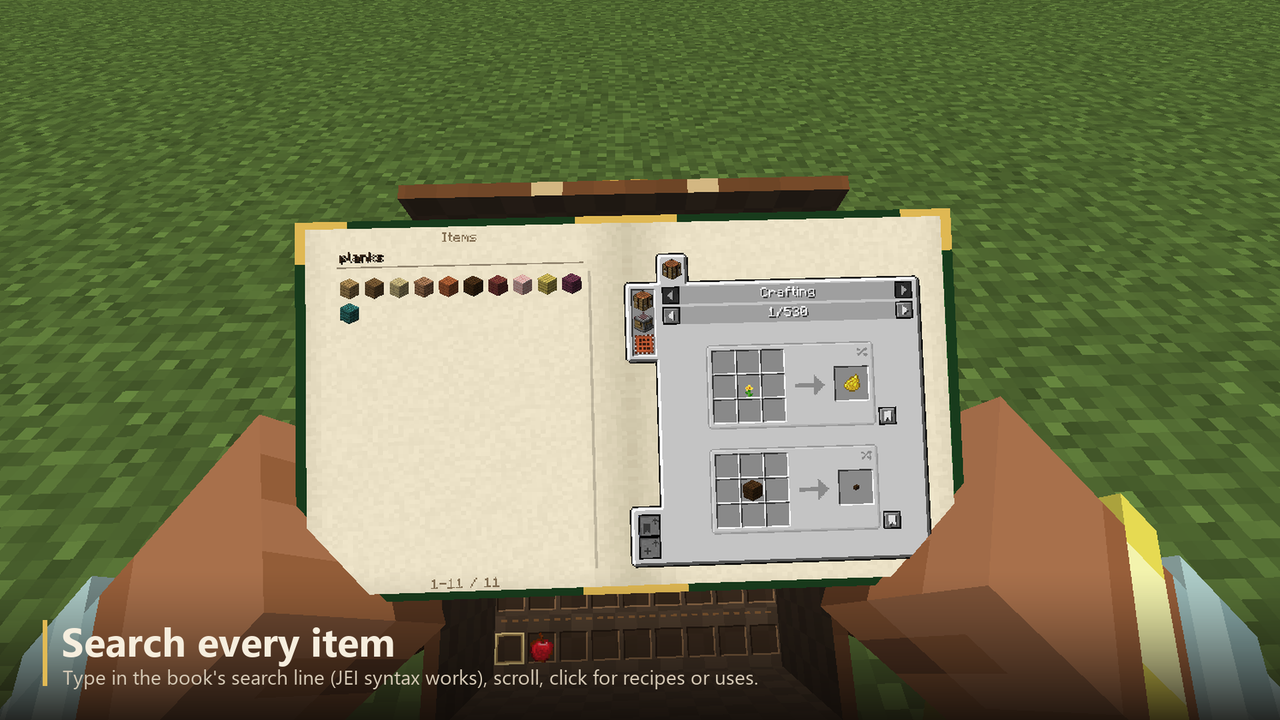 |
Search every item | Type in the book's search line (JEI syntax works), scroll, click for recipes or uses. |
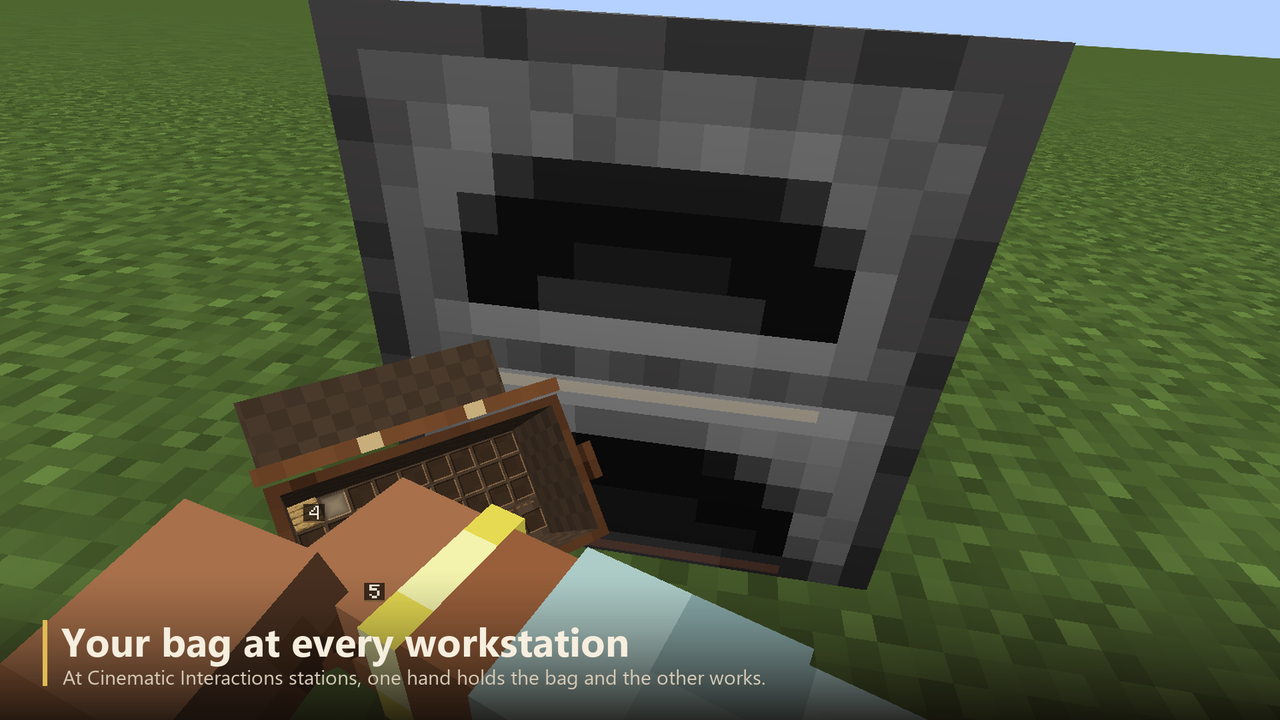 |
Your bag at every workstation | At Cinematic Interactions stations, one hand holds the bag and the other works. |
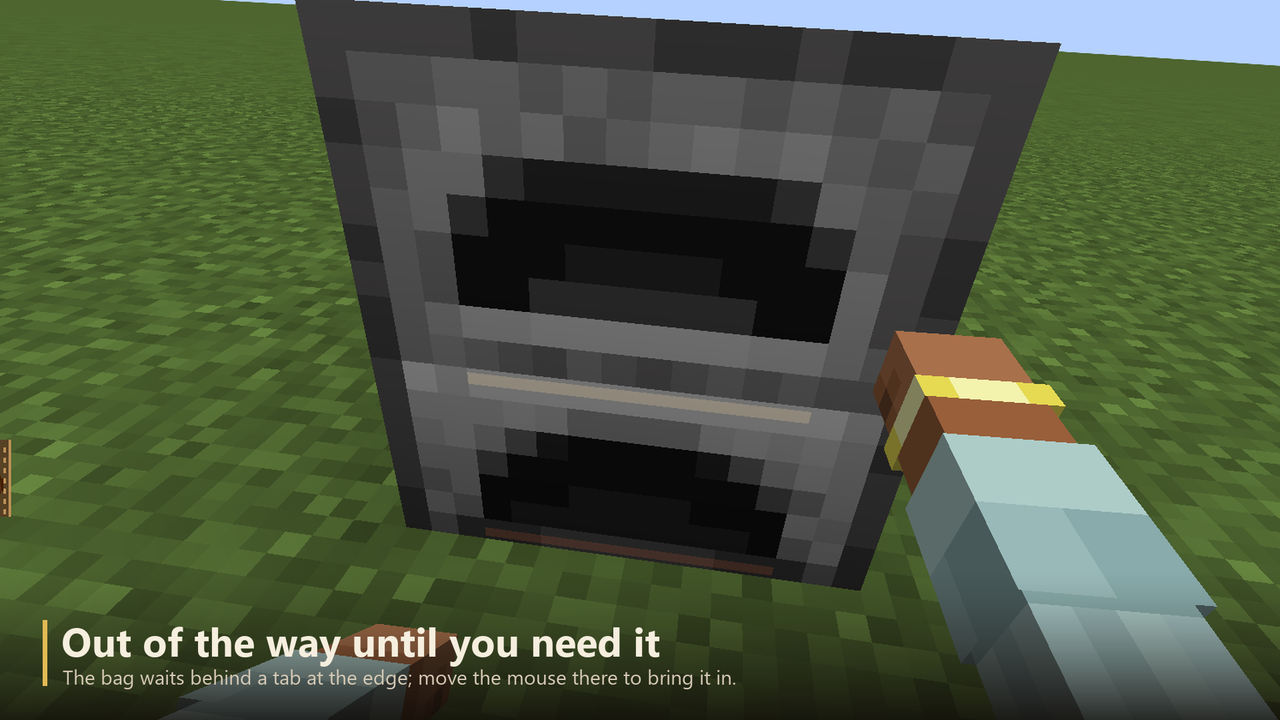 |
Out of the way until you need it | The bag waits behind a tab at the edge; move the mouse there to bring it in. |
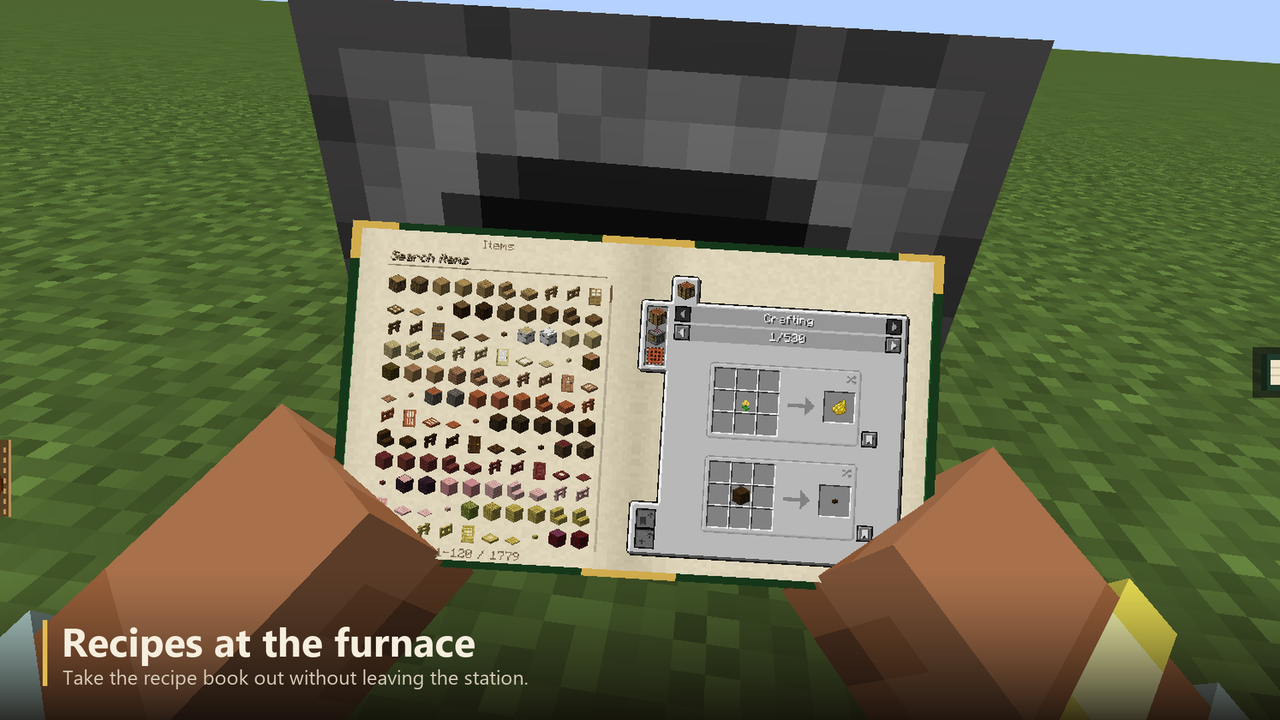 |
Recipes at the furnace | Take the recipe book out without leaving the station. |
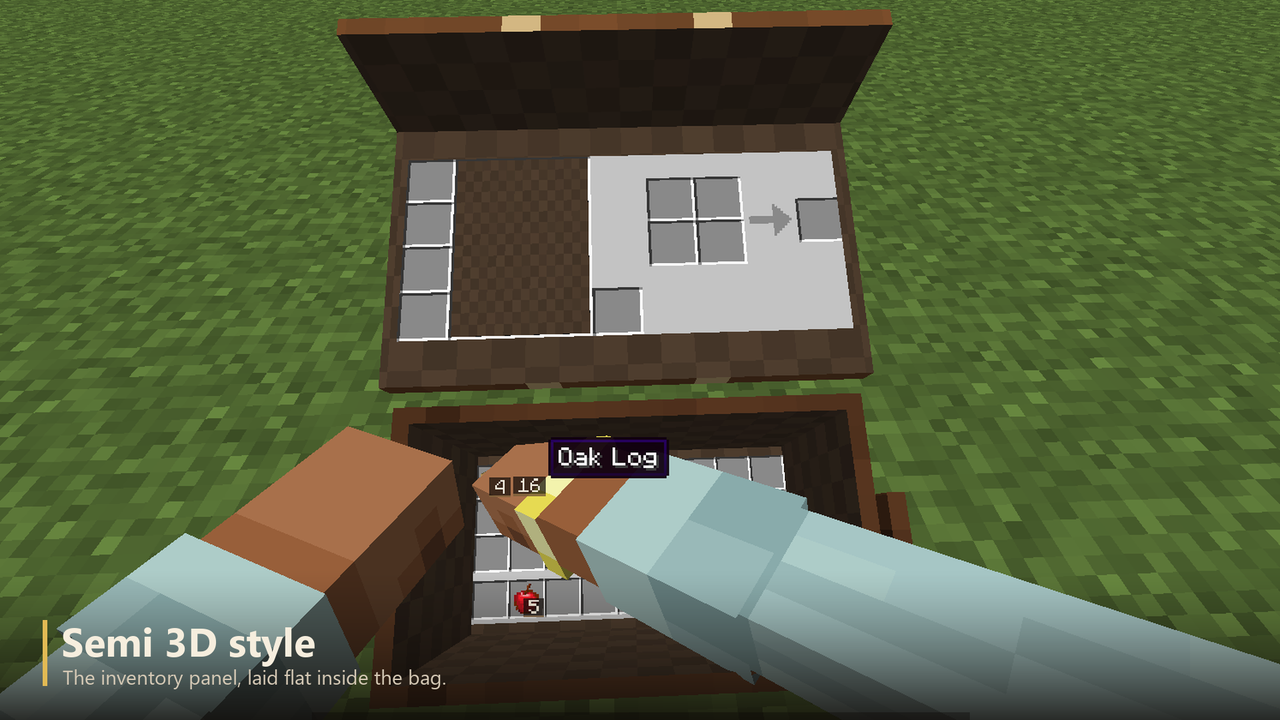 |
Semi 3D style | The inventory panel, laid flat inside the bag. |
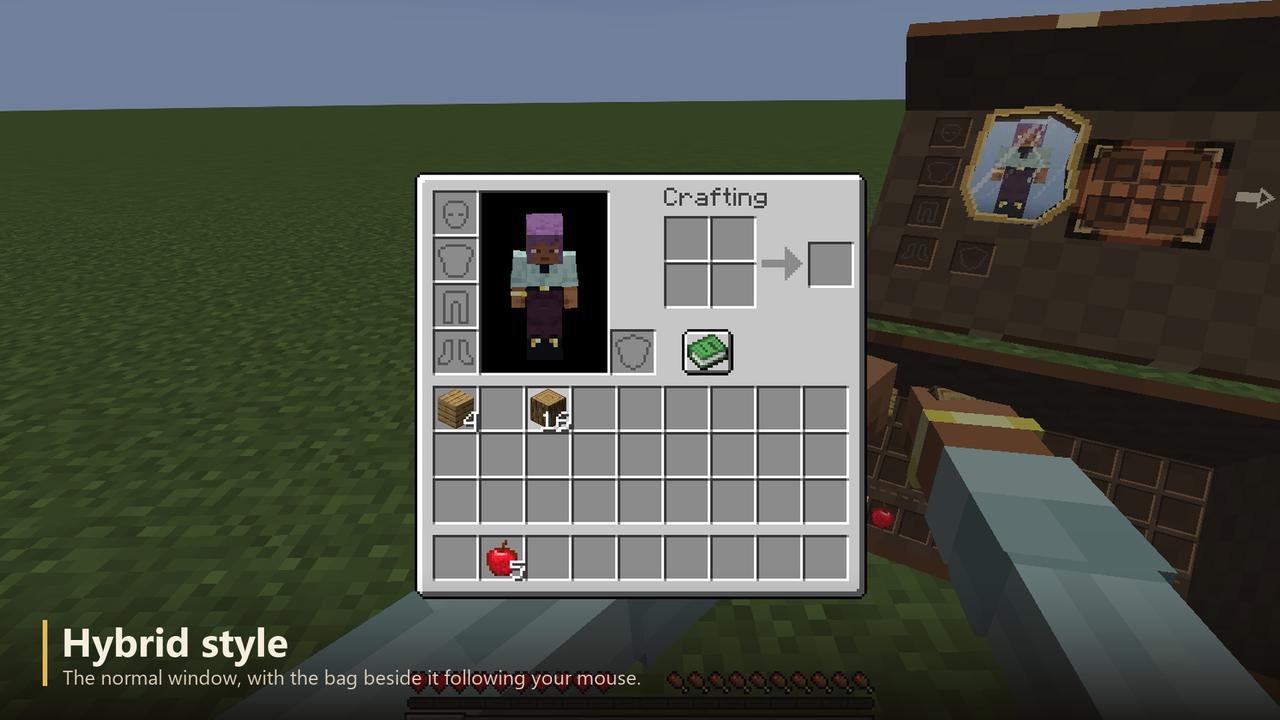 |
Hybrid style | The normal window, with the bag beside it following your mouse. |
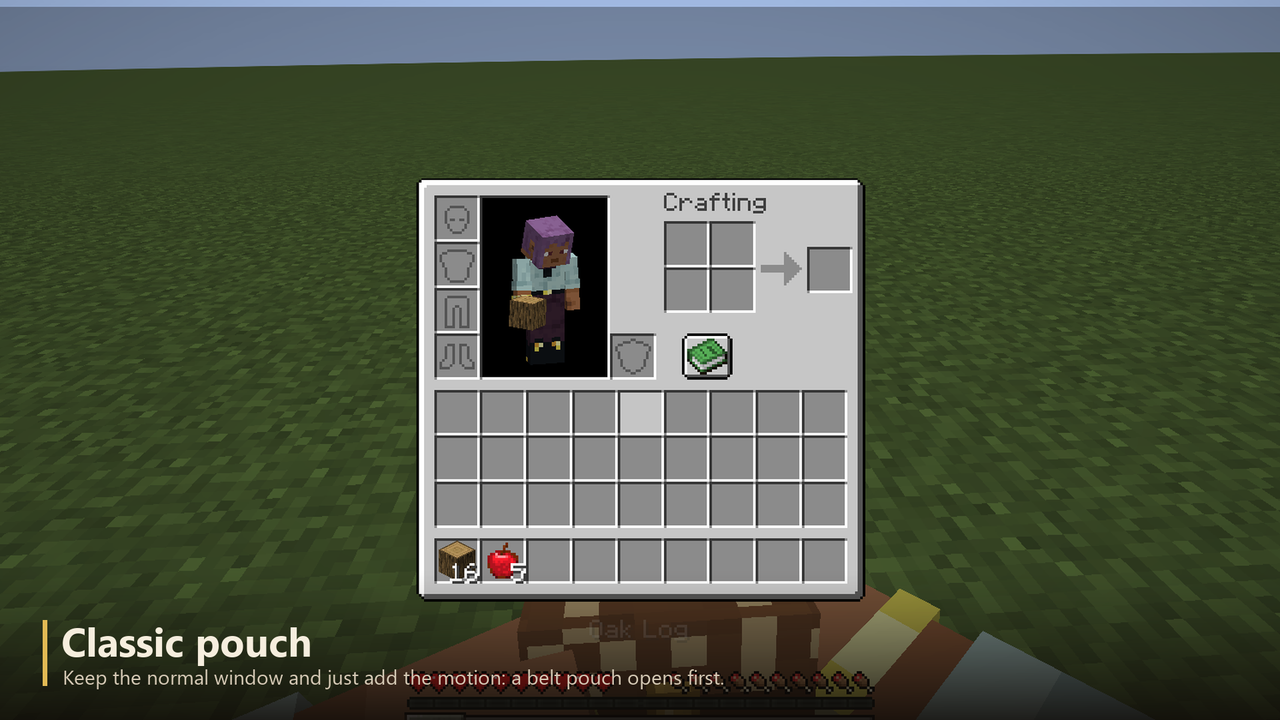 |
Classic pouch | Keep the normal window and just add the motion: a belt pouch opens first. |
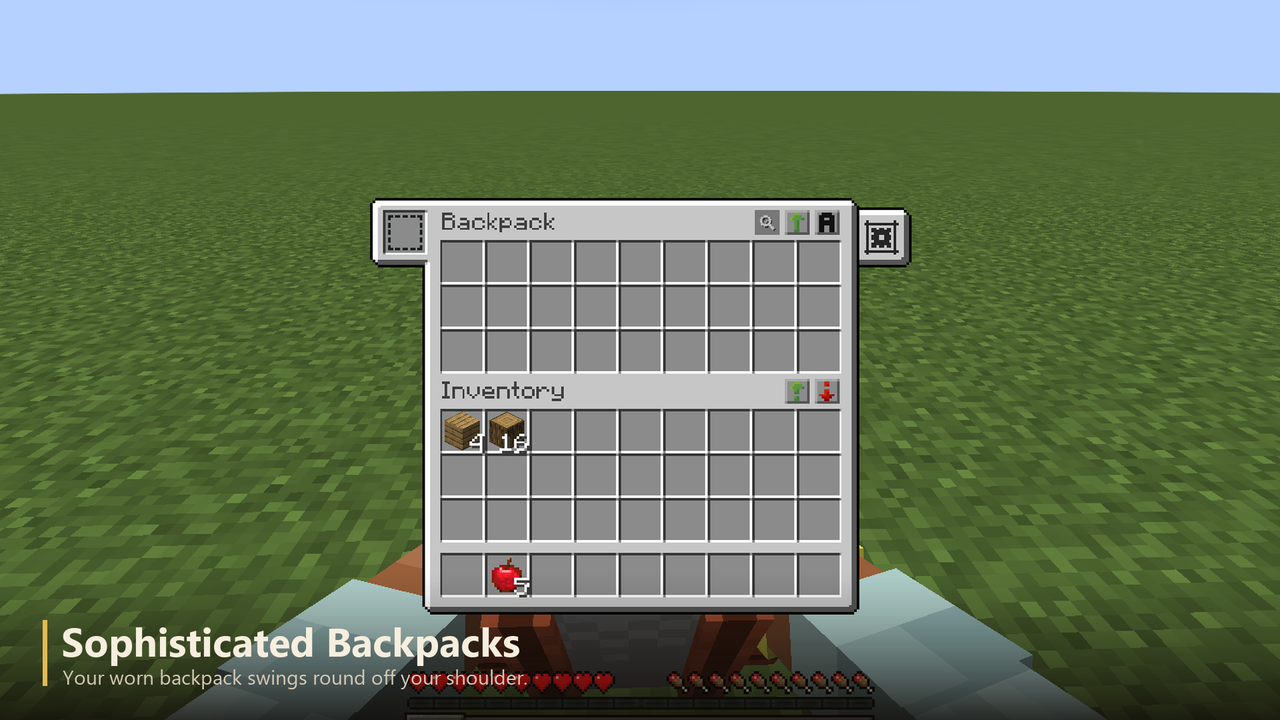 |
Sophisticated Backpacks | Your worn backpack swings round off your shoulder. |
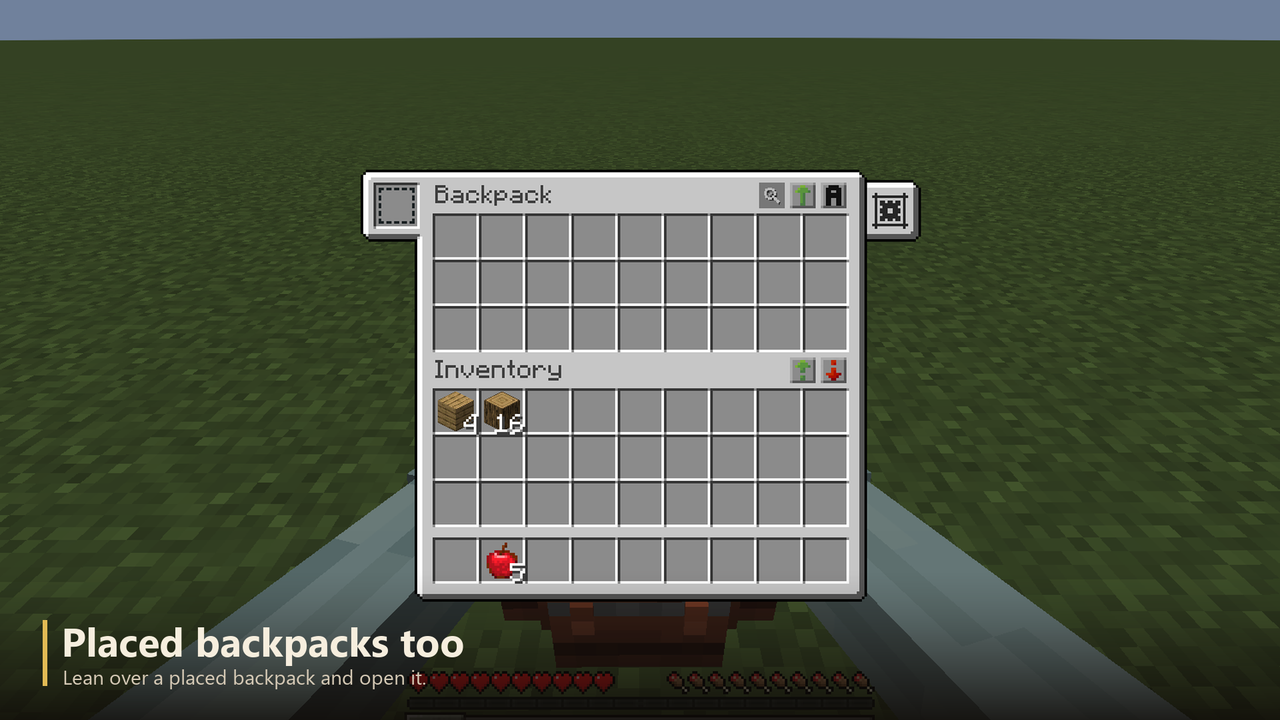 |
Placed backpacks too | Lean over a placed backpack and open it. |
RECOMMENDED
It is heavily recommended to install, Cinematic Interactions, JEI Sophisticated Backpacks
Project description from CurseForge.
Pick your setup
Choose the version and loader you play, then open the matching release.
Check the dependencies, then try the file in a copied instance before changing a world you care about.
Recent files
24 Nov 2026
24 Nov 2026
24 Nov 2026
22 Nov 2026
22 Nov 2026
cinematic_belongings-forge-1.20.1-1.0.0.jar
22 Nov 2026
cinematic_belongings-1.21.1-1.0.0.jar
20 Nov 2026
20 Nov 2026
19 Nov 2026
14 Nov 2026
14 Nov 2026
14 Nov 2026
Looking for an older file? The official CurseForge project page is in Resources.
 mod
Automatically restores missing mod items into the vanilla Creative inventory so players can access every item effortlessly.
 mod
Addon for Base Metals supporting Modern Metals.
 mod
API for the Valhelsia mods and friends.