Back to mods
Snowman project artwork

CurseForge · Minecraft mod

Snowman

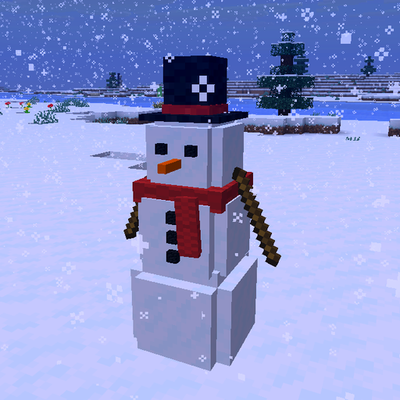
Roll giant snowballs, stack them and decorate your own snowman with a scarf and top hat

Choose a version Pick your version below, then grab the matching file.

Quick answer

Which Snowman release should I use?

Updated today
Latest stable file Snowman 1.2.0 (NeoForge, 26.2)
Game version 26.2
Loader NeoForge

Snowman 1.2.0 (NeoForge, 26.2) targets 26.2 with NeoForge. The project page does not say whether this file belongs on the client, dedicated server, or both. All 1 required mods have matching files.

Where it goes

Is Snowman required on the client, server, or both?

The project page does not say whether this file belongs on the client, dedicated server, or both.

Client Source doesn’t say
Dedicated server Source doesn’t say
Loader for this release NeoForge
Required install it here Optional supported, not mandatory Not supported do not install here Source doesn’t say do not assume

The source does not explicitly classify this release as client-only or server-only.

What else does Snowman 1.2.0 (NeoForge, 26.2) need?

Snowman 1.2.0 (NeoForge, 26.2). Change the file and its required mods may change too.

All 1 required mods have matching files

Install MyCel first. We found matching files for this game-version and loader setup.

MyCel Needed by Snowman 1.2.0 (NeoForge, 26.2)
required
Matching file found Matched file: Mycel 1.7.0 (Fabric, Forge, NeoForge, 26.2)
We only count dependency files that match this setup. A file for another loader does not fill the gap.

Before you install it

Add Snowman without breaking your instance.

Built for Snowman 1.2.0 (NeoForge, 26.2). Pick another file and the loader, install side or required mods may change.

  1. 01

    Stick to this file

    Use Snowman 1.2.0 (NeoForge, 26.2). It targets 26.2 with NeoForge; another release may have different loader, side or dependency requirements.

  2. 02

    Bring the mods it needs

    Install MyCel first. We found matching files for this game-version and loader setup.

  3. 03

    Put it on the correct side

    The project page does not say whether this file belongs on the client, dedicated server, or both.

  4. 04

    Pick the file you checked

    Use the “Get this file” button beside Snowman 1.2.0 (NeoForge, 26.2). It opens that exact file at the source.

About this project

What does Snowman add?

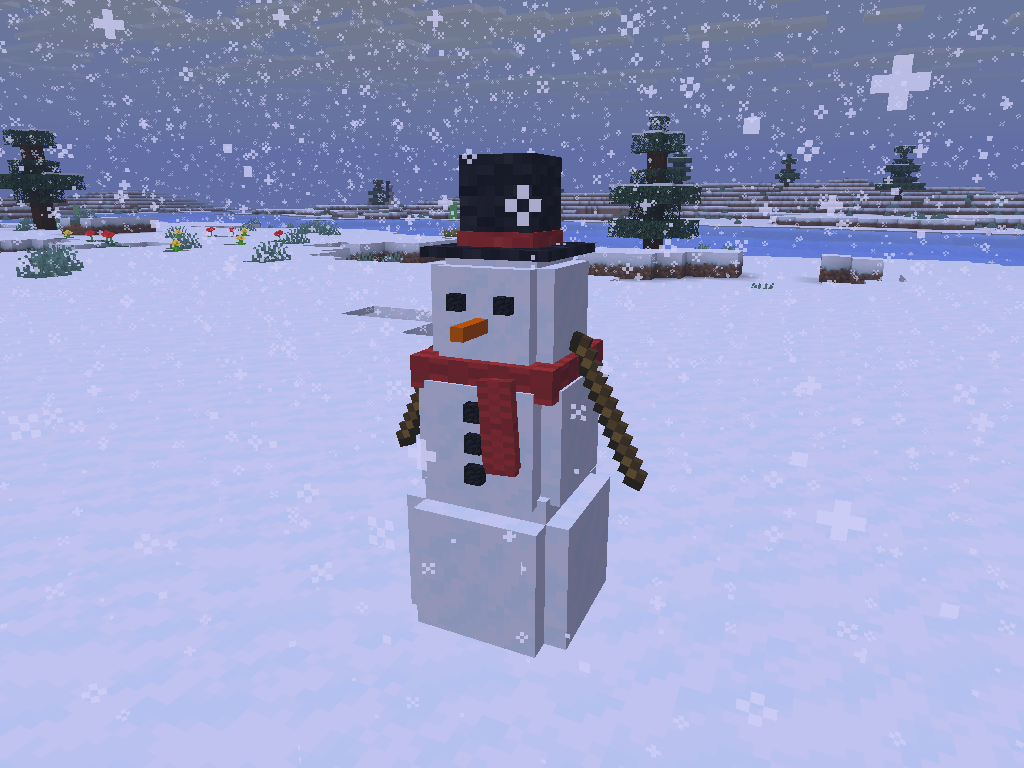
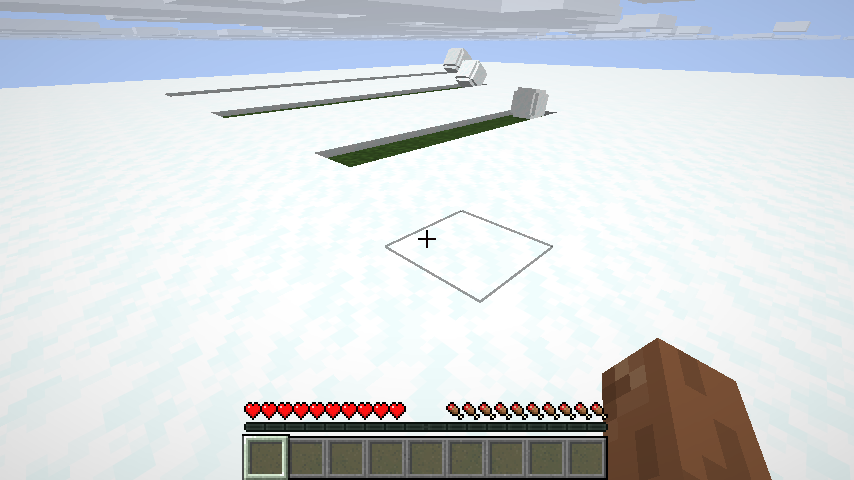
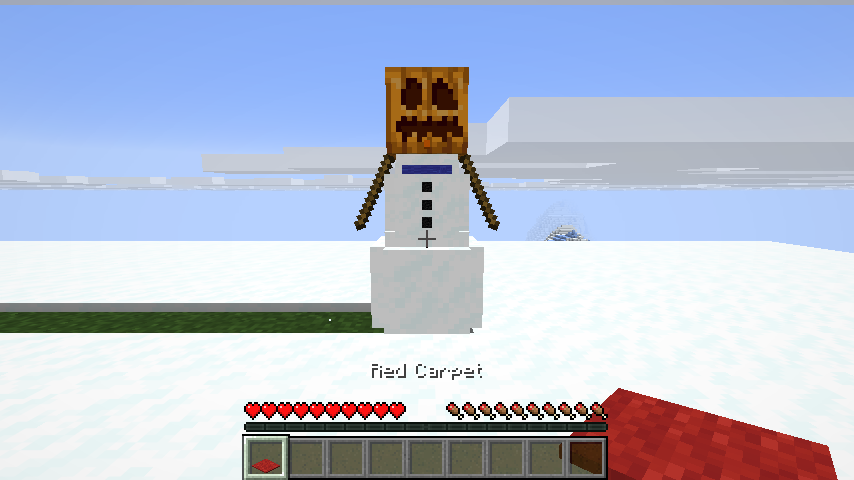
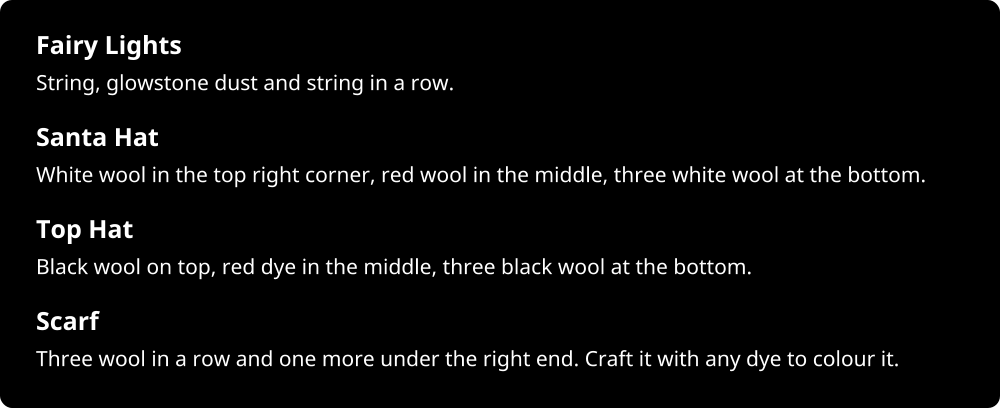
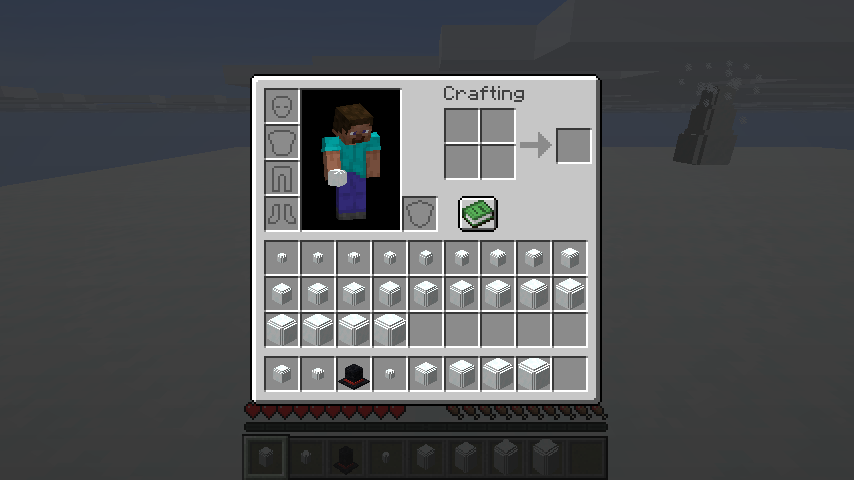
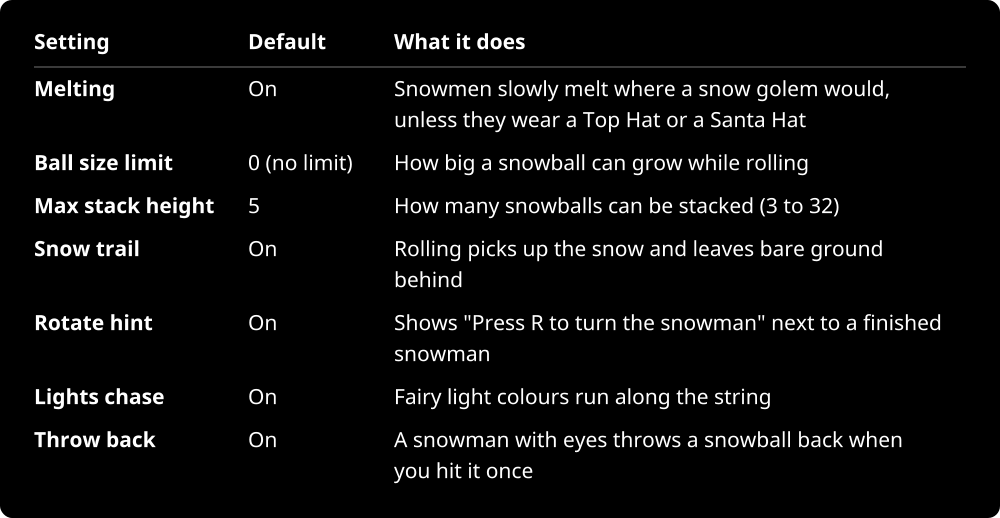
Snowman CurseForge downloads Minecraft 26.1 to 26.3 Fabric, Forge, NeoForge Client and server Java 25 Requires Mycel Docs on the wiki License Mycel is required: this mod needs the Mycel library to run. Install Mycel next to it, for the same Minecraft version and loader. Download it from CurseForge. About the mod Snowman Roll a snowball through the snow until it is big enough, stack three, and decorate it. Every snowman turns out different, because you decide how big each snowball gets. A snowman with a top hat and a red scarf in falling snow How it works Pack a snowball: Right-click snow with an empty hand. Roll it: Walk into it to push it, or hit it to kick it away. It rolls smoothly in any direction, slides along walls and rolls down drops, but never uphill. Every block of snow it rolls over adds one size, with no size limit, and leaves bare ground behind. Pick it up: Right-click a snowball with an empty hand. It becomes a Rolled Snowball item t Snowballs rolled through snow, each leaving a trail of grass Decorating Coal or charcoal: Goes where you aim. On the head: eyes first, then a smile. On the body: up to three buttons. A carrot: The nose. Sticks: Up to two arms. Fairy Lights: A string of coloured bulbs wound around the snowman. They glow in the dark and the colours run along the string. A Scarf: Knitted, with a hanging end. Dye it any colour, like leather armor. A Top Hat or a Santa Hat: A snowman weari A snowman wearing a carved pumpkin as its head Recipes Fairy Lights: String, glowstone dust and string in a row. Santa Hat: White wool in the top right corner, red wool in the middle, three white wool at the bottom. Top Hat: Black wool on top, red dye in the middle, three black wool at the bottom. Scarf: Three wool in a row and one more under the right end. Craft it with any dye to colour it. Rolled Snowballs of different sizes and a Top Hat in the inventory Settings Settings table: Melting, On, Snowmen slowly melt where a snow golem would, unless they wear a Top Hat or a Santa Hat; Ball size limit, 0 (no limit), How big a snowball can grow while rolling; Max stack height, 5, How many snowballs can be stacked (3 to 32); Snow trail, On, Rolling picks up the snow and leaves bare ground behind; Rotate hint, On, Shows "Press R to turn the snowman" next to a finished snowman; Ligh Change them with /mycel set snowmen <key> <value>, or in the config screen from the mod list on Forge and NeoForge.><="" p=""> Good to know Seven advancements in their own Snowman tab, from packing your first snowball to a fully dressed snowman. Install it on the server and on every client: it adds five items, the Rolled Snowball, the Top Hat, the Santa Hat, the Scarf and the Fairy Lights. Every action has its own snowy sound, with subtitles. Snowmen are made of vanilla display entities. Without Mycel the game still starts: Snowman st

Project description from CurseForge.

Pick your setup

Snowman by Minecraft version and loader

Choose the version and loader you play, then open the matching release.

15 available setups

Check the dependencies, then try the file in a copied instance before changing a world you care about.

Recent files

Snowman versions and loaders

23 of 23 releases match

Looking for an older file? The official CurseForge project page is in Resources.