Minecraft version
Back to mods 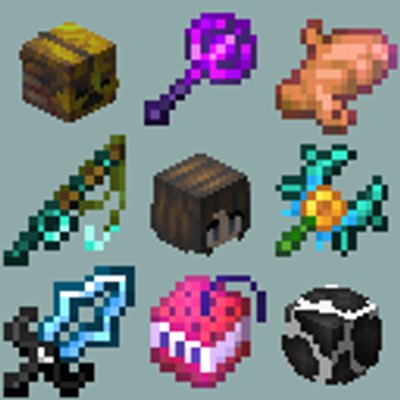
CurseForge · Minecraft mod
SkyBlock Item List
A purpose-built item and recipe viewer for Hypixel SkyBlock.
Choose a version Pick your version below, then grab the matching file.
Quick answer
Which SkyBlock Item List release should I use?
Latest stable file skyblock-item-list-0.0.25+26.2.jar
Game version 26.2
Loader Fabric
SkyBlock Item List skyblock-item-list-0.0.25+26.2.jar targets 26.2 with Fabric. The project page does not say whether this file belongs on the client, dedicated server, or both. No extra mods listed for this file.
Where it goes
Is SkyBlock Item List required on the client, server, or both?
The project page does not say whether this file belongs on the client, dedicated server, or both.
Client Source doesn’t say
Dedicated server Source doesn’t say
Loader for this release Fabric
Required install it here Optional supported, not mandatory Not supported do not install here Source doesn’t say do not assume
The source does not explicitly classify this release as client-only or server-only.
What else does SkyBlock Item List skyblock-item-list-0.0.25+26.2.jar need?
skyblock-item-list-0.0.25+26.2.jar. Change the file and its required mods may change too.
This file does not list any required mods. Do not add a library just because a different file uses it.
This file does not list any required or optional mods.
Before you install it
Add SkyBlock Item List without breaking your instance.
Built for SkyBlock Item List skyblock-item-list-0.0.25+26.2.jar. Pick another file and the loader, install side or required mods may change.
- 01
Stick to this file
Use skyblock-item-list-0.0.25+26.2.jar. It targets 26.2 with Fabric; another release may have different loader, side or dependency requirements.
- 02
Bring the mods it needs
This file does not list any required mods. Do not add a library just because a different file uses it.
- 03
Put it on the correct side
The project page does not say whether this file belongs on the client, dedicated server, or both.
- 04
Pick the file you checked
Use the “Get this file” button beside skyblock-item-list-0.0.25+26.2.jar. It opens that exact file at the source.
About this project
What does SkyBlock Item List add?
Features
- Main Item Panel
- Contains all items, attributes, enchantments, mobs, NPCs, pets, potions, and runes!
- Can be searched, resized, and filtered based on item type.
- Recipe and Item Usage Lookup
- Crafting Recipes,
- Forge Recipes,
- Kat Pet Upgrade Recipes,
- NPC Shop Recipes,
- Mob Drops.
- Favorites Panel
- Add your favorite SkyBlock items.
- Add frequently used recipes.
- Pin the recipe you're currently working on.
- Built-in Search Bar Calculator
- Bazaar (bz), Lowest BIN (lb), and NPC Sell (npc) price functions!
- Mod Compatibility API
- Register exclusion zones to prevent items from being placed on top of widgets.
- Hide the item list on custom screens.
- Easily receive keybind events without needing to create and maintain problematic mixins.
- Add custom buttons to recipes.
- For more information, see the Plugin API on GitHub.
Usage Guide
- See the "SkyBlock Item List" category in the Minecraft Controls screen to adjust keybinds.
- To toggle the overlay, while in the inventory, press
Ctrl + OorCmd + O. - To change the scale of items, hold
CtrlorCmdas you scroll over the item list. - Hovered Item Interactions
- When hovering over an item, you can view its recipes and usages or favorite it.
- To view its recipe, press
R. - To view its usages, press
U. - To favorite the item, press
F.
- Access the Config through Mod Menu or by clicking the "⚙" button next to the search bar.
Project description from CurseForge.
Pick your setup
SkyBlock Item List by Minecraft version and loader
Choose the version and loader you play, then open the matching release.
Check the dependencies, then try the file in a copied instance before changing a world you care about.
Recent files
SkyBlock Item List versions and loaders
skyblock-item-list-0.0.25+26.2.jar
skyblock-item-list-0.0.25-26.2.jar
15 Nov 2026
Client Source doesn’t say Server Source doesn’t say Dependencies No extras listed Listed on Release listing
Check the 26.2 · Fabric setup Fabric26.2 release
Looking for an older file? The official CurseForge project page is in Resources.
 mod
CurseForge + Modrinth · Minecraft
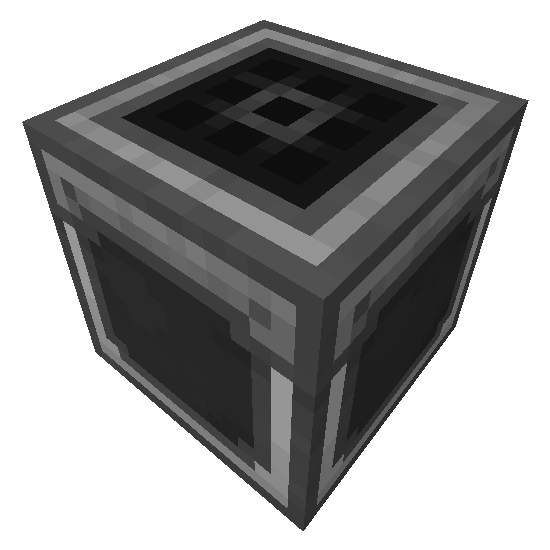
Step Crafter
Adds a Step Crafter and Step Requester which allows recursive crafting and keeping items in-stock to Refined Storage
 mod
CurseForge + Modrinth · Minecraft
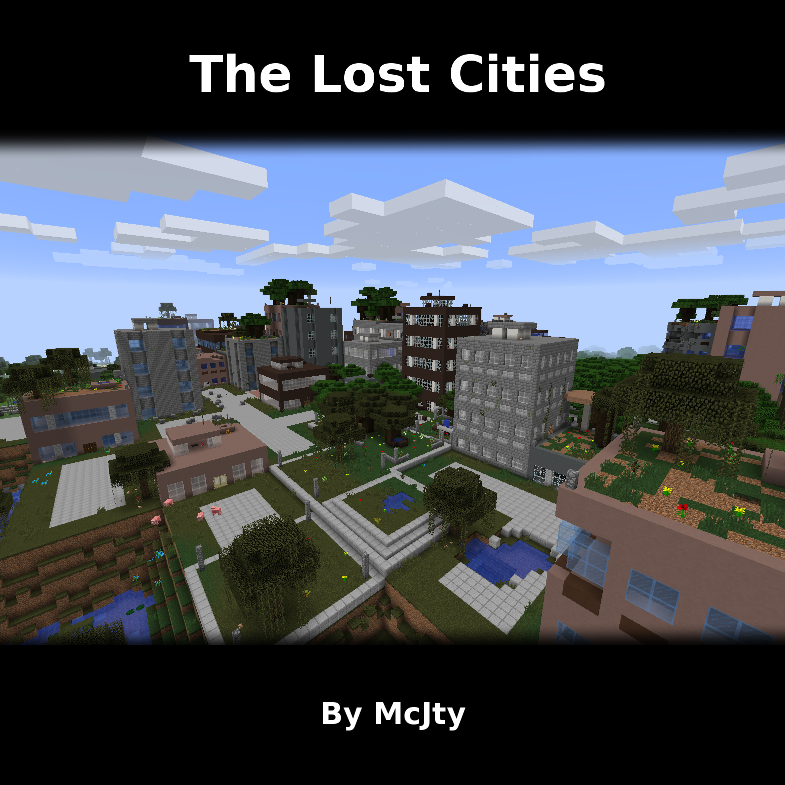
The Lost Cities
Allows the player to play in an old abandoned city instead of the normal overworld
 mod
CurseForge · Minecraft
Seeds From All Dirt Blocks
Breaking grass, dirt, podzol and mycelium can drop seeds, crops and mushrooms, including seeds from other mods. Configurable, datapack-friendly and server-side.