Minecraft version
Back to mods 
CurseForge · Minecraft mod
PackForge Architect
Build from the shape of a brick to the plan of a town: a shape workshop, smart placement, plans, survival construction sites and 4,000+ decorative blocks.
Choose a version Pick your version below, then grab the matching file.
Quick answer
Which PackForge Architect release matches 26.1.2?
beta file PackForge Architect 0.2.1 (26.1.2)
Game version 26.1.2
Loader NeoForge
PackForge Architect 0.2.1 (26.1.2) targets 26.1.2 with NeoForge. The project page does not say whether this file belongs on the client, dedicated server, or both. No extra mods listed for this file.
Where it goes
Is PackForge Architect required on the client, server, or both?
The project page does not say whether this file belongs on the client, dedicated server, or both.
Client Source doesn’t say
Dedicated server Source doesn’t say
Loader for this release NeoForge
Required install it here Optional supported, not mandatory Not supported do not install here Source doesn’t say do not assume
The source does not explicitly classify this release as client-only or server-only.
What else does PackForge Architect 0.2.1 (26.1.2) need?
PackForge Architect 0.2.1 (26.1.2) on 26.1.2. Every mod below is checked against that same setup.
This file does not list any required mods. Do not add a library just because a different file uses it.
This file does not list any required or optional mods.
Before you install it
Add PackForge Architect without breaking your instance.
Built for PackForge Architect 0.2.1 (26.1.2) on 26.1.2. Pick another file and the loader, install side or required mods may change.
- 01
Stick to this file
Use PackForge Architect 0.2.1 (26.1.2). It targets 26.1.2 with NeoForge; another release may have different loader, side or dependency requirements.
- 02
Bring the mods it needs
This file does not list any required mods. Do not add a library just because a different file uses it.
- 03
Put it on the correct side
The project page does not say whether this file belongs on the client, dedicated server, or both.
- 04
Pick the file you checked
Use the “Get this file” button beside PackForge Architect 0.2.1 (26.1.2). It opens that exact file at the source.
About this project
What does PackForge Architect add?
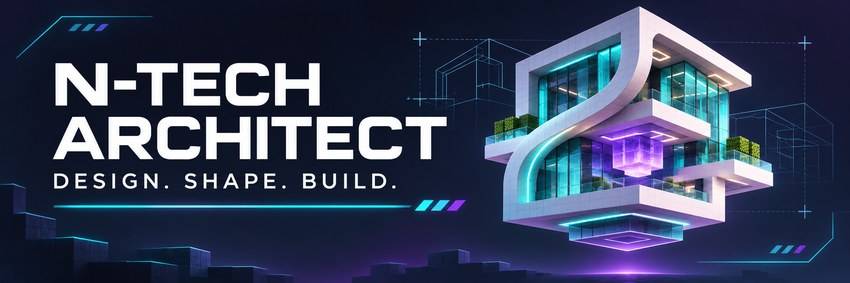
Minecraft 1.21.1 • NeoForge • Building tools & decorative blocks
Pattern building • Shape workshop • Blueprints • 17-color collections
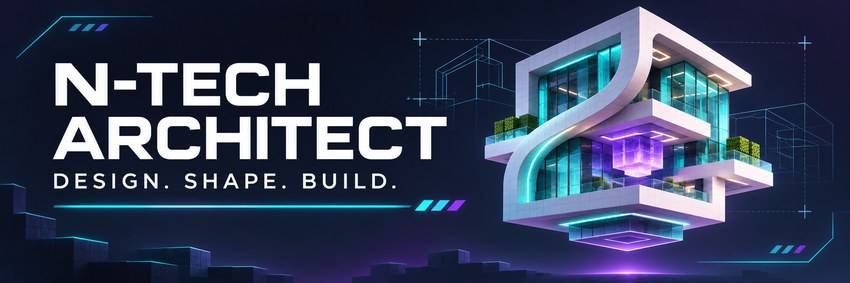
DESIGN. SHAPE. BUILD.
N-Tech Architect brings assisted construction, custom shapes, reusable blueprints, and decorative blocks together in one mod. Extend a pattern across a room, turn a material into a new building piece, or combine architectural modules to create something entirely your own.
Build modern houses, underground laboratories, industrial complexes, futuristic bridges, or space stations. Work on the scale of an entire structure, then refine the surfaces, lighting, and details that give it character.
FROM ONE PATTERN TO AN ENTIRE BUILD
Place an example and repeat it toward a selected destination. Extend alternating blocks along a line, fill a surface, or use spacing, parallel rows, curves, and circles to develop your layout.
COPY, ROTATE, AND MIRROR
Select an existing structure and reuse it somewhere else. Rotate or mirror the assembly to create repeated wings, parallel corridors, matching facades, and larger layouts from the pieces you have already built.
PREVIEW BEFORE YOU PLACE
Check your placement with a transparent preview. Adjust its position and orientation using the building controls, then confirm when it fits. Undo lets you reverse the previous operation while experimenting with your design.
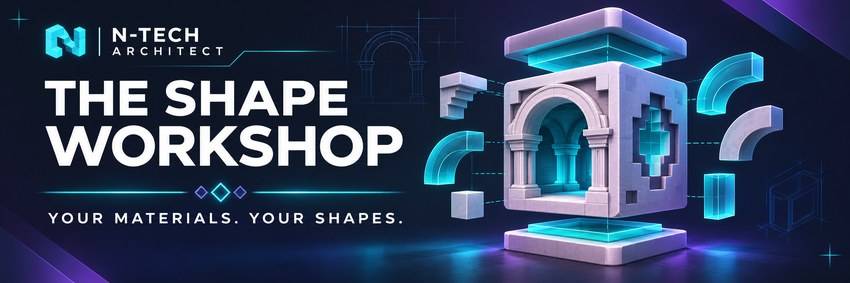
YOUR MATERIALS. YOUR SHAPES.
The shape workshop turns materials into construction pieces. Choose a template, adjust its dimensions, and create forms that expand your architectural options.
SCULPT THE DETAILS
Use the editor to shape individual pieces and create cutouts. Materials and edits remain stored in the resulting block, ready to become part of your construction.
REPEAT WHAT YOU CREATE
Bring custom pieces into your building patterns. Extend an arrangement along a neighboring line, reuse a shaped detail across a facade, or copy a finished assembly into another part of your project.
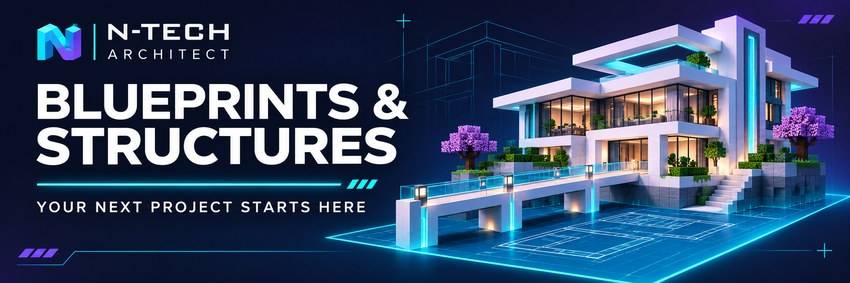
A STARTING POINT FOR YOUR NEXT PROJECT.
The blueprint library brings together available plans and saved structures. Browse a design, preview its placement, and use it as the foundation for your next build.
HOUSES, BRIDGES, AND MORE
Explore catalogue buildings in different styles, alongside bridges and other reusable structures. Combine a ready-made layout with your own materials, extensions, lighting, and architectural details.
ADJUSTABLE GENERATORS
Set dimensions and parameters for houses, rooms, and other volumes. Generate a starting layout, then develop it into a building that fits your world.
Blueprints designed for N-Tech Modiverse require the corresponding mods used by those structures.

GIVE EVERY SURFACE ITS OWN CHARACTER.
Build with dedicated collections of materials, lighting, glass, structural pieces, and technical details. Combine smooth finishes with textured surfaces, exposed frameworks, and translucent elements.
SEAMLESS SURFACES AND SEVENTEEN COLORS
Plain blocks and smooth lighting pieces form continuous surfaces without painted borders around each block. Explore seventeen colors across the color collections, with lighting formats that include full blocks, panels, strips, and thin pieces for walls and ceilings.
MATERIALS WITH DISTINCT FINISHES
Choose satin metal, ceramic, composite stone, woven carbon, hammered metal, veined stone, and translucent resin. Add industrial texture with expanded metal, corrugated sheet, perforated panels, and wired glass.
SMART GLASS AND INTEGRATED FANS
Switch smart glass between clear, tinted, and opaque states while keeping its thin pane shape. Add modular fans in several sizes and speeds to complete technical rooms and ventilation systems.
ARCHITECTURAL DETAILS
Combine beam profiles, braces, grilles, louvers, roofing pieces, glass bricks, and folded panels. Build depth into facades and give your structures visible frames, supports, and finishing details.
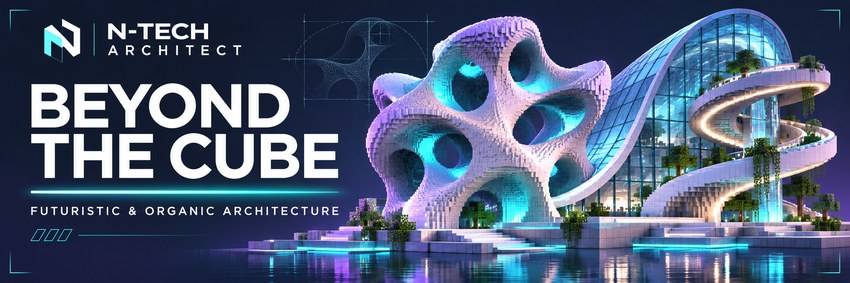
EXPLORE NEW FORMS OF ARCHITECTURE.
CURVES, DOMES, AND SPIRAL STAIRCASES
Assemble curved glazing, shells, domes, ramps, and matching corners into rounded structures. Connect levels with floating or solid spiral staircases, glass railings, and landings.
SPACECRAFT AND TECHNICAL INSTALLATIONS
Create spacecraft silhouettes with nose caps, cones, transitions, and hull pieces. Build fictional reactors and laboratories using nozzles, turbines, decorative irises, heat sinks, glowing cores, screens, and pipes.
UNDERGROUND AND DEEP-SEA BASES
Use vaults, portholes, and tunnel modules to create enclosed passages. Connect your spaces with oval, triangular, or asymmetric openings, or build a futuristic suspension bridge with cables, hangers, and glass edges.
ORGANIC AND MONUMENTAL SHAPES
Explore roots, membranes, coral forms, twisted columns, braids, and ribbons. Repeat modules to extend flowing curves and create structures inspired by living forms.
OPEN LATTICES AND CONNECTED CELLS
Build with octahedral lattices, Kelvin cells, and hyperboloid cages. Their openings are part of the geometry, giving frames and screens real depth.
The cell collections introduce gyroid, diamond, and rounded forms, each with thin, reinforced, and illuminated variants. Nine shapes across seventeen colors provide 153 cell variants. Repeat matching pieces in the same orientation to continue their patterns.
Start with a pattern. Shape the details. Build your own world.
Currently in development. Content and feature availability may change between versions.
Project description from CurseForge.
Pick your setup
PackForge Architect by Minecraft version and loader
Choose the version and loader you play, then open the matching release.
Minecraft version
1.21.1
1 loader buildCheck the dependencies, then try the file in a copied instance before changing a world you care about.
Recent files
PackForge Architect versions and loaders
PackForge Architect 0.2.1 (26.1.2)
pfbuilder-0.2.1-mc26.1.2.jar
18 Nov 2026
Client Source doesn’t say Server Source doesn’t say Dependencies No extras listed Listed on Release listing
Check the 26.1.2 · NeoForge setup NeoForge26.1.2 beta
PackForge Architect 0.2.0 (26.1.2)
pfbuilder-0.2.0-mc26.1.2.jar
17 Nov 2026
Client Source doesn’t say Server Source doesn’t say Dependencies No extras listed Listed on Release listing
Check the 26.1.2 · NeoForge setup NeoForge26.1.2 beta
PackForge Architect 0.1.2 (26.1.2)
pfbuilder-0.1.2-mc26.1.2.jar
17 Nov 2026
Client Source doesn’t say Server Source doesn’t say Dependencies No extras listed Listed on Release listing
Check the 26.1.2 · NeoForge setup NeoForge26.1.2 beta
Looking for an older file? The official CurseForge project page is in Resources.
 mod
CurseForge + Modrinth · Minecraft
Sprawl Crafting
Factorio style deferred crafting within your inventory
 mod
CurseForge + Modrinth · Minecraft
BankSystem
BankSystem is a Minecraft mod that brings money in to the game. Players can have a bankacount that can not only hold money but items too.
 mod
CurseForge · Minecraft
PackForge Assembly
Tech mod where every machine is assembled from real components, with 5 tiers, rubber, chemistry, multiblock factories, fusion and an unlimited energy matrix.