Sophisticated Storage Needed by Backpack Side GUI Reborn BackpackSideGUI-reborn-2.3.0-26.3.jar
requiredMatching file found Matched file: sophisticatedstorage-26.3-1.5.133.2236.jar

CurseForge · Minecraft mod
Access and manage your Sophisticated Backpacks inventory alongside open containers without switching screens. Accede y administra el inventario de Sophisticated Backpacks junto a los contenedores abiertos sin cambiar de pantalla.
Quick answer
Backpack Side GUI Reborn BackpackSideGUI-reborn-2.3.0-26.3.jar targets 26.3 with NeoForge. The project page does not say whether this file belongs on the client, dedicated server, or both. All 3 required mods have matching files.
Where it goes
The project page does not say whether this file belongs on the client, dedicated server, or both.
The source does not explicitly classify this release as client-only or server-only.
BackpackSideGUI-reborn-2.3.0-26.3.jar. Change the file and its required mods may change too.
Install Sophisticated Storage, Sophisticated Backpacks, Sophisticated Core first. We found matching files for this game-version and loader setup. 11 come through another mod in the chain.
11 extra mods were pulled in by other dependencies. Indented rows show who needs each one. We only count dependency files that match this setup. A file for another loader does not fill the gap.
Before you install it
Built for Backpack Side GUI Reborn BackpackSideGUI-reborn-2.3.0-26.3.jar. Pick another file and the loader, install side or required mods may change.
Use BackpackSideGUI-reborn-2.3.0-26.3.jar. It targets 26.3 with NeoForge; another release may have different loader, side or dependency requirements.
Install Sophisticated Storage, Sophisticated Backpacks, Sophisticated Core first. We found matching files for this game-version and loader setup. 11 come through another mod in the chain.
The project page does not say whether this file belongs on the client, dedicated server, or both.
Use the “Get this file” button beside BackpackSideGUI-reborn-2.3.0-26.3.jar. It opens that exact file at the source.
About this project
Backpack Side GUI is an unofficial Minecraft 26.3 adaptation of the Backpack Side GUI concept by Locknar, designed to integrate Sophisticated Backpacks directly into your inventory and container screens.
Manage your backpack without constantly switching between different inventory interfaces.
| Control | Function |
|---|---|
| Left Click | Pick up or place items |
| Right Click | Split stacks or place individual items |
| Shift + Left Click | Quickly transfer items |
| Mouse Wheel | Scroll through backpack contents |
| Minus / Plus button | Collapse or expand the panel |
| Shift > Chest / Inv | Change the Shift-click transfer destination |
The default Shift-click destination is the open container when supported; otherwise, it is the player inventory.
No additional keyboard shortcuts are required.
The panel is disabled by default. Activate it using the following client-side commands:
/backpacksidegui activate — Enables the backpack panel./backpacksidegui deactivate — Disables the backpack panel./backpacksidegui toggle — Switches between enabled and disabled./backpacksidegui status — Displays the current activation status.Preferences are saved individually for each player. Administrator permissions are not required.
Client-side only
Provides a live backpack preview and access to native backpack actions. Direct simultaneous transfers between the backpack and an open container are not available in this mode.
Client and server
Enables the complete interactive experience, including direct backpack-to-container transfers and configurable Shift-click destinations.
Backpack Side GUI es una adaptación no oficial para Minecraft 26.3 del concepto original de Locknar, diseñada para integrar Sophisticated Backpacks directamente en las interfaces del inventario y los contenedores.
| Control | Función |
|---|---|
| Clic izquierdo | Recoger o colocar objetos |
| Clic derecho | Dividir stacks o colocar objetos individuales |
| Shift + clic izquierdo | Transferencia rápida |
| Rueda del ratón | Desplazarse por la mochila |
| Botón menos / más | Minimizar o expandir el panel |
| Shift > Chest / Inv | Cambiar el destino de las transferencias rápidas |
No requiere configurar teclas adicionales.
/backpacksidegui activate — Activa el panel./backpacksidegui deactivate — Desactiva el panel./backpacksidegui toggle — Alterna su estado./backpacksidegui status — Consulta su estado actual.La configuración se guarda individualmente para cada jugador y no requiere permisos de administrador.
Solo cliente: visualización de la mochila y acceso a sus acciones nativas, con limitaciones en las transferencias directas.
Cliente y servidor: funcionalidad completa, incluyendo transferencias directas entre mochila y contenedores.
Project description from CurseForge.
Pick your setup
Choose the version and loader you play, then open the matching release.
Check the dependencies, then try the file in a copied instance before changing a world you care about.
Recent files
16 Nov 2026
15 Nov 2026
Looking for an older file? The official CurseForge project page is in Resources.
 mod
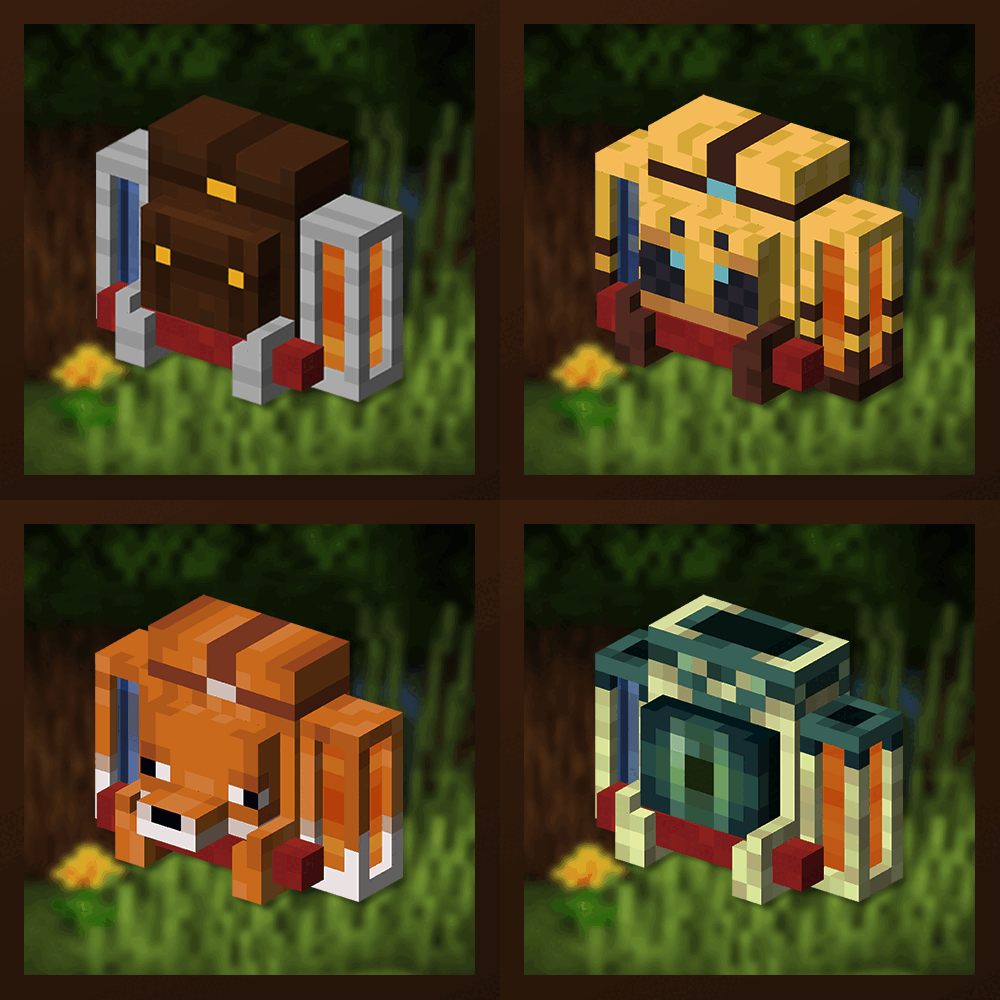
Unique and upgradeable backpacks with customisation, Curios API/Trinkets integration and more!
 mod
Brass Redstone Links and more!
 mod
Run it, cool it, risk it — power depth for NeroTech, where every reactor is a system you have to operate.