GeckoLib Needed by Enhanced Drones enhanced_drones-fabric-1.0.1+1.20.1.jar
requiredNo matching file

CurseForge · Minecraft mod
Autonomous FE-powered 3D drones for farming, forestry, ranching, spraying, quarrying, base defense, item/XP collection, lighting, fishing, long-distance cargo, and live first-person FPV flight — with 11 color variants, upgrade chips, and fleet management.
Quick answer
Enhanced Drones enhanced_drones-fabric-1.0.1+1.20.1.jar targets 1.20.1, 1.20 with Fabric. The project page does not say whether this file belongs on the client, dedicated server, or both. 2 required mods need a matching file.
Where it goes
The project page does not say whether this file belongs on the client, dedicated server, or both.
The source does not explicitly classify this release as client-only or server-only.
enhanced_drones-fabric-1.0.1+1.20.1.jar on 1.20. Every mod below is checked against that same setup.
Install GeckoLib, Architectury API, Fabric API first, but 2 required mods have no matching file for this setup. Do not mix loader builds to force a match. 1 comes through another mod in the chain.
1 extra mod was pulled in by another dependency. Indented rows show who needs each one. We only count dependency files that match this setup. A file for another loader does not fill the gap.
Before you install it
Built for Enhanced Drones enhanced_drones-fabric-1.0.1+1.20.1.jar on 1.20. Pick another file and the loader, install side or required mods may change.
Use enhanced_drones-fabric-1.0.1+1.20.1.jar. It targets 1.20.1, 1.20 with Fabric; another release may have different loader, side or dependency requirements.
Install GeckoLib, Architectury API, Fabric API first, but 2 required mods have no matching file for this setup. Do not mix loader builds to force a match. 1 comes through another mod in the chain.
The project page does not say whether this file belongs on the client, dedicated server, or both.
Use the “Get this file” button beside enhanced_drones-fabric-1.0.1+1.20.1.jar. It opens that exact file at the source.
About this project
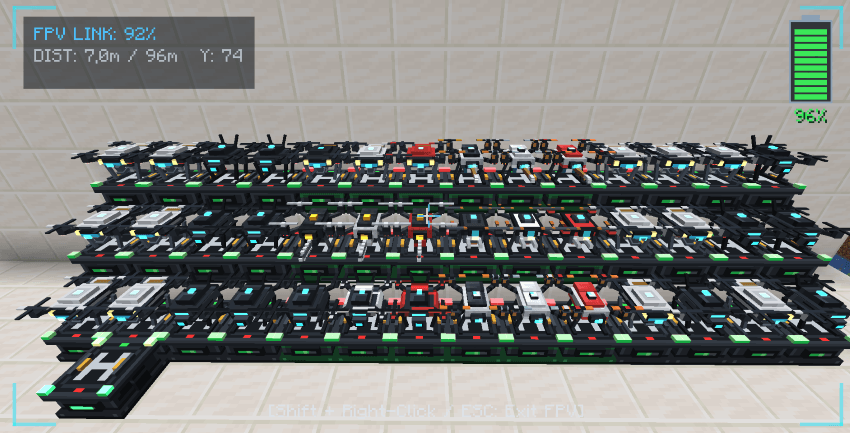
Enhanced Drones brings a complete fleet of autonomous FE-powered 3D drones, first-person FPV flight, long-distance aerial cargo, and centralized fleet management to Minecraft.
Built with animated GeckoLib models, full JEI and Jade integration, and support for Fabric, Forge, and NeoForge (1.20.1, 1.21.1, 26.1.2).
Colors: Every drone in the mod is available in 11 variants: Default + 10 dyeable colors (Green, Red, Yellow, Blue, Pink, Black, White, Gray, Cyan, Orange).
Pilot your drone in first-person view with smooth 3D flight, live camera feed, battery/signal HUD, and automatic return-to-base safety.
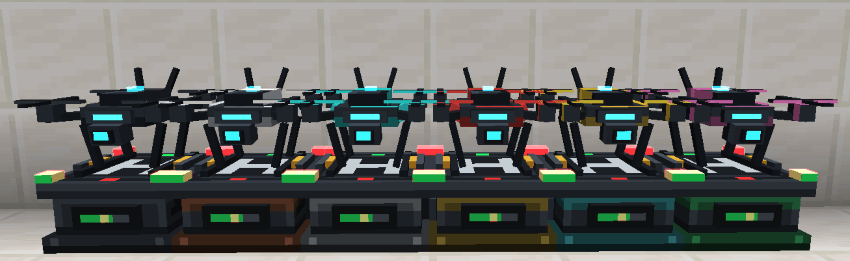
How to use:
Autonomous farming drone that scans your fields, harvests mature crops in batches, and unloads them directly into its Drone Base.
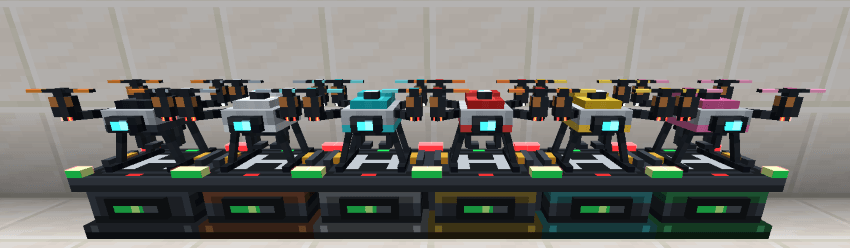
How to use:
Autonomous agricultural drone that pulls seeds and fertilizer from the Drone Base supply row to plant and fertilize crops across your farm.
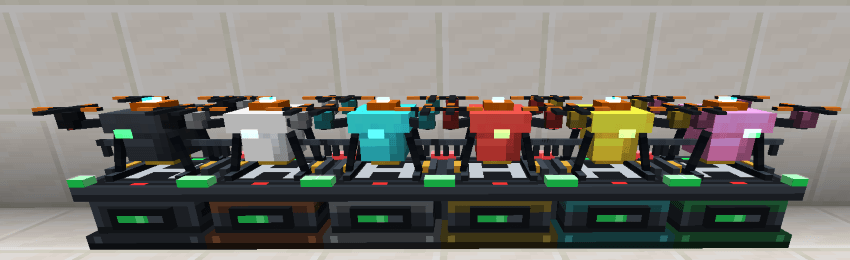
How to use:
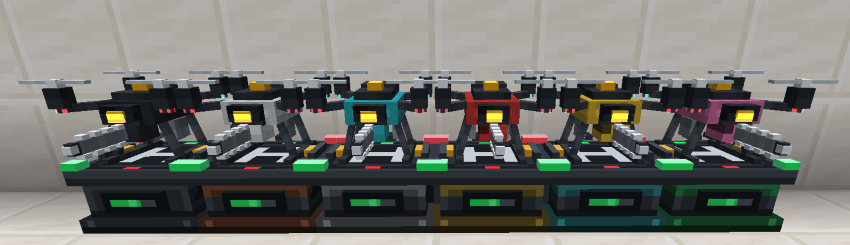
Autonomous forestry drone equipped with a chainsaw that fells entire trees cleanly from the trunk base and automatically replants saplings.
How to use:
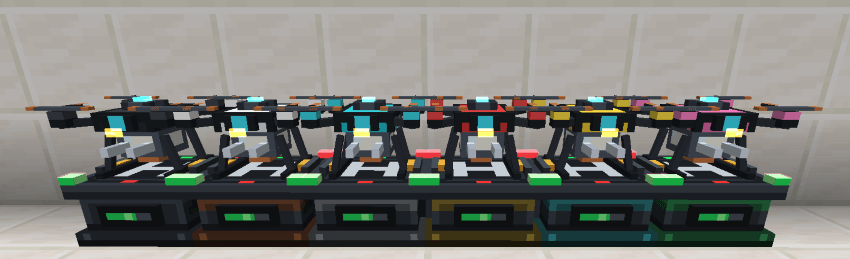
Automated livestock drone that shears wool, milks cows/mooshrooms, collects mushroom stew, and gathers chicken eggs/feathers.
How to use:
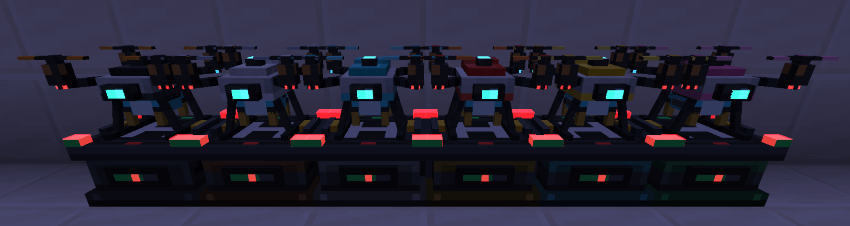
Agricultural sprayer drone that applies water and bone-meal solution to accelerate crop growth across its working radius.
How to use:
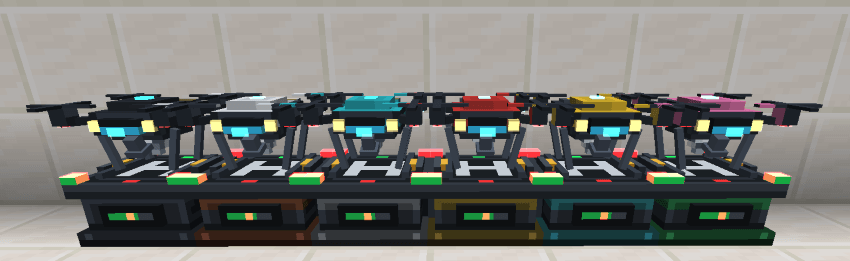
Autonomous mining drone with a retractable drill, headlights, and visor indicator that mines quarries or flattens terrain.
How to use:
Tactical patrol drone equipped with a 360° dual-laser turret and threat detection to defend your base from hostile mobs.
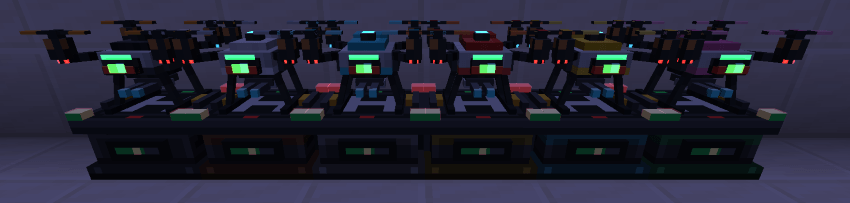
How to use:
Magnetic vacuum drone that collects dropped items and XP orbs within its radius, storing XP in its visible side tank.
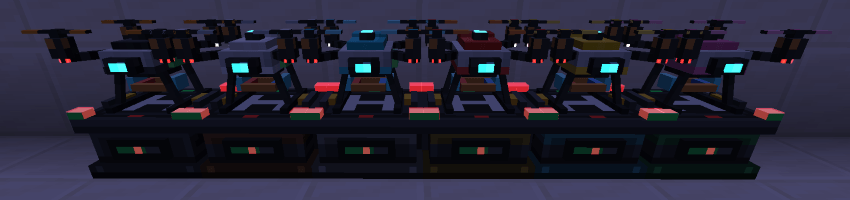
How to use:
Autonomous lighting drone that illuminates dark areas, mob-spawnable spots, and caves using torches from its base.
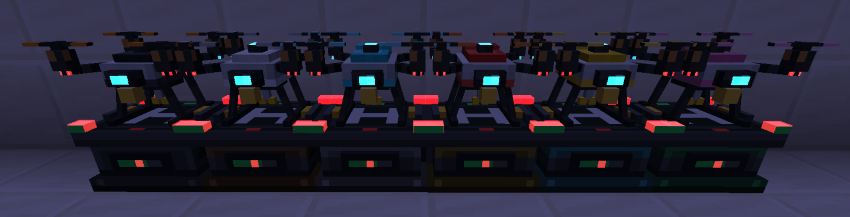
How to use:
Aerial angling drone with a telescoping fishing rod and cooler box that fishes over nearby water blocks.
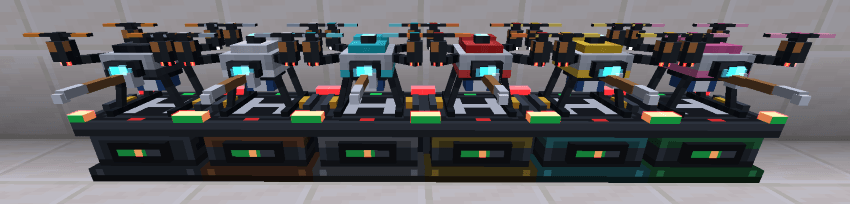
How to use:
High-altitude logistics drone capable of hauling 9 full stacks strictly between a designated Origin and Destination.

How to use:
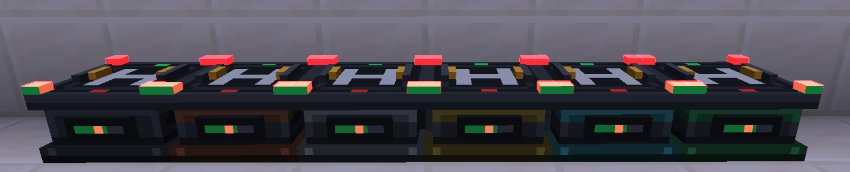
Every drone docks on a Drone Base to recharge its FE battery, pull supplies (slots 0–8), and deposit harvested/mined items (slots 9+). Each side of the base can be configured for Input, Output, or Both.
| Base Tier | Inventory Capacity | Energy Storage |
|---|---|---|
| Drone Base | 27 Slots | 100,000 FE |
| Copper Drone Base | 36 Slots | 200,000 FE |
| Iron Drone Base | 45 Slots | 400,000 FE |
| Gold Drone Base | 54 Slots | 800,000 FE |
| Diamond Drone Base | 63 Slots | 1,500,000 FE |
| Emerald Drone Base | 72 Slots | 3,000,000 FE |
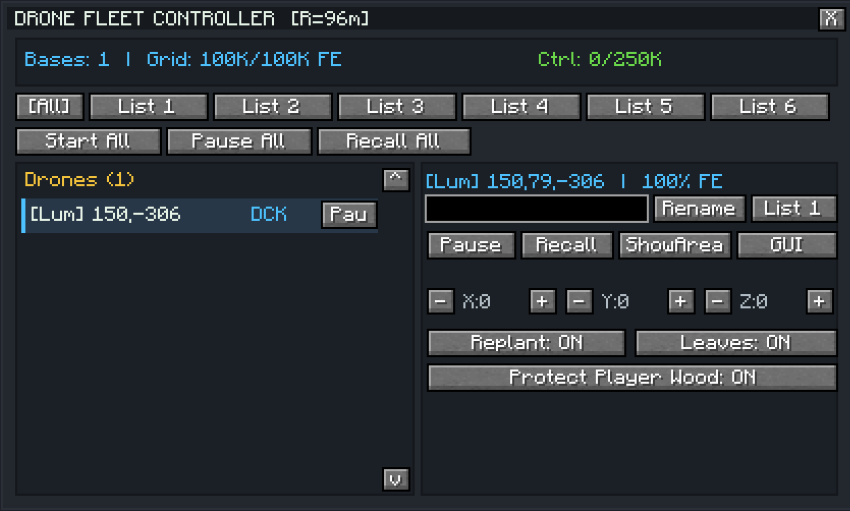
An interactive handheld tablet to monitor your entire fleet:
A central command block that organizes your drones into 6 squads with redstone/time conditions and remote profile editing.
Used to define Quarry and Flatten zones for the Quarry Miner Drone (either by clicking 2 corners or placing 4 markers in a rectangle).
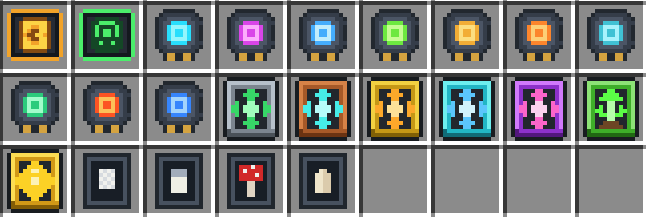
+100,000 FE battery capacity per chip.+45%).18–22) from whitelist to blacklist mode.Silk Touch Chip, Fortune Upgrade, Auto-Smelt Chip, Lure Chip, Luck of the Sea Chip, Live-Fish Bucket Chip.Looting Chip, Knockback / Tesla Chip, XP Bottle / Tank Chip, Cave-Seeker Chip, Growth Upgrade.Rancher Wool Chip, Rancher Milk Chip, Rancher Mushroom Chip, Rancher Egg Chip.+2 blocks+3 blocks+5 blocks+8 blocks+12 blocksProject description from CurseForge.
Pick your setup
Choose the version and loader you play, then open the matching release.
Check the dependencies, then try the file in a copied instance before changing a world you care about.
Recent files
enhanced_drones-fabric-1.0.1-1.20.1.jar
19 Nov 2026
enhanced_drones-forge-1.0.1-1.20.1.jar
19 Nov 2026
Looking for an older file? The official CurseForge project page is in Resources.
 mod
Add slabs, vertical slabs, stairs, vertical stairs and corners for the blocks you choose from any mod into your game. A builder's dream; palette expanding mod.
 mod
An optimization mod for Minecraft which improves server performance significantly.
 mod
LevelZ mod addon which adds jobs