Fabric API Needed by ButterLab 1.2.1 (Minecraft 26.1-26.1.2)
requiredMatching file found Matched file: [26.1.2] Fabric API 0.155.3+26.1.2

CurseForge · Minecraft mod
Test builds in your own creative world without leaving the server you're on.
Quick answer
ButterLab 1.2.1 (Minecraft 26.1-26.1.2) targets 26.1, 26.1.1, 26.1.2 with Fabric. The project page does not say whether this file belongs on the client, dedicated server, or both. All 1 required mods have matching files.
Where it goes
The project page does not say whether this file belongs on the client, dedicated server, or both.
The source does not explicitly classify this release as client-only or server-only.
ButterLab 1.2.1 (Minecraft 26.1-26.1.2). Change the file and its required mods may change too.
Install Fabric API first. We found matching files for this game-version and loader setup.
We only count dependency files that match this setup. A file for another loader does not fill the gap.
Before you install it
Built for ButterLab 1.2.1 (Minecraft 26.1-26.1.2). Pick another file and the loader, install side or required mods may change.
Use ButterLab 1.2.1 (Minecraft 26.1-26.1.2). It targets 26.1, 26.1.1, 26.1.2 with Fabric; another release may have different loader, side or dependency requirements.
Install Fabric API first. We found matching files for this game-version and loader setup.
The project page does not say whether this file belongs on the client, dedicated server, or both.
Use the “Get this file” button beside ButterLab 1.2.1 (Minecraft 26.1-26.1.2). It opens that exact file at the source.
About this project

Leave any multiplayer server for your own private creative world, test a build, then come back to the exact spot you left. You stay connected to the server the whole time.

/butter lab (or set a key for it in Controls → ButterLab). As soon as you are standing on the ground, you are taken to the lab: a creative superflat world saved on your own computer. It is always noon there, with no mobs and no weather./butter lab again, or click Back to <server></server> in the pause menu, to go back. You return to the same place with the same inventory. Everything that happened on the server while you were away (chat, block changes, time of day) shows up right away./butter lab reset confirm deletes it so you can start fresh.
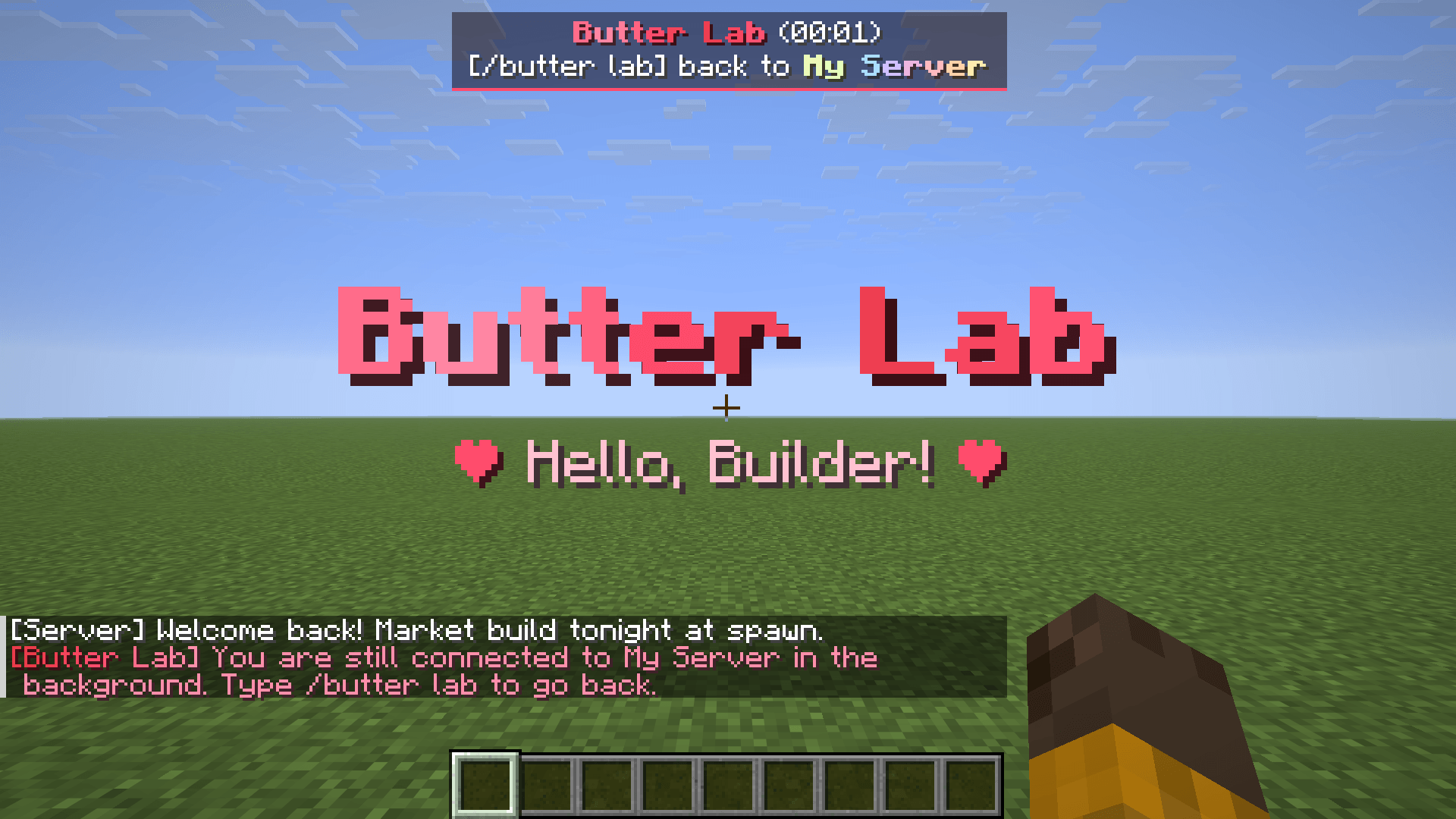
Type /butter lab and you are in your own creative world.
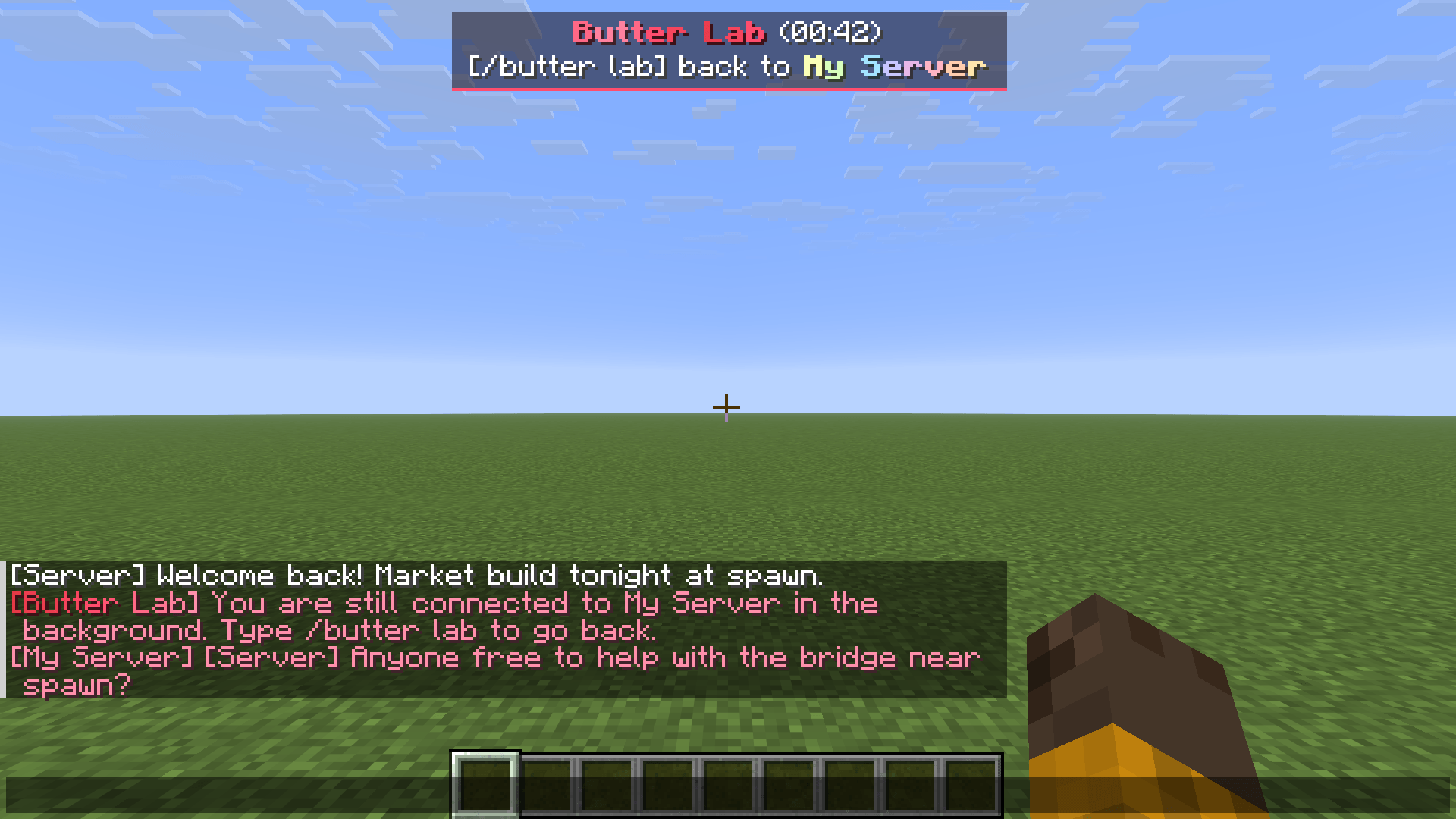
The panel shows how long you have been away, and server chat keeps coming in.
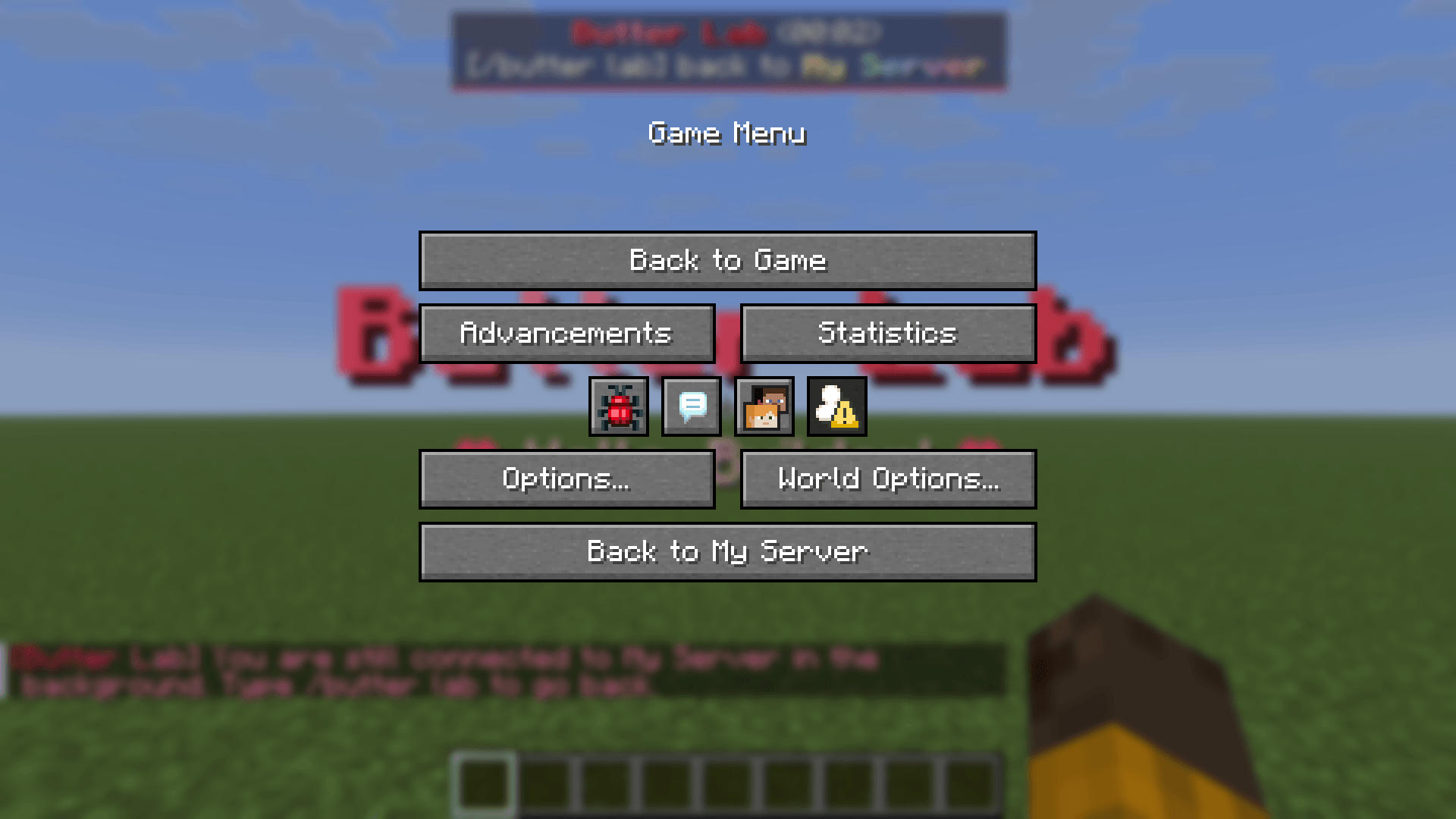
The pause menu takes you straight back to your server.
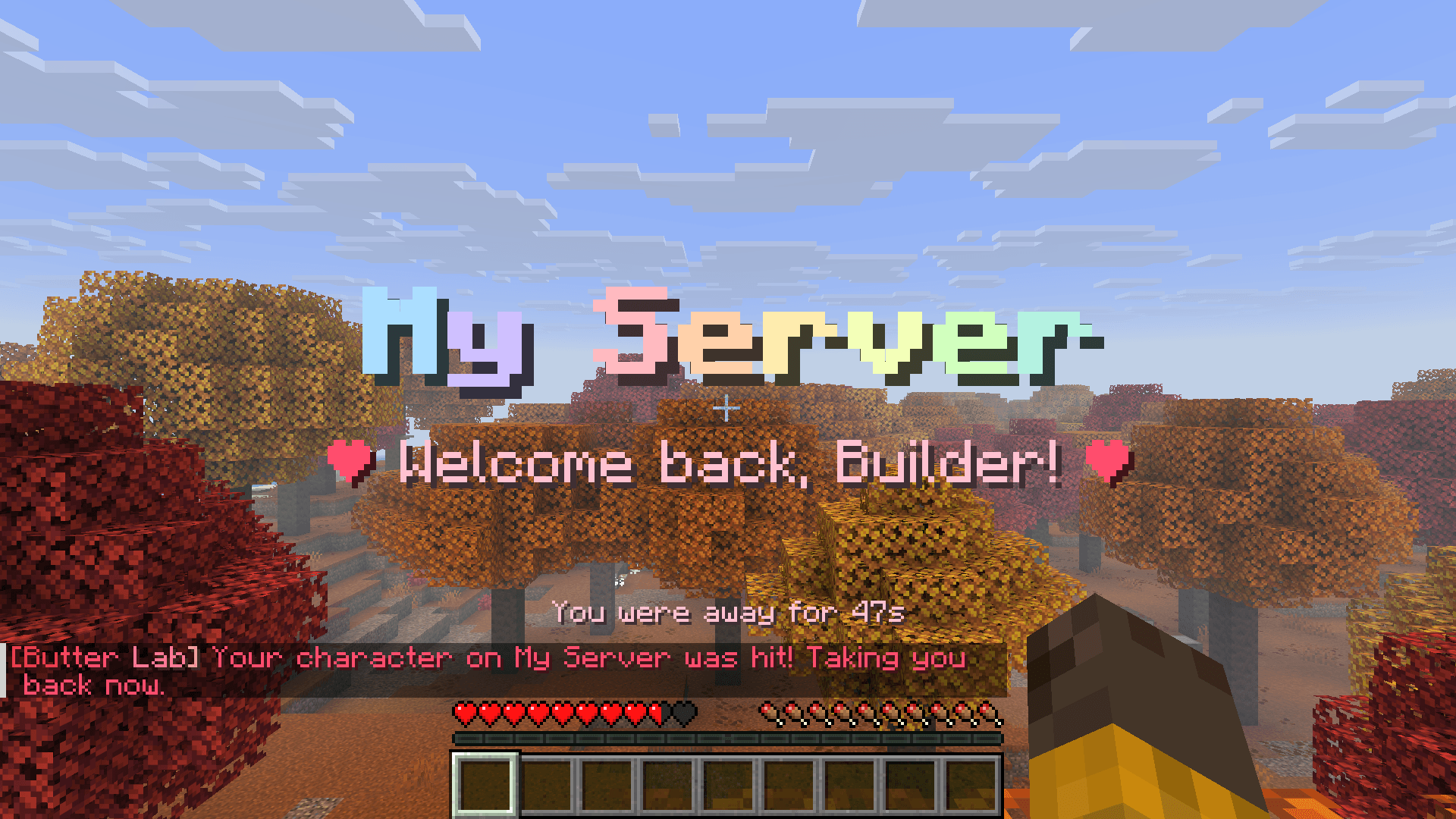
Same spot, same inventory. You are sent back right away if your character is hit.


/butter lab runs only in your own game. It is never sent to the server.Project description from CurseForge.
Pick your setup
Choose the version and loader you play, then open the matching release.
Check the dependencies, then try the file in a copied instance before changing a world you care about.
Recent files
butterlab-1.2.1-mc26.1-26.1.2.jar
21 Nov 2026
butterlab-1.2.1-mc26.2-26.3.jar
21 Nov 2026
butterlab-1.2.0-mc26.2-26.3.jar
20 Nov 2026
butterlab-1.2.0-mc26.1-26.1.2.jar
20 Nov 2026
butterlab-1.1.1-mc26.2-26.3.jar
20 Nov 2026
butterlab-1.1.1-mc26.1-26.1.2.jar
20 Nov 2026
butterlab-1.1.0-mc26.1-26.1.2.jar
20 Nov 2026
butterlab-1.1.0-mc26.2-26.3.jar
20 Nov 2026
Looking for an older file? The official CurseForge project page is in Resources.
 mod
Five survival helpers in one: tree feller, vein miner, 2x2-5x5 dig upgrades, a 3D explorer's rucksack that shows what you carry, and a lantern your pets can wear.
 mod
A JEI fork (aka "MCdestined's Simple Storage") that turns your crafting table into a smart Crafting Station: auto-pull ingredients from connected chests, Ender Chests, and Shulker Boxes, or extract in-stock items in 1 click.
 mod
Scales up short text on signs to fit