




CurseForge · Minecraft mod
ButterLab
Test builds in your own private creative world without leaving the multiplayer server, then hop back to the exact spot you left.
Quick answer
Which ButterLab release matches 26.1.2?
ButterLab 1.3.0 (Forge, 26.1–26.1.2) targets 26.1, 26.1.1, 26.1.2 with Forge. The project page does not say whether this file belongs on the client, dedicated server, or both. No extra mods listed for this file.
Where it goes
Is ButterLab required on the client, server, or both?
The project page does not say whether this file belongs on the client, dedicated server, or both.
The source does not explicitly classify this release as client-only or server-only.
What else does ButterLab 1.3.0 (Forge, 26.1–26.1.2) need?
ButterLab 1.3.0 (Forge, 26.1–26.1.2) on 26.1.2. Every mod below is checked against that same setup.
This file does not list any required mods. Do not add a library just because a different file uses it.
This file does not list any required or optional mods.
Before you install it
Add ButterLab without breaking your instance.
Built for ButterLab 1.3.0 (Forge, 26.1–26.1.2) on 26.1.2. Pick another file and the loader, install side or required mods may change.
- 01
Stick to this file
Use ButterLab 1.3.0 (Forge, 26.1–26.1.2). It targets 26.1, 26.1.1, 26.1.2 with Forge; another release may have different loader, side or dependency requirements.
- 02
Bring the mods it needs
This file does not list any required mods. Do not add a library just because a different file uses it.
- 03
Put it on the correct side
The project page does not say whether this file belongs on the client, dedicated server, or both.
- 04
Pick the file you checked
Use the “Get this file” button beside ButterLab 1.3.0 (Forge, 26.1–26.1.2). It opens that exact file at the source.
About this project
What does ButterLab add?

Leave any multiplayer server for your own private creative world, test a build, then come back to the exact spot you left. You stay connected to the server the whole time.


- On a server, type
/butter lab(or set a key for it in Controls → ButterLab). As soon as you are standing on the ground, you are taken to the lab: a creative superflat world saved on your own computer. It is always noon there, with no mobs and no weather. - Type
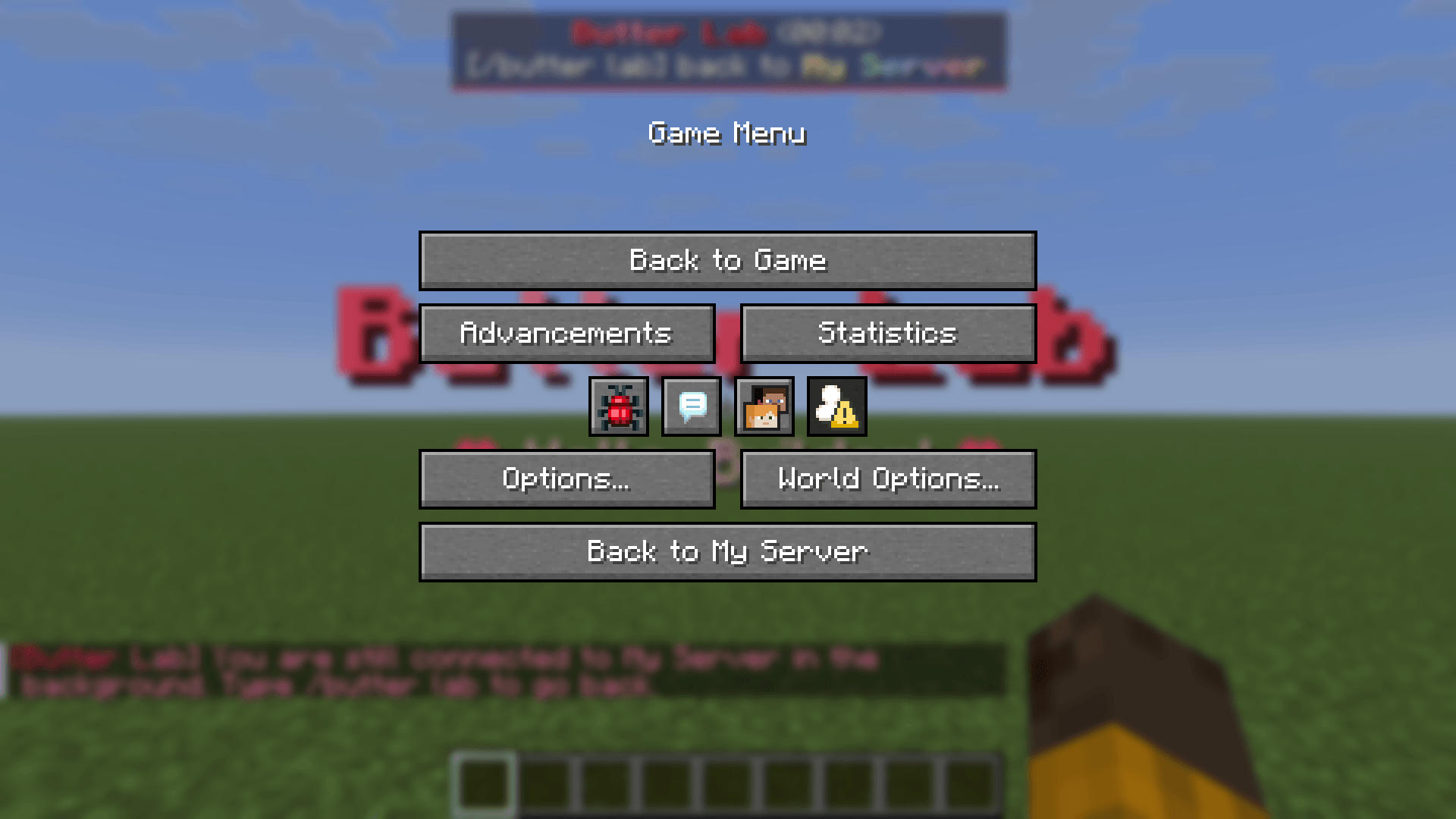
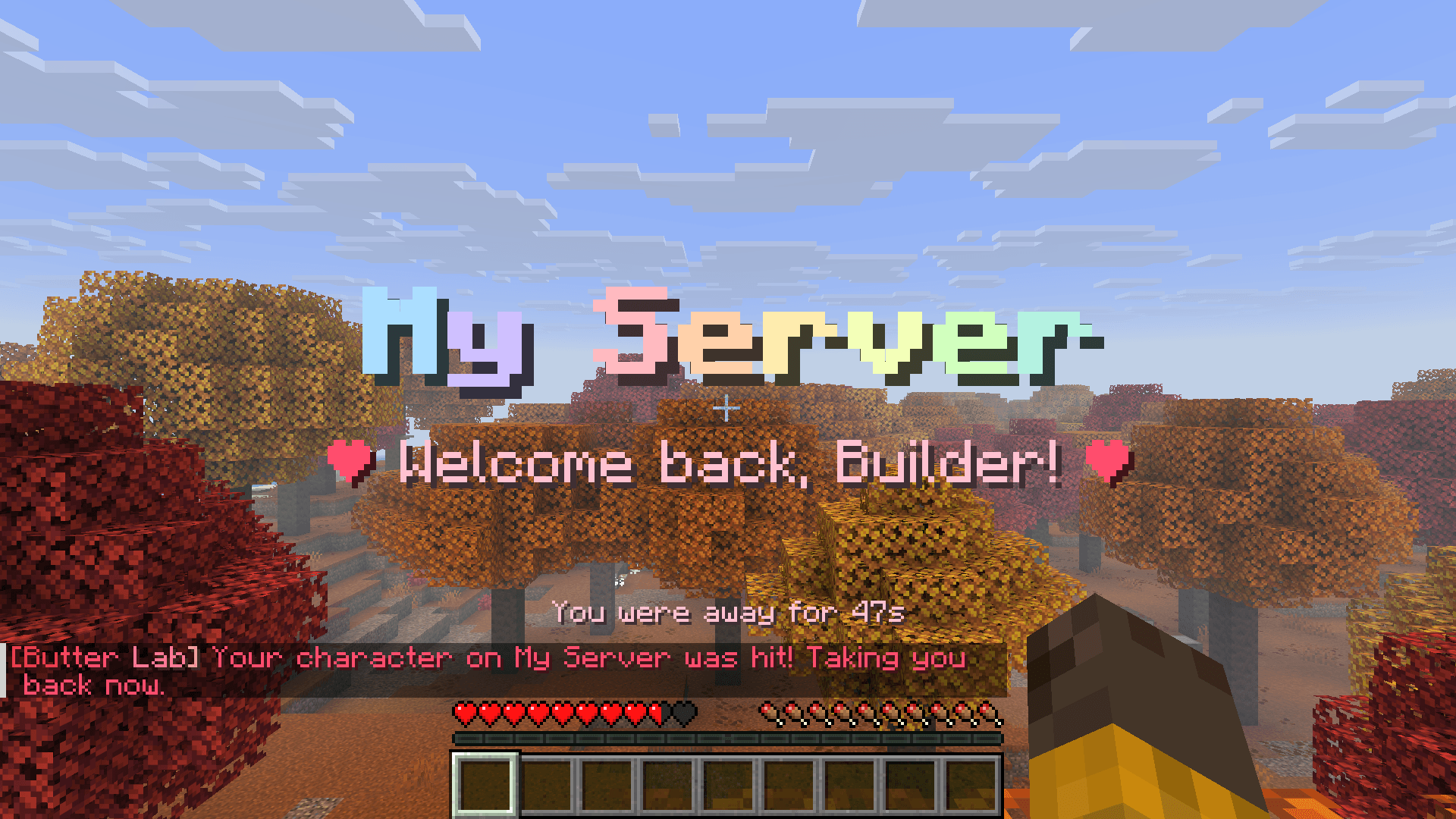
/butter labagain, or click Back to (server name) in the pause menu, to go back. You return to the same place with the same inventory. Everything that happened on the server while you were away (chat, block changes, time of day) shows up right away. - While you are in the lab, you still see the server's chat. If your character on the server is hit, you are sent back immediately.
- The lab is created the first time you use it and is saved with your worlds as Butter Lab, so your test builds are still there next time.
/butter lab reset confirmdeletes it so you can start fresh.


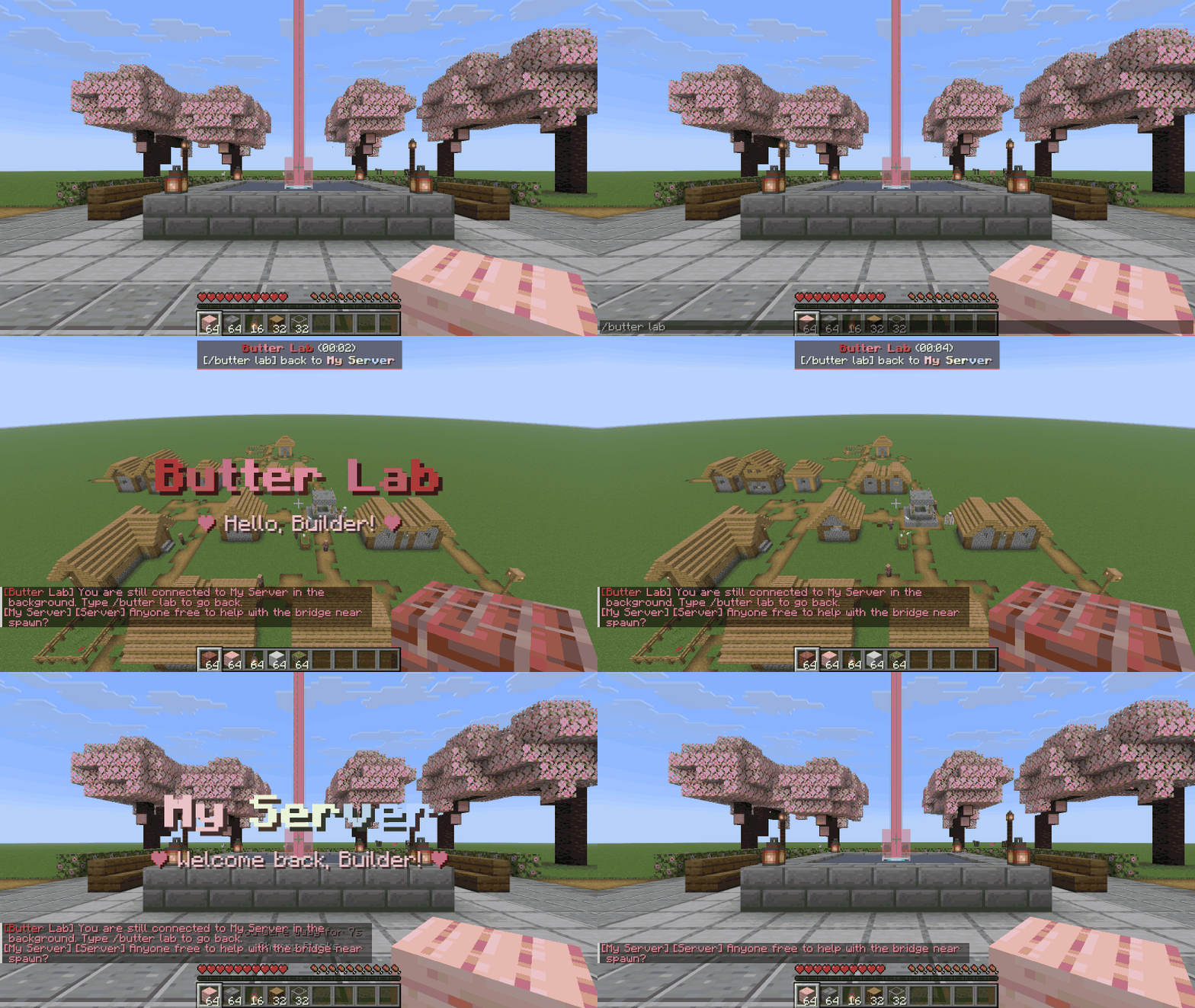
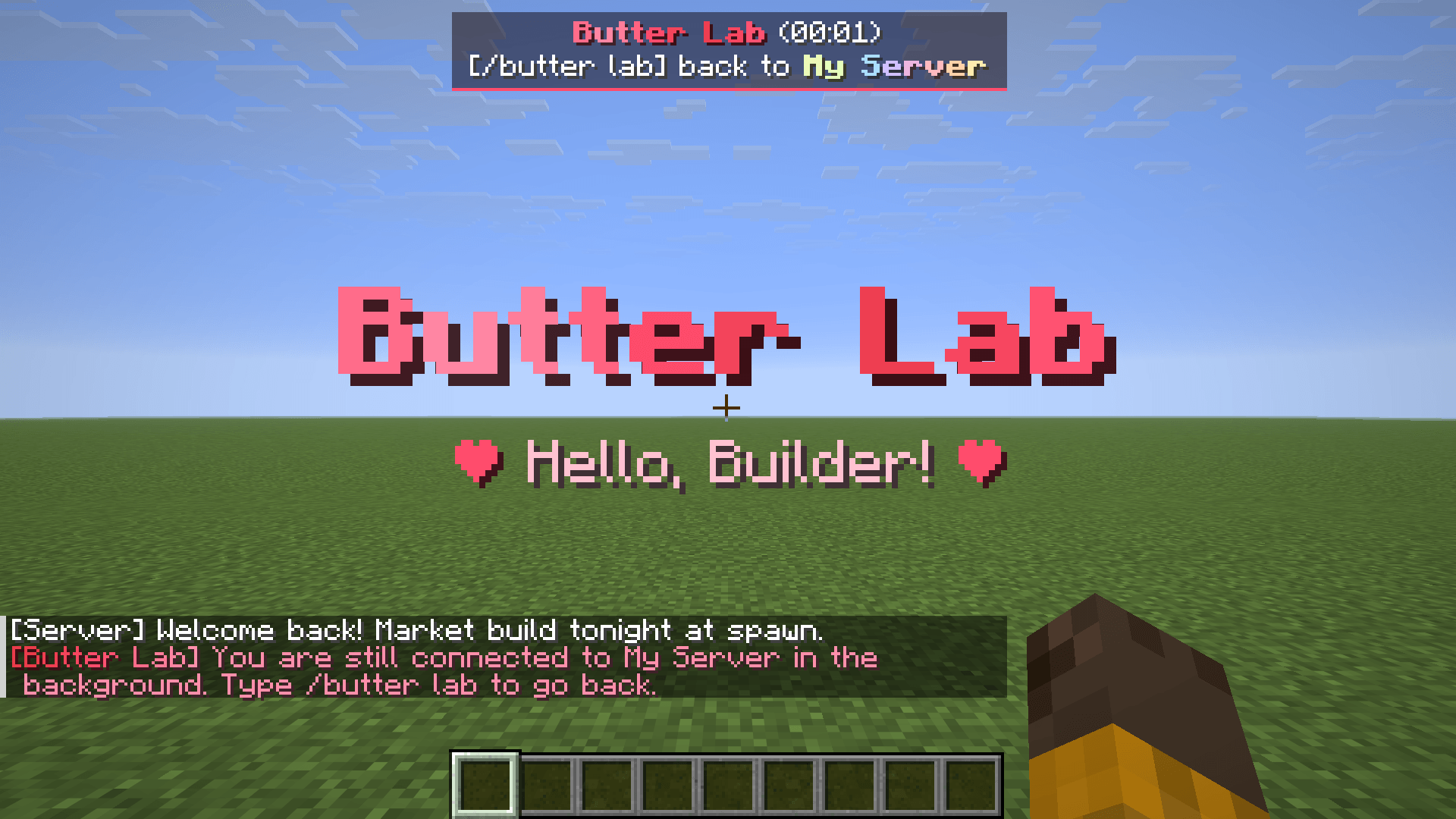
Type /butter lab and you are in your own creative world.

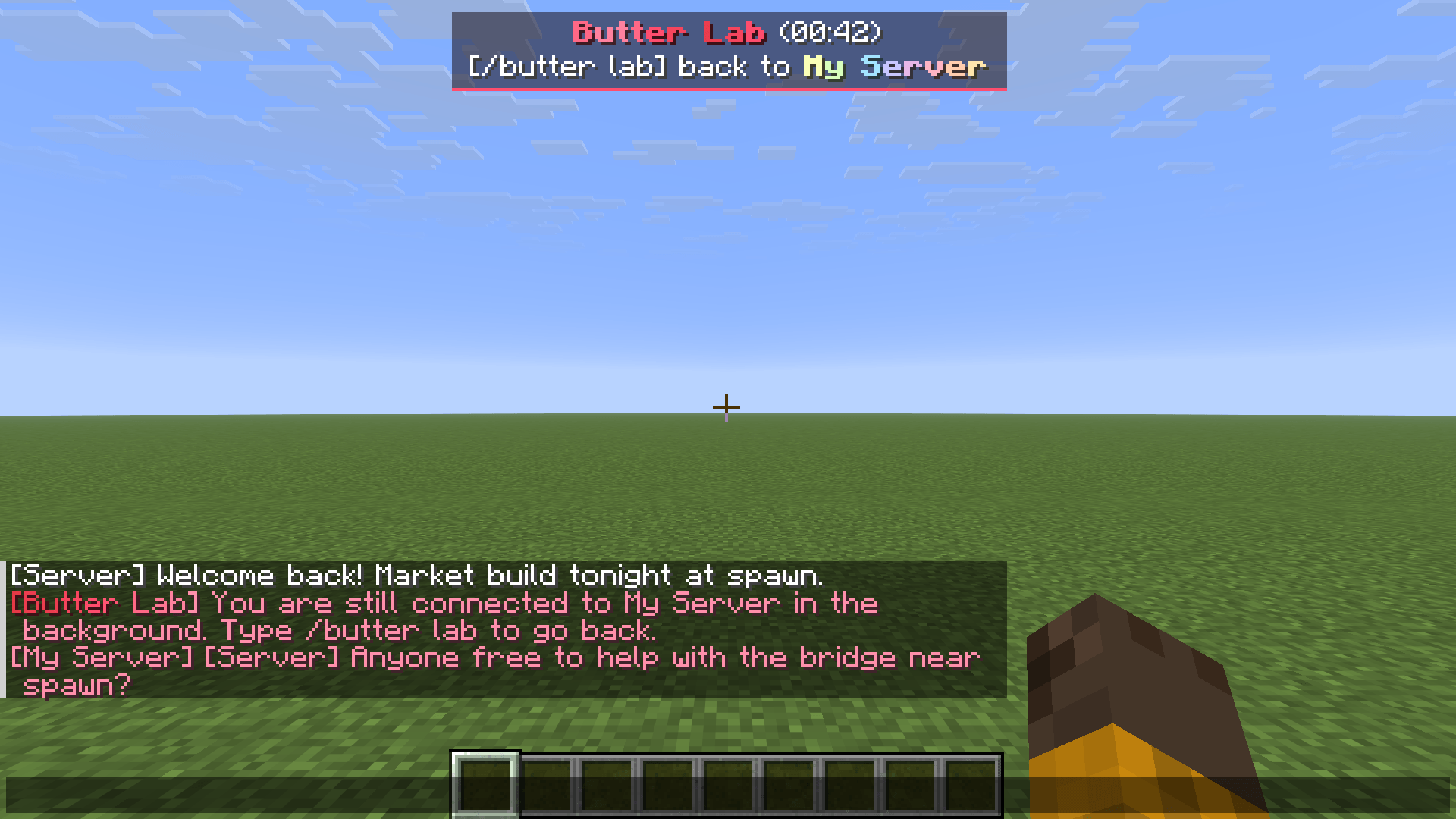
The panel shows how long you have been away, and server chat keeps coming in.

The pause menu takes you straight back to your server.

Same spot, same inventory. You are sent back right away if your character is hit.

- Minecraft 26.1 – 26.1.2 or 26.2 – 26.3.
- One of these mod loaders:
- Fabric (Loader 0.19.5 or newer), with Fabric API
- Quilt: use the Fabric file, with Fabric API
- NeoForge
- Forge
- Download the file for your loader and Minecraft version. The CurseForge app picks the right one for you.
- Client-side only: nothing needs to be installed on the server.

/butter labruns only in your own game. It is never sent to the server.- Your character stays on the server, standing where you left it, so it can still be attacked. That is why the mod sends you back as soon as it is hit.
- Follow your server's rules about being away from the keyboard (AFK).
- Works with Litematica: your schematic placements are saved when you go to the lab and are back when you return.
- All text is in English. If your game language is set to Thai, it is shown in Thai instead.
Project description from CurseForge.
Pick your setup
ButterLab by Minecraft version and loader
Choose the version and loader you play, then open the matching release.
26.2
4 loader builds26.1.2
4 loader builds26.1.1
4 loader builds26.1
4 loader buildsCheck the dependencies, then try the file in a copied instance before changing a world you care about.
Recent files
ButterLab versions and loaders
ButterLab 1.3.0 (Forge, 26.1–26.1.2)
butterlab-forge-1.3.0-mc26.1-26.1.2.jar
21 Nov 2026
ButterLab 1.3.0 (NeoForge, 26.1–26.1.2)
butterlab-neoforge-1.3.0-mc26.1-26.1.2.jar
21 Nov 2026
ButterLab 1.3.0 (Fabric/Quilt, 26.1–26.1.2)
butterlab-fabric-1.3.0-mc26.1-26.1.2.jar
21 Nov 2026
ButterLab 1.2.1 (Minecraft 26.1-26.1.2)
butterlab-1.2.1-mc26.1-26.1.2.jar
21 Nov 2026
Looking for an older file? The official CurseForge project page is in Resources.