Create Needed by Create Realistic Railroad Crossings create_realistic_railroad_crossings-0.1.7.1-beta.jar
requiredMatching file found Matched file: Create 6.0.10 for mc1.21.1

CurseForge · Minecraft mod
Adds realistic Railroad Crossings from mostly Europe to the Game!
Quick answer
Create Realistic Railroad Crossings create_realistic_railroad_crossings-0.1.7.1-beta.jar targets 1.21.1 with NeoForge. The project page does not say whether this file belongs on the client, dedicated server, or both. All 1 required mods have matching files.
Where it goes
The project page does not say whether this file belongs on the client, dedicated server, or both.
The source does not explicitly classify this release as client-only or server-only.
create_realistic_railroad_crossings-0.1.7.1-beta.jar. Change the file and its required mods may change too.
Install Create first. We found matching files for this game-version and loader setup.
We only count dependency files that match this setup. A file for another loader does not fill the gap.
Before you install it
Built for Create Realistic Railroad Crossings create_realistic_railroad_crossings-0.1.7.1-beta.jar. Pick another file and the loader, install side or required mods may change.
Use create_realistic_railroad_crossings-0.1.7.1-beta.jar. It targets 1.21.1 with NeoForge; another release may have different loader, side or dependency requirements.
Install Create first. We found matching files for this game-version and loader setup.
The project page does not say whether this file belongs on the client, dedicated server, or both.
Use the “Get this file” button beside create_realistic_railroad_crossings-0.1.7.1-beta.jar. It opens that exact file at the source.
About this project
Ok message to the mod team or ai
we didnt copy another mod go in the discord if you want proof
____________________________________________________________________________
This is Create Realistic Railroad Crossings! a mod that adds Railroad Crossings from around Europe (and other counties) This is and open Community Project so you are able to make you own models and submit them!
Credit goes out to Footdablit2310 (in the discord also TheProgrammer) for coding this and a very loooong list of members for making models and making this possible
(this long list:
Ruprecht2
Mr. Fox
The Programmer
Konrad Miłośnik Kolei
Zee
Nethery777)
Currently there are the polish gates (long and short) and polish lights (dual cross and single cross)
You need Create and footlib
Project description from CurseForge.
Pick your setup
Choose the version and loader you play, then open the matching release.
Check the dependencies, then try the file in a copied instance before changing a world you care about.
Recent files
create_realistic_railroad_crossings-0.1.7.1-alpha.jar
23 Nov 2026
Looking for an older file? The official CurseForge project page is in Resources.
 mod
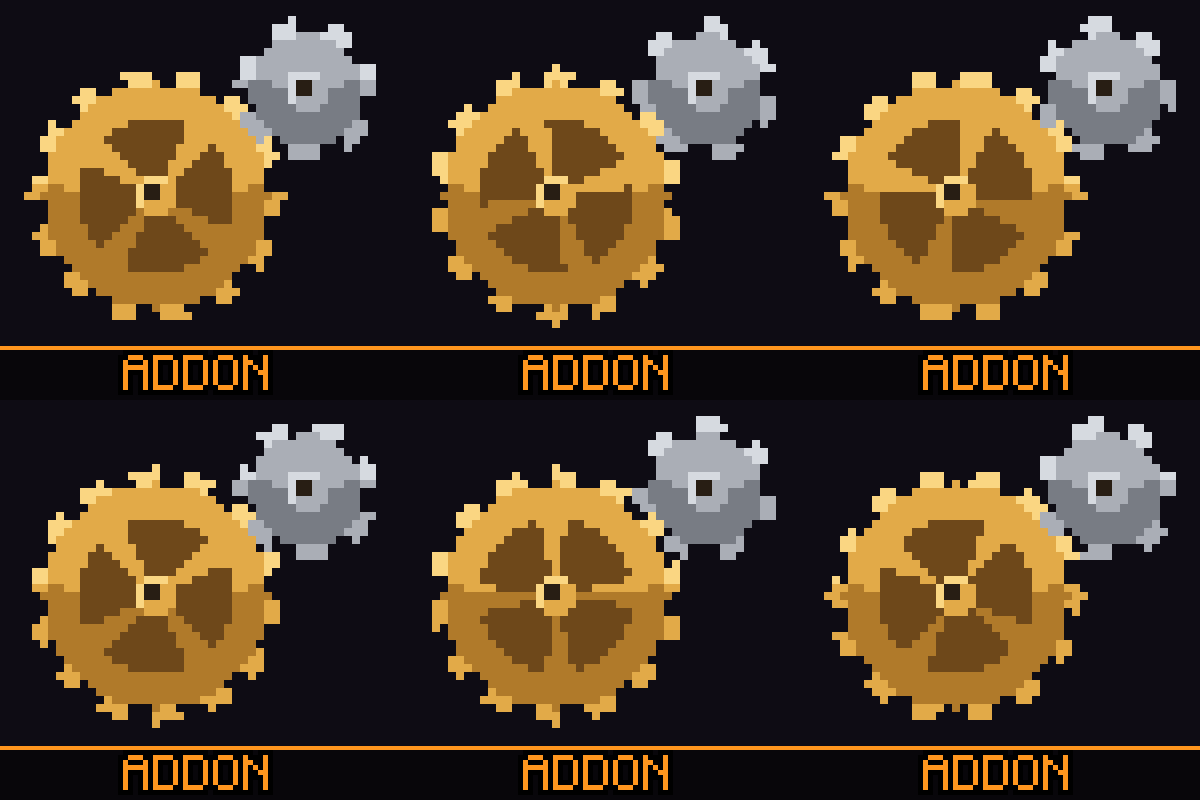
Huge rideable cogwheels for Create: flat and upright giants (5x5 to 15x15) in brass, iron and wood that carry you around, mesh through their teeth and ride your contraptions, plus big wall clock faces driven by a shaft. An unofficial Create addon.
 mod
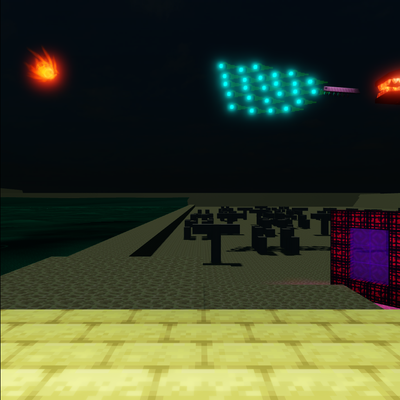
Adds a neon VoidFish swarm to the End surface that relentlessly tracks down players and your precious Chorus Fruit farms.
 mod
This mod focuses on expanding the endgame content of vanilla Minecraft, featuring new ores and equipment themed around the Deep Dark and the End.