Minecraft version
Back to mods 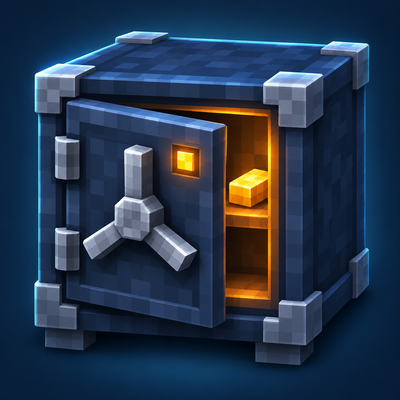
CurseForge · Minecraft mod
Interactive Safe
An interactive safe for Fabric 1.21.1. Turn the handle in first person, then drag, place, and stack items freely on two visible shelves.
Choose a version Pick your version below, then grab the matching file.
Quick answer
Which Interactive Safe release should I use?
Latest stable file coffre_fort-1.1.0.jar
Game version 1.21.1
Loader Fabric
Interactive Safe coffre_fort-1.1.0.jar targets 1.21.1 with Fabric. The project page does not say whether this file belongs on the client, dedicated server, or both. No extra mods listed for this file.
Where it goes
Is Interactive Safe required on the client, server, or both?
The project page does not say whether this file belongs on the client, dedicated server, or both.
Client Source doesn’t say
Dedicated server Source doesn’t say
Loader for this release Fabric
Required install it here Optional supported, not mandatory Not supported do not install here Source doesn’t say do not assume
The source does not explicitly classify this release as client-only or server-only.
What else does Interactive Safe coffre_fort-1.1.0.jar need?
coffre_fort-1.1.0.jar. Change the file and its required mods may change too.
This file does not list any required mods. Do not add a library just because a different file uses it.
This file does not list any required or optional mods.
Before you install it
Add Interactive Safe without breaking your instance.
Built for Interactive Safe coffre_fort-1.1.0.jar. Pick another file and the loader, install side or required mods may change.
- 01
Stick to this file
Use coffre_fort-1.1.0.jar. It targets 1.21.1 with Fabric; another release may have different loader, side or dependency requirements.
- 02
Bring the mods it needs
This file does not list any required mods. Do not add a library just because a different file uses it.
- 03
Put it on the correct side
The project page does not say whether this file belongs on the client, dedicated server, or both.
- 04
Pick the file you checked
Use the “Get this file” button beside coffre_fort-1.1.0.jar. It opens that exact file at the source.
About this project
What does Interactive Safe add?
Coffre-Fort adds an interactive safe to Minecraft. Turn the handle with your mouse in first person, then drag items from the side inventory panel onto two visible shelves.

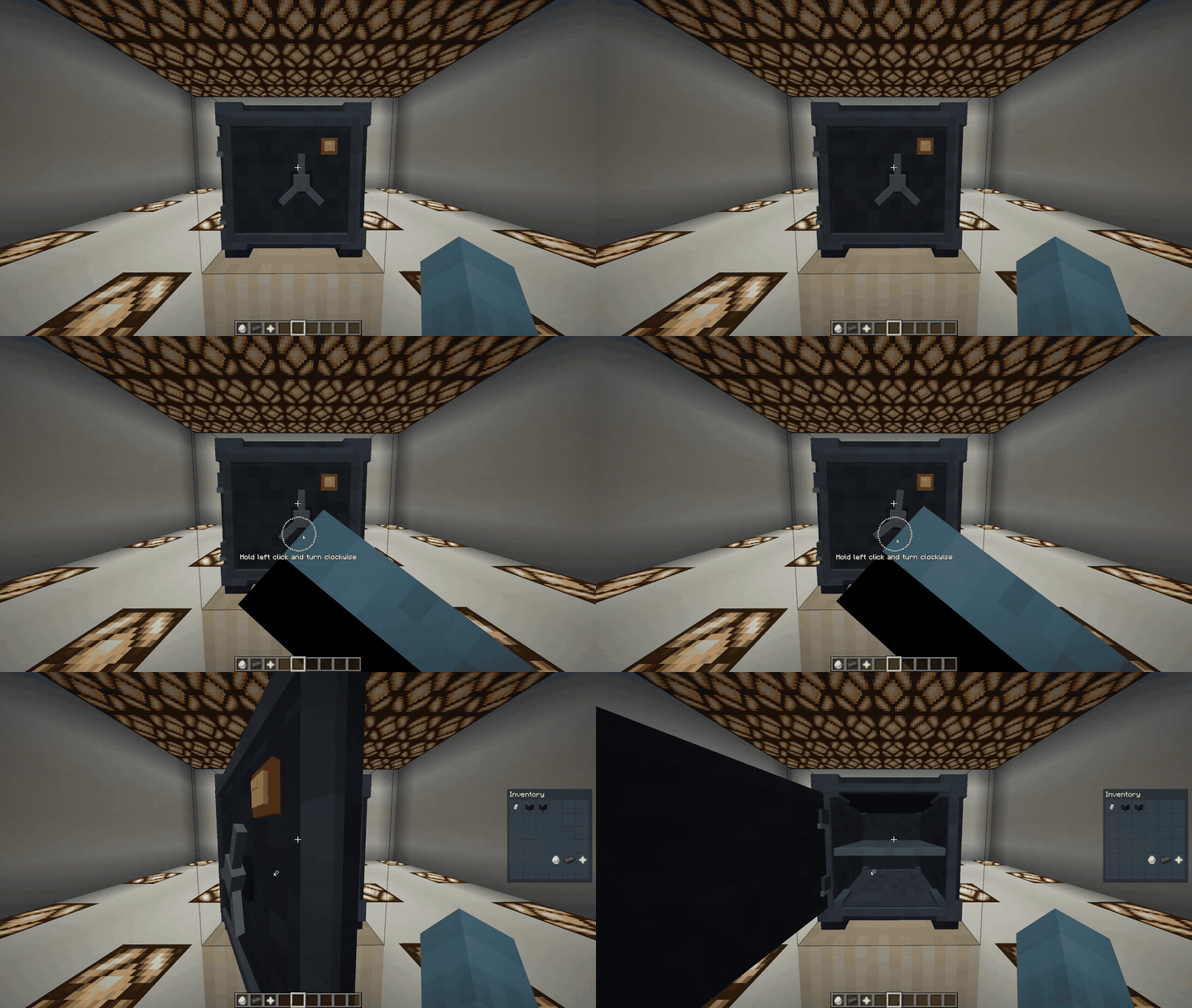
Right-click the safe with an empty hand, then hold left-click and turn the handle clockwise to open the door.

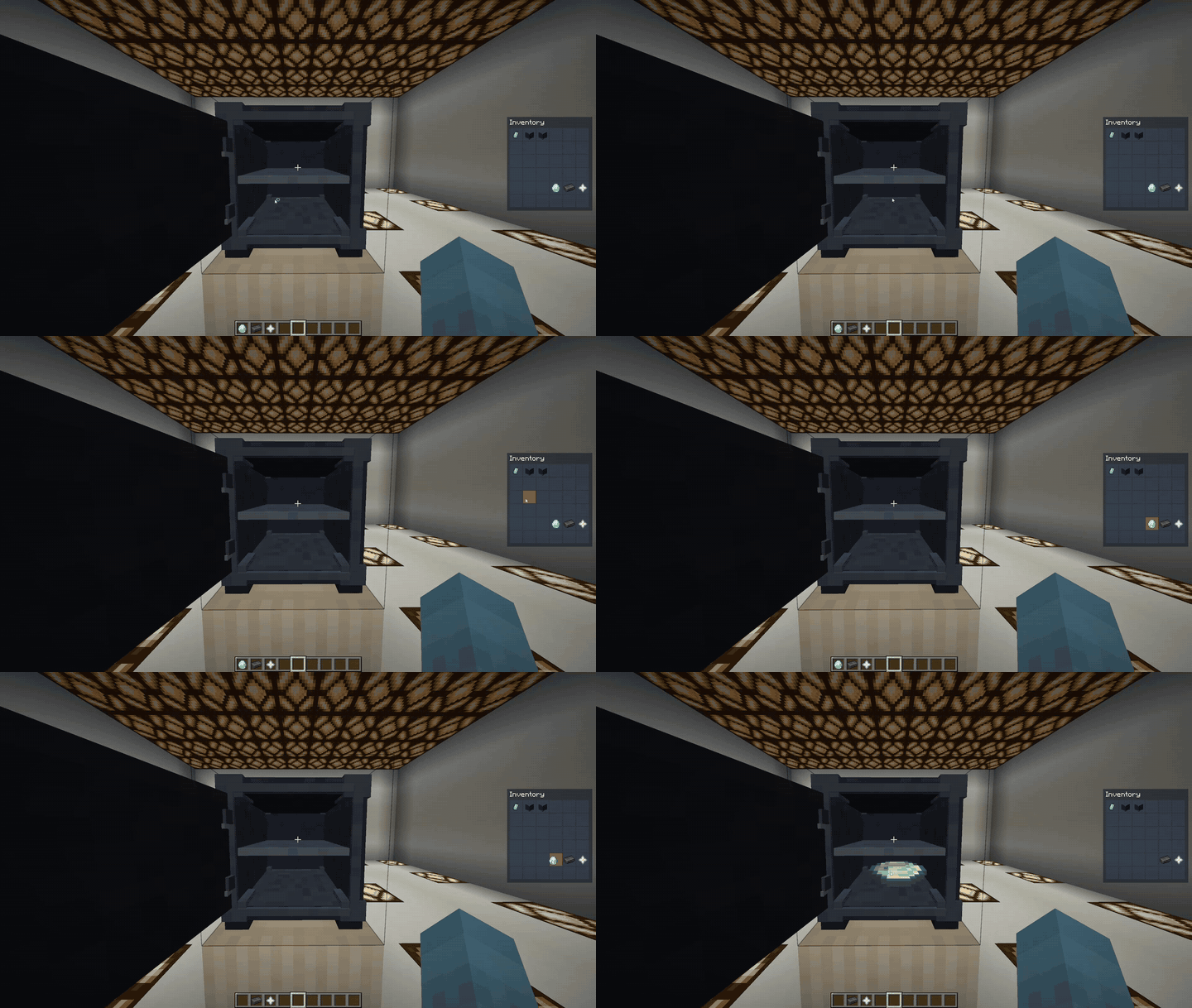
Drag items from the transparent inventory panel into the safe. Place them where you like on either shelf, side by side or stacked on top of each other.

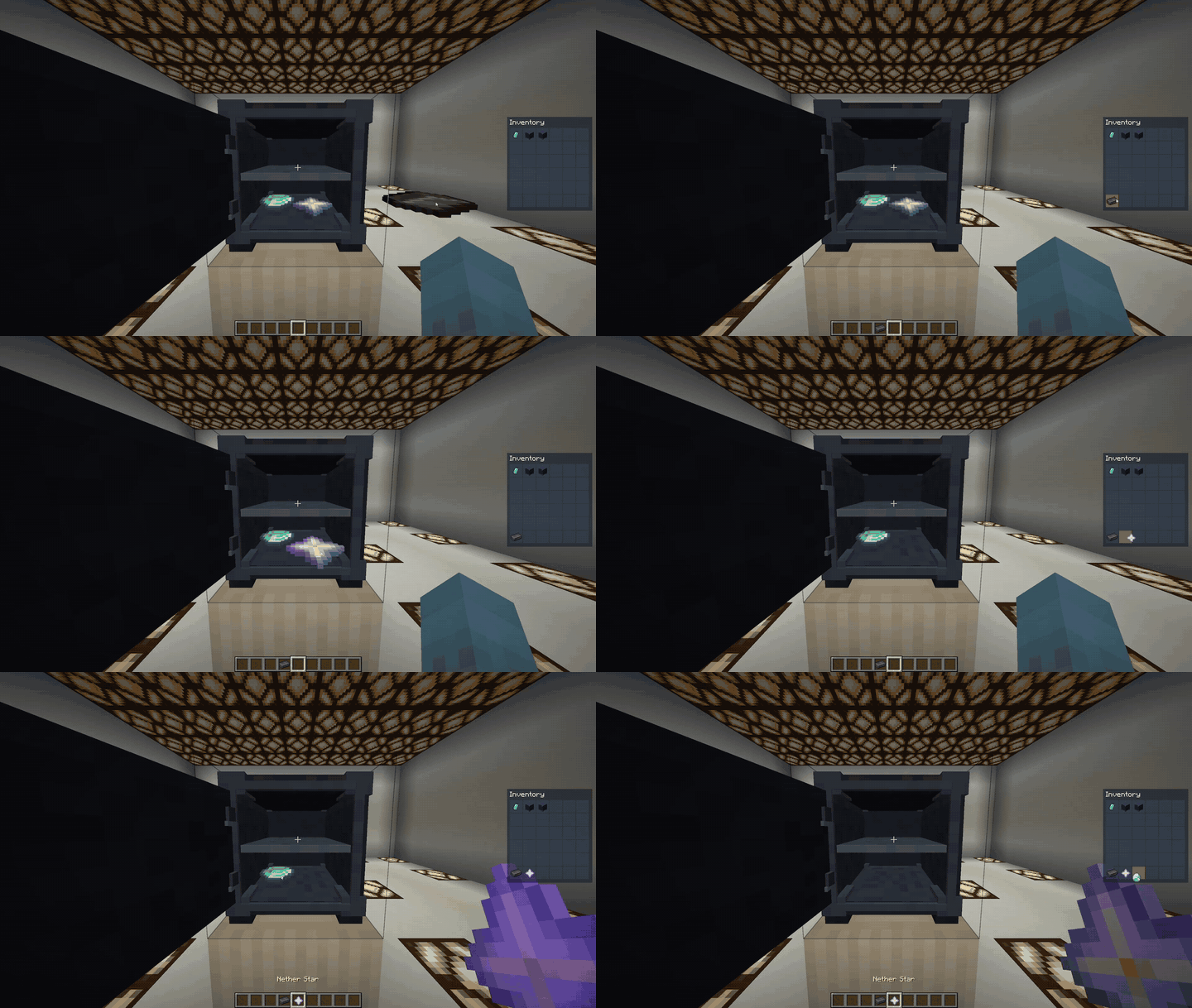
Pick up items directly from the shelf and drag them back into your inventory.

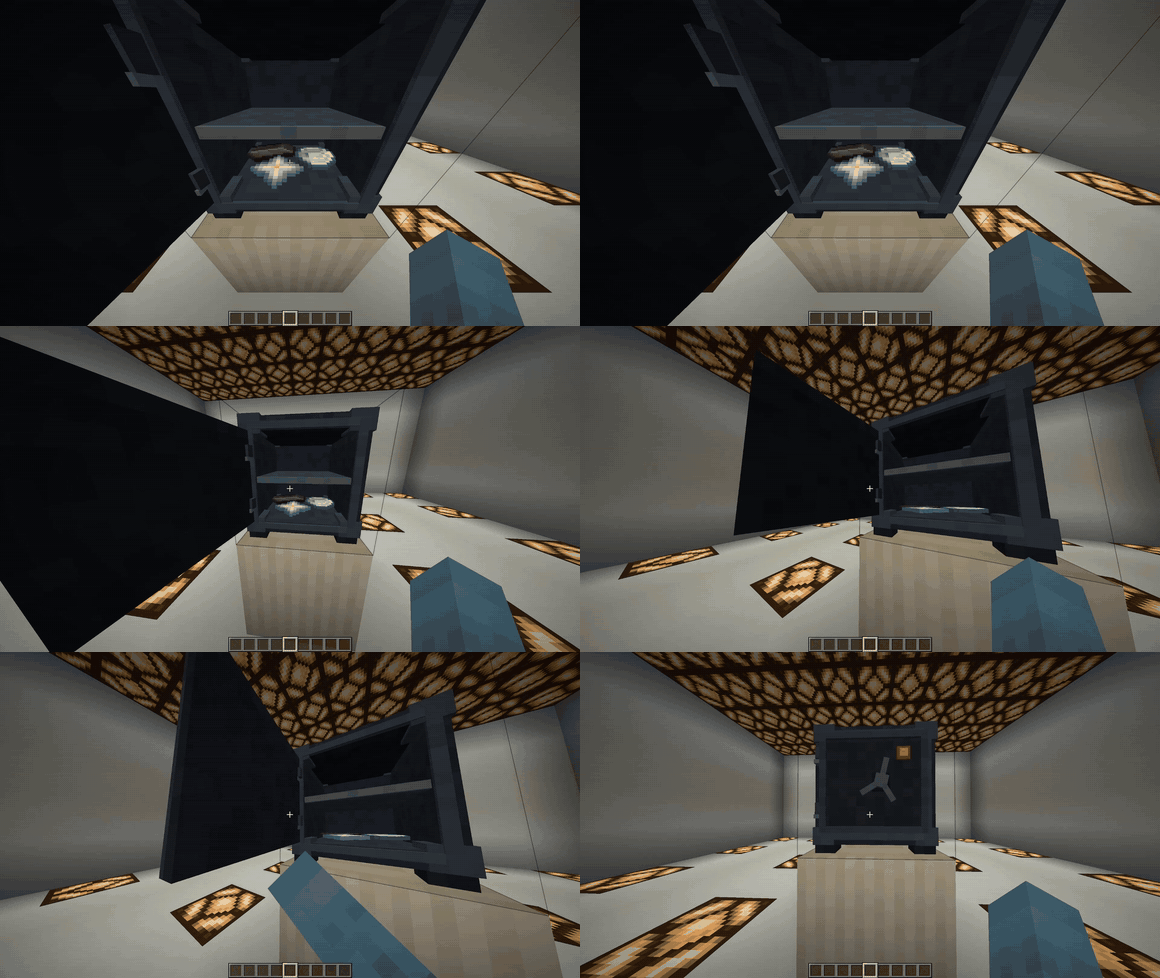
Click the open door to close the safe.
Requirements
Minecraft Java Edition 1.21.1 · Fabric Loader · Fabric API
Project description from CurseForge.
Pick your setup
Interactive Safe by Minecraft version and loader
Choose the version and loader you play, then open the matching release.
Check the dependencies, then try the file in a copied instance before changing a world you care about.
Recent files
Interactive Safe versions and loaders
coffre_fort-1.1.0.jar
coffre_fort-1.2.0.jar
24 Nov 2026
Client Source doesn’t say Server Source doesn’t say Dependencies No extras listed Listed on Release listing
Check the 1.21.1 · Fabric setup Fabric1.21.1 release
coffre_fort-1.0.0.jar
22 Nov 2026
Client Source doesn’t say Server Source doesn’t say Dependencies No extras listed Listed on Release listing
Check the 1.21.1 · Fabric setup Fabric1.21.1 release
Looking for an older file? The official CurseForge project page is in Resources.
 mod
CurseForge · Minecraft
Unresolved Mod Fixes
Carefully tested, configurable fixes for unresolved mod bugs and cross-mod compatibility conflicts.
 mod
CurseForge · Minecraft
DiosesChatPlus
Modern MMO-style chat for Diosesmon featuring private whispers, clan chat, Pokémon sharing, quick actions, notifications and customizable HUD.
 mod
CurseForge · Minecraft
Sleepium
A performance engine for servers and clients that keeps the game exact: idle ticks put to sleep, a compiled event bus, parallel worldgen, a fast renderer with its own shaderpack support (beta).