Omni: Lib | Core Library & Central Hub Needed by Omni: Map | Client-Side Minimap, World Map & Waypoints OmniMap 1.0.1 (26.3 Fabric)
requiredMatching file found Matched file: OmniLib 1.0.1 (26.3 Fabric)
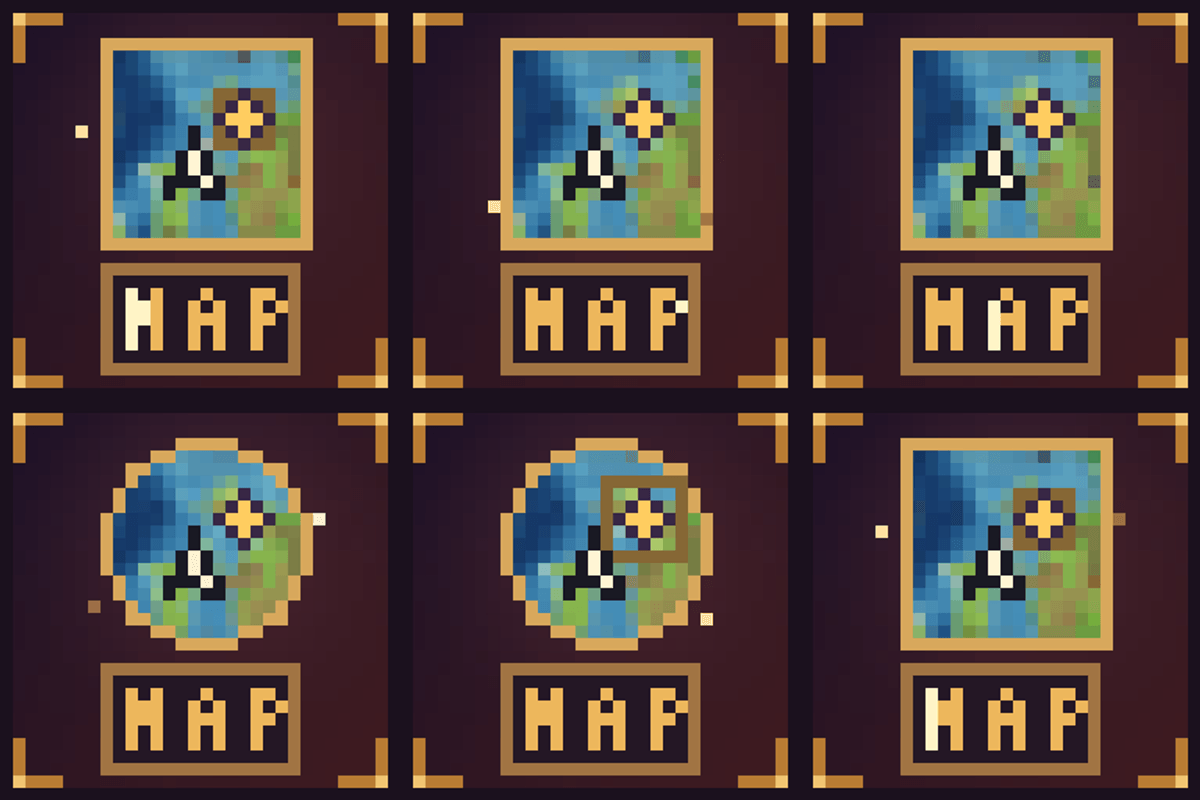
CurseForge · Minecraft mod
Explore with a client-side minimap, fullscreen world map, waypoints, and mob radar. Switch between square and circular layouts, adjust the HUD, and use it without installing Omni: Map on the server.
Quick answer
Omni: Map | Client-Side Minimap, World Map & Waypoints OmniMap 1.0.1 (26.3 Fabric) targets 26.3 with Fabric. The project page does not say whether this file belongs on the client, dedicated server, or both. All 1 required mods have matching files.
Where it goes
The project page does not say whether this file belongs on the client, dedicated server, or both.
The source does not explicitly classify this release as client-only or server-only.
OmniMap 1.0.1 (26.3 Fabric). Change the file and its required mods may change too.
Install Omni: Lib | Core Library & Central Hub first. We found matching files for this game-version and loader setup.
We only count dependency files that match this setup. A file for another loader does not fill the gap.
Before you install it
Built for Omni: Map | Client-Side Minimap, World Map & Waypoints OmniMap 1.0.1 (26.3 Fabric). Pick another file and the loader, install side or required mods may change.
Use OmniMap 1.0.1 (26.3 Fabric). It targets 26.3 with Fabric; another release may have different loader, side or dependency requirements.
Install Omni: Lib | Core Library & Central Hub first. We found matching files for this game-version and loader setup.
The project page does not say whether this file belongs on the client, dedicated server, or both.
Use the “Get this file” button beside OmniMap 1.0.1 (26.3 Fabric). It opens that exact file at the source.
About this project

Find your way back to base, pin a cave entrance, or zoom out to see how the whole area fits together.
Requires Omni: Lib
CLIENT-ONLY INSTALLATION SUPPORTED
Install Omni: Map and Omni: Lib on your client to use the minimap, world map, and personal waypoints. The server doesn’t need Omni: Map for those features. Shared features and teleportation depend on your server setup.
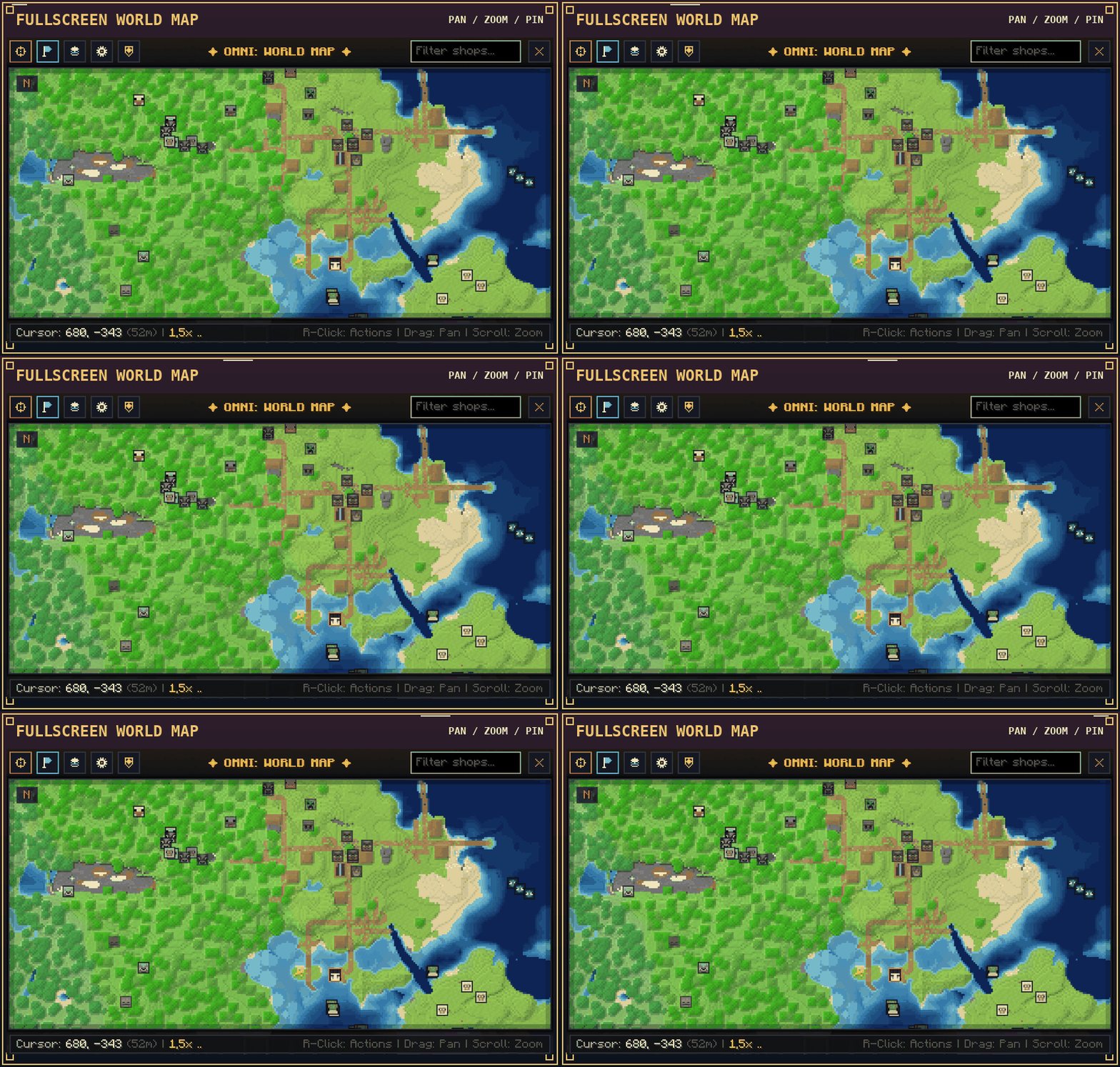
SEE MORE WITH THE FULLSCREEN WORLD MAP
Drag to pan, scroll to zoom, and check the coordinates and distance under your cursor. Right-click a spot to open its actions and mark places you want to return to, from your first base to a village you found across the ocean.
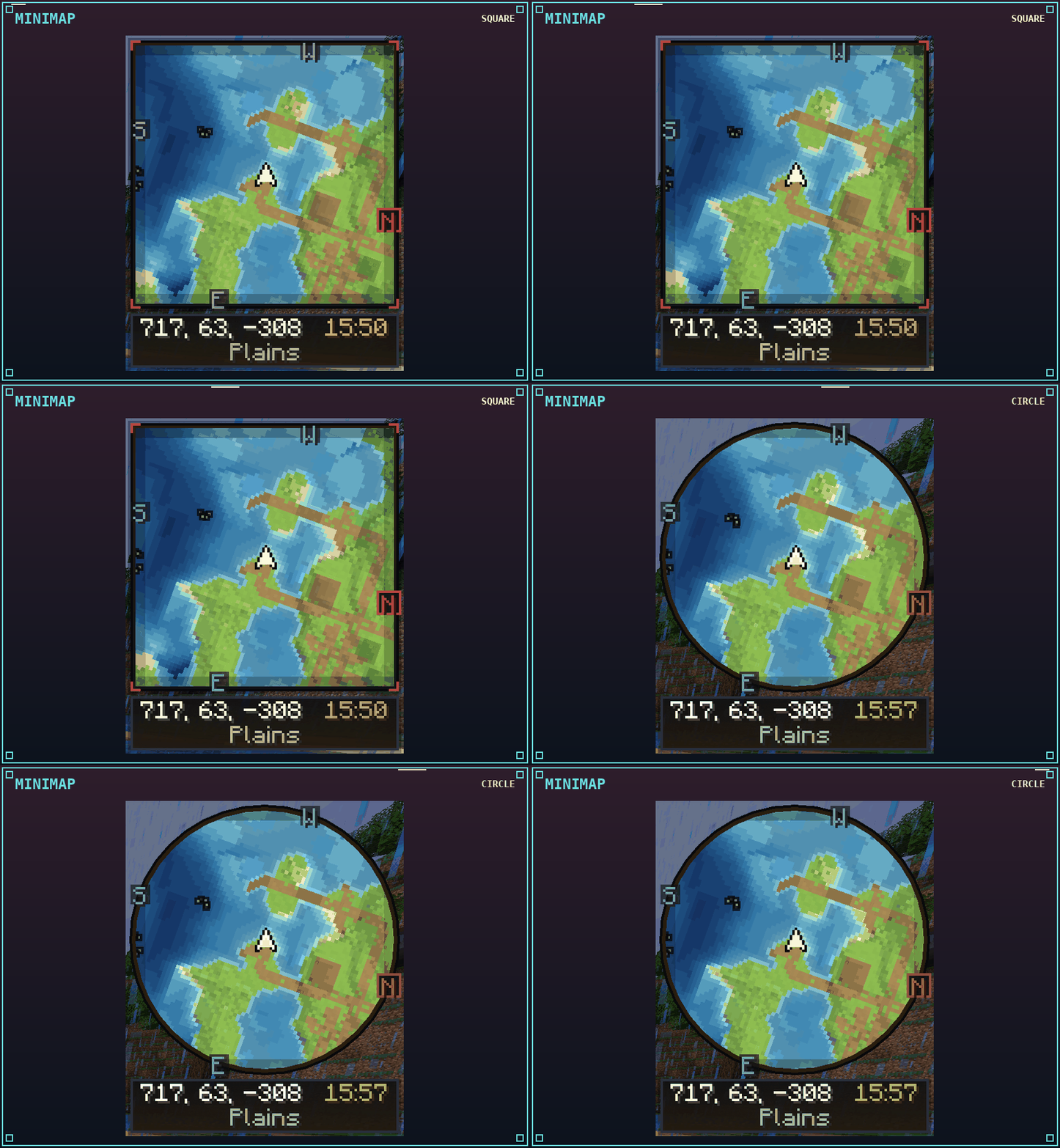
MAKE THE MINIMAP FIT YOUR HUD
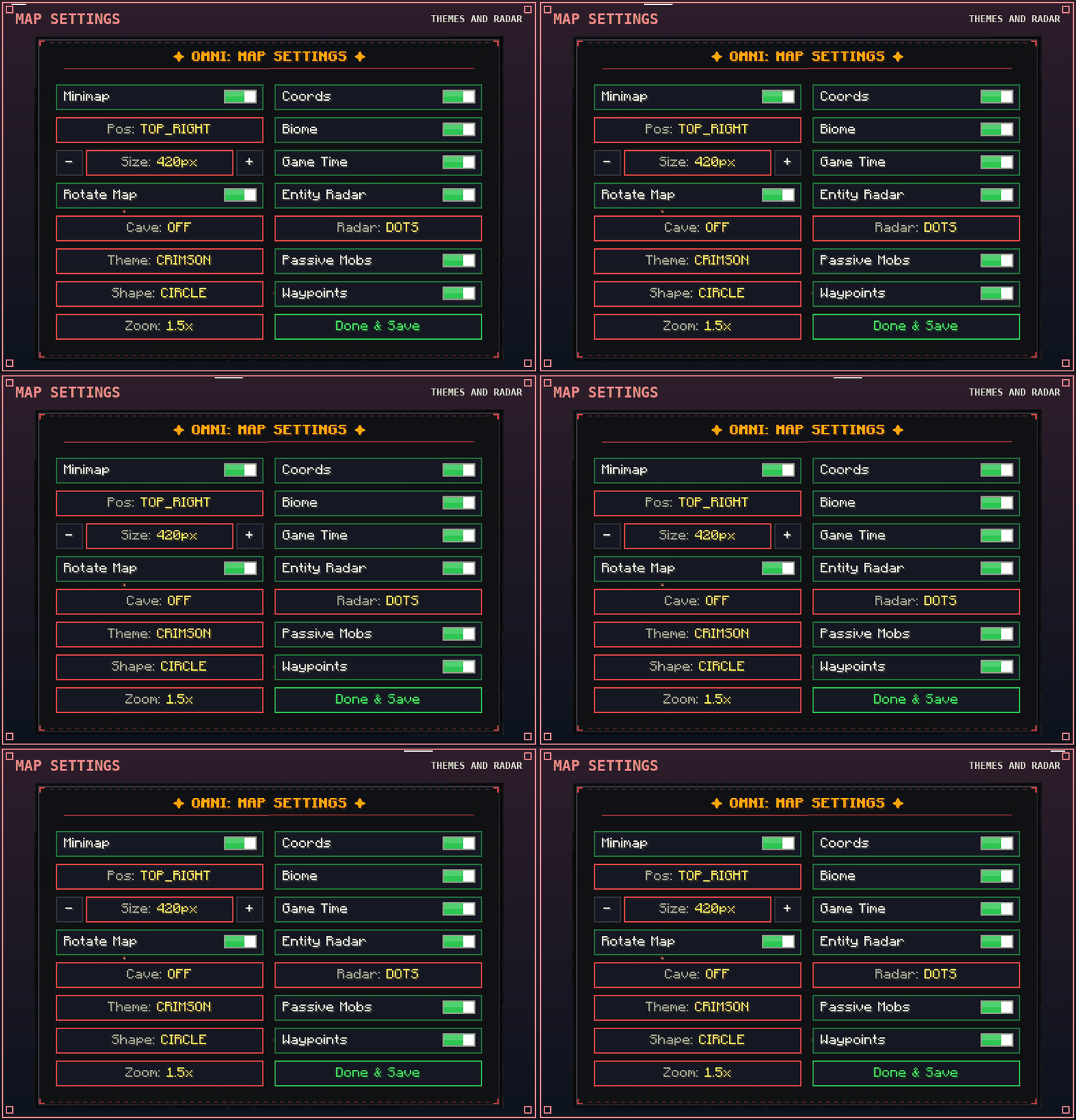
Choose a square or circular minimap, resize it, and move it to the corner that works for your HUD. Set your zoom and theme, and choose whether the map rotates as you turn. Coordinates, biome, and in-game time each have their own toggle.
RADAR, CAVE MODE, AND QUICK SETTINGS
Use entity radar to see nearby mobs, switch to dots for a simpler view, or hide passive mobs when the map gets crowded. Quick Settings gives you the everyday controls. Open Full Map Settings to adjust the shape, position, waypoints, cave mode, and HUD details.
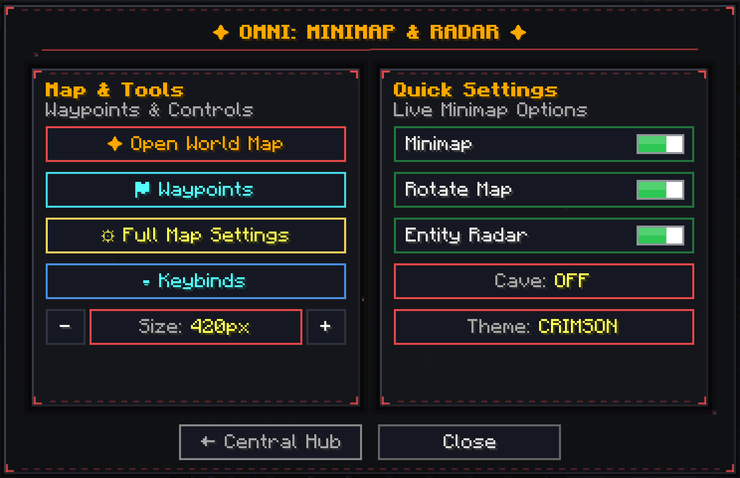
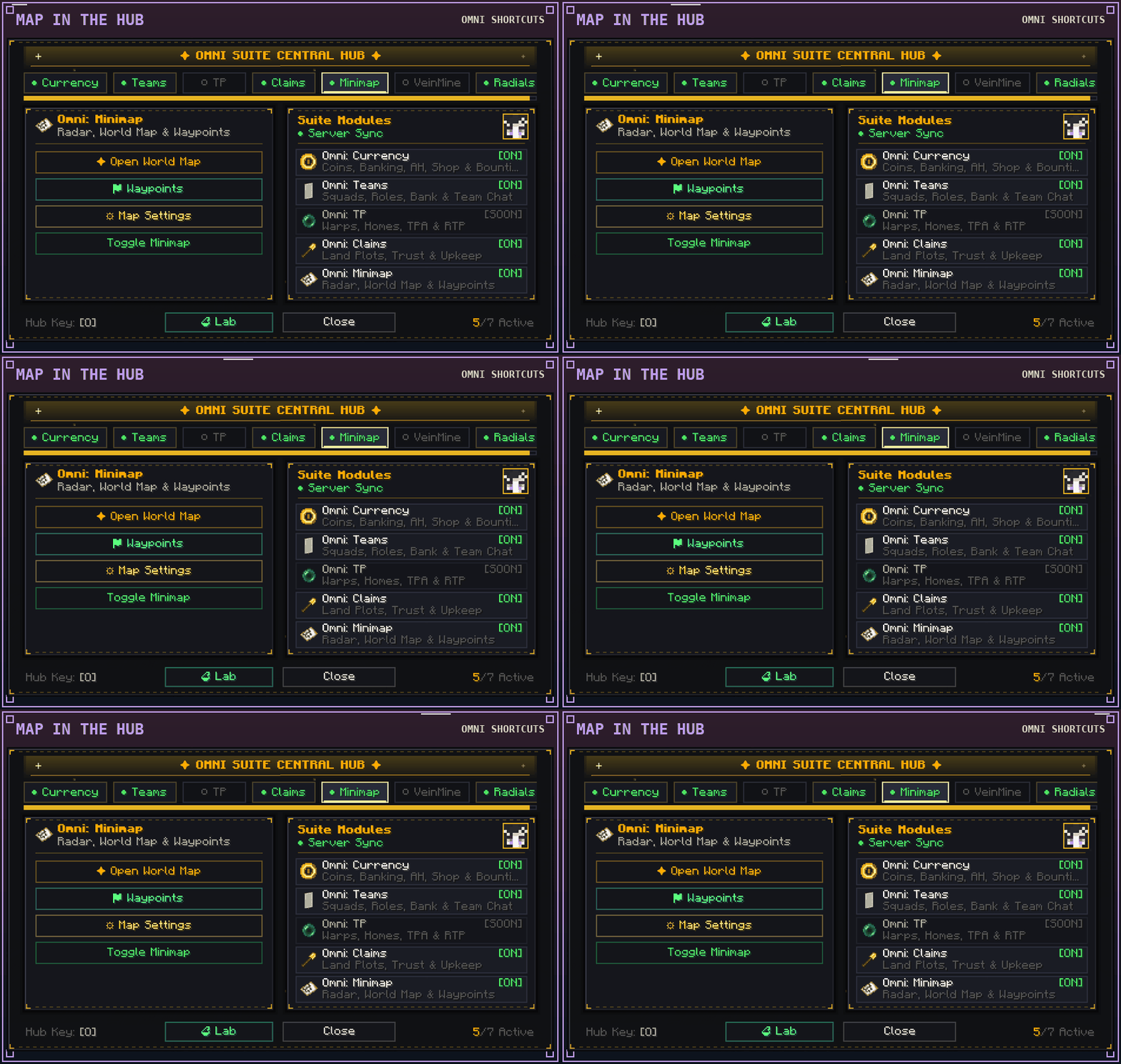
FIND YOUR MAP IN THE OMNI HUB
Open the Central Hub and select Minimap to reach the world map, waypoints, and settings or toggle the minimap. With a compatible Omni: Teams setup, teammates can share position pins to mark a meeting spot or point each other toward a discovery.
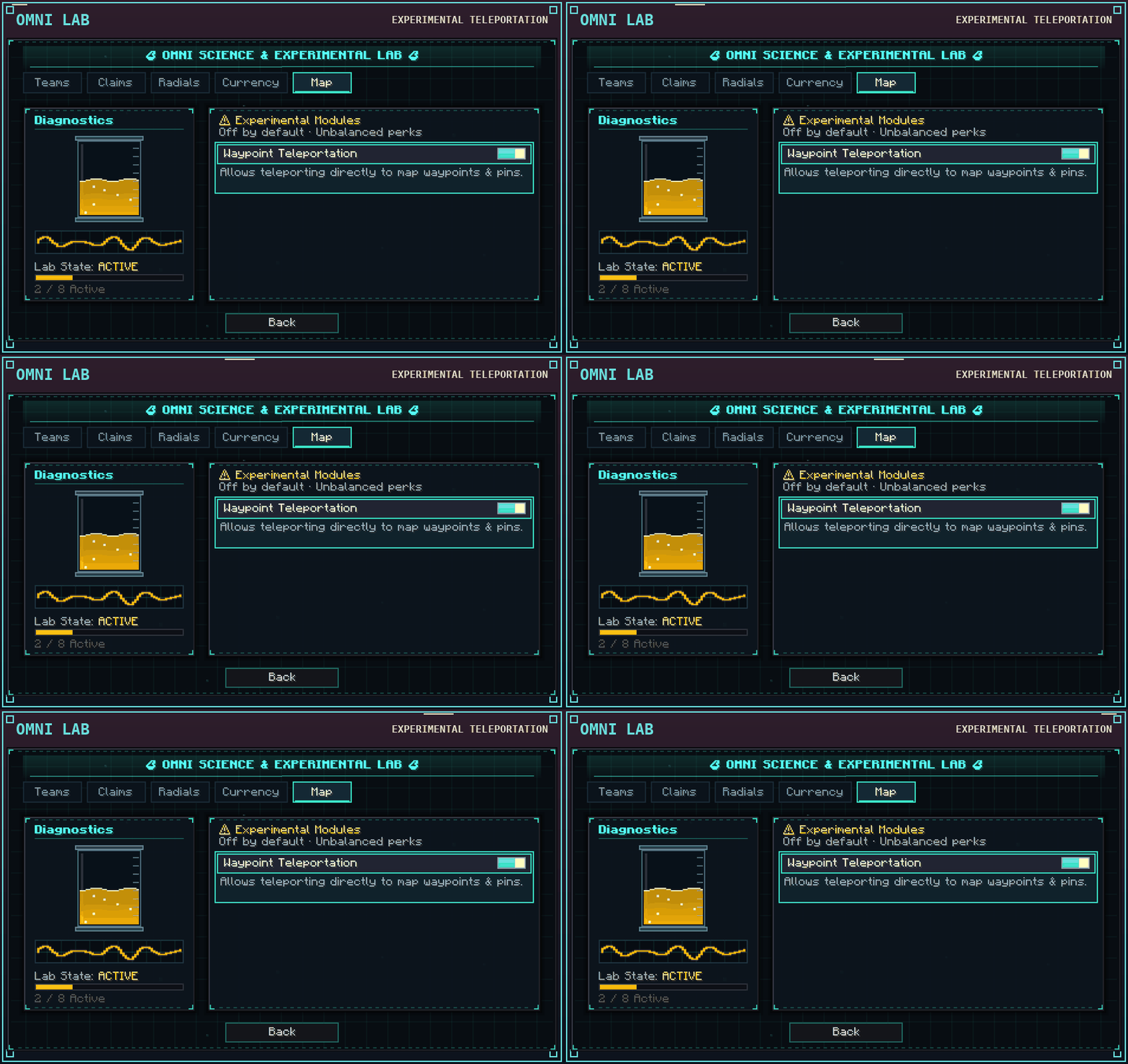
EXPERIMENTAL WAYPOINT TELEPORTATION
Omni Lab has an optional setting for teleporting to waypoints and pins. It’s off by default and only usable where your world or server allows teleportation.

Project description from CurseForge.
Pick your setup
Choose the version and loader you play, then open the matching release.
Check the dependencies, then try the file in a copied instance before changing a world you care about.
Recent files
omnimap-fabric-26.3-1.0.1.jar
28 Nov 2026
omnimap-neoforge-26.3-1.0.1.jar
28 Nov 2026
omnimap-fabric-1.21.11-1.0.1.jar
28 Nov 2026
omnimap-neoforge-1.21.11-1.0.1.jar
28 Nov 2026
omnimap-fabric-1.21.1-1.0.1.jar
28 Nov 2026
omnimap-1.0.1.jar
28 Nov 2026
omnimap-fabric-26.3-1.0.0.jar
28 Nov 2026
omnimap-neoforge-26.3-1.0.0.jar
28 Nov 2026
omnimap-fabric-1.21.11-1.0.0.jar
28 Nov 2026
omnimap-neoforge-1.21.11-1.0.0.jar
28 Nov 2026
omnimap-fabric-1.21.1-1.0.0.jar
28 Nov 2026
omnimap-1.0.0.jar
28 Nov 2026
Looking for an older file? The official CurseForge project page is in Resources.
 mod
Build an economy that fits your SMP, server, or modpack. Customize prices, taxes, and shop unlocks with layered Shop Packs, player shop pedestals, an auction house, and upgradeable wallets.
 mod
Create squads, invite friends, manage roles, and chat with your team in Minecraft. Connect Omni: Claims, Currency, and Map for land, shared banking, and position pins.
 mod
The core library for the Omni mod suite. It provides the Central Hub, Omni Lab, shared UI widgets, radial menus, and sounds for compatible Omni mods.