JamLib Needed by Quicker Connect Button 2.2.1+1.21
requiredMatching file found Matched file: 1.3.6+1.21.1

Modrinth · Minecraft mod
Adds a connect button to the main menu for quickly connecting to servers.
Quick answer
Quicker Connect Button 2.2.1+1.21 targets 1.21, 1.21.1 with Fabric. It must be installed on the client. Do not install it on the dedicated server. All 3 required mods have matching files.
Where it goes
It must be installed on the client. Do not install it on the dedicated server.
This file is marked client-only.
2.2.1+1.21. Change the file and its required mods may change too.
Install JamLib, Fabric API, Architectury API first. We found matching files for this game-version and loader setup.
We only count dependency files that match this setup. A file for another loader does not fill the gap.
Before you install it
Built for Quicker Connect Button 2.2.1+1.21. Pick another file and the loader, install side or required mods may change.
Use 2.2.1+1.21. It targets 1.21, 1.21.1 with Fabric; another release may have different loader, side or dependency requirements.
Install JamLib, Fabric API, Architectury API first. We found matching files for this game-version and loader setup.
It must be installed on the client. Do not install it on the dedicated server.
Use the “Get this file” button beside 2.2.1+1.21. It opens that exact file at the source.
About this project
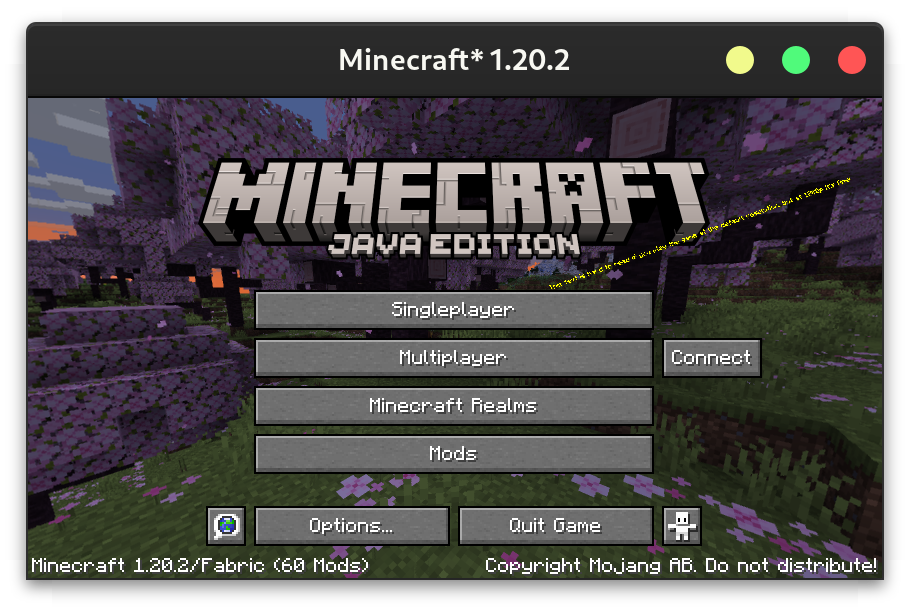
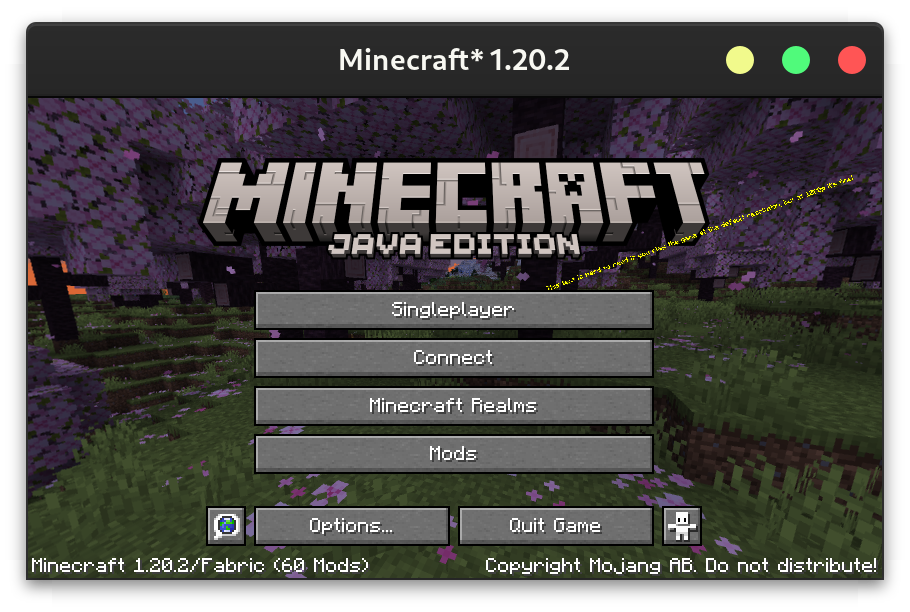
Download on CurseForge or Modrinth.
The config can either be changed through a GUI (using Mod Menu on Fabric or the config button on Forge), or directly at config/quickerconnectbutton.json5. The GUI contains tooltips explaining each option.
{
  /* Leave empty to disable the quick connect button
     - default: \"\"
  */
  ip: "localhost",
  /* - default: 25565
     - must be between 0.0 and 65535.0
  */
  port: 25565,
  /* Where to place the connect button
     - default: RIGHT
     - must be one of: RIGHT, REPLACE_MULTIPLAYER_BUTTON, REPLACE_SINGLEPLAYER_BUTTON, REPLACE_REALMS_BUTTON
  */
  buttonLocation: "REPLACE_MULTIPLAYER_BUTTON",
  /* The text to display on the button. Leave empty to use "Connect".
     - default: \"\"
  */
  text: "Connect to an Awesome Server",
  /* What to do if the server has a resource pack.
     - default: PROMPT
     - must be one of: ENABLED, DISABLED, PROMPT
  */
  resourcePackBehaviour: "ENABLED"
}
Project description from Modrinth.
Pick your setup
Choose the version and loader you play, then open the matching release.
Check the dependencies, then try the file in a copied instance before changing a world you care about.
Recent files
quickerconnectbutton-fabric-2.2.1+1.21.jar
2 Jul 2024
quickerconnectbutton-neoforge-2.2.1+1.21.jar
2 Jul 2024
quickerconnectbutton-neoforge-2.2.1+1.20.6.jar
11 Jun 2024
quickerconnectbutton-fabric-2.2.1+1.20.6.jar
11 Jun 2024
quickerconnectbutton-fabric-2.2.1+1.20.4.jar
11 Jun 2024
quickerconnectbutton-neoforge-2.2.1+1.20.4.jar
11 Jun 2024
quickerconnectbutton-fabric-2.2.0+1.20.6.jar
11 Jun 2024
quickerconnectbutton-neoforge-2.2.0+1.20.6.jar
11 Jun 2024
quickerconnectbutton-quilt-2.1.0+1.20.4.jar
26 Mar 2024
quickerconnectbutton-forge-2.1.0+1.20.4.jar
26 Mar 2024
quickerconnectbutton-neoforge-2.1.0+1.20.4.jar
26 Mar 2024
quickerconnectbutton-fabric-2.1.0+1.20.4.jar
26 Mar 2024
Looking for an older file? The official Modrinth project page is in Resources.
 mod
modDon’t mess with the server Play Minecraft with your friends in 2 clicks
 mod
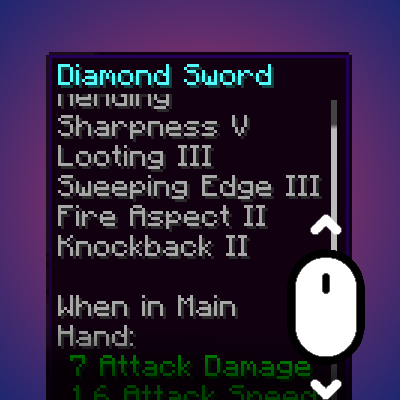
modDynamically resizes and scrolls oversized tooltips while keeping the item title anchored.
 mod
modProvides a Resident Evil 4 / Diablo–style inventory layout, where a single item can occupy multiple slots, and adjusts the corresponding replacement and transfer operations.