LunatriusCore Needed by InGame Info XML InGameInfoXML-1.12.2-2.8.2.94-universal.jar
requiredMatching file found Matched file: LunatriusCore-1.12.2-1.2.0.42-universal.jar
CurseForge · Minecraft mod
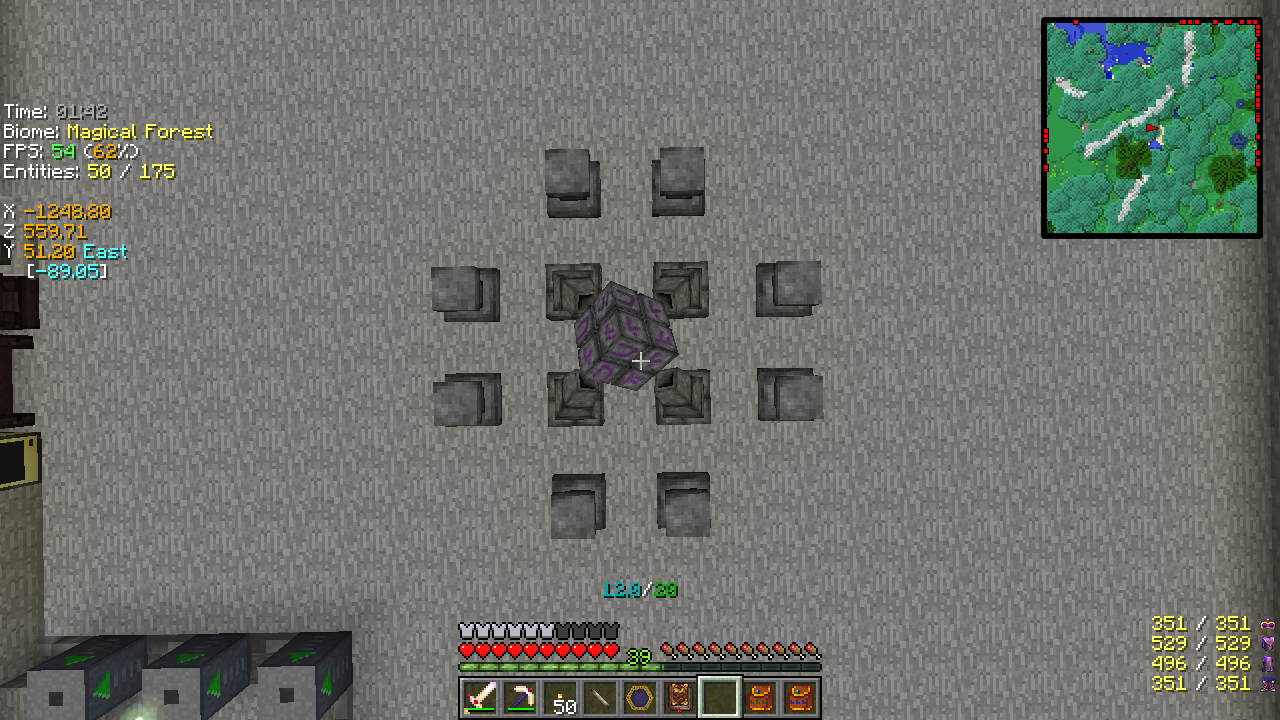
A customizable "F3 screen".
Quick answer
InGame Info XML InGameInfoXML-1.12.2-2.8.2.94-universal.jar targets 1.12.2. The project page does not say whether this file belongs on the client, dedicated server, or both. All 1 required mods have matching files.
Where it goes
The project page does not say whether this file belongs on the client, dedicated server, or both.
The source does not explicitly classify this release as client-only or server-only.
InGameInfoXML-1.12.2-2.8.2.94-universal.jar. Change the file and its required mods may change too.
Install LunatriusCore first. We found matching files for this game-version and loader setup.
We only count dependency files that match this setup. A file for another loader does not fill the gap.
Before you install it
Built for InGame Info XML InGameInfoXML-1.12.2-2.8.2.94-universal.jar. Pick another file and the loader, install side or required mods may change.
Use InGameInfoXML-1.12.2-2.8.2.94-universal.jar. It targets 1.12.2; another release may have different loader, side or dependency requirements.
Install LunatriusCore first. We found matching files for this game-version and loader setup.
The project page does not say whether this file belongs on the client, dedicated server, or both.
Use the “Get this file” button beside InGameInfoXML-1.12.2-2.8.2.94-universal.jar. It opens that exact file at the source.
About this project
The mod allows you to display a very customizable "F3 screen". It ships with a default config (in XML), which can be replaced/changed by your own. It supports XML, JSON and the text format (slightly modified version of bspkrs' format).
You can find a list of community submitted config files here.
If you'd like to contribute your own config file, feel free to submit a pull request (PR) or send the config file to me and I'll add it for you.
Modpacks: you can freely include any of the mods in your mod pack if the modpack is free (public or private). Mentioning me as the author is appreciated but not required.
Youtube/Streaming: you can monetize any videos you produce with the mod.
Project description from CurseForge.
Pick your setup
Choose the version and loader you play, then open the matching release.
Check the dependencies, then try the file in a copied instance before changing a world you care about.
Recent files
11 Oct 2017
27 Aug 2017
25 Jul 2017
18 Dec 2016
3 Dec 2016
5 Nov 2016
1 Oct 2016
21 Sept 2016
18 Sept 2016
3 Jul 2016
2 Jun 2016
23 Apr 2016
Looking for an older file? The official CurseForge project page is in Resources.
 mod
modA Minecraft World Download mod. Save a multiplayer world as a singleplayer world you can open offline: the terrain as you explore it, containers as you open them.
 mod
modThis mod allows resource packs to add GLSL shaders for the title screen panorama
 mod
modA small server-side-only mod to enable visual hiding of beacon beams using tinted glass, without requiring client-side mods or configuration