Minecraft version
Back to mods 
CurseForge · Minecraft mod
CoFHTweaks
Various performance improvements
Choose a version Pick your version below, then grab the matching file.
Quick answer
Which CoFHTweaks release matches 1.7.10?
Best match for your filters CoFHTweaks-[1.7.10]1.1.2-89.jar
Game version 1.7.10
Loader Not required
CoFHTweaks-[1.7.10]1.1.2-89.jar targets 1.7.10. The project page does not say whether this file belongs on the client, dedicated server, or both. No extra mods listed for this file.
Where it goes
Is CoFHTweaks required on the client, server, or both?
The project page does not say whether this file belongs on the client, dedicated server, or both.
Client Source doesn’t say
Dedicated server Source doesn’t say
Loader for this release No loader listed
Required install it here Optional supported, not mandatory Not supported do not install here Source doesn’t say do not assume
The source does not explicitly classify this release as client-only or server-only.
What else does CoFHTweaks-[1.7.10]1.1.2-89.jar need?
CoFHTweaks-[1.7.10]1.1.2-89.jar on 1.7.10. Every mod below is checked against that same setup.
This file does not list any required mods. Do not add a library just because a different file uses it.
This file does not list any required or optional mods.
Before you install it
Add CoFHTweaks without breaking your instance.
Built for CoFHTweaks-[1.7.10]1.1.2-89.jar on 1.7.10. Pick another file and the loader, install side or required mods may change.
- 01
Stick to this file
Use CoFHTweaks-[1.7.10]1.1.2-89.jar. It targets 1.7.10; another release may have different loader, side or dependency requirements.
- 02
Bring the mods it needs
This file does not list any required mods. Do not add a library just because a different file uses it.
- 03
Put it on the correct side
The project page does not say whether this file belongs on the client, dedicated server, or both.
- 04
Pick the file you checked
Use the “Get this file” button beside CoFHTweaks-[1.7.10]1.1.2-89.jar. It opens that exact file at the source.
About this project
What does CoFHTweaks add?
Configuration options, defaults are least-disruptive to normal play:
- Option to disable animated textures (higher fps)
- Option to disable items attempting to stack (higher tps)
- Option to disable some entity-pushing (higher tps/fps)
- Option to defer client-side lighting updates when a block changes (higher fps)
- Option to make fewer entities render when tightly packed (higher fps)
- Option to reduce AI tick rate (higher average tps)
- Option to force fast or fancy leaves (higher or lower fps, respectively)
Non-configurable logic:
- 1.8 style occlusion (higher fps)
- Generally more efficient AI logic (higher tps)
- Non-pushable entities do not attempt to be pushed (higher tps)
- Faster chunk lookup (higher tps)
- Faster lighting updates (higher tps/fps)
- The logo is a large black T on a white background. This is to be blamed on jadedcat.
Project description from CurseForge.
Pick your setup
CoFHTweaks by Minecraft version and loader
Choose the version and loader you play, then open the matching release.
Check the dependencies, then try the file in a copied instance before changing a world you care about.
Recent files
CoFHTweaks versions and loaders
CoFHTweaks-[1.7.10]1.1.3B3-94.jar
1 Aug 2016
Client Source doesn’t say Server Source doesn’t say Dependencies No extras listed Listed on Release listing
Check the 1.7.10 setup 1.7.10 alpha
CoFHTweaks-[1.7.10]1.1.3B3-93.jar
12 Jun 2016
Client Source doesn’t say Server Source doesn’t say Dependencies No extras listed Listed on Release listing
Check the 1.7.10 setup 1.7.10 alpha
CoFHTweaks-[1.7.10]1.1.3B2-92.jar
4 Apr 2016
Client Source doesn’t say Server Source doesn’t say Dependencies No extras listed Listed on Release listing
Check the 1.7.10 setup 1.7.10 alpha
CoFHTweaks-[1.7.10]1.1.3B2-91.jar
16 Feb 2016
Client Source doesn’t say Server Source doesn’t say Dependencies No extras listed Listed on Release listing
Check the 1.7.10 setup 1.7.10 alpha
CoFHTweaks-[1.7.10]1.1.3B1-90.jar
15 Feb 2016
Client Source doesn’t say Server Source doesn’t say Dependencies No extras listed Listed on Release listing
Check the 1.7.10 setup 1.7.10 alpha
CoFHTweaks-[1.7.10]1.1.2-89.jar
8 Feb 2016
Client Source doesn’t say Server Source doesn’t say Dependencies No extras listed Listed on Release listing
Check the 1.7.10 setup 1.7.10 release
CoFHTweaks-[1.7.10]1.1.2B1-88.jar
6 Feb 2016
Client Source doesn’t say Server Source doesn’t say Dependencies No extras listed Listed on Release listing
Check the 1.7.10 setup 1.7.10 alpha
CoFHTweaks-[1.7.10]1.1.2B1-87.jar
5 Feb 2016
Client Source doesn’t say Server Source doesn’t say Dependencies No extras listed Listed on Release listing
Check the 1.7.10 setup 1.7.10 alpha
CoFHTweaks-[1.7.10]1.1.2B1-86.jar
5 Feb 2016
Client Source doesn’t say Server Source doesn’t say Dependencies No extras listed Listed on Release listing
Check the 1.7.10 setup 1.7.10 alpha
CoFHTweaks-[1.7.10]1.1.1-85.jar
3 Feb 2016
Client Source doesn’t say Server Source doesn’t say Dependencies No extras listed Listed on Release listing
Check the 1.7.10 setup 1.7.10 release
CoFHTweaks-[1.7.10]1.1.1B1-84.jar
30 Jan 2016
Client Source doesn’t say Server Source doesn’t say Dependencies No extras listed Listed on Release listing
Check the 1.7.10 setup 1.7.10 alpha
CoFHTweaks-[1.7.10]1.1.0-83.jar
28 Jan 2016
Client Source doesn’t say Server Source doesn’t say Dependencies No extras listed Listed on Release listing
Check the 1.7.10 setup 1.7.10 alpha
Looking for an older file? The official CurseForge project page is in Resources.
 mod
CurseForge · Minecraft
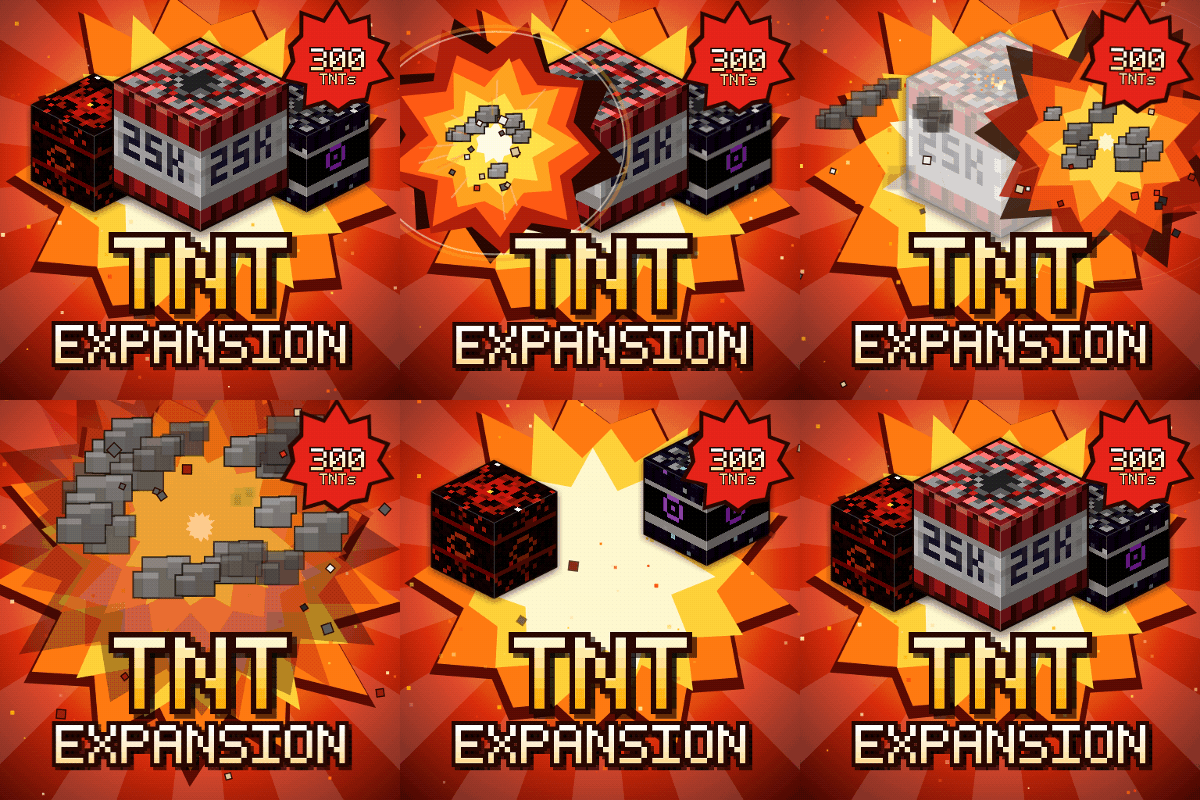
TNT Expansion (+300 new craftable TNT)
300 craftable TNTs, from harmless mini TNTs to nukes, black holes, a TNT x100,000 and THE ABSOLUTE CORRUPTION OF ALL EXISTENCE (power -∞). Build your own at the Workbench and see every TNT in 3D in the guide book.
 mod
CurseForge · Minecraft
LOTR LimitlessIDs
Extends ID capacities up to 16.7M blocks/items, 65k biomes, 32k enchantments, and prevents registry collisions on LOTR 1.7.10.
 mod
CurseForge + Modrinth · Minecraft
TX Loader
Easily provide custom/official assets with your modpack!