Minecraft version
Back to mods 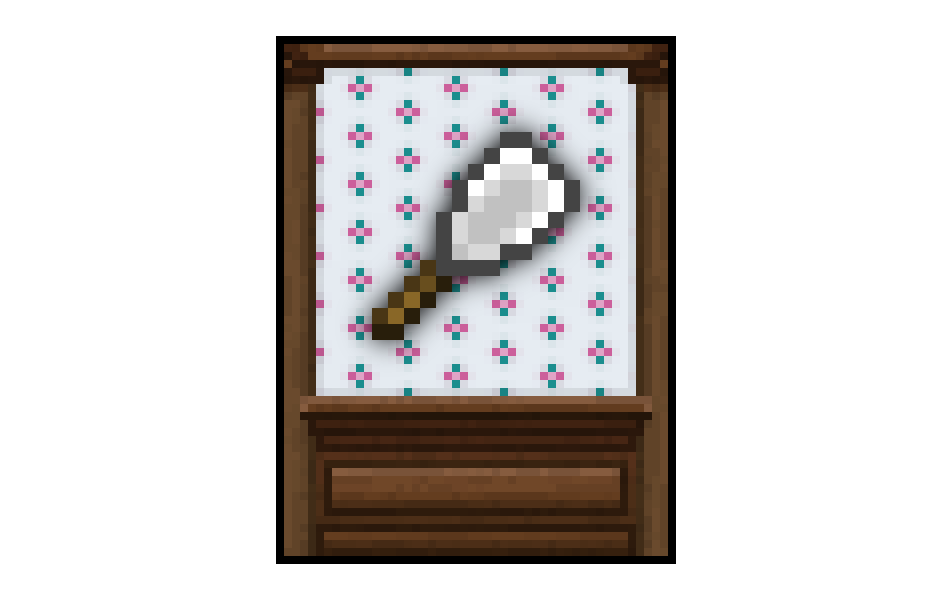
CurseForge · Minecraft mod
Wallpaper
Wallpaper adds 16 decorative wallpaper designs of various themes.
Choose a version Pick your version below, then grab the matching file.
Quick answer
Which Wallpaper release matches 1.8?
Best match for your filters wallpaper-0.9-1.8
Game version 1.8
Loader Not required
wallpaper-0.9-1.8 targets 1.8. The project page does not say whether this file belongs on the client, dedicated server, or both. No extra mods listed for this file.
Where it goes
Is Wallpaper required on the client, server, or both?
The project page does not say whether this file belongs on the client, dedicated server, or both.
Client Source doesn’t say
Dedicated server Source doesn’t say
Loader for this release No loader listed
Required install it here Optional supported, not mandatory Not supported do not install here Source doesn’t say do not assume
The source does not explicitly classify this release as client-only or server-only.
What else does wallpaper-0.9-1.8 need?
wallpaper-0.9-1.8 on 1.8. Every mod below is checked against that same setup.
This file does not list any required mods. Do not add a library just because a different file uses it.
This file does not list any required or optional mods.
Before you install it
Add Wallpaper without breaking your instance.
Built for wallpaper-0.9-1.8 on 1.8. Pick another file and the loader, install side or required mods may change.
- 01
Stick to this file
Use wallpaper-0.9-1.8. It targets 1.8; another release may have different loader, side or dependency requirements.
- 02
Bring the mods it needs
This file does not list any required mods. Do not add a library just because a different file uses it.
- 03
Put it on the correct side
The project page does not say whether this file belongs on the client, dedicated server, or both.
- 04
Pick the file you checked
Use the “Get this file” button beside wallpaper-0.9-1.8. It opens that exact file at the source.
About this project
What does Wallpaper add?
Crafting:
The wallpaper recipe follows a pattern of two papers on top of each other with two dyes to the side. The recipe yields 12 wallpapers, creating a design that is 3 blocks wide and 4 blocks tall.
{width=756 height=1824}
In order to remove wallpaper you must use a wallpaper scraper. It is crafted from stick with an iron ingot above it with paper on top of the ingot.
{width=402 height=216}
Wallpaper Usage:
Right click a vertical face of an opaque full block to place the wallpaper. The wallpaper will be placed as a continuation of surrounding wallpaper. If there is no wallpaper directly adjacent then it will be the bottom left part of the design if there is a floor in front of the wall, otherwise it will be the top left.
Compatibility:
For the 1.8 version the supported OptiFine versions are OptiFine 1.8.0 HD U D2, D3, and D5, using a version not listed here may cause problems.
Project description from CurseForge.
Pick your setup
Wallpaper by Minecraft version and loader
Choose the version and loader you play, then open the matching release.
Minecraft version
1.7.10
1 loader buildMinecraft version
1.7.2
1 loader buildCheck the dependencies, then try the file in a copied instance before changing a world you care about.
Recent files
Wallpaper versions and loaders
wallpaper-0.9-1.8
wallpaper-0.9-1.8.jar
27 Aug 2015
Client Source doesn’t say Server Source doesn’t say Dependencies No extras listed Listed on Release listing
Check the 1.8 setup 1.8 release
wallpaper-0.8-1.8
wallpaper-0.8-1.8.jar
20 Aug 2015
Client Source doesn’t say Server Source doesn’t say Dependencies No extras listed Listed on Release listing
Check the 1.8 setup 1.8 release
wallpaper-0.7-1.8
wallpaper-0.7-1.8.jar
16 Aug 2015
Client Source doesn’t say Server Source doesn’t say Dependencies No extras listed Listed on Release listing
Check the 1.8 setup 1.8 release
wallpaper-0.6-1.8
wallpaper-0.6-1.8.jar
15 Aug 2015
Client Source doesn’t say Server Source doesn’t say Dependencies No extras listed Listed on Release listing
Check the 1.8 setup 1.8 release
wallpaper-0.5-1.8
wallpaper-0.5-1.8.jar
12 Aug 2015
Client Source doesn’t say Server Source doesn’t say Dependencies No extras listed Listed on Release listing
Check the 1.8 setup 1.8 release
wallpaper-0.4-1.8
wallpaper-0.4-1.8.jar
8 Aug 2015
Client Source doesn’t say Server Source doesn’t say Dependencies No extras listed Listed on Release listing
Check the 1.8 setup 1.8 release
Looking for an older file? The official CurseForge project page is in Resources.