Minecraft version
Back to mods 
CurseForge · Minecraft mod
Move Plus
Dodging, Ledge climbing, Crawl anywhere, Reduced knockback
Choose a version Pick your version below, then grab the matching file.
Quick answer
Which Move Plus release matches 1.7.10?
Best match for your filters moveplus-2.3.1 for MC v1.7.10.jar
Game version 1.7.10
Loader forge
Move Plus moveplus-2.3.1 for MC v1.7.10.jar targets 1.7.10. The project page does not say whether this file belongs on the client, dedicated server, or both. No extra mods listed for this file.
Where it goes
Is Move Plus required on the client, server, or both?
The project page does not say whether this file belongs on the client, dedicated server, or both.
Client Source doesn’t say
Dedicated server Source doesn’t say
Loader for this release No loader listed
Required install it here Optional supported, not mandatory Not supported do not install here Source doesn’t say do not assume
The source does not explicitly classify this release as client-only or server-only.
What else does Move Plus moveplus-2.3.1 for MC v1.7.10.jar need?
moveplus-2.3.1 for MC v1.7.10.jar on 1.7.10. Every mod below is checked against that same setup.
This file does not list any required mods. Do not add a library just because a different file uses it.
This file does not list any required or optional mods.
Before you install it
Add Move Plus without breaking your instance.
Built for Move Plus moveplus-2.3.1 for MC v1.7.10.jar on 1.7.10. Pick another file and the loader, install side or required mods may change.
- 01
Stick to this file
Use moveplus-2.3.1 for MC v1.7.10.jar. It targets 1.7.10; another release may have different loader, side or dependency requirements.
- 02
Bring the mods it needs
This file does not list any required mods. Do not add a library just because a different file uses it.
- 03
Put it on the correct side
The project page does not say whether this file belongs on the client, dedicated server, or both.
- 04
Pick the file you checked
Use the “Get this file” button beside moveplus-2.3.1 for MC v1.7.10.jar. It opens that exact file at the source.
About this project
What does Move Plus add?
Re-imagined with simplicity for 1.12+
Note for MC 1.14.4 and newer builds: Doesn't require CoroUtil.
MC 1.12+ Features:
Ledge climbing (use crouch key when aiming and pressing up against a ledge)
Crawl anywhere! Sneak(shift) and run(ctrl) at same time to activate (requires installation on server for multiplayer support) (MC 1.16 only)
Ground dodging
Knockback resistence
Works if only installed on the client (except crawling anywhere)
Requires CoroUtil for MC 1.12 and older
MC 1.7.10 and older Features:
Double jump
Dodging
Dodge jumping
Wall jumping (currently no limit on how many you can do while in air)
Fall damage prevented for the velocities that these jumps add, but you can still hurt yourself if you fall too far
Near complete configuration, open up %AppData%\Roaming.minecraft\config\mod_MovePlus.cfg for tweaking / activating of new features
Air control: Better movement ingame when at low speeds, subtle addition
Speed jumping: Momentum boost if you jump immediately after landing
Dodge toggle key, default 'Z' (configurable)
Auto navigation to set waypoints (default off)
Persistant running: hitting objects doesnt stop sprint
Auto jump when against a block (default off)
Needed on client side only
More info available at: http://coros.us/mods/moveplus
You may use the mod in any modpack you like.
Project description from CurseForge.
Pick your setup
Move Plus by Minecraft version and loader
Choose the version and loader you play, then open the matching release.
Minecraft version
1.18.2
1 loader buildMinecraft version
1.16.4
2 loader buildsMinecraft version
1.16.3
2 loader buildsMinecraft version
1.15.2
1 loader buildMinecraft version
1.14.4
1 loader buildMinecraft version
1.12.2
1 loader buildMinecraft version
1.12.1
1 loader buildMinecraft version
1.7.10
1 loader buildCheck the dependencies, then try the file in a copied instance before changing a world you care about.
Recent files
Move Plus versions and loaders
moveplus-2.3.1 for MC v1.7.10.jar
7 Nov 2015
Client Source doesn’t say Server Source doesn’t say Dependencies No extras listed Listed on Release listing
Check the 1.7.10 setup 1.7.10 release
Looking for an older file? The official CurseForge project page is in Resources.
 mod
CurseForge · Minecraft
Extended Height
A mod that expands the limits of the construction of the upper and lower boundaries of the minecraft 1.7.10 Forge world. ALL vanilla mechanics are preserved
 mod
CurseForge · Minecraft
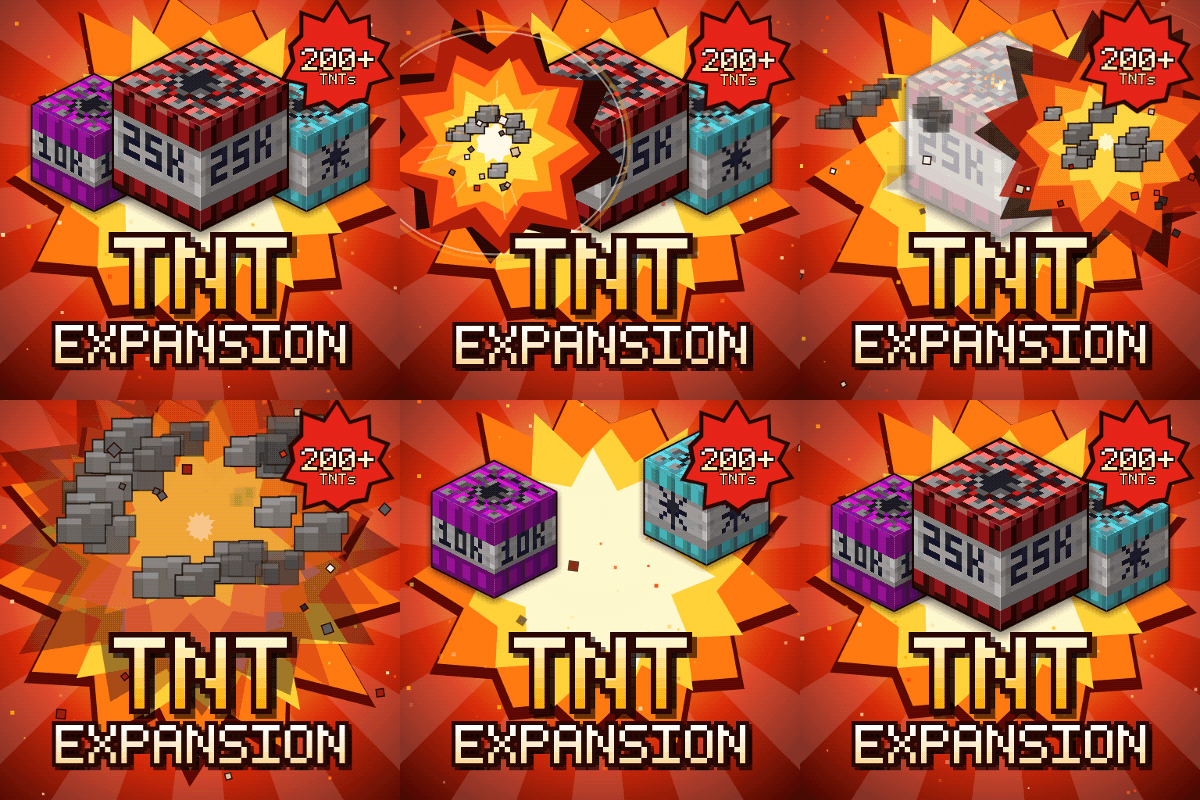
TNT Expansion (+200 new craftable TNT)
Over 200 craftable TNTs for Minecraft, from harmless mini TNTs to nukes, meteors, tornadoes, volcanoes, black holes, and the Brutal Cataclysm. Or leave the world with TNT Error 404: say goodbye to your entire world!
 mod
CurseForge + Modrinth · Minecraft
AzureLib
Java Minecraft mod using Bedrock models to create custom models and animations for items, blocks, entities