Architectury API Needed by KubeJS Fabric 2001.6.5-build.26
requiredNo matching file

CurseForge · Minecraft mod
Edit recipes, add new custom items, script world events, all in JavaScript!
This page is having a moment, so a few details may be a little behind.
Quick answer
KubeJS Fabric 2001.6.5-build.26 targets 1.20.1 with Fabric, Quilt. The project page does not say whether this file belongs on the client, dedicated server, or both. 2 required mods need a matching file.
Where it goes
The project page does not say whether this file belongs on the client, dedicated server, or both.
The source does not explicitly classify this release as client-only or server-only.
KubeJS Fabric 2001.6.5-build.26 on Quilt. Every mod below is checked against that same setup.
Install Architectury API, Rhino, Fabric API first, but 2 required mods have no matching file for this setup. Do not mix loader builds to force a match.
We only count dependency files that match this setup. A file for another loader does not fill the gap.
Before you install it
Built for KubeJS Fabric 2001.6.5-build.26 on Quilt. Pick another file and the loader, install side or required mods may change.
Use KubeJS Fabric 2001.6.5-build.26. It targets 1.20.1 with Fabric, Quilt; another release may have different loader, side or dependency requirements.
Install Architectury API, Rhino, Fabric API first, but 2 required mods have no matching file for this setup. Do not mix loader builds to force a match.
The project page does not say whether this file belongs on the client, dedicated server, or both.
Use the “Get this file” button beside KubeJS Fabric 2001.6.5-build.26. It opens that exact file at the source.
About this project
This mod lets you create scripts in JavaScript language to manage your server, add new blocks and items, change recipes and tags, add custom handlers for quest mods, change worldgen and more!
Run the game with mod installed once. It should generate kubejs folder in your minecraft directory with example scripts. startup scripts only get run once when the game loads. Those are for registering items, setting up configs etc. Server/data scripts are loaded when you join a world, those are better for things like clearlag, displaying custom login messages and world/player related things in general.
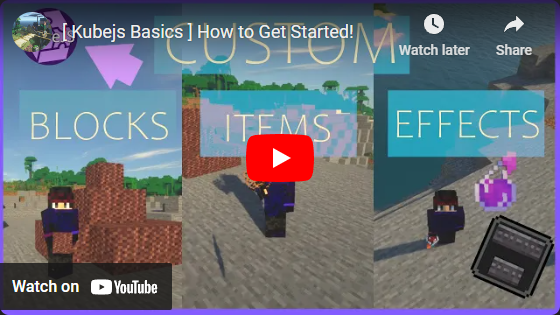
Yes, use /reload. Note: Not everything is reloadable. Some things require you to restart game, some only world, some work on fly.
There's examples and pre-made scripts on KubeJS Wiki.
If wiki didn't have the answer for what you were looking for, you can ask questions, make feature suggestions and report bugs here: KubeJS Support


Project description from CurseForge.
Pick your setup
Choose the version and loader you play, then open the matching release.
Check the dependencies, then try the file in a copied instance before changing a world you care about.
Recent files
kubejs-fabric-2001.6.5-build.26.jar
1 May 2026
kubejs-fabric-2001.6.5-build.24.jar
29 Apr 2026
kubejs-fabric-2001.6.5-build.16.jar
28 Oct 2024
Looking for an older file? The official CurseForge project page is in Resources.