Jade 🔍 Optional for GraveStone Mod [NEOFORGE][26.2] Gravestone Mod 1.0.38+26.2
optionalMatching file found Matched file: [NeoForge 26.2.X] 26.2.8
CurseForge · Minecraft mod
Places a gravestone with your inventory items inside when you die
Quick answer
GraveStone Mod [NEOFORGE][26.2] Gravestone Mod 1.0.38+26.2 targets 26.2 with NeoForge. The project page does not say whether it belongs on the client. The project page does not say whether it belongs on the dedicated server. No extra mods listed for this file.
Where it goes
The project page does not say whether it belongs on the client. The project page does not say whether it belongs on the dedicated server.
The source does not explicitly classify this release as client-only or server-only.
[NEOFORGE][26.2] Gravestone Mod 1.0.38+26.2. Change the file and its required mods may change too.
This file does not list any required mods. Do not add a library just because a different file uses it.
2 extra mods were pulled in by other dependencies. Indented rows show who needs each one. We only count dependency files that match this setup. A file for another loader does not fill the gap.
Before you install it
Built for GraveStone Mod [NEOFORGE][26.2] Gravestone Mod 1.0.38+26.2. Pick another file and the loader, install side or required mods may change.
Use [NEOFORGE][26.2] Gravestone Mod 1.0.38+26.2. It targets 26.2 with NeoForge; another release may have different loader, side or dependency requirements.
This file does not list any required mods. Do not add a library just because a different file uses it.
The project page does not say whether it belongs on the client. The project page does not say whether it belongs on the dedicated server.
Use the “Get this file” button beside [NEOFORGE][26.2] Gravestone Mod 1.0.38+26.2. It opens that exact file at the source.
About this project
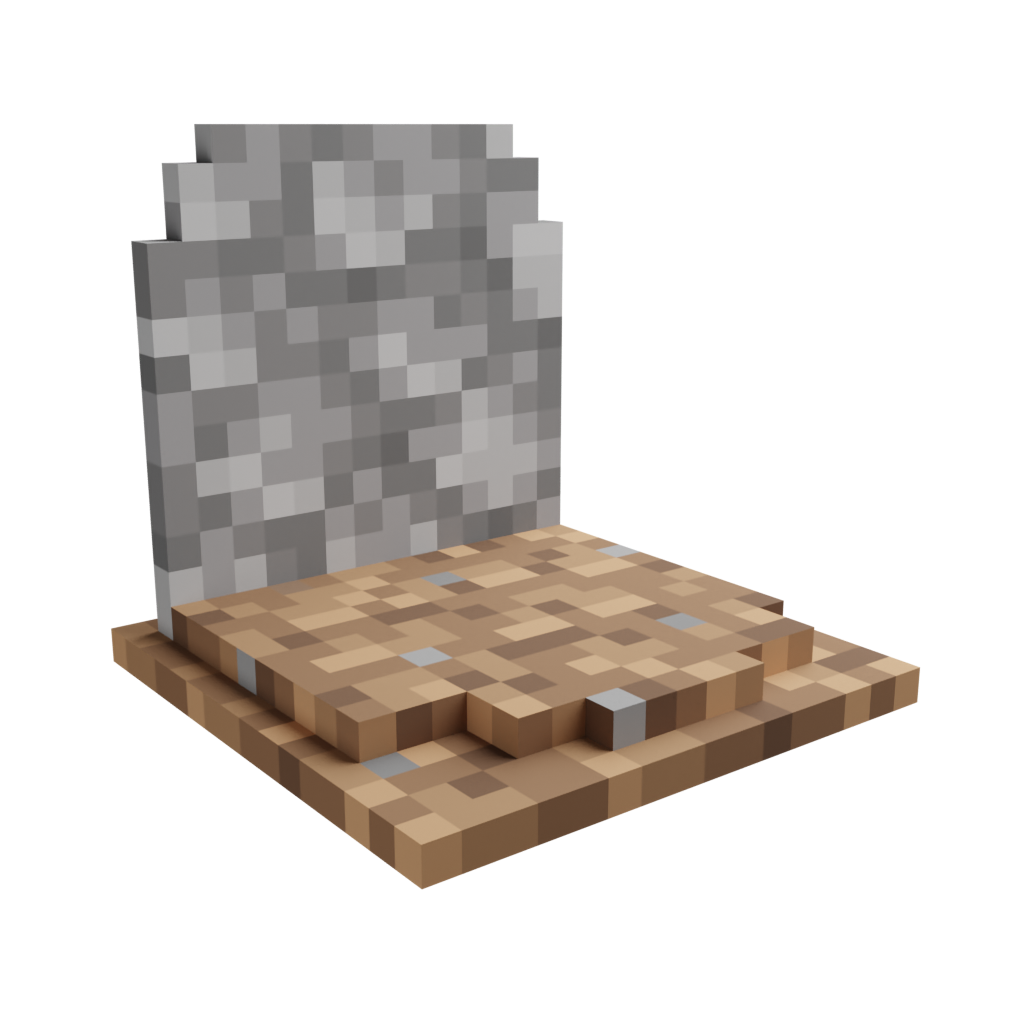
Every time you die, a grave is placed at your position. To retrieve your items just break the grave. There is also a config option to get your items back by sneaking on the grave (1.16.3+ only).
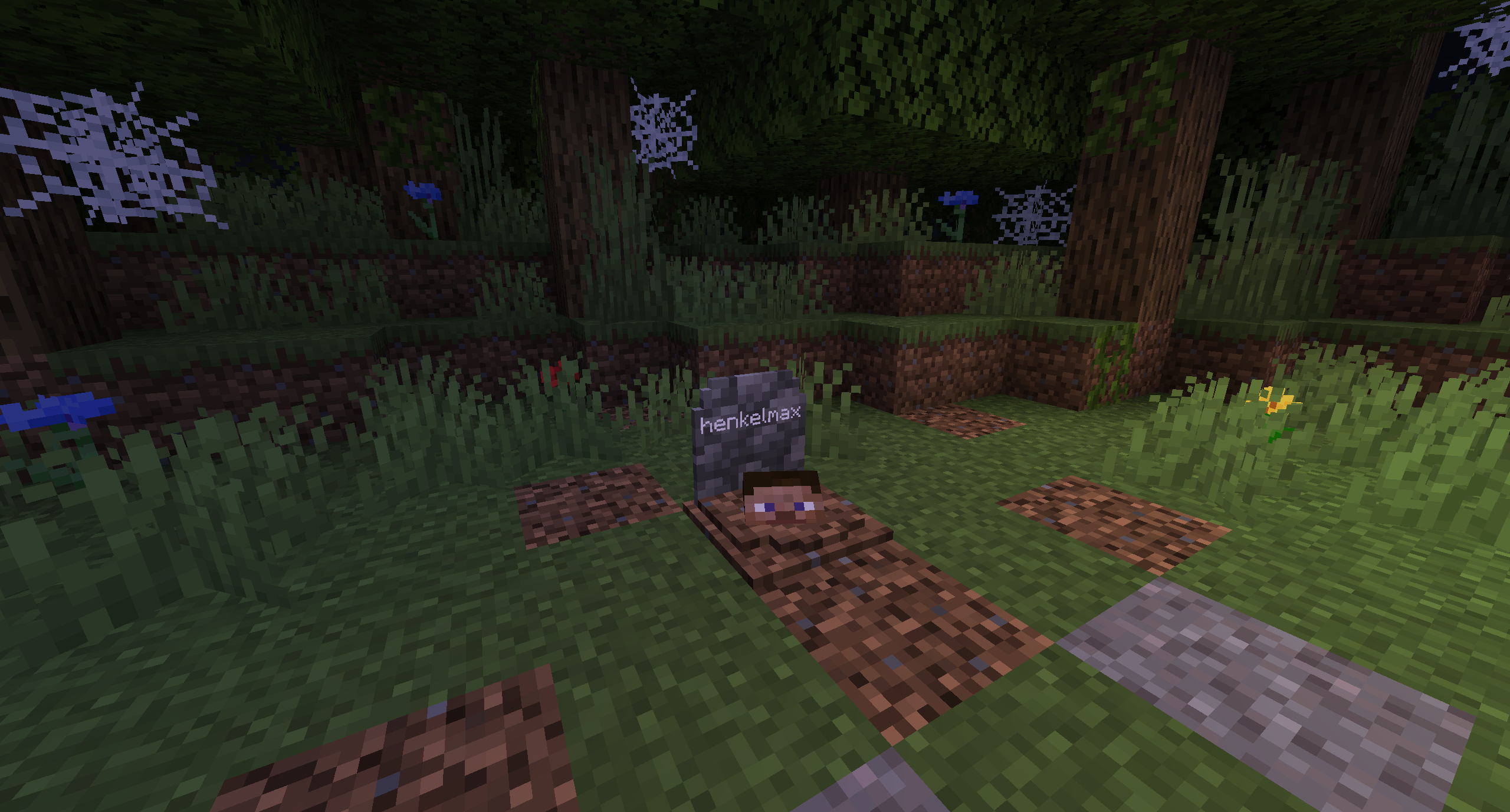
When you right-click the grave it will show information regarding the death of the player.
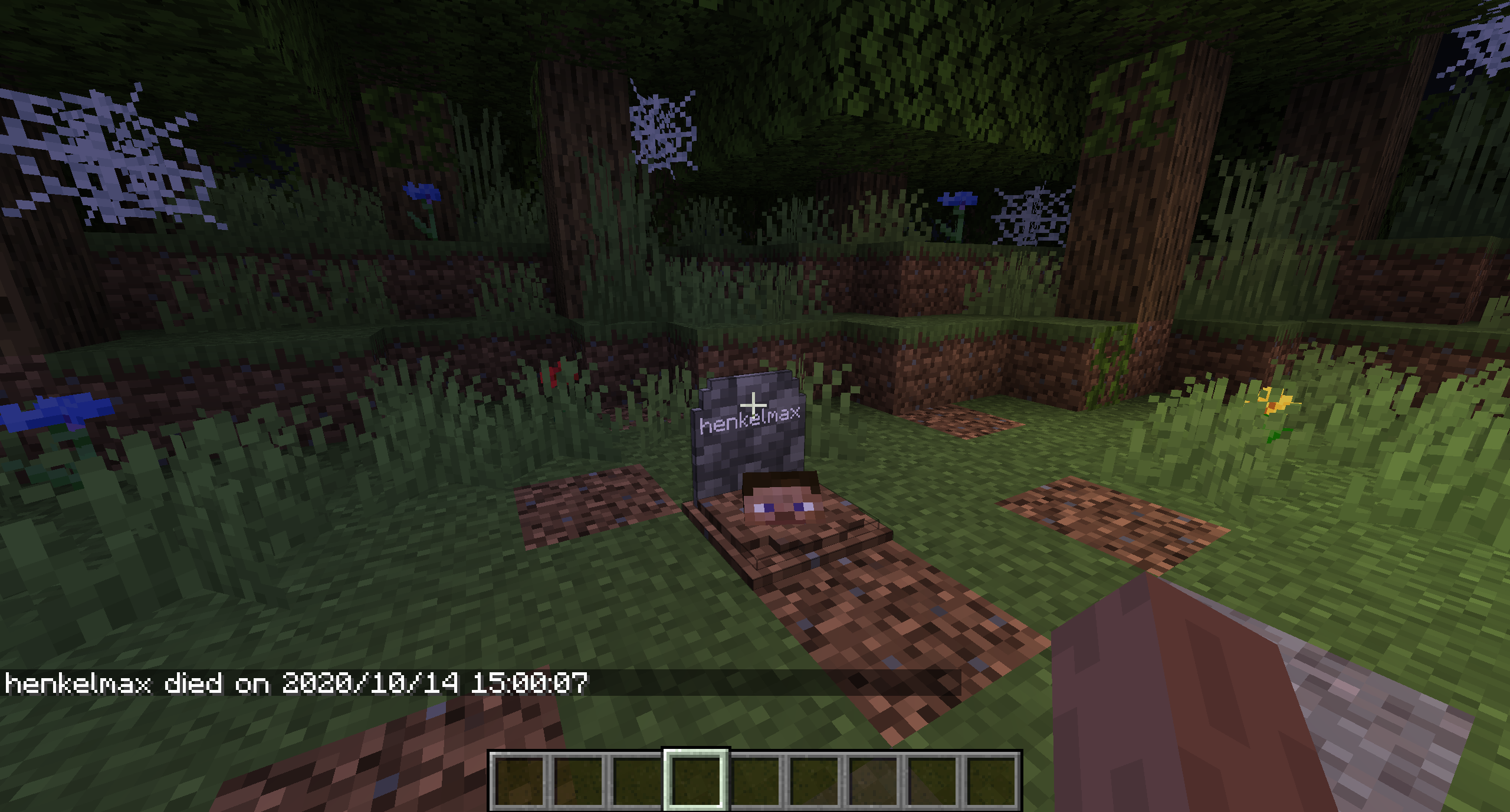
Since version 1.16.3-2.0.0 the grave is now able to store your items back into their original slots.
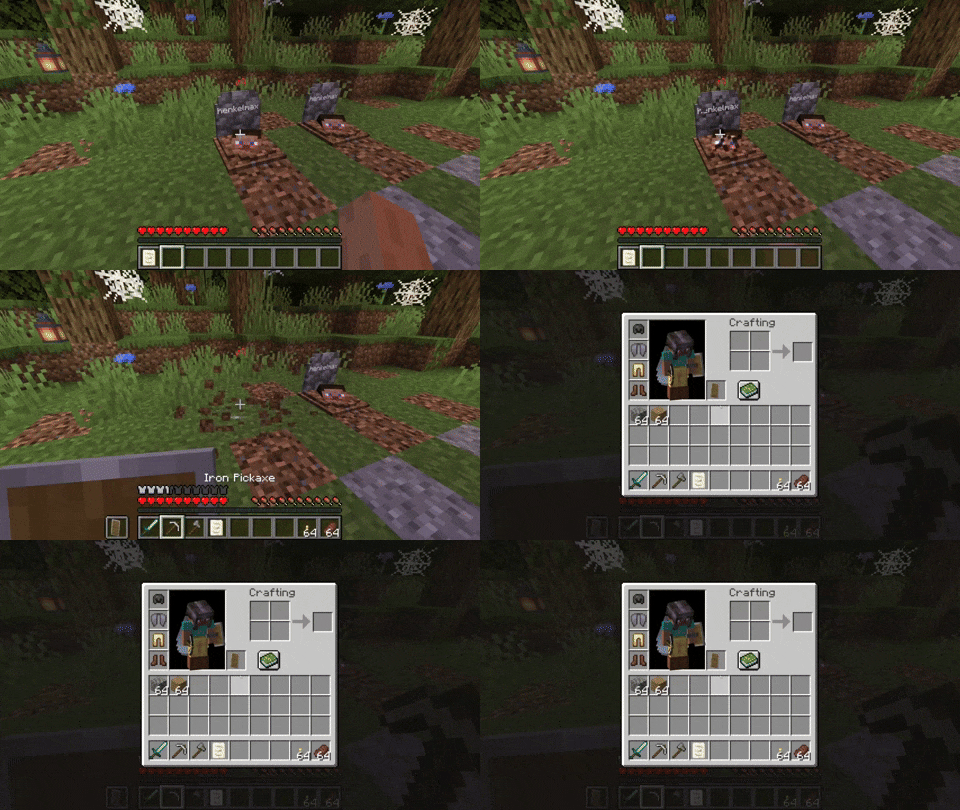
Everytime you die you get an obituary. If you don't want that you can disable it in the config.
It contains:
If you don't want to keep the obituary after you recovered your items, you can enable the automatic removal in the config.
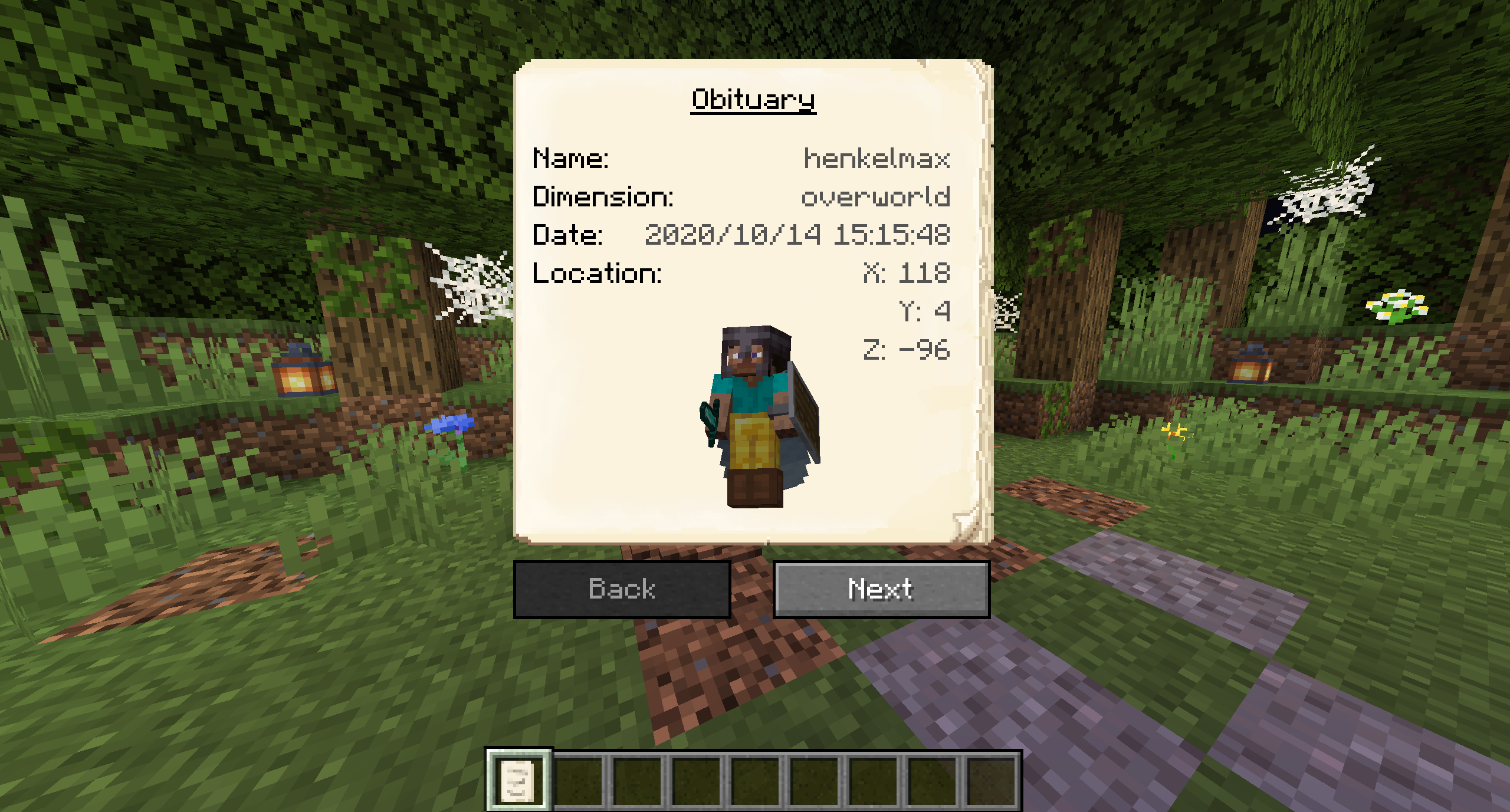
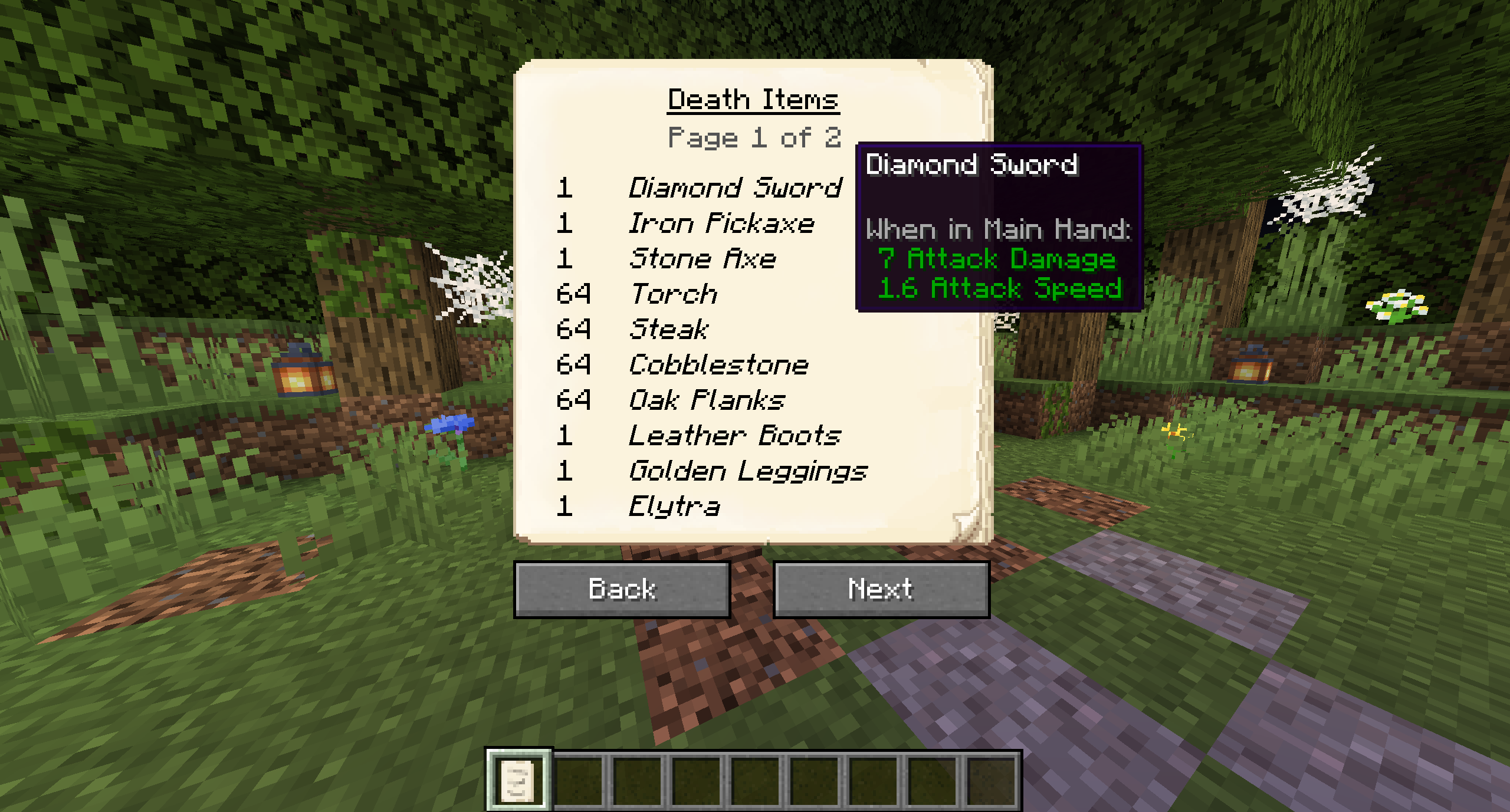
If you break the grave with silk touch, you get it dropped as an item. You can also craft graves.
Naming the grave in an anvil, allows you to have custom text displayed on your grave.
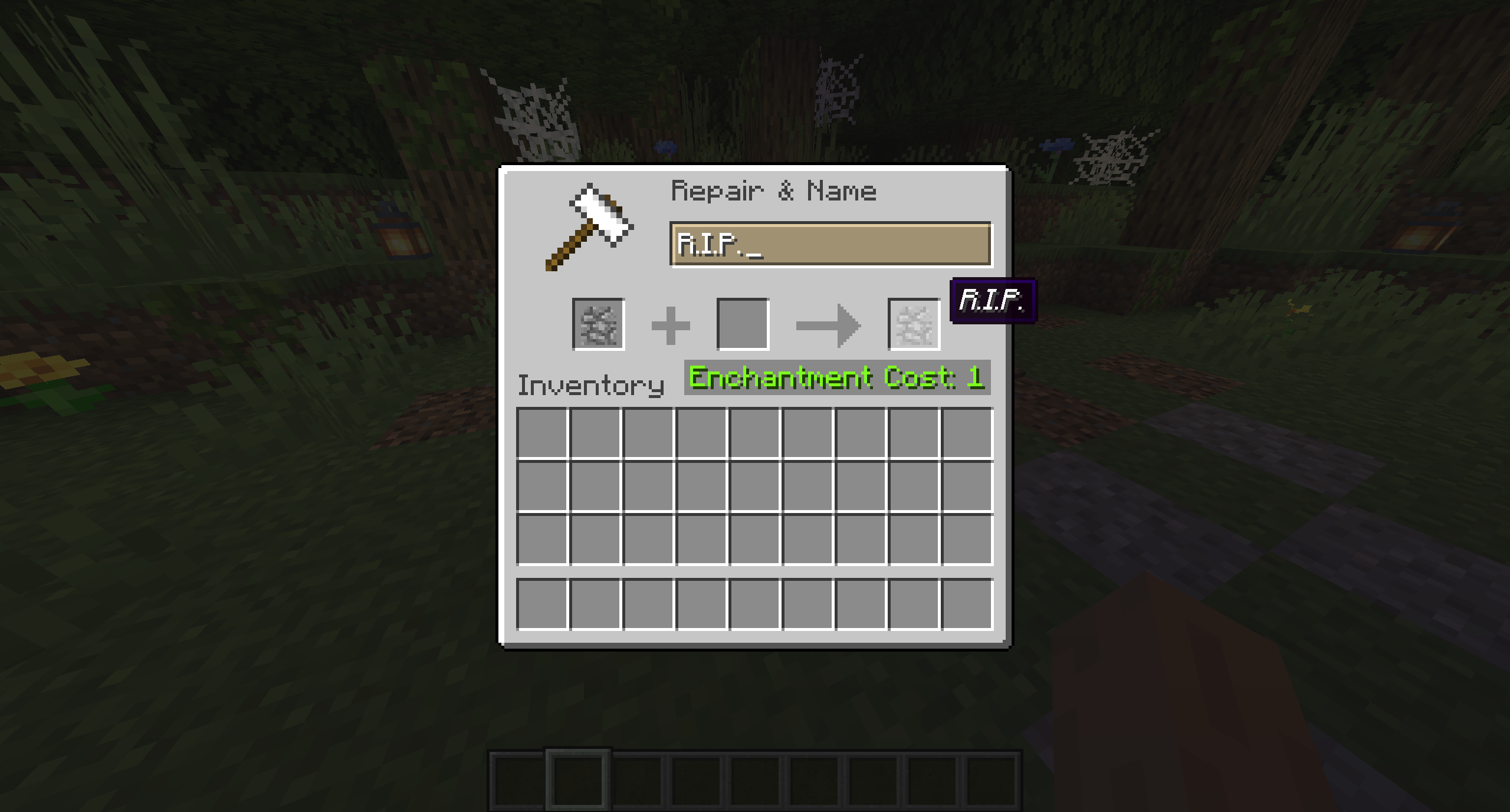
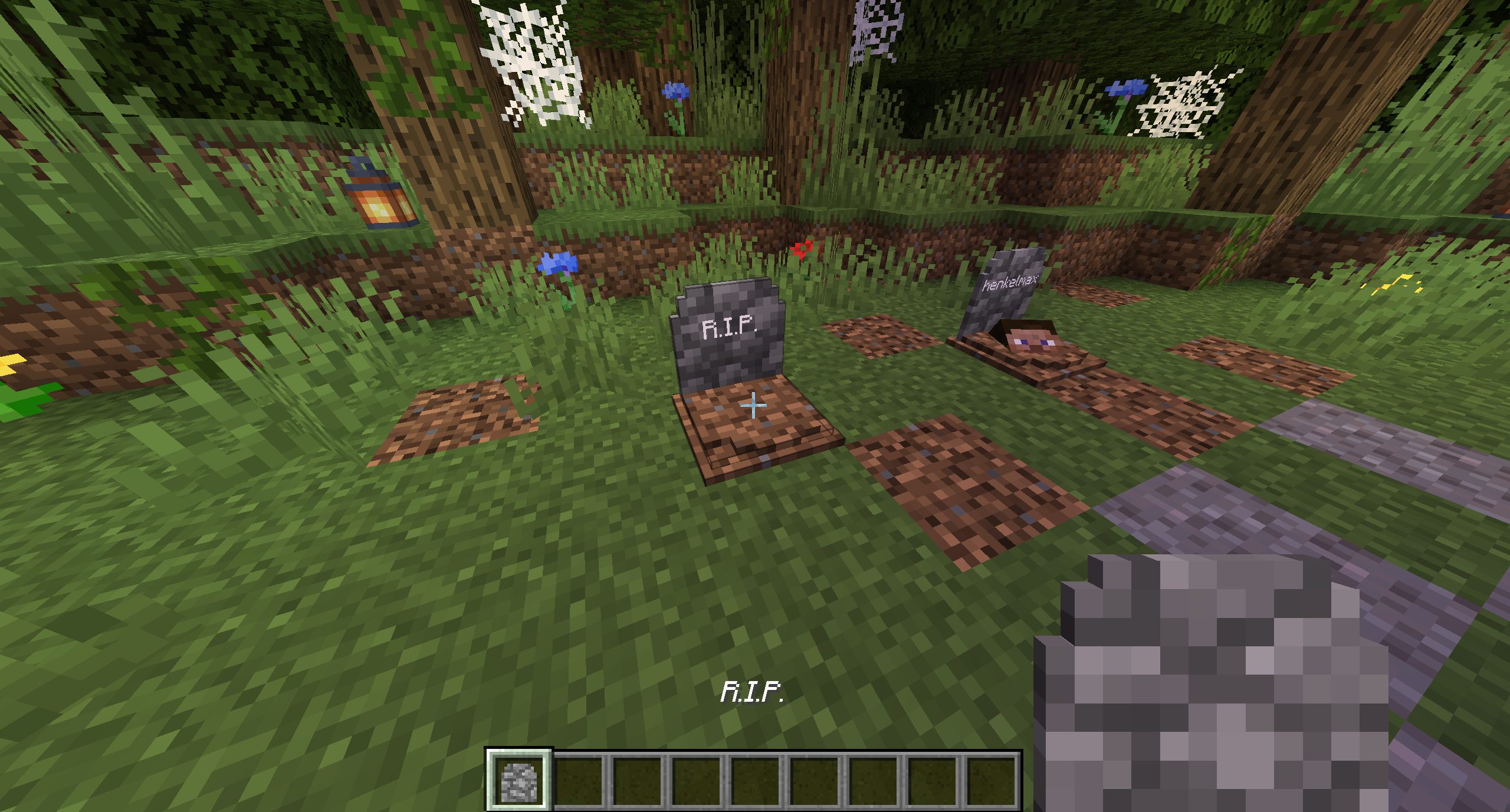
There are several things you can change in the configs:
If you somehow lost your items you can recover them with the recover command.
The syntax is /restore <player> <death_id> <replace|add>.
The parameter player is the player whose inventory should get restored.
The parameter death_id is the ID of the death. You can find it out by enabling advanced tooltips (F3 + H) and opening the obituary. The death ID also gets written into the logs if a grave couldn't get placed.
The last parameter defines if you want to get the players inventory replaced (Overwritten) or added (Just adds the items to the players existing inventory).
You can also get a pre made restore command by sneaking and right-clicking the obituary as an admin.
If you die inside a block, the grave is placed at the next empty space above your location. If there is no free block above your position, or you are above the build limit, your items drop as usual.
If you fall into the void, the grave is placed at the lowest point in the world where blocks can be placed. If there is no free space it will get placed at the next free spot above.
Project description from CurseForge.
Pick your setup
Choose the version and loader you play, then open the matching release.
Showing the newest 12 of 23 game versions. Older files are in the list below.
Check the dependencies, then try the file in a copied instance before changing a world you care about.
Recent files
gravestone-neoforge-1.0.38+26.2.jar
30 Jul 2026
gravestone-neoforge-1.0.38+26.1.2.jar
30 Jul 2026
gravestone-neoforge-1.21.11-1.0.38.jar
30 Jul 2026
gravestone-neoforge-1.21.1-1.0.38.jar
30 Jul 2026
gravestone-neoforge-1.0.37+26.2.jar
16 Jun 2026
gravestone-neoforge-1.0.37+26.1.2.jar
8 May 2026
gravestone-neoforge-1.21.11-1.0.37.jar
8 May 2026
gravestone-neoforge-1.21.11-1.0.37.jar
8 May 2026
gravestone-neoforge-1.21.10-1.0.37.jar
8 May 2026
gravestone-neoforge-1.21.10-1.0.37.jar
8 May 2026
gravestone-neoforge-1.21.1-1.0.37.jar
8 May 2026
gravestone-neoforge-1.21.1-1.0.37.jar
8 May 2026
Looking for an older file? The official CurseForge project page is in Resources.
 mod
modCreepers Breaching, Zombies mining, Skeletons sniping and many many more upgrades for mobs
 mod
modA working voice chat in Minecraft!
 mod
modA collection of Random Blocks and Items for Automation.