Zeta Needed by Quark-4.1-482.jar
requiredMatching file found Matched file: Zeta-1.1-40.jar
CurseForge · Minecraft mod
A Quark is a very small thing. This mod is a collection of small things that improve the vanilla minecraft experience.
Quick answer
Quark-4.1-482.jar targets 1.21.1 with NeoForge. The project page does not say whether it belongs on the client. The project page does not say whether it belongs on the dedicated server. All 1 required mods have matching files.
Where it goes
The project page does not say whether it belongs on the client. The project page does not say whether it belongs on the dedicated server.
The source does not explicitly classify this release as client-only or server-only.
Quark-4.1-482.jar. Change the file and its required mods may change too.
Install Zeta first. We found matching files for this game-version and loader setup.
We only count dependency files that match this setup. A file for another loader does not fill the gap.
Before you install it
Built for Quark-4.1-482.jar. Pick another file and the loader, install side or required mods may change.
Use Quark-4.1-482.jar. It targets 1.21.1 with NeoForge; another release may have different loader, side or dependency requirements.
Install Zeta first. We found matching files for this game-version and loader setup.
The project page does not say whether it belongs on the client. The project page does not say whether it belongs on the dedicated server.
Use the “Get this file” button beside Quark-4.1-482.jar. It opens that exact file at the source.
About this project




Warning: Quark Requires Zeta for 1.20.1 onwards, or AutoRegLib for 1.19.2 and prior.
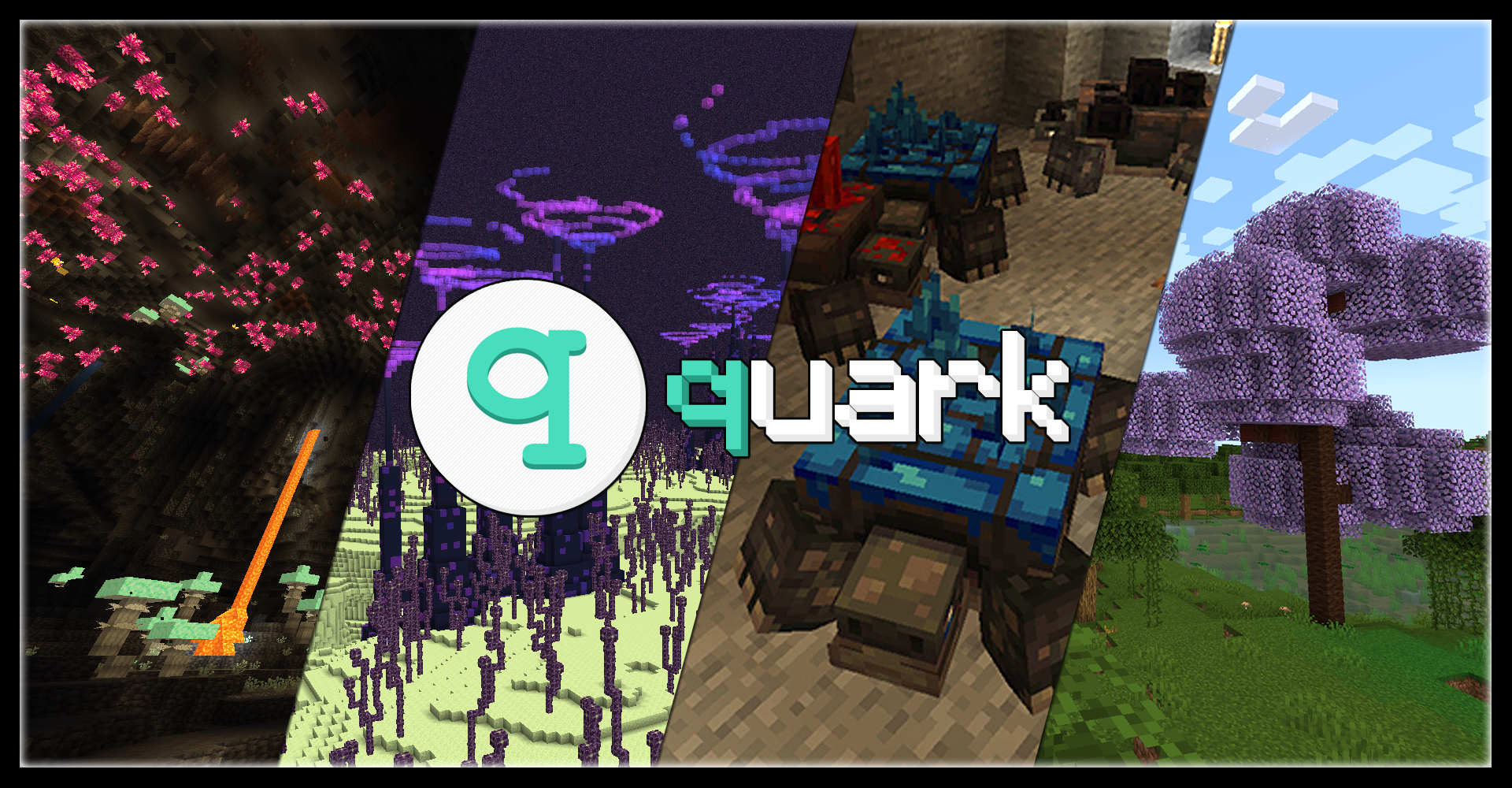
Quark is a fully modular minecraft mod, named after the subatomic particle. In simpler terms, it's a large mod with lots of small features, aimed at improving the vanilla game. Every feature can be turned on and off individually at your will, and most features contain further options to tweak the game just how you like it.
With quark installed, the title screen will get a new "q" button added to it. This button allows you to configure quark from inside the game, so you can easily turn off any features you don't vibe with.
(Thank you Kompy for the cool hero image for this page!)
Quark has over a hundred different modules to play with, but here's a small highlight reel of our favorites:
And many, many more!
Quark has built-in compatibility for a few mods, including JEI and TerraBlender.
Quark may be incompatible with Optifine. If you are having issues using the two together, please uninstall Optifine and use a Sodium fork instead.
Additionally, if you are experiencing load crashes on 1.20.1, make sure your other mods are up to date, as any mods with integration from older versions will not function until updated.



Project description from CurseForge.
Pick your setup
Choose the version and loader you play, then open the matching release.
Check the dependencies, then try the file in a copied instance before changing a world you care about.
Recent files
12 Jul 2026
29 Jun 2026
25 May 2026
8 May 2026
5 May 2026
24 Apr 2026
30 Mar 2026
18 Mar 2026
17 Feb 2026
14 Feb 2026
16 Apr 2025
16 Mar 2025
Looking for an older file? The official CurseForge project page is in Resources.
 mod
modAdd some Chinese weapons and armor
 mod
modGives the Great Sage its voice. Every skill you unlock is announced out loud — by name — with a full anime-style cutscene. 227 voice lines covering all 212 skills.
 mod
modPvP mod for combo practice.