Minecraft version
Back to mods 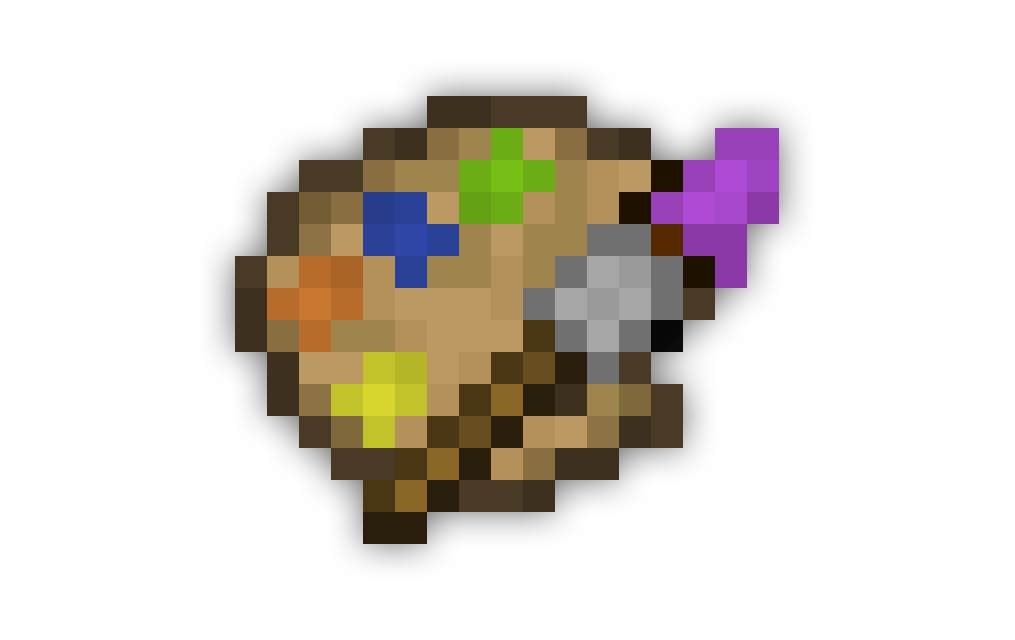
CurseForge · Minecraft mod
Paint This!
Paint This! enables players to paint with a wide selection of dyes onto canvases of many sizes to sign and frame.
Choose a version Pick your version below, then grab the matching file.
Quick answer
Which Paint This! release matches 1.8.9?
Best match for your filters paintthis-0.0.3-1.8.9
Game version 1.8.9
Loader Not required
Paint This! paintthis-0.0.3-1.8.9 targets 1.8.9. The project page does not say whether this file belongs on the client, dedicated server, or both. No extra mods listed for this file.
Where it goes
Is Paint This! required on the client, server, or both?
The project page does not say whether this file belongs on the client, dedicated server, or both.
Client Source doesn’t say
Dedicated server Source doesn’t say
Loader for this release No loader listed
Required install it here Optional supported, not mandatory Not supported do not install here Source doesn’t say do not assume
The source does not explicitly classify this release as client-only or server-only.
What else does Paint This! paintthis-0.0.3-1.8.9 need?
paintthis-0.0.3-1.8.9 on 1.8.9. Every mod below is checked against that same setup.
This file does not list any required mods. Do not add a library just because a different file uses it.
This file does not list any required or optional mods.
Before you install it
Add Paint This! without breaking your instance.
Built for Paint This! paintthis-0.0.3-1.8.9 on 1.8.9. Pick another file and the loader, install side or required mods may change.
- 01
Stick to this file
Use paintthis-0.0.3-1.8.9. It targets 1.8.9; another release may have different loader, side or dependency requirements.
- 02
Bring the mods it needs
This file does not list any required mods. Do not add a library just because a different file uses it.
- 03
Put it on the correct side
The project page does not say whether this file belongs on the client, dedicated server, or both.
- 04
Pick the file you checked
Use the “Get this file” button beside paintthis-0.0.3-1.8.9. It opens that exact file at the source.
About this project
What does Paint This! add?
Paint This! enables players to paint with a wide selection of dyes onto canvases of many sizes to sign and frame.
Crafting
{width=968 height=8}
Horsehair is an important part in crafting the various brushes, it can be obtained by shearing horses. Tolerant horses will let you shear their hair. Horses get increasingly annoyed after each individual shear and become tolerant over time, a horse that's completely annoyed will take 3 minutes and 20 seconds to become completely tolerant. Therefore, you'll only get 3 to 4 horsehairs on average in 3 quick shears at complete tolerance.
Bellow are the main crafting recipes. In order of top-down, left-right there is Easel, 1×1 Canvas, Small Paintbrush, Medium Paintbrush, Large Paintbrush, Palette, Palette Knife, and Signing Brush.
Palette
Dyes can be added to a palette by placing them around the palette, each relative position corresponds to one of the eight spots on a palette. A palette knife is used to remove dyes. Place the palette knife next to palette in the position of the dye you wish to remove. The palette knife does have durability and is repaired in an anvil with an iron ingot.
Canvas
To create a canvas larger than 1×1, you arrange canvasess into a rectangular shape such that for each canvas the width of canvases above and bellow are the same and the height of canvases to the left and right are the same. For example to make a 2×1 canvas you place two 1×1 canvases horizontally. Furthermore to make a 2×2 you arrange four 1×1 canvases in a 2 by 2 square.
In order to frame a painting you simply need to surround the canvas with eight sticks.
Painting
{width=968 height=8}
Canvas
The largest a canvas can be is 4×4 and they are be placed on a wall or on an easel. Canvases can be framed or unframed, framed canvases are a small amount larger so they can't be placed directly next to one another like unframed canvases can.
Easel
An easel is used to hold a canvas while painting. They can support a canvas whose size is at most 3×2, larger canvases will need to be placed on a wall. Easels are very similar to armorstands, so they are affected by gravity and take a couple hits to break.
Palette
A palette is what enables you to change the dye on your paintbrush. You do so by putting your brush to the right of the palette in your hotbar and use the palette to put the dye on to the brush which is cycled through the ones on the palette.
Paintbrush
The three sizes of paintbrushes, small, medium, and large have a radius of 1, 2, and 3 respectively. To paint use a paintbrush with dye on a canvas and be within the reach of 3 meters.
Signing Brush
The signing brush is used to sign your paintings. You apply dye to it like a regular paintbrush and depending on if you use it on the left or right half of the canvas the signature will be placed accordingly. A signed painting can only be edited by the signer.
Showcase
{width=968 height=8}
Project description from CurseForge.
Pick your setup
Paint This! by Minecraft version and loader
Choose the version and loader you play, then open the matching release.
Check the dependencies, then try the file in a copied instance before changing a world you care about.
Recent files
Paint This! versions and loaders
paintthis-0.0.3-1.8.9
paintthis-0.0.3-1.8.9.jar
17 Aug 2016
Client Source doesn’t say Server Source doesn’t say Dependencies No extras listed Listed on Release listing
Check the 1.8.9 setup 1.8.9 release
paintthis-0.0.2-1.8.9
paintthis-0.0.2-1.8.9.jar
29 Mar 2016
Client Source doesn’t say Server Source doesn’t say Dependencies No extras listed Listed on Release listing
Check the 1.8.9 setup 1.8.9 release
paintthis-0.0.1-1.8.9
paintthis-0.0.1-1.8.9.jar
26 Mar 2016
Client Source doesn’t say Server Source doesn’t say Dependencies No extras listed Listed on Release listing
Check the 1.8.9 setup 1.8.9 release
Looking for an older file? The official CurseForge project page is in Resources.