EZStorage Needed by EZ Extended ezextended-1.0.1-[1.9].jar
requiredMatching file found Matched file: ezstorage-1.9-1.2.1.jar

CurseForge · Minecraft mod
Useful additions to EZ Storage
Quick answer
EZ Extended ezextended-1.0.1-[1.9].jar targets 1.9. The project page does not say whether this file belongs on the client, dedicated server, or both. All 1 required mods have matching files.
Where it goes
The project page does not say whether this file belongs on the client, dedicated server, or both.
The source does not explicitly classify this release as client-only or server-only.
ezextended-1.0.1-[1.9].jar on 1.9. Every mod below is checked against that same setup.
Install EZStorage first. We found matching files for this game-version and loader setup.
We only count dependency files that match this setup. A file for another loader does not fill the gap.
Before you install it
Built for EZ Extended ezextended-1.0.1-[1.9].jar on 1.9. Pick another file and the loader, install side or required mods may change.
Use ezextended-1.0.1-[1.9].jar. It targets 1.9; another release may have different loader, side or dependency requirements.
Install EZStorage first. We found matching files for this game-version and loader setup.
The project page does not say whether this file belongs on the client, dedicated server, or both.
Use the “Get this file” button beside ezextended-1.0.1-[1.9].jar. It opens that exact file at the source.
About this project
EZ Extended is an addon for EZ Storage by zero__fall that has some neat stuff. It has access terminals which allow you to access your storage core from any point on the system, extra storage box sizes, blank boxes for simple extension, and the ability to secure your storage system against unwanted access on servers and shared worlds.
All aspects of the mod are configurable, too.
EZ Storage 2 is here for 1.9.4 and 1.10.X with these additions and more, so check it out!
Take a look!
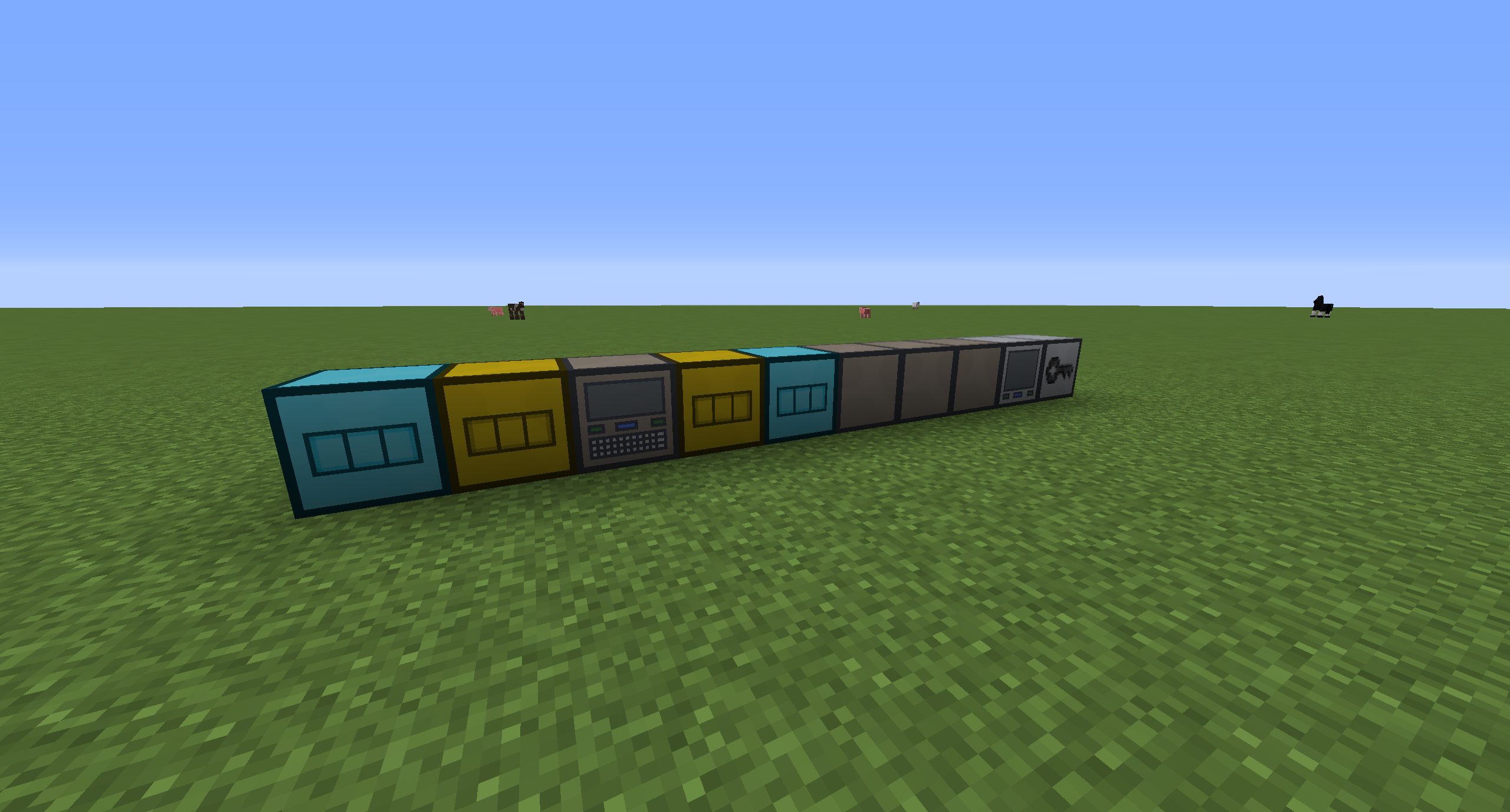
The access terminal:
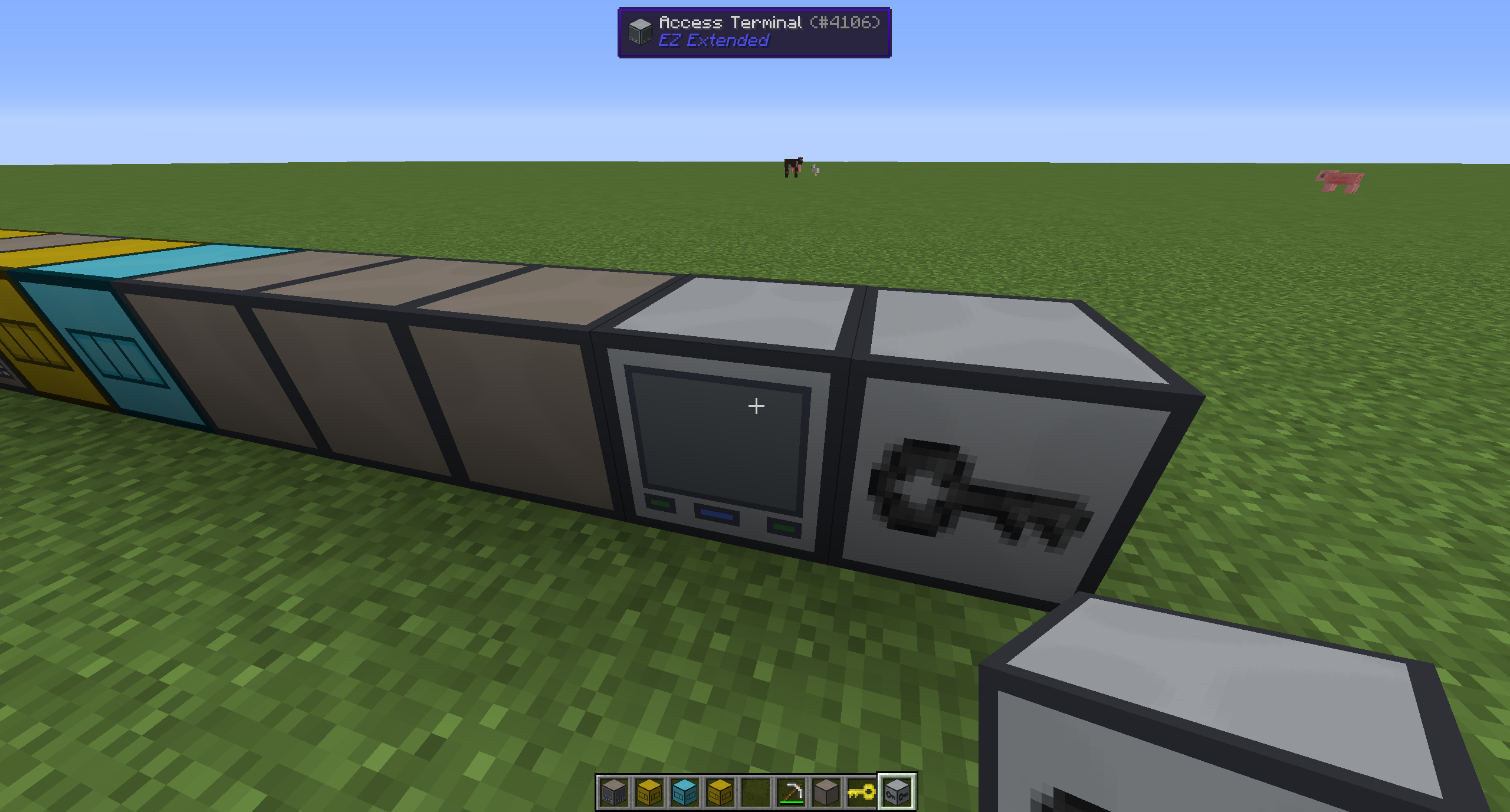
Right clicking it will make it as if you were right at the core!
The security box:
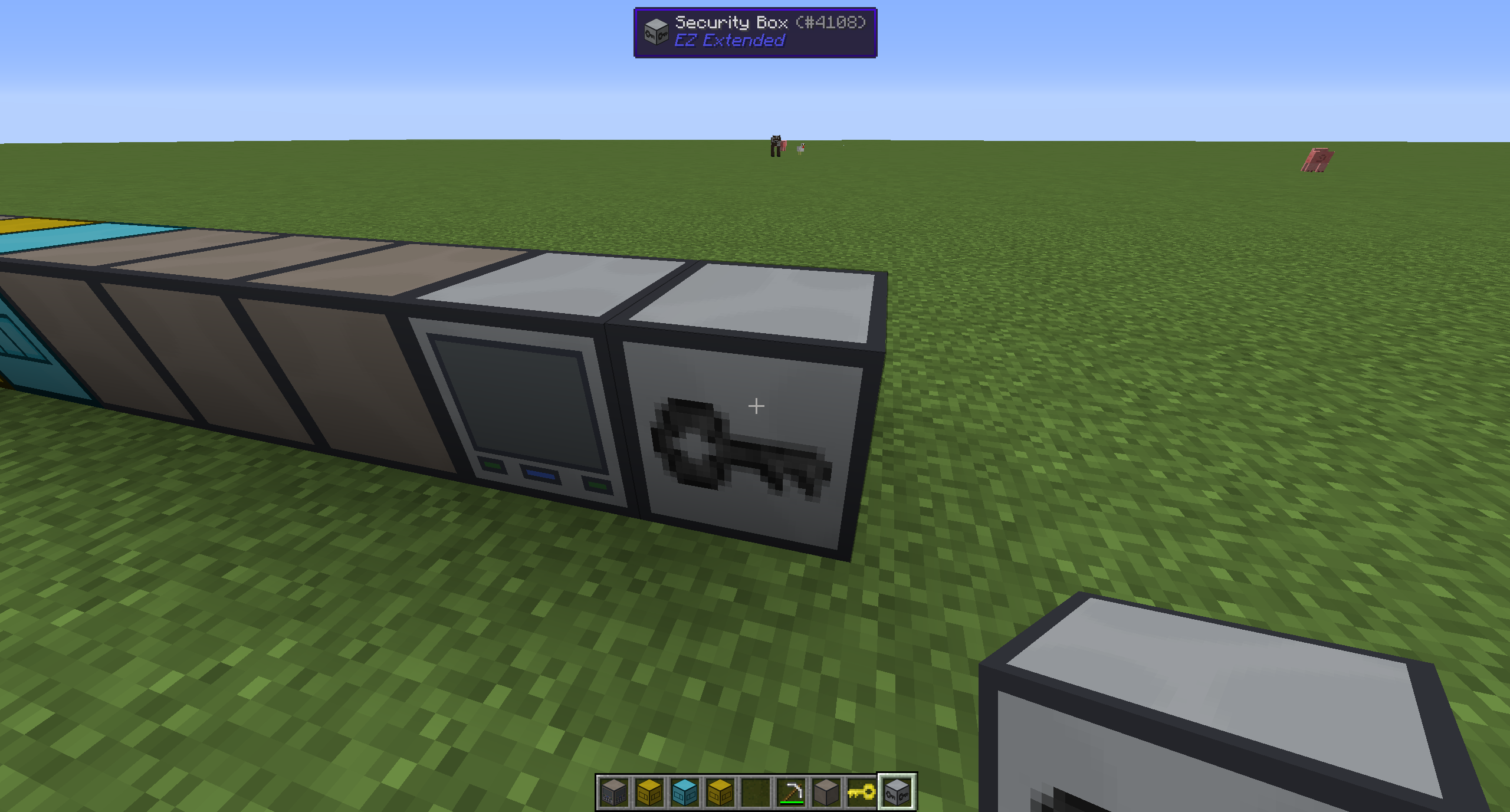
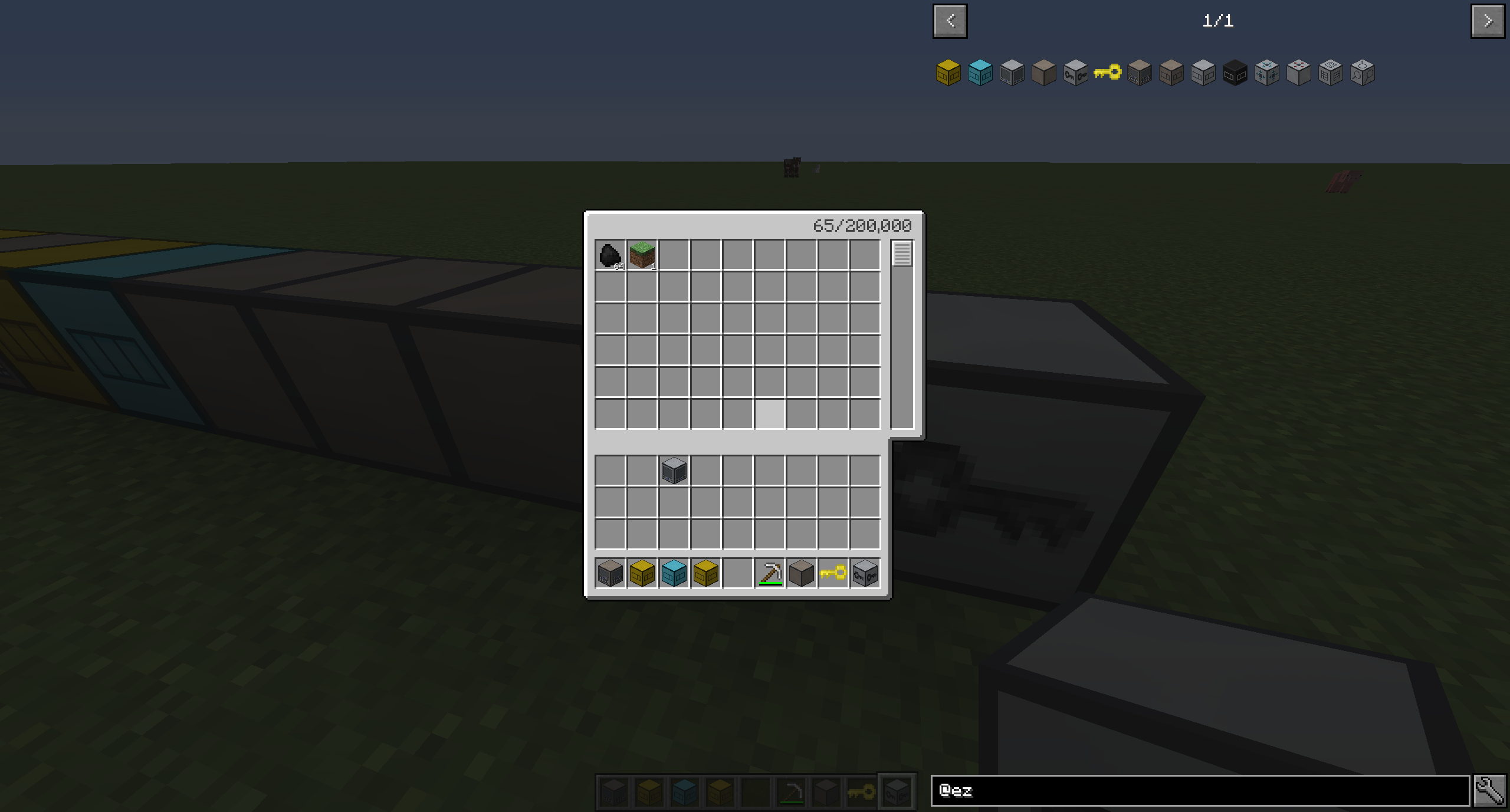
The GUI allows you to click to add/remove whitelisted players that can use the system. Players that aren't on the whitelist will not be able to interact with the entire system in any way.
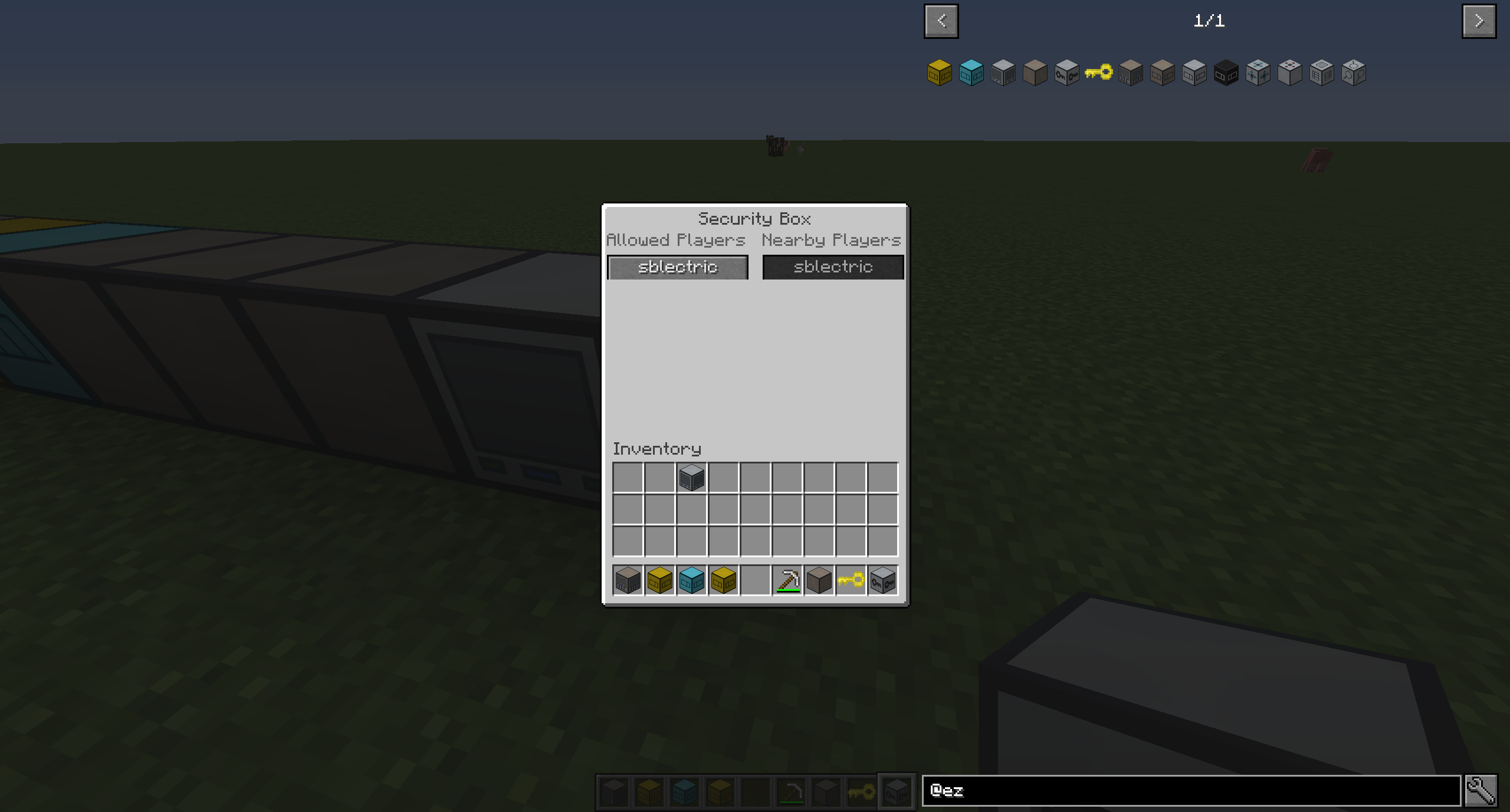
To remove the security box, simply right click it with the EZ key.
Enjoy the mod!
If you enjoy this mod, be sure to check out my other projects here.
Also consider donating above.
Project description from CurseForge.
Pick your setup
Choose the version and loader you play, then open the matching release.
Check the dependencies, then try the file in a copied instance before changing a world you care about.
Recent files
26 May 2016
16 May 2016
Looking for an older file? The official CurseForge project page is in Resources.