Back to mods
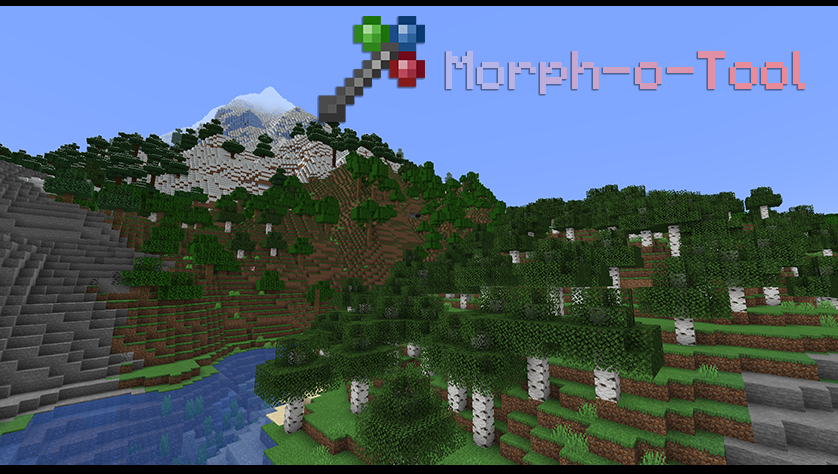
Morph-o-Tool project artwork

CurseForge · Minecraft mod

Morph-o-Tool

The Wrench to end all Wrenches.

Choose a version Pick your version below, then grab the matching file.

Quick answer

Which Morph-o-Tool release matches 1.10.2?

Updated 1 year ago
Best match for your filters Morph-o-Tool-1.0-12.jar
Game version 1.10.2
Loader neoforge

Morph-o-Tool-1.0-12.jar targets 1.10.2. The project page does not say whether this file belongs on the client, dedicated server, or both. All 1 required mods have matching files.

Where it goes

Is Morph-o-Tool required on the client, server, or both?

The project page does not say whether this file belongs on the client, dedicated server, or both.

Client Source doesn’t say
Dedicated server Source doesn’t say
Loader for this release No loader listed
Required install it here Optional supported, not mandatory Not supported do not install here Source doesn’t say do not assume

The source does not explicitly classify this release as client-only or server-only.

What else does Morph-o-Tool-1.0-12.jar need?

Morph-o-Tool-1.0-12.jar on 1.10.2. Every mod below is checked against that same setup.

All 1 required mods have matching files

Install AutoRegLib first. We found matching files for this game-version and loader setup.

AutoRegLib Needed by Morph-o-Tool-1.0-12.jar
required
Matching file found Matched file: AutoRegLib-1.0-2.jar

We only count dependency files that match this setup. A file for another loader does not fill the gap.

Before you install it

Add Morph-o-Tool without breaking your instance.

Built for Morph-o-Tool-1.0-12.jar on 1.10.2. Pick another file and the loader, install side or required mods may change.

  1. 01

    Stick to this file

    Use Morph-o-Tool-1.0-12.jar. It targets 1.10.2; another release may have different loader, side or dependency requirements.

  2. 02

    Bring the mods it needs

    Install AutoRegLib first. We found matching files for this game-version and loader setup.

  3. 03

    Put it on the correct side

    The project page does not say whether this file belongs on the client, dedicated server, or both.

  4. 04

    Pick the file you checked

    Use the “Get this file” button beside Morph-o-Tool-1.0-12.jar. It opens that exact file at the source.

About this project
What does Morph-o-Tool add?

About

Warning: For versions 1.19.2, Morph-o-Tool Requires AutoRegLib!

Morph-o-Tool is a mod that pairs with Akashic Tome. The only item it adds is the Morphing Tool, crafted as such.

The Morphing Tool can mimic any wrench, screwdriver, hammer, or wand-made-of-twigs-and-petals you throw at it, making it the perfect "omni-wrench" for large modpacks.

  • To add a wrench-like item to it, craft the Morph-o-Tool with the item.
  • Whenever you look at a block from the same mod as that wrench-like item, the Morphing Tool will turn into it.
  • You get the actual item from the mod, not an emulated item or a container. This ensures 100% compatibility with that item's functionality.
  • The item gets some NBT data tacked on to it to ensure the game knows how to change it back when you look away.
  • You can use a morphed Tool for crafting, but you probably shouldn't, since you'll lose all other attached items.
  • If you don't want the item to morph back, just hold it in your off hand-- it only morphs in the main hand. (You can swap these in the config.)
  • While not morphed into anything else, you can use the Tool to rotate blocks using the forge rotation system. It should be able to handle all vanilla blocks and most modded blocks.
  • To remove attached items, transform the Tool into the item you want to remove, then sneak and press your "drop" key.
  • You can also hold shift and use the scroll wheel while the tool is held to manually morph it.

Configuration

The config file for the mod includes the following:

  • An option to allow every single item to be attached. Disabled by default.
  • An option to make the tool morph in the off-hand rather than the main hand.
  • A blacklist for mods that should not have items attached.
  • A whitelist for names where items that contain them should be able to be attached (like wrench, screwdriver, hammer...)
  • A whitelist for specific items that don't contain the previous names that should also able to be attached (like the Botania Wand of the Forest)
  • An alias list. Allows you to redirect one mod to another. For example, RFTools adds the Smart Wrench, and the alias list contains "rftoolsdim=rftools", so when you look at an RFTools Dimensions block (different mod) while you have a Smart Wrench, it'll grab that instead. Other aliases include Thermal Dynamics to Thermal Expansion, for example.

Project description from CurseForge.

Pick your setup

Morph-o-Tool by Minecraft version and loader

Choose the version and loader you play, then open the matching release.

20 available setups

Showing the newest 12 of 19 game versions. Older files are in the list below.

Check the dependencies, then try the file in a copied instance before changing a world you care about.

Recent files

Morph-o-Tool versions and loaders

9 of 33 releases match
Clear filters

Looking for an older file? The official CurseForge project page is in Resources.