HammerLib Needed by Programmable Command Blocks (PCB) [1.12.2] Programmable Command Blocks - 10a
requiredMatching file found Matched file: [1.12.2] HammerLib - 12.2.66

CurseForge · Minecraft mod
Now making one-command block creations is easier!
Quick answer
Programmable Command Blocks (PCB) [1.12.2] Programmable Command Blocks - 10a targets 1.12.2. The project page does not say whether this file belongs on the client, dedicated server, or both. All 1 required mods have matching files.
Where it goes
The project page does not say whether this file belongs on the client, dedicated server, or both.
The source does not explicitly classify this release as client-only or server-only.
[1.12.2] Programmable Command Blocks - 10a. Change the file and its required mods may change too.
Install HammerLib first. We found matching files for this game-version and loader setup.
We only count dependency files that match this setup. A file for another loader does not fill the gap.
Before you install it
Built for Programmable Command Blocks (PCB) [1.12.2] Programmable Command Blocks - 10a. Pick another file and the loader, install side or required mods may change.
Use [1.12.2] Programmable Command Blocks - 10a. It targets 1.12.2; another release may have different loader, side or dependency requirements.
Install HammerLib first. We found matching files for this game-version and loader setup.
The project page does not say whether this file belongs on the client, dedicated server, or both.
Use the “Get this file” button beside [1.12.2] Programmable Command Blocks - 10a. It opens that exact file at the source.
About this project
This mod adds a new command block to your game: Programmable Command Block (or PCB for short)!
This block allows you to put your big command block creations in this one small block!
Once placed, it can be used only by server admins that own permission level 4 (or more) and creative mode.
It has its complex GUI:
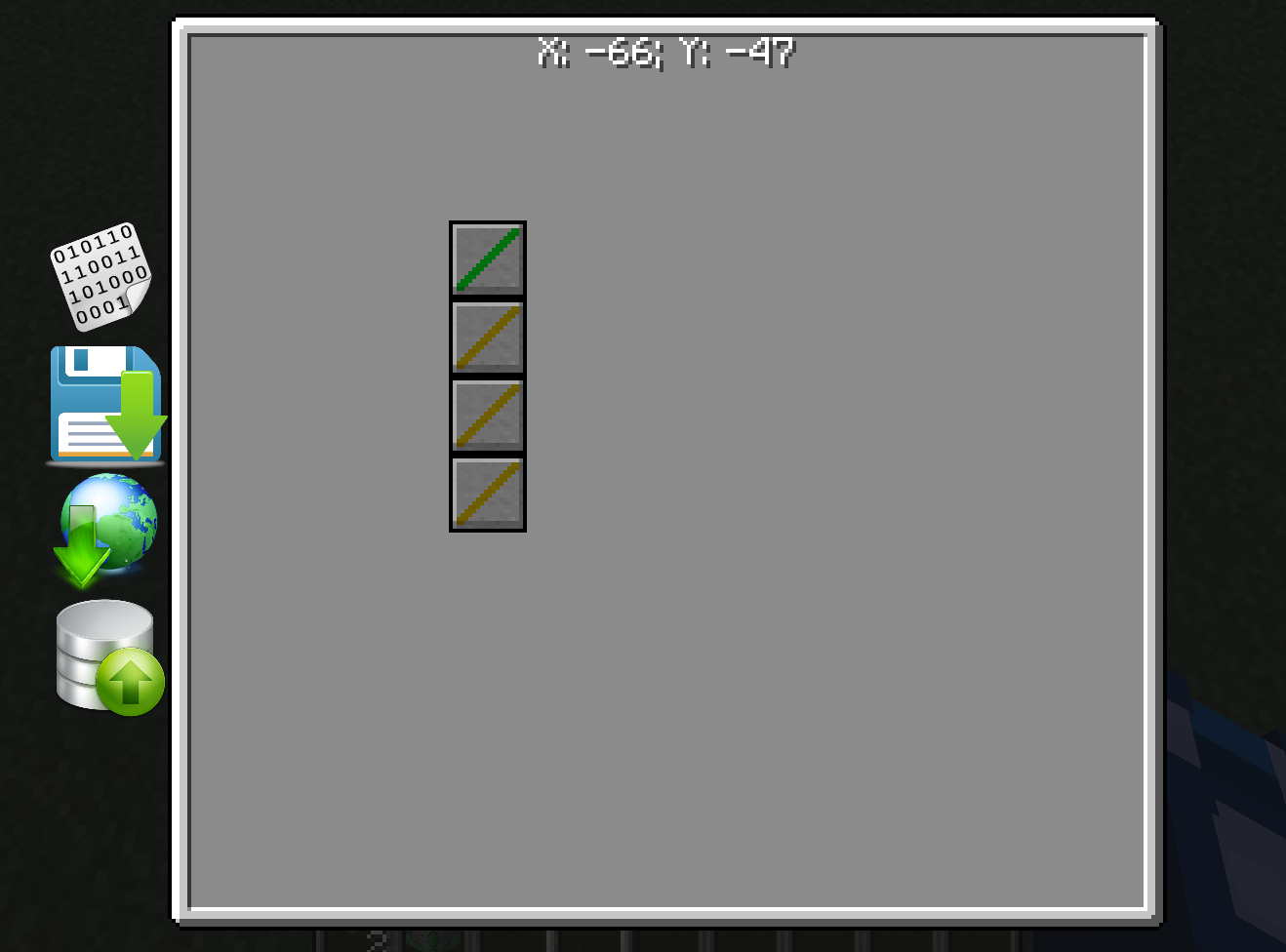
Buttons on left allow IO:
To create a command, hold SHIFT and click Left Mouse Button in the functional field. Delete is the same, but you have to do it on created command. To create dependent command, hold CTRL+SHIFT and click LMB in the functional field. After that select another command that this depends on.
This mod also adds some useful commands:
/calculate [expression] -- Calculates mathematical expression. Ex: abs(2 - 4 * (-2))
/cutstr [from] [string] OR /cutstr [from] [to] [string] -- cuts text after 1 or 2 number arguments. Ex: "/cutstr 2 PCOmmandBlocks" -- returns "OmmandBlocks" /cutstr 3 8 Oh Hello There! -- return "Hello"
/getpos [entity UUID | entity selector | player name] -- gets position for entity. Ex: /getpos @p -- returns this: "X Y Z"
/ifoffline -- can and should be used in vanilla command blocks. Emits comparator signal 1 if this is singleplayer AND it is NOT shared to LAN. 0 Otherwise.

Permissions:
 Zeitheron, or via Discord)
Note:

Want to discuss anything? Need help with APIs?
Join the discord server and follow Zeitheron on 
If you would like to support my work, you can become a patron via  Patreon.
Project description from CurseForge.
Pick your setup
Choose the version and loader you play, then open the matching release.
Check the dependencies, then try the file in a copied instance before changing a world you care about.
Recent files
PCB-1.12.2-10a.jar
4 Jul 2018
PCB-1.12.2-4b.jar
5 Jan 2018
ProgCommBlocks_1.11.2-1.3r.jar
4 Apr 2017
ProgCommBlocks_1.11.2-1.2r.jar
6 Mar 2017
ProgCommBlocks_1.11.2-1.1r.jar
4 Mar 2017
ProgCommBlocks_1.11.2-1.0r.jar
4 Mar 2017
Looking for an older file? The official CurseForge project page is in Resources.
 mod
Inventory, accessory, backpack, and backup administration for Minecraft servers.
 mod
Your all-in-one QoL helper for OPSUCHT.net
 mod
A sci-fi minecraft mod that adds customizable sci fi blocks, ramps, elevators, escalators, sliding doors, buildable drivable vehicles, and much more!