Minecraft version
Back to mods 
CurseForge · Minecraft mod
ToroChess
Play chess in Minecraft with ToroChess!
Choose a version Pick your version below, then grab the matching file.
Quick answer
Which ToroChess release matches 1.11.2?
Best match for your filters ToroChess 1.11.2-1
Game version 1.11.2
Loader Not required
ToroChess 1.11.2-1 targets 1.11.2. The project page does not say whether this file belongs on the client, dedicated server, or both. No extra mods listed for this file.
Where it goes
Is ToroChess required on the client, server, or both?
The project page does not say whether this file belongs on the client, dedicated server, or both.
Client Source doesn’t say
Dedicated server Source doesn’t say
Loader for this release No loader listed
Required install it here Optional supported, not mandatory Not supported do not install here Source doesn’t say do not assume
The source does not explicitly classify this release as client-only or server-only.
What else does ToroChess 1.11.2-1 need?
ToroChess 1.11.2-1 on 1.11.2. Every mod below is checked against that same setup.
This file does not list any required mods. Do not add a library just because a different file uses it.
This file does not list any required or optional mods.
Before you install it
Add ToroChess without breaking your instance.
Built for ToroChess 1.11.2-1 on 1.11.2. Pick another file and the loader, install side or required mods may change.
- 01
Stick to this file
Use ToroChess 1.11.2-1. It targets 1.11.2; another release may have different loader, side or dependency requirements.
- 02
Bring the mods it needs
This file does not list any required mods. Do not add a library just because a different file uses it.
- 03
Put it on the correct side
The project page does not say whether this file belongs on the client, dedicated server, or both.
- 04
Pick the file you checked
Use the “Get this file” button beside ToroChess 1.11.2-1. It opens that exact file at the source.
About this project
What does ToroChess add?
ToroChess
Play chess in Minecraft with ToroChess! The ToroChess mod adds chess in a minecrafty way that is fun to play in both creative and survival mode. The chess pieces are made out of standard Minecraft entities which move and attack like normal mobs. The chess board can be destroyed and recreated however the player would like, allowing it to become part of the player's builds. The chess pieces are controlled with eight provided chess control wands, four for each side.
The Chess Control Block
The chess control block is the "brain" of the chess game. There is nothing special with the blocks of the board. The board blocks can be destroyed and replaced with whatever blocks the player would like.
A new chess board will be created when you place the control block for the first time. When created the board is surrounded by quartz blocks and quartz stairs which, of course, can be removed. The pieces will spawn and move to their correct starting locations just after creation. The control wands are found in the chests that spawn on the sides of the board along with a short instruction manual.
To reset or clear the board the player will need to gain access to the chess control block. The control block is not consumed when placed, instead the board is constructed around it. The control can be found under the center of the board by digging under the board. Right clicking the control block will display a GUI allowing players to reset or clear the board. The control block can be mined and placed in a more convenient nearby location. The control block will not regenerate a board when placed subsequent times.
All chess game information is stored in the control block. To remove the board and chess game, all the player needs to do is mine the control block and board.
Recipe example using quartz and obsidian
Recipe example using wood planks
Recipe example using stained glass
Allowed block types for the white and black blocks
- Obsidian
- Wood Planks and Logs
- Glass
- Clay
- Wool
- Dirt
- Quartz
- Stone, Sone Bricks and Cobblestone
- Bone Block
- Coal Block
- Nether Brick
- Melon
- Sandstone
Just because a block is not supported in the recipe doesn't mean you can't have a chessboard made out of it. If you want a chessboard made out of gold and iron blocks you can simply replace the blocks however you wish. The blocks must be replaced in the same spot. For the game to function correctly the blocks also need to be solid so that the chess pieces can walk over it.
Gameplay
Each side has four control wands that can be used to control the pieces for that side. If the player wants sole control over their side, they can take them all. The player could also share with friends on their team. Either way, make sure not to lose them as they cannot be replaced without crafting a new chess control block.
To use a wand, right click a piece while holding the wand in your main hand to select one of your pieces. Then right click on a square or enemy piece to move to. The wands work from far away allowing players to build platforms to gain a birds-eye-view in survival or fly around while playing in creative.
To perform a castle move, select the king then shift right click the rook you want to castle with. Castling will only work when the king and rook have not moved, no pieces are between them and the king will not be in check in any squares it moves through.
Pawns will automatically be promoted to queens when reaching the opposing side of the board.
Limitations
- En passant is not supported, so your pawns are a little safer ... for now.
- Pawns only promote to queen when reaching the opposite side.
Future Plans
- En passant support
- Simplistic Chess AI (easy mode only)
- Move timers
- Checkers Mode
Project description from CurseForge.
Pick your setup
ToroChess by Minecraft version and loader
Choose the version and loader you play, then open the matching release.
Minecraft version
1.12.1
1 loader buildMinecraft version
1.12
1 loader buildMinecraft version
1.11.2
1 loader buildCheck the dependencies, then try the file in a copied instance before changing a world you care about.
Recent files
ToroChess versions and loaders
ToroChess 1.11.2-1
torochess-1.11.2-1.jar
29 Apr 2017
Client Source doesn’t say Server Source doesn’t say Dependencies No extras listed Listed on Release listing
Check the 1.11.2 setup 1.11.2 release
Looking for an older file? The official CurseForge project page is in Resources.
 mod
CurseForge · Minecraft
Bad Wither No Cookie - Reloaded
Localizes the wither and dragon death sounds.
 mod
CurseForge · Minecraft
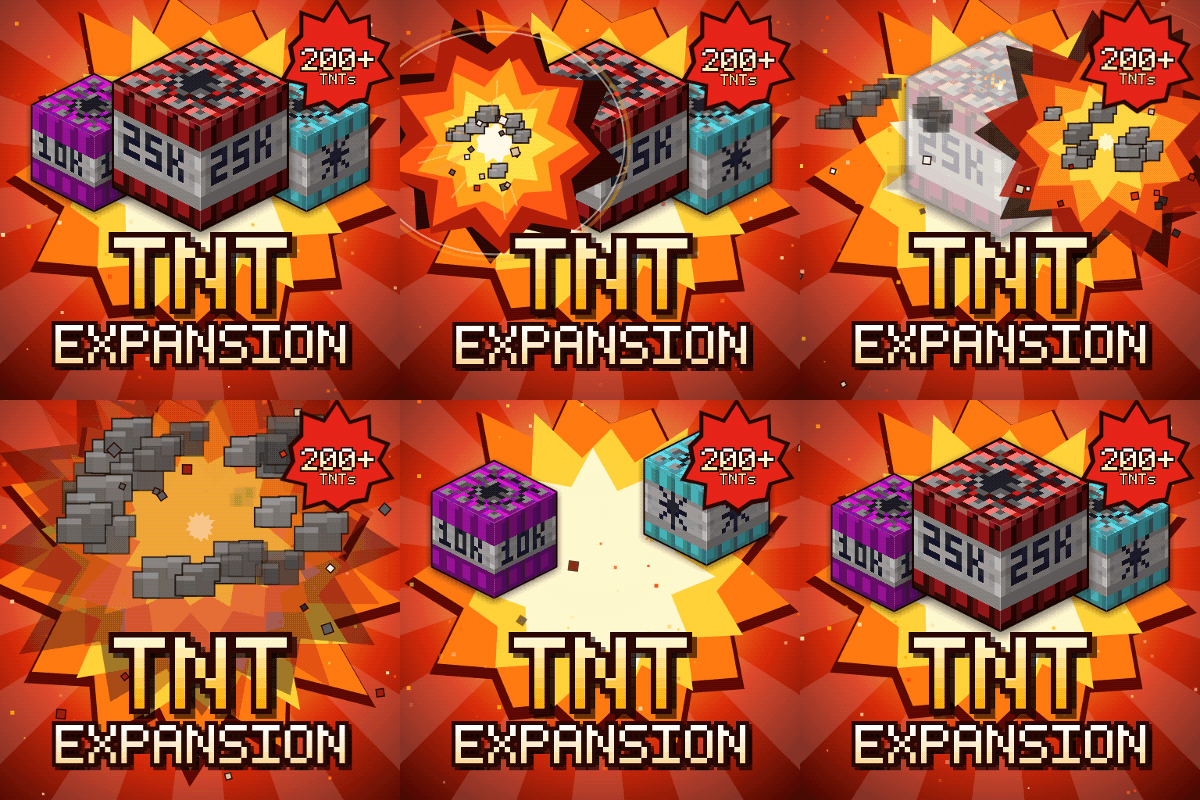
TNT Expansion (+200 new craftable TNT)
Over 200 craftable TNTs for Minecraft, from harmless mini TNTs to nukes, meteors, tornadoes, volcanoes, black holes, and the Brutal Cataclysm. Or leave the world with TNT Error 404: say goodbye to your entire world!
 mod
CurseForge · Minecraft
Inventory ToDo
A to-do list next to your inventory: notes and item goals that count up as you collect. Works in any modpack, with any mods.