Minecraft version
Back to mods 
CurseForge · Minecraft mod
Minecraft Discs
Custom music discs from YouTube videos for Minecraft 1.12.
Choose a version Pick your version below, then grab the matching file.
Quick answer
Which Minecraft Discs release matches 1.12.1?
Best match for your filters 1.2 release
Game version 1.12.1, 1.12, 1.12.2
Loader Not required
Minecraft Discs 1.2 release targets 1.12.1, 1.12, 1.12.2. The project page does not say whether this file belongs on the client, dedicated server, or both. No extra mods listed for this file.
Where it goes
Is Minecraft Discs required on the client, server, or both?
The project page does not say whether this file belongs on the client, dedicated server, or both.
Client Source doesn’t say
Dedicated server Source doesn’t say
Loader for this release No loader listed
Required install it here Optional supported, not mandatory Not supported do not install here Source doesn’t say do not assume
The source does not explicitly classify this release as client-only or server-only.
What else does Minecraft Discs 1.2 release need?
1.2 release on 1.12.1. Every mod below is checked against that same setup.
This file does not list any required mods. Do not add a library just because a different file uses it.
This file does not list any required or optional mods.
Before you install it
Add Minecraft Discs without breaking your instance.
Built for Minecraft Discs 1.2 release on 1.12.1. Pick another file and the loader, install side or required mods may change.
- 01
Stick to this file
Use 1.2 release. It targets 1.12.1, 1.12, 1.12.2; another release may have different loader, side or dependency requirements.
- 02
Bring the mods it needs
This file does not list any required mods. Do not add a library just because a different file uses it.
- 03
Put it on the correct side
The project page does not say whether this file belongs on the client, dedicated server, or both.
- 04
Pick the file you checked
Use the “Get this file” button beside 1.2 release. It opens that exact file at the source.
About this project
What does Minecraft Discs add?
Minecraft Discs
Dynamically loaded custom music discs based on YouTube videos. Requires building your resource pack by downloading YouTube videos. See here for an automated mcdisc resource pack builder.
For Minecraft 1.12. Requires Forge ModLoader.
See the code on Github.
Setup
- Copy the latest mcdisc release jar to your mods directory.
- Define your own disc list. See sample-disc-config.json for a syntax example.
- Each custom disc requires a YouTube URL. (Those are used to build your resource pack.)
- Edit your forge configuration to use your custom disc list, either by editing manually the
config/mcdisc.cfgfile or from theMods Optionsmenu inside the game.- The disc list location can either be an URL, (starting with
http://orhttps://), or a file path. - For local files, the default directory is your
.minecraftdirectory. For instance, settingdisc-list.jsonas your disc location will cause the mod to load discs from.minecraft/disc-list.json. - Do not use
~in the file location on Linux or MacOS, as that seems to cause issues. - By default, the disc list is set to this repository's sample-disc-config.json.
- The disc list location can either be an URL, (starting with
- Build your resource pack. (See here). You will not be able to play your custom discs without the resource pack.
For multiplayer setups, repeat all steps 1-4 for the server and all clients.
Configuration
DISC_LIST_LOCATION: Disc list json file location. Can an URL or a file.SPAWN_DISCS_IN_CHESTS: Add custom discs in dungeons, temples, mineshafts.CREEPERS_DROP_CUSTOM_DISCS: Creepers should drop custom discs when slain by skeletons.SHOULD_CACHE_DISC_LIST: Load the disc list once in memory, to reduce disc/http access. (Better to leave this on!)
Using custom textures
By default, custom discs reuse vanilla minecraft textures. You can define custom textures by adding a "texture" property to your discs in your disc-list.json. (See here) for an example. You then need to define your new textures in a resource pack, either as a standalone resource pack, or by bundling them with your sound resource pack built at step 4. (Note that you do not need to define textures in a resource pack if you are reusing vanilla minecraft textures. e.g. "minecraft:diamond")
The pack should have the following structure : ( Example Here)
/assets
  /mcdisc
    /models
      /item
        my-texture.json
  /minecraft
    /textures
      /items
        my_texture.png
my-texture.json should contain the following :
{
  "parent": "minecraft:item/generated",
  "textures": {
    "layer0": "minecraft:items/my_texture"
  }
}
Project description from CurseForge.
Pick your setup
Minecraft Discs by Minecraft version and loader
Choose the version and loader you play, then open the matching release.
Minecraft version
1.12.1
1 loader buildMinecraft version
1.12-Snapshot
1 loader buildMinecraft version
1.12
1 loader buildCheck the dependencies, then try the file in a copied instance before changing a world you care about.
Recent files
Minecraft Discs versions and loaders
1.2 release
mcdisc-1.12.1-1.2.jar
22 Apr 2018
Client Source doesn’t say Server Source doesn’t say Dependencies No extras listed Listed on Release listing
Check the 1.12.1 setup 1.12.11.121.12.21.12-Snapshot release
mcdisc release 1.1
mcdisc-1.12.1-1.1.jar
18 Feb 2018
Client Source doesn’t say Server Source doesn’t say Dependencies No extras listed Listed on Release listing
Check the 1.12.1 setup 1.12.11.121.12.2 release
mcdisc release 1.0
mcdisc-1.12.1-1.0.jar
4 Jan 2018
Client Source doesn’t say Server Source doesn’t say Dependencies No extras listed Listed on Release listing
Check the 1.12.1 setup 1.12.11.121.12.2 release
Looking for an older file? The official CurseForge project page is in Resources.
 mod
CurseForge · Minecraft
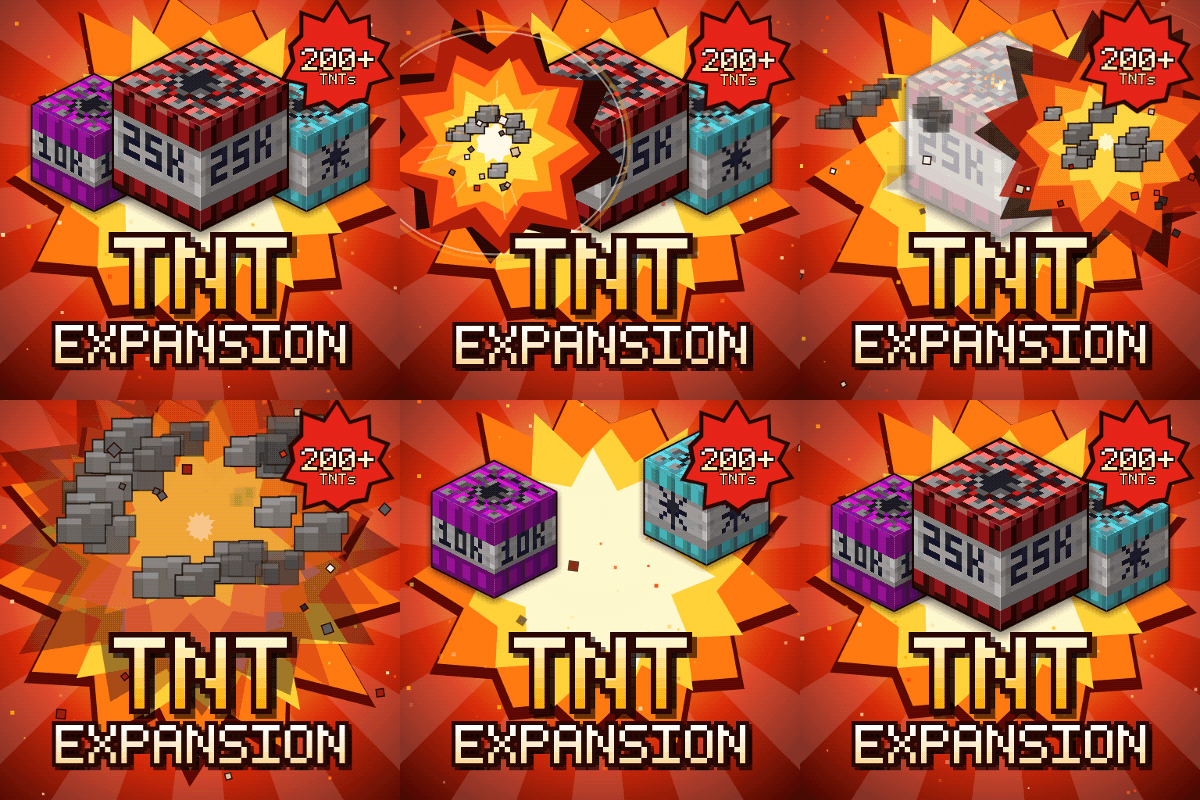
TNT Expansion (+200 new craftable TNT)
Over 200 craftable TNTs for Minecraft, from harmless mini TNTs to nukes, meteors, tornadoes, volcanoes, black holes, and the Brutal Cataclysm. Or leave the world with TNT Error 404: say goodbye to your entire world!
 mod
CurseForge · Minecraft
Bad Wither No Cookie - Reloaded
Localizes the wither and dragon death sounds.
 mod
CurseForge · Minecraft
JAOPCA
Just A Ore Processing Compatibility Attempt