Inspirations Optional for Chromatic Foliage 2.0.1
optionalMatching file found Matched file: Inspirations 0.2.9 for 1.12.2
CurseForge · Minecraft mod
A mod of a colourful nature
Quick answer
Chromatic Foliage 2.0.1 targets 1.12.1, 1.12, 1.12.2 with Forge. The project page does not say whether this file belongs on the client, dedicated server, or both. No extra mods listed for this file.
Where it goes
The project page does not say whether this file belongs on the client, dedicated server, or both.
The source does not explicitly classify this release as client-only or server-only.
Chromatic Foliage 2.0.1 on 1.12.2 Forge. Every mod below is checked against that same setup.
This file does not list any required mods. Do not add a library just because a different file uses it.
15 extra mods were pulled in by other dependencies. Indented rows show who needs each one. We only count dependency files that match this setup. A file for another loader does not fill the gap.
Before you install it
Built for Chromatic Foliage 2.0.1 on 1.12.2 Forge. Pick another file and the loader, install side or required mods may change.
Use Chromatic Foliage 2.0.1. It targets 1.12.1, 1.12, 1.12.2 with Forge; another release may have different loader, side or dependency requirements.
This file does not list any required mods. Do not add a library just because a different file uses it.
The project page does not say whether this file belongs on the client, dedicated server, or both.
Use the “Get this file” button beside Chromatic Foliage 2.0.1. It opens that exact file at the source.
About this project

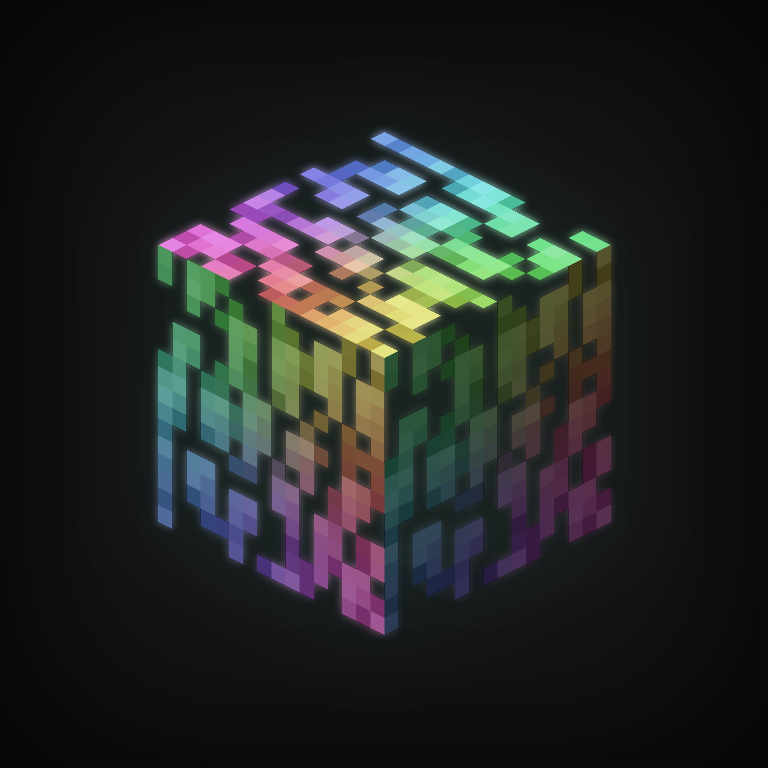
This mod adds chromatic variants of various nature blocks, obtainable through dyeing. Each supported block can be dyed using any of the vanilla dye colors. These chromatic blocks can also be made to glow, by inserting glowstone into them. Chromatic blocks can be created in-world by right-clicking supported blocks in the world with a dye of your choice. It is also possible to re-colour existing chromatic blocks, either in-world or via a generic recipe. To illuminate a chromatic block, simply right-click glowstone dust onto it. Illuminated chromatic blocks produce a small amount of light, and glow in the dark, much like to magma blocks. The glowstone will be consumed when performing this action, but an illuminated block will drop the dust again when broken. Sneak + right-clicking an illuminated block with an empty hand will also remove its glowstone dust. Chromatic blocks have the same drop logic as their original variants; for example, chromatic grass blocks will drop dirt if broken without silk touch, and chromatic leaves require silk touch or shears to be collected. Additionally, chromatic grass blocks will cause grass plants and snow layers placed above it to change colour to match the chromatic variant. The mod is highly configurable and almost all features can be disabled if desired.
Currently supported blocks:
You can find me in my Discord server and on Twitter @HeckinChloe where I post updates and info.
Consider buying me a coffee on Ko-fi to help me with my workflow!
Project description from CurseForge.
Pick your setup
Choose the version and loader you play, then open the matching release.
Check the dependencies, then try the file in a copied instance before changing a world you care about.
Recent files
ChromaticFoliage-2.1.0.jar
18 Dec 2020
ChromaticFoliage-2.0.1.jar
16 Dec 2020
ChromaticFoliage-2.0.0.jar
16 Dec 2020
Looking for an older file? The official CurseForge project page is in Resources.