Minecraft version
Back to mods 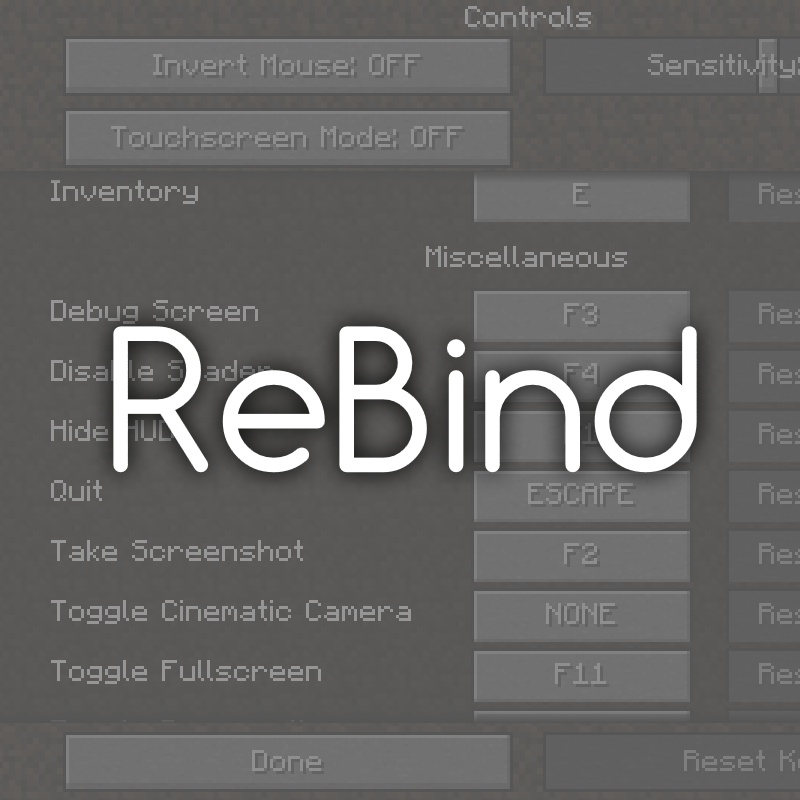
CurseForge · Minecraft mod
ReBind
Ultimate control over the keybindings and more.
Choose a version Pick your version below, then grab the matching file.
Quick answer
Which ReBind release matches 1.11.2?
Best match for your filters ReBind-1.11.2-2.7.2
Game version 1.11.2
Loader Not required
ReBind-1.11.2-2.7.2 targets 1.11.2. The project page does not say whether this file belongs on the client, dedicated server, or both. No extra mods listed for this file.
Where it goes
Is ReBind required on the client, server, or both?
The project page does not say whether this file belongs on the client, dedicated server, or both.
Client Source doesn’t say
Dedicated server Source doesn’t say
Loader for this release No loader listed
Required install it here Optional supported, not mandatory Not supported do not install here Source doesn’t say do not assume
The source does not explicitly classify this release as client-only or server-only.
What else does ReBind-1.11.2-2.7.2 need?
ReBind-1.11.2-2.7.2 on 1.11.2. Every mod below is checked against that same setup.
This file does not list any required mods. Do not add a library just because a different file uses it.
This file does not list any required or optional mods.
Before you install it
Add ReBind without breaking your instance.
Built for ReBind-1.11.2-2.7.2 on 1.11.2. Pick another file and the loader, install side or required mods may change.
- 01
Stick to this file
Use ReBind-1.11.2-2.7.2. It targets 1.11.2; another release may have different loader, side or dependency requirements.
- 02
Bring the mods it needs
This file does not list any required mods. Do not add a library just because a different file uses it.
- 03
Put it on the correct side
The project page does not say whether this file belongs on the client, dedicated server, or both.
- 04
Pick the file you checked
Use the “Get this file” button beside ReBind-1.11.2-2.7.2. It opens that exact file at the source.
About this project
What does ReBind add?
This clientside modification provides ability of ultimate control over any keybindings, vanilla or modded, via simple json config. Also there are some other useful options.
Without configuring it will just will sort keybindings by mod names and add keybindings for internal controls, such as "hide hud"(F1), "debug screen"(F3), "narrator" (CTRL+B) and other - finally you able to remap them! Also it provides key combinations system for old mc versions (1.7.10, 1.8.9).
With ReBind all non-vanilla keybindings will be moved to categories, called by mods names which adds those keybindings. Such categories will be sorted in alphabetical order.
Supported MC versions: 1.7.10, 1.8.9, 1.9.4, 1.10.2, 1.11.2, 1.12.2.
It will not cause crash if installed on server.
Features
For keybindings:
- Changing names
- Changing categories
- Changing default keys (ability to set combinations with ALT, SHIFT and CONTROL)
- Changing the display order in the controls menu
- Hiding from controls menu
- Disabling
- Merging (BETA)
- Key combinations for 1.7.10 & 1.8.9
My mod for 1.6.4, 1.7.10 & 1.8.9 for key combinations only: Key Combinations
And it will add keybindings for internal vanilla controls: Quit (Esc), Hide HUD (F1), Debug Screen (F3), Disable Shader (F4)(1.7.10, 1.8.9) and Narrator (CTRL+B)(1.12.2).
Additional options:
- Disable player sprint
- Disable double tap forward sprint
- Disable mount sprint
- Activate custom one block height auto jump
- Disable mouse wheel hotbar slots scrolling
Keybindings in controls menu will be sorted according to their description order in configuration file. If it doesn’t contain information about some keybindings they will be located in the end of controls menu.
Latest update: 2.7.5
- Added easy way to provide custom localization and absent localization for new keybindings.
See wiki for more information. - Fixes:
- Fixed crash on menu controls open if some keybindings were disabled in config.
Usage
User guide can be found at GitHub Wiki.
Info
If you found bug or incompatibility with some other mod, open an issue. Leave your questions, feedbacks and suggestions in comments. You free to use it in modpacks.
If you having problems after ReBind update, remove configuration files from ".../config/rebind/" folder before game start.
Project description from CurseForge.
Pick your setup
ReBind by Minecraft version and loader
Choose the version and loader you play, then open the matching release.
Minecraft version
1.11.2
1 loader buildMinecraft version
1.10.2
1 loader buildMinecraft version
1.9.4
1 loader buildMinecraft version
1.8.9
1 loader buildMinecraft version
1.7.10
1 loader buildCheck the dependencies, then try the file in a copied instance before changing a world you care about.
Recent files
ReBind versions and loaders
ReBind-1.11.2-2.7.2
rebind-1.11.2-2.7.2.jar
4 Aug 2018
Client Source doesn’t say Server Source doesn’t say Dependencies No extras listed Listed on Release listing
Check the 1.11.2 setup 1.11.2 release
ReBind-1.11.2-2.7.1
rebind-1.11.2-2.7.1.jar
3 Aug 2018
Client Source doesn’t say Server Source doesn’t say Dependencies No extras listed Listed on Release listing
Check the 1.11.2 setup 1.11.2 release
ReBind-1.11.2-2.7.0
rebind-1.11.2-2.7.0.jar
18 Jul 2018
Client Source doesn’t say Server Source doesn’t say Dependencies No extras listed Listed on Release listing
Check the 1.11.2 setup 1.11.2 release
Looking for an older file? The official CurseForge project page is in Resources.