Minecraft version
Back to mods 
CurseForge · Minecraft mod
Rabbit GUI
GUI utility mod to made creating feature rich GUIs easy
Choose a version Pick your version below, then grab the matching file.
Quick answer
Which Rabbit GUI release should I use?
Latest stable file rabbit-gui-1.12.2.2.jar
Game version 1.12.2
Loader Not required
Rabbit GUI rabbit-gui-1.12.2.2.jar targets 1.12.2. The project page does not say whether this file belongs on the client, dedicated server, or both. No extra mods listed for this file.
Where it goes
Is Rabbit GUI required on the client, server, or both?
The project page does not say whether this file belongs on the client, dedicated server, or both.
Client Source doesn’t say
Dedicated server Source doesn’t say
Loader for this release No loader listed
Required install it here Optional supported, not mandatory Not supported do not install here Source doesn’t say do not assume
The source does not explicitly classify this release as client-only or server-only.
What else does Rabbit GUI rabbit-gui-1.12.2.2.jar need?
rabbit-gui-1.12.2.2.jar. Change the file and its required mods may change too.
This file does not list any required mods. Do not add a library just because a different file uses it.
This file does not list any required or optional mods.
Before you install it
Add Rabbit GUI without breaking your instance.
Built for Rabbit GUI rabbit-gui-1.12.2.2.jar. Pick another file and the loader, install side or required mods may change.
- 01
Stick to this file
Use rabbit-gui-1.12.2.2.jar. It targets 1.12.2; another release may have different loader, side or dependency requirements.
- 02
Bring the mods it needs
This file does not list any required mods. Do not add a library just because a different file uses it.
- 03
Put it on the correct side
The project page does not say whether this file belongs on the client, dedicated server, or both.
- 04
Pick the file you checked
Use the “Get this file” button beside rabbit-gui-1.12.2.2.jar. It opens that exact file at the source.
About this project
What does Rabbit GUI add?
This mod doesn't add any new GUIs or anything to the game but it makes building GUIs for mods much easier with a large set of tools and functionality not found in the vanilla classes.
Features include:
- Multiple Panels
- Grids
- Lists
- Draggable camera
- allows you to move player perspective while in GUIs
- Unicode and vanilla font support
- and more!
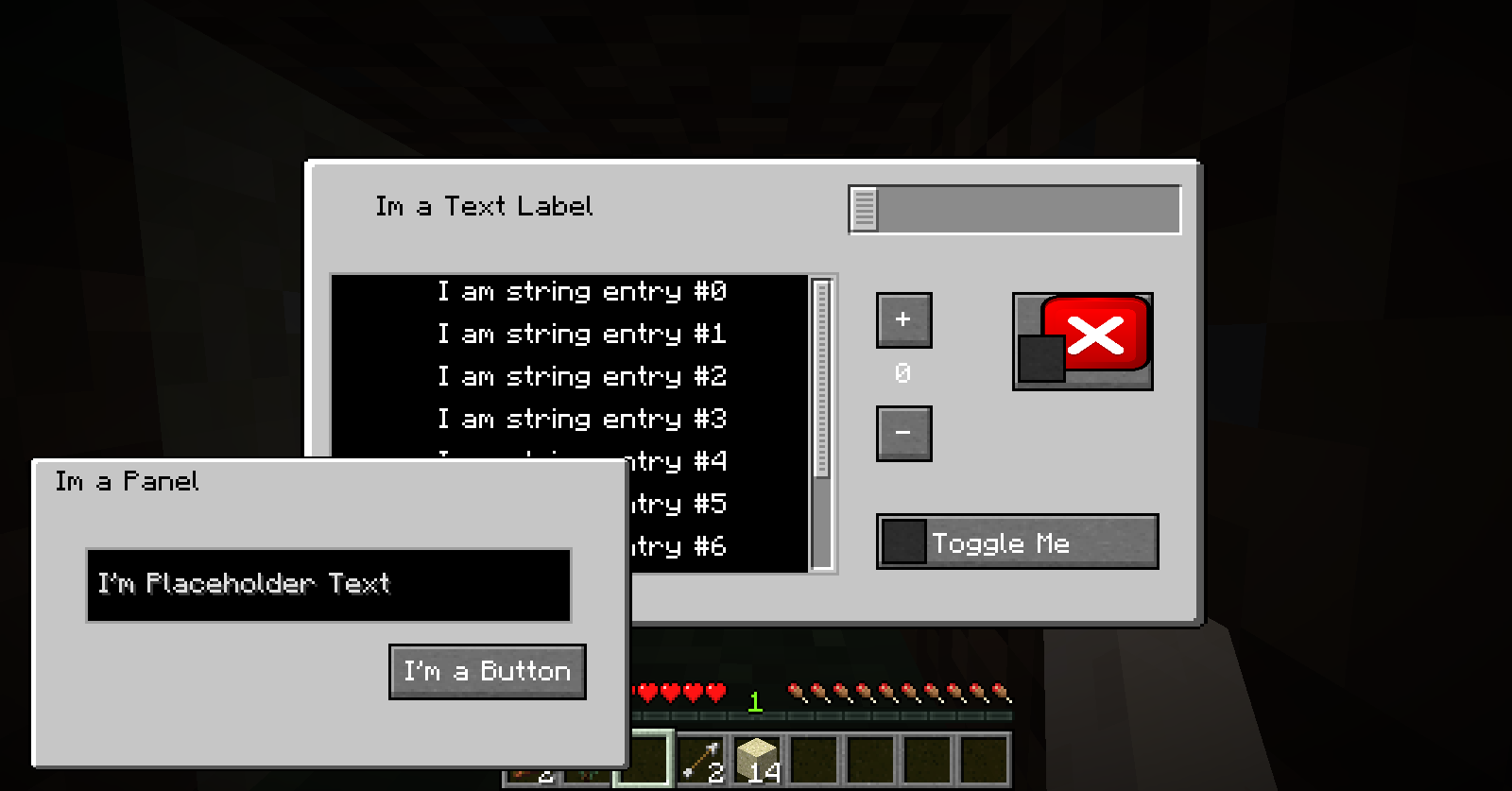
With Panels GUIs can have multiple layers that scale with window size
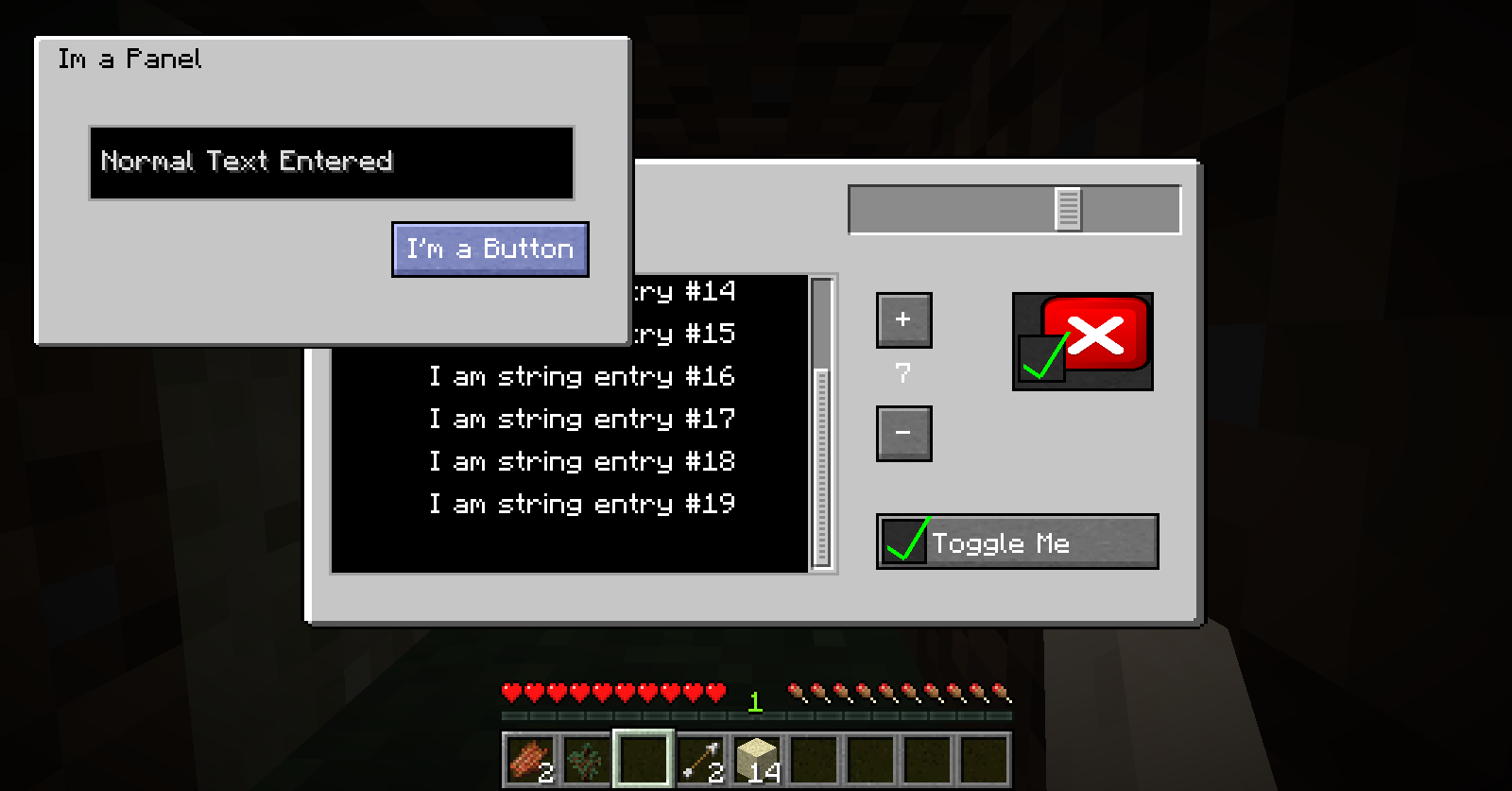
Panels are also draggable so you can utilize space and can be toggled visible. When they are not visible their components are not interactable so you don't have to worry about unexpected actions from invisible buttons.
The background gui is not a panel and is therefore always interactive so long as its components are not behind another object. That way if a panel is over a button if you click on the panel the background button will not fire accidentally.
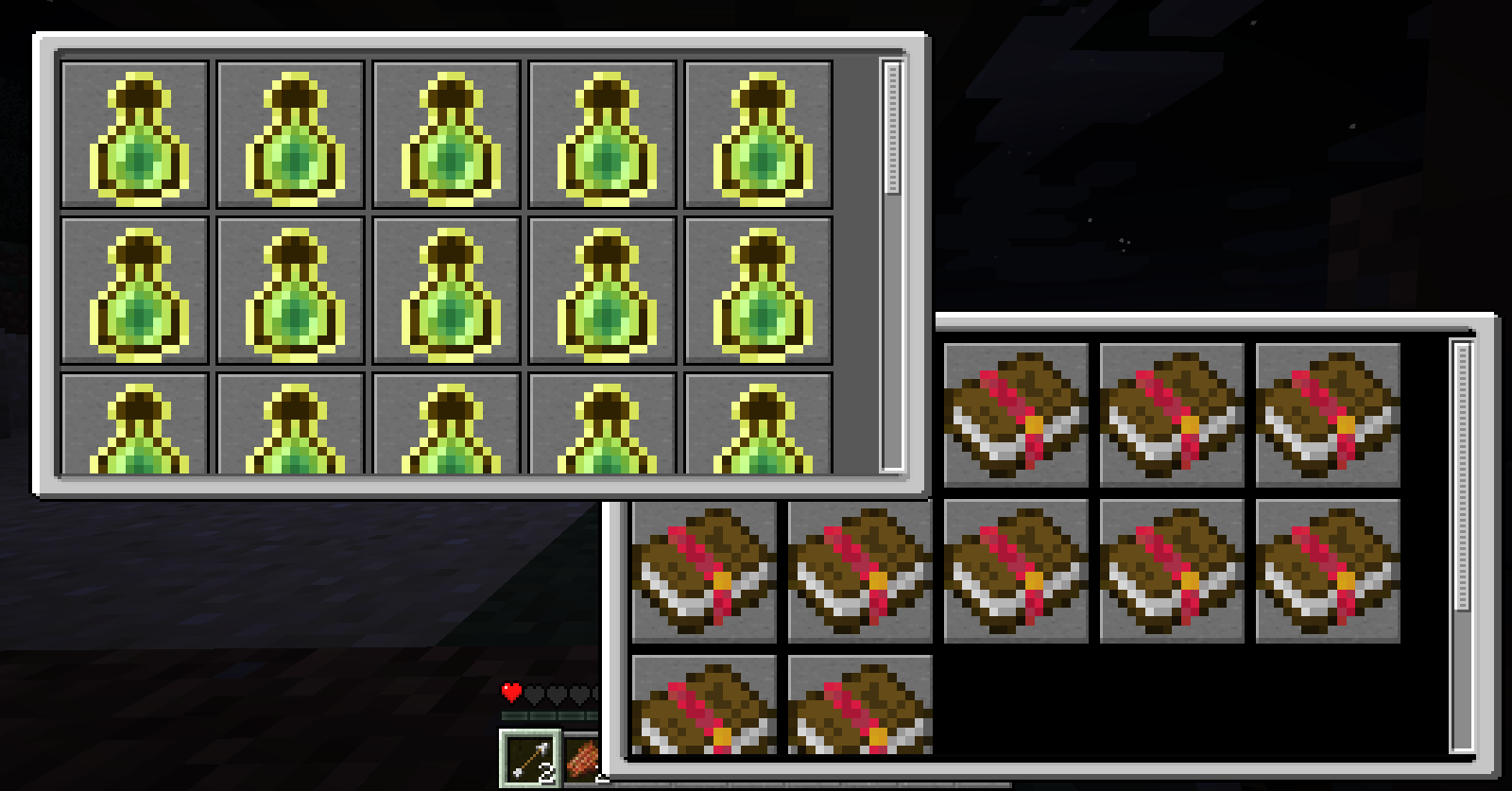
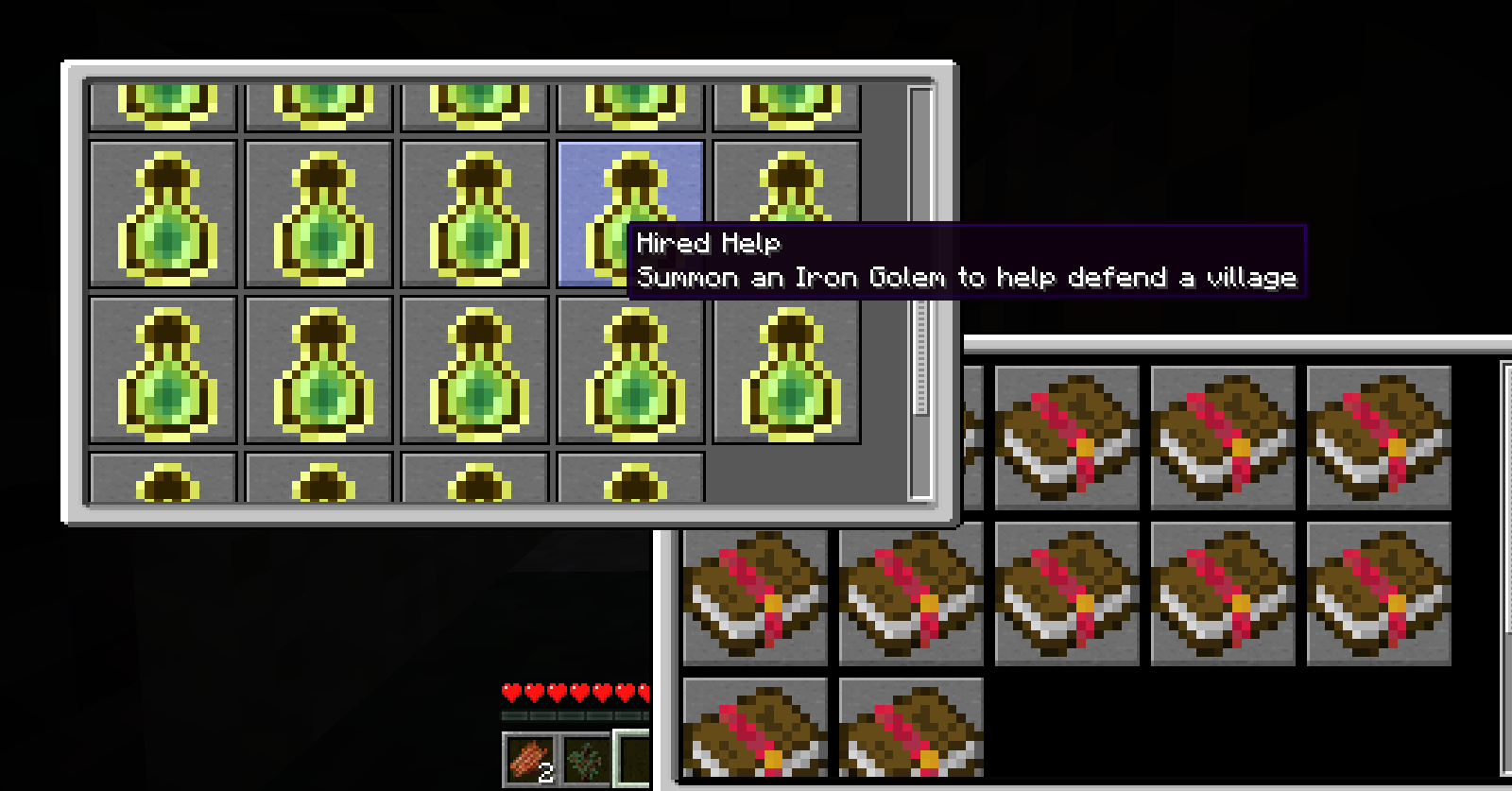
Grids are dynamic. You only need to tell it how big you want the panels and give it a list of elements and it will automatically lay them out to best utilize the size of the grid. Once a grid has surpassed the total size a scroll bar will allow you to scroll to other entries.
Project description from CurseForge.
Pick your setup
Rabbit GUI by Minecraft version and loader
Choose the version and loader you play, then open the matching release.
Check the dependencies, then try the file in a copied instance before changing a world you care about.
Recent files
Rabbit GUI versions and loaders
rabbit-gui-1.12.2.2.jar
19 Jun 2018
Client Source doesn’t say Server Source doesn’t say Dependencies No extras listed Listed on Release listing
Check the 1.12.2 setup 1.12.2 release
rabbit-gui-1.12.2.1.jar
31 May 2018
Client Source doesn’t say Server Source doesn’t say Dependencies No extras listed Listed on Release listing
Check the 1.12.2 setup 1.12.2 release
rabbit-gui-1.12.2.jar
16 May 2018
Client Source doesn’t say Server Source doesn’t say Dependencies No extras listed Listed on Release listing
Check the 1.12.2 setup 1.12.2 release
Looking for an older file? The official CurseForge project page is in Resources.
 mod
CurseForge + Modrinth · Minecraft
TokorotenSlime
A core mod adding a few items and blocks, serving as the foundation for addons.
 mod
CurseForge · Minecraft
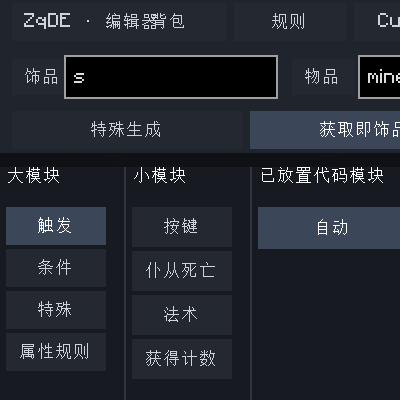
ZQ_pumpkin's DND Editor for Curios & TiC3
A Chinese functional editor for building Curios accessories and TiC3 materials.
 mod
CurseForge · Minecraft
Voxelhair
This mod adds vanilla-style hair to your Minecraft skin