
.svg?badge_style=flat)

Minecraft version
Back to mods 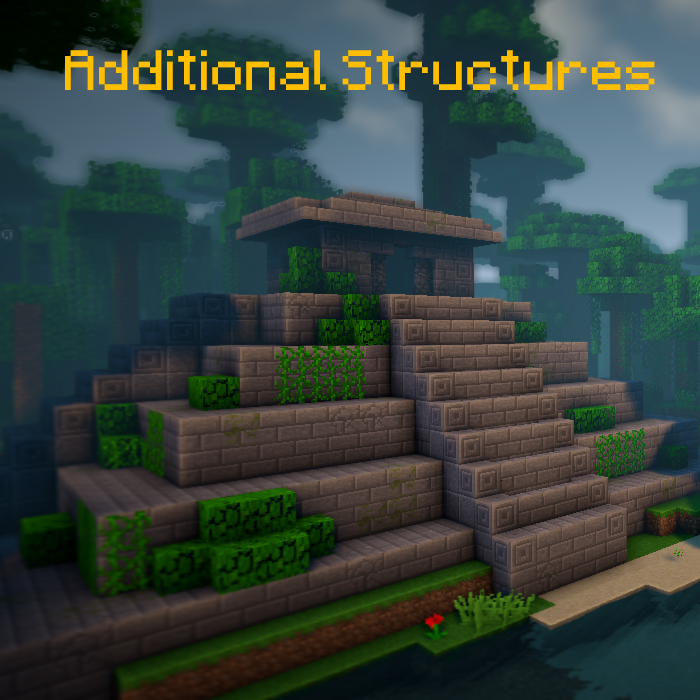
CurseForge · Minecraft mod
Additional Structures
Adds > 250 new structures that integrate perfectly into your world!
Choose a version Pick your version below, then grab the matching file.
Quick answer
Which Additional Structures release matches 1.20.5 Forge?
Best match for your filters Additional Structures v.4.2.2
Game version 1.20.2, 1.20.5, 1.20.3
Loader Forge
Additional Structures v.4.2.2 targets 1.20.2, 1.20.5, 1.20.3 with Forge. The project page does not say whether this file belongs on the client, dedicated server, or both. No extra mods listed for this file.
Where it goes
Is Additional Structures required on the client, server, or both?
The project page does not say whether this file belongs on the client, dedicated server, or both.
Client Source doesn’t say
Dedicated server Source doesn’t say
Loader for this release Forge
Required install it here Optional supported, not mandatory Not supported do not install here Source doesn’t say do not assume
The source does not explicitly classify this release as client-only or server-only.
What else does Additional Structures v.4.2.2 need?
Additional Structures v.4.2.2 on 1.20.5 Forge. Every mod below is checked against that same setup.
This file does not list any required mods. Do not add a library just because a different file uses it.
This file does not list any required or optional mods.
Before you install it
Add Additional Structures without breaking your instance.
Built for Additional Structures v.4.2.2 on 1.20.5 Forge. Pick another file and the loader, install side or required mods may change.
- 01
Stick to this file
Use Additional Structures v.4.2.2. It targets 1.20.2, 1.20.5, 1.20.3 with Forge; another release may have different loader, side or dependency requirements.
- 02
Bring the mods it needs
This file does not list any required mods. Do not add a library just because a different file uses it.
- 03
Put it on the correct side
The project page does not say whether this file belongs on the client, dedicated server, or both.
- 04
Pick the file you checked
Use the “Get this file” button beside Additional Structures v.4.2.2. It opens that exact file at the source.
About this project
What does Additional Structures add?


📖 Description
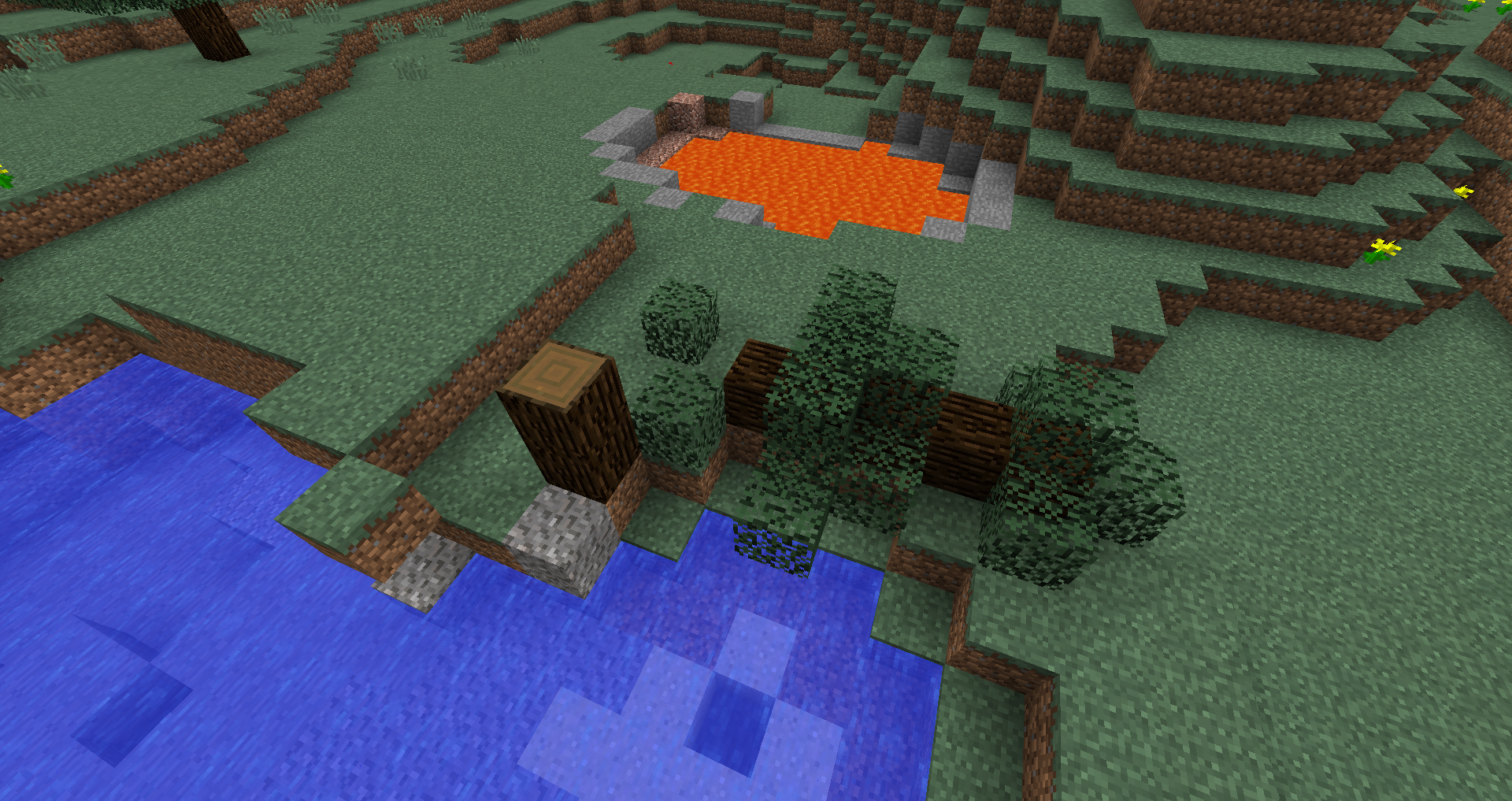
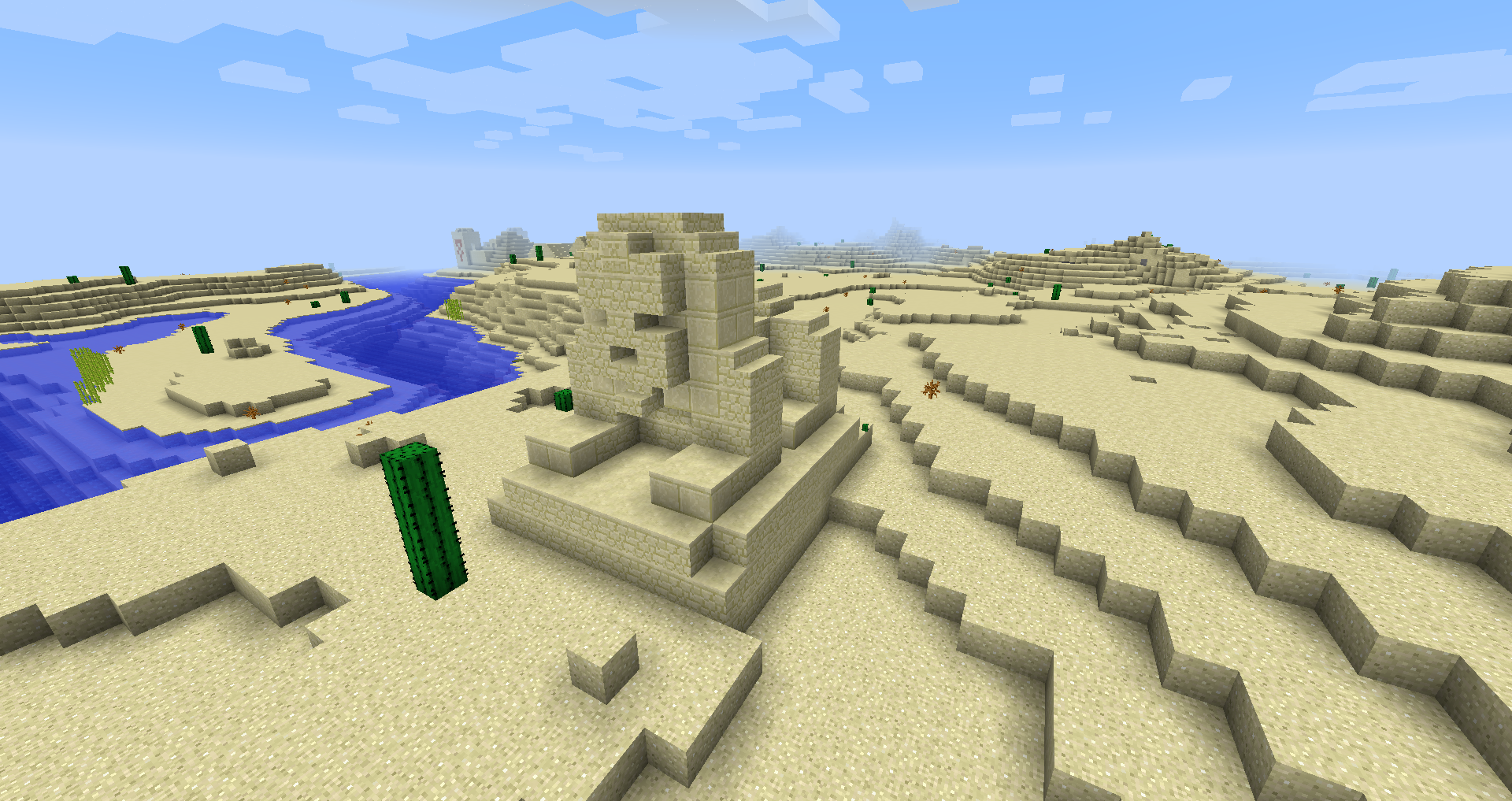
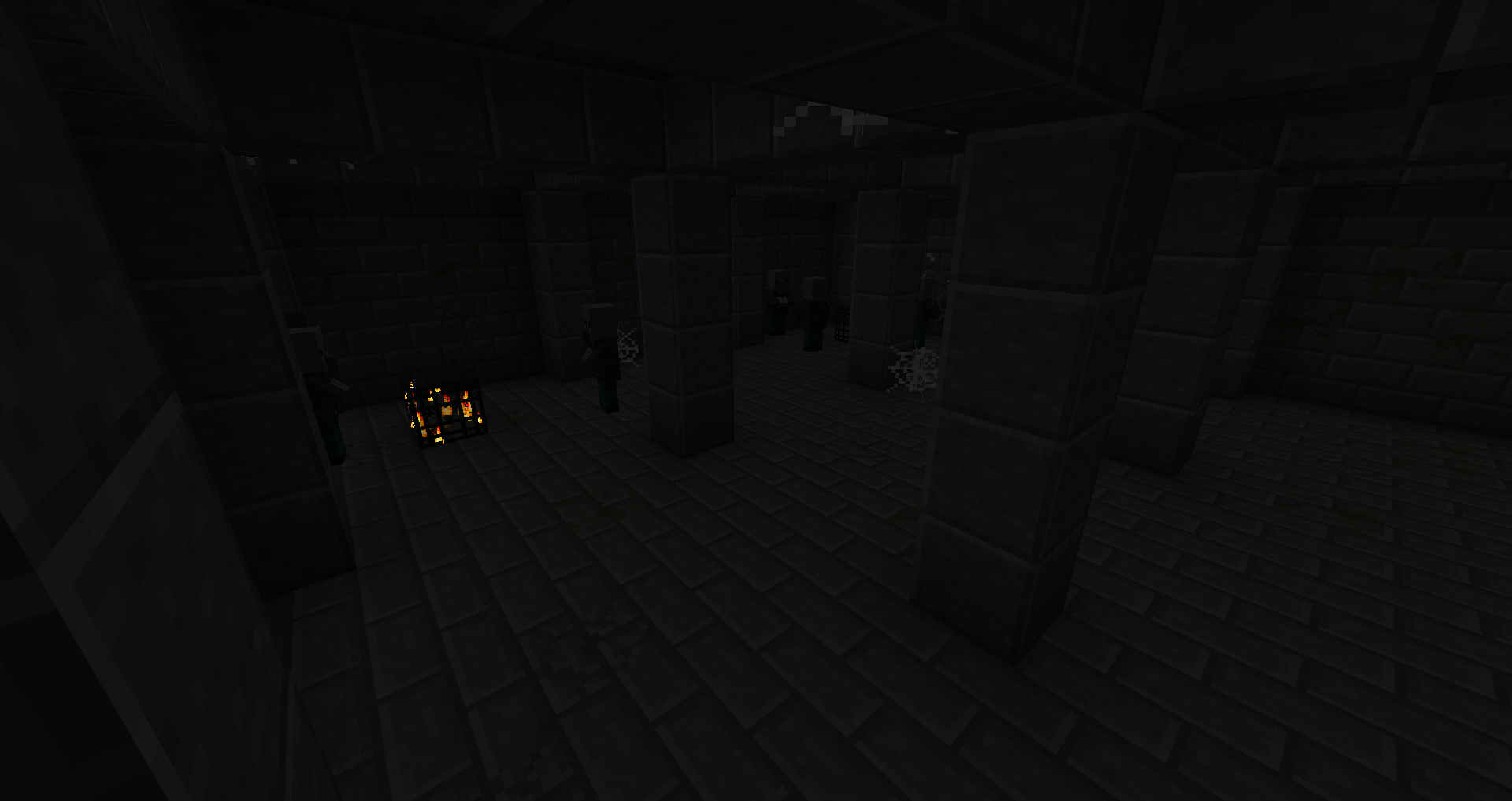
This mod adds ~250 new small and medium-sized structures into the game to expand your world!
- supports biome generation mods, like Terralith, Traverse, Biomes O' Plenty, Biome Bundle and more!
- Mystcraft integration (MC 1.12)
- with config options to change the spawn values of each structure type! (MC 1.12)
- works with the /locate command
- with update-checker
- different structures generates in vanilla and modded biomes in the overworld and the end!
- Config Datapack
Want to modify or change some structure values on 1.18+? Here's how to do it!
Here can you find all structures of the current version!
Do you use Fabric or Quilt? Then use this version!

📷 Presentation
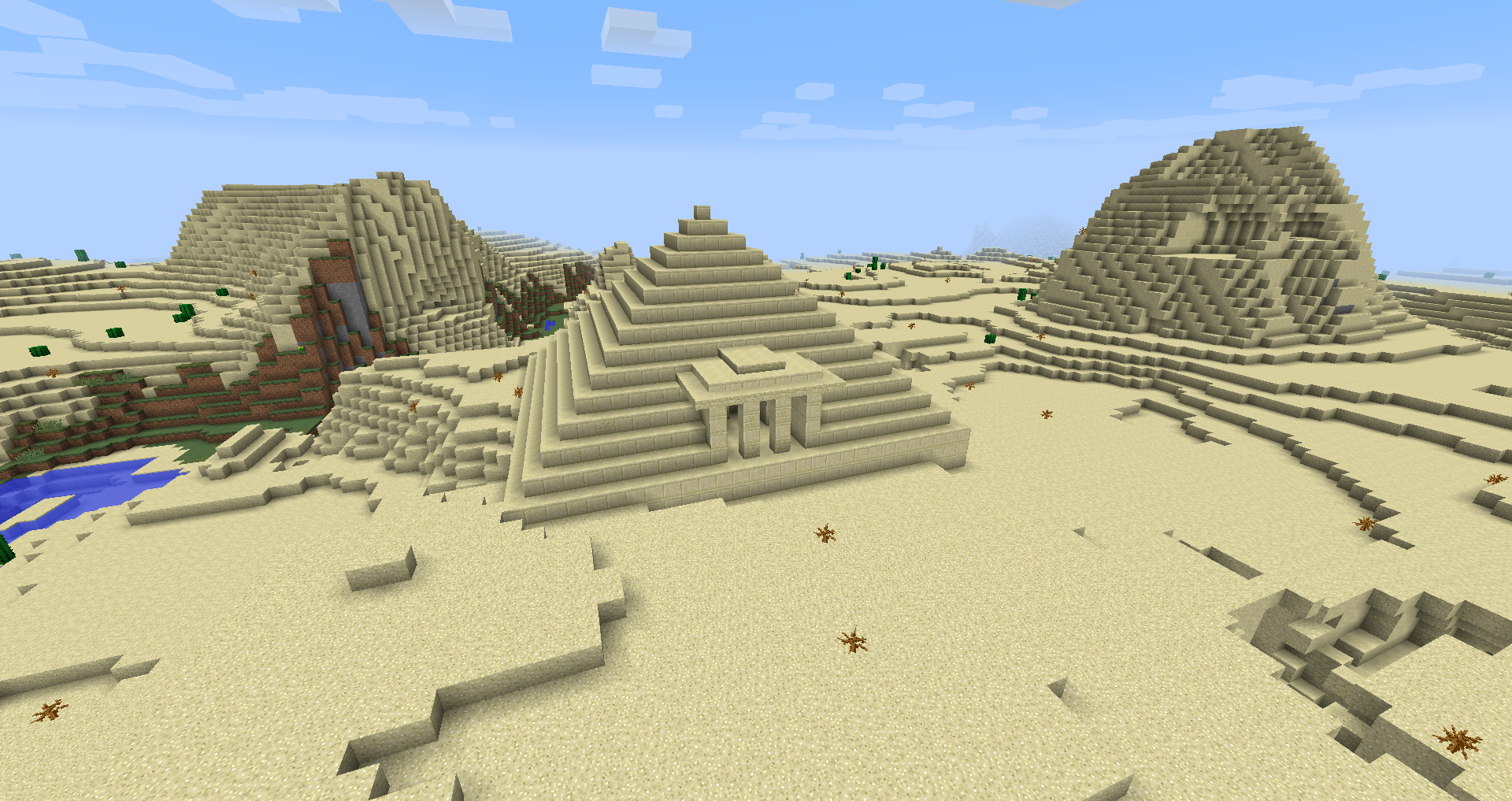
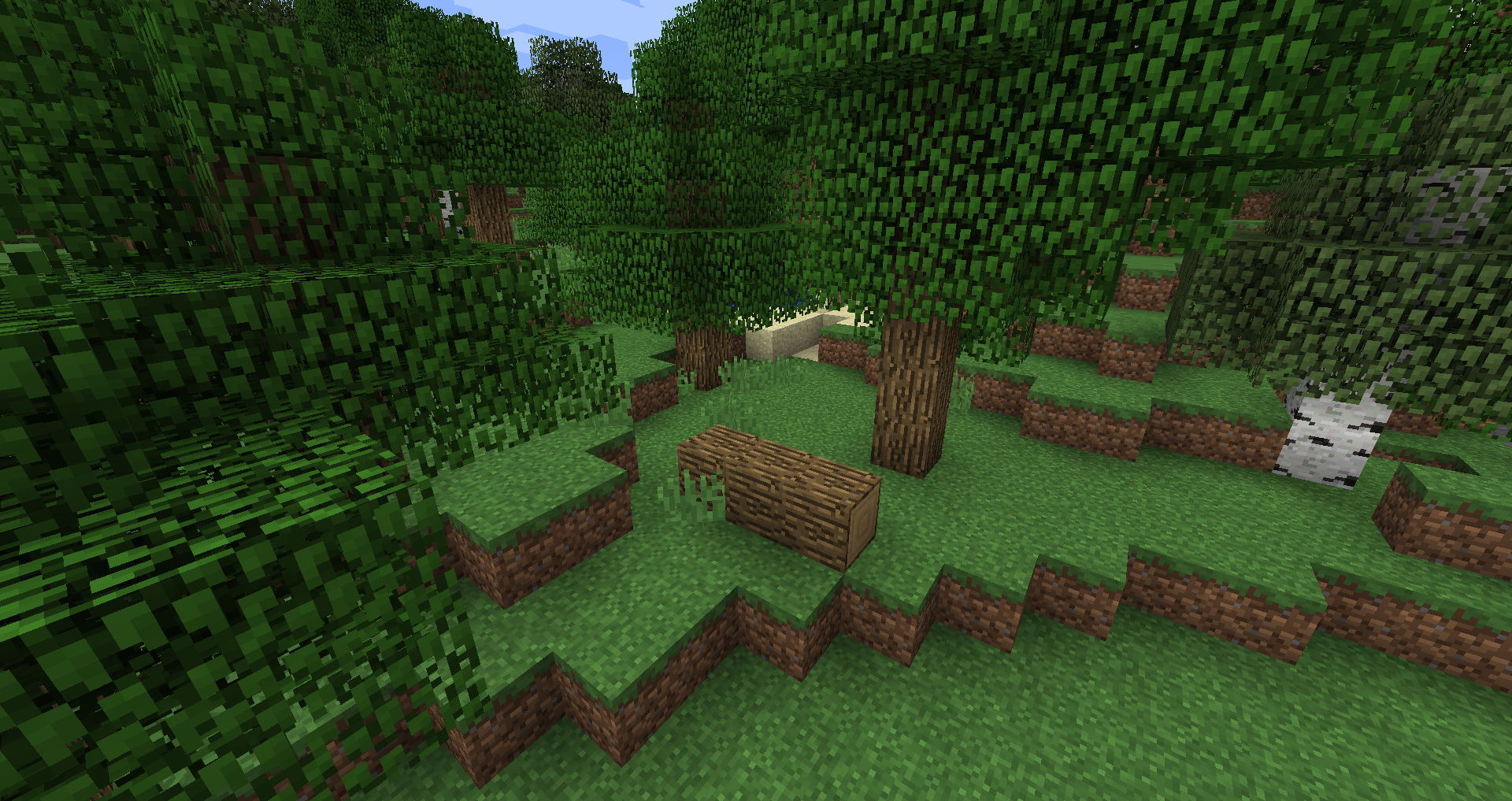
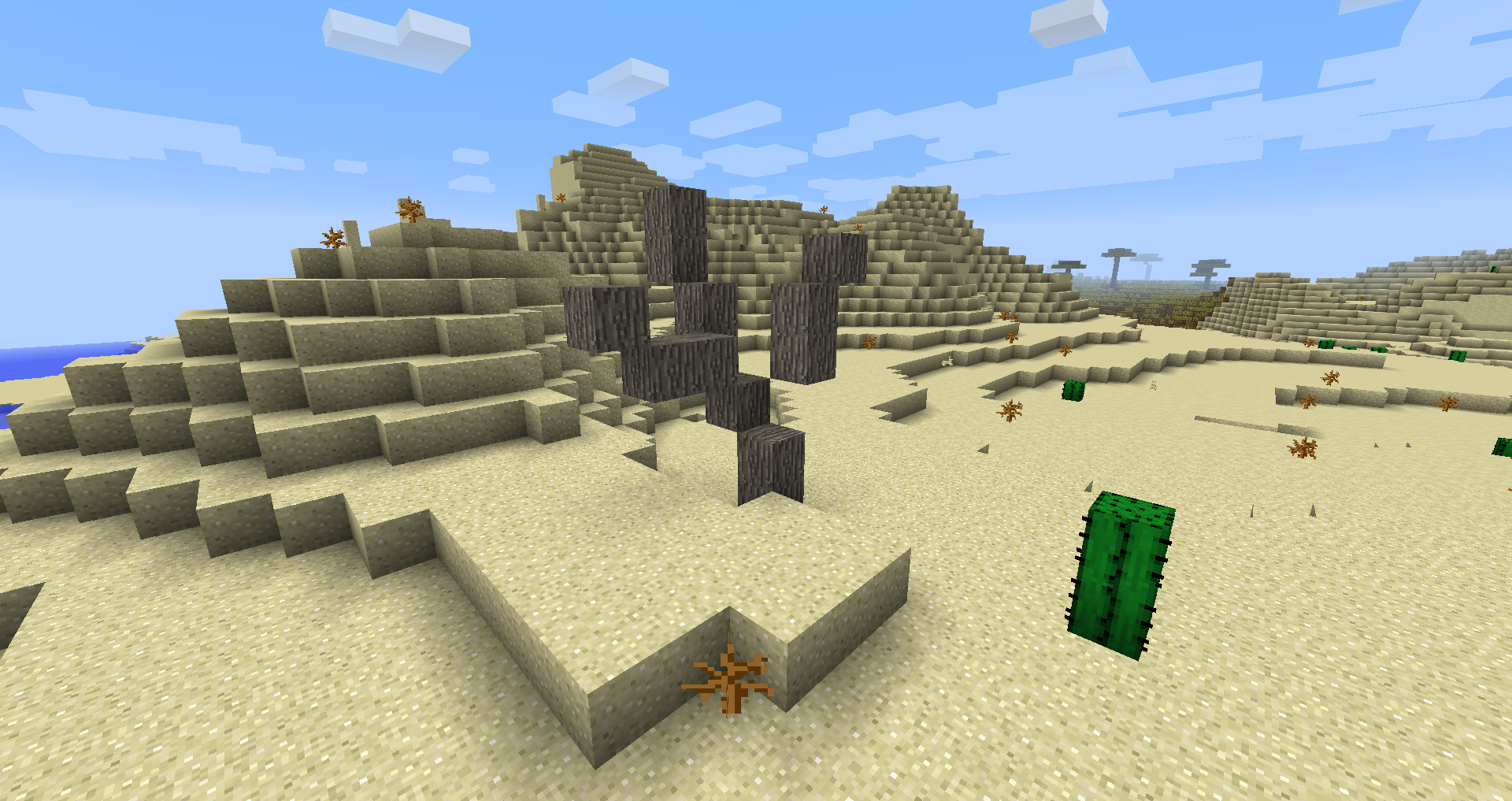
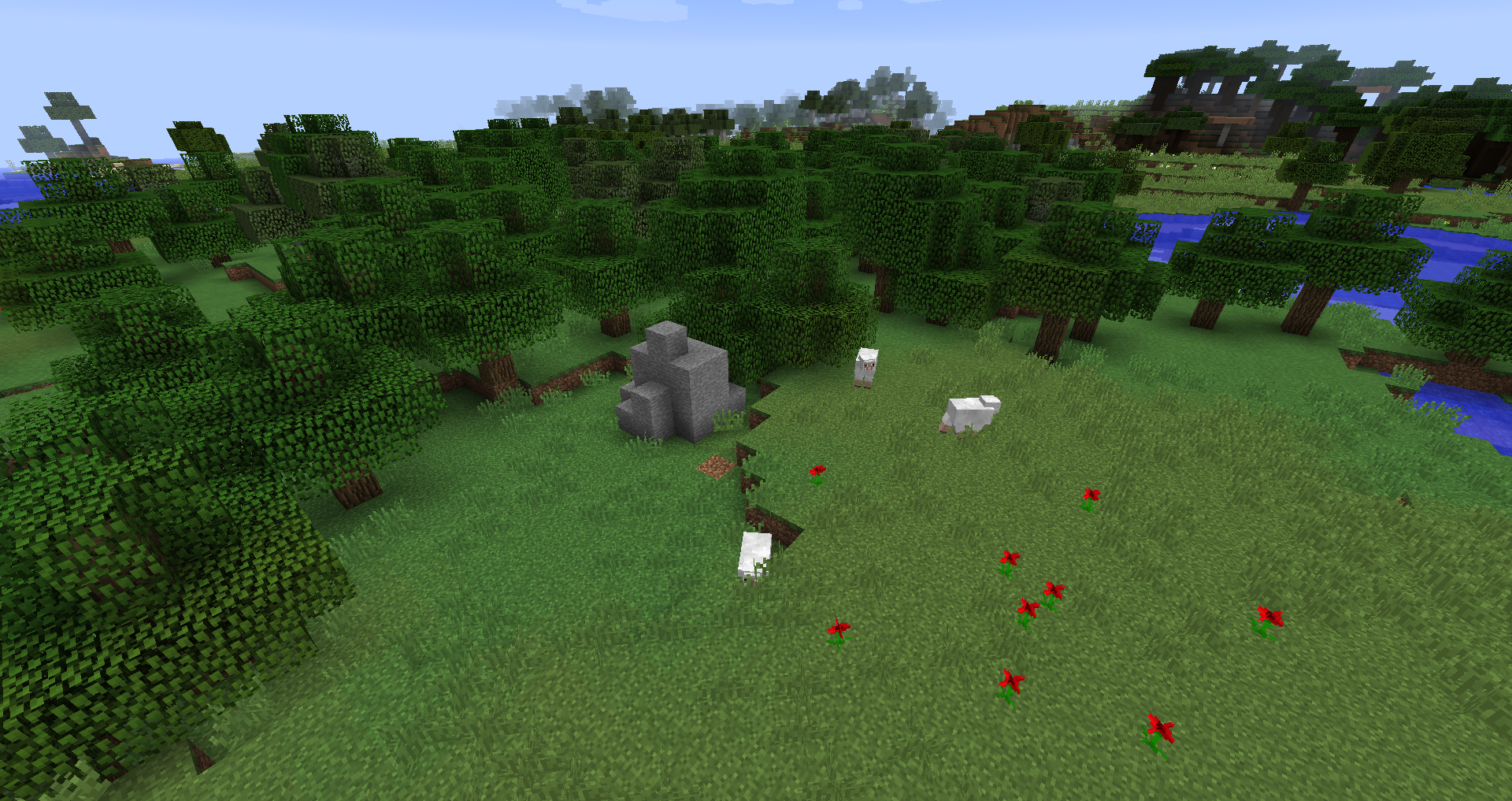
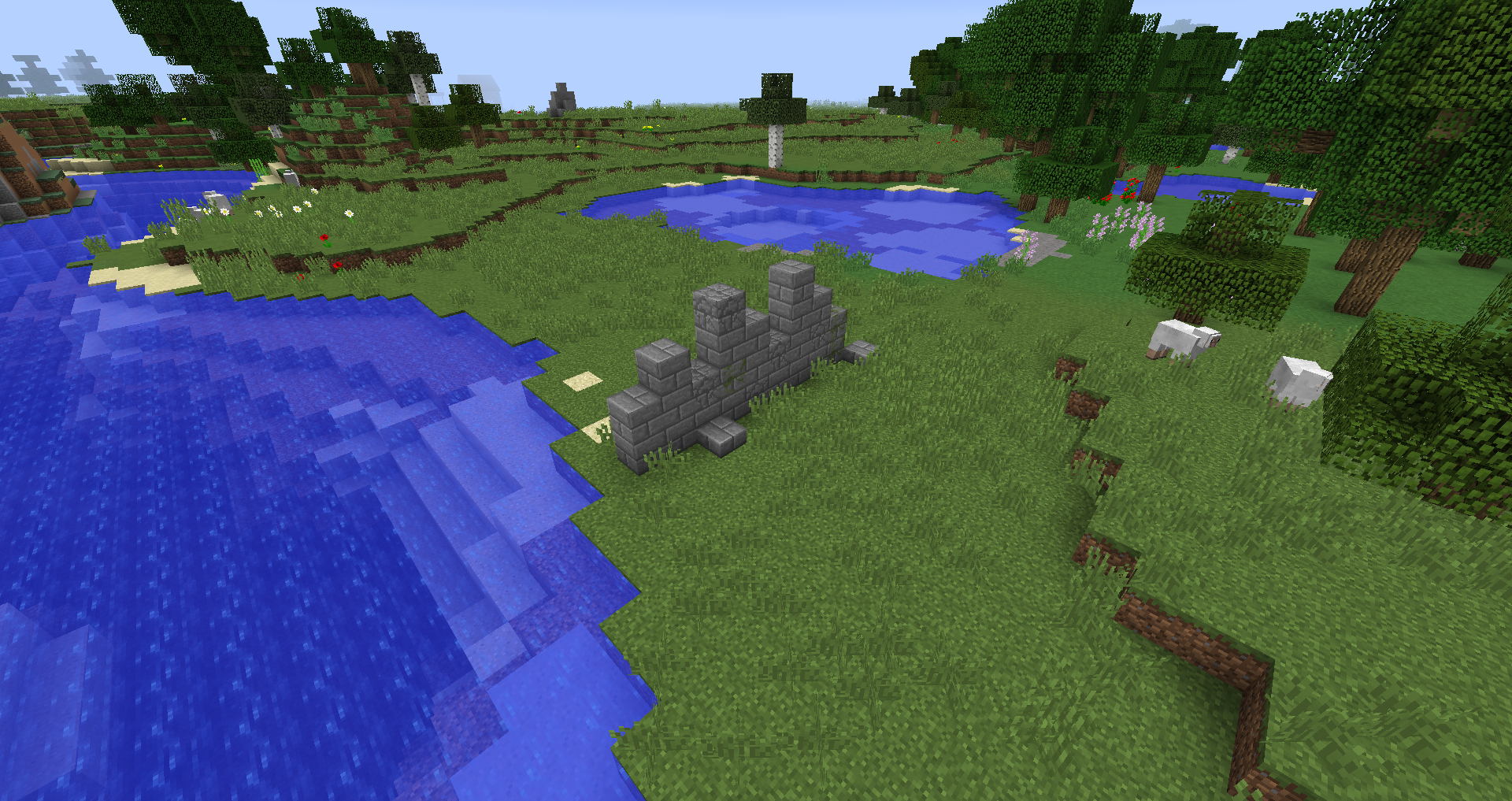
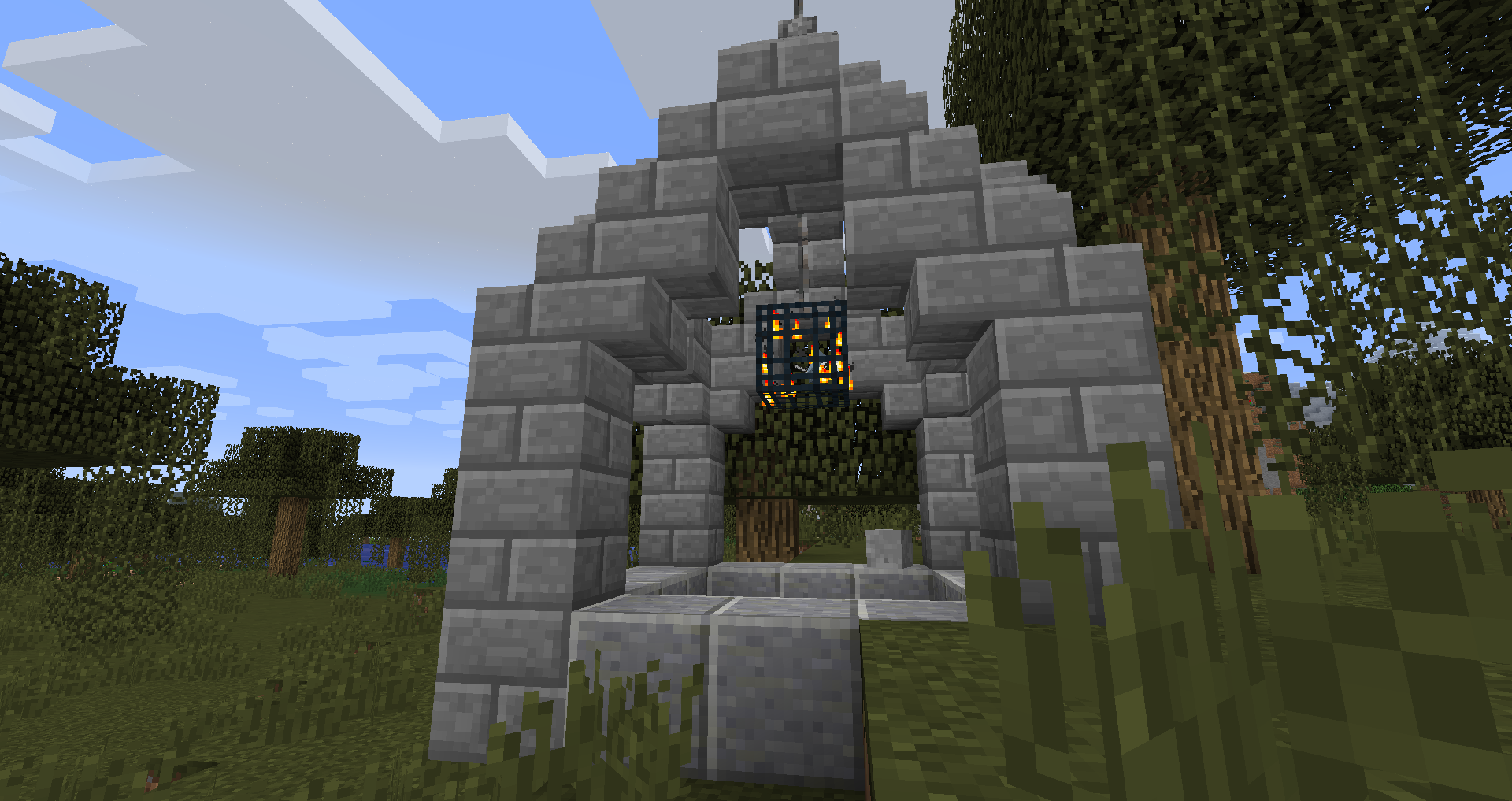
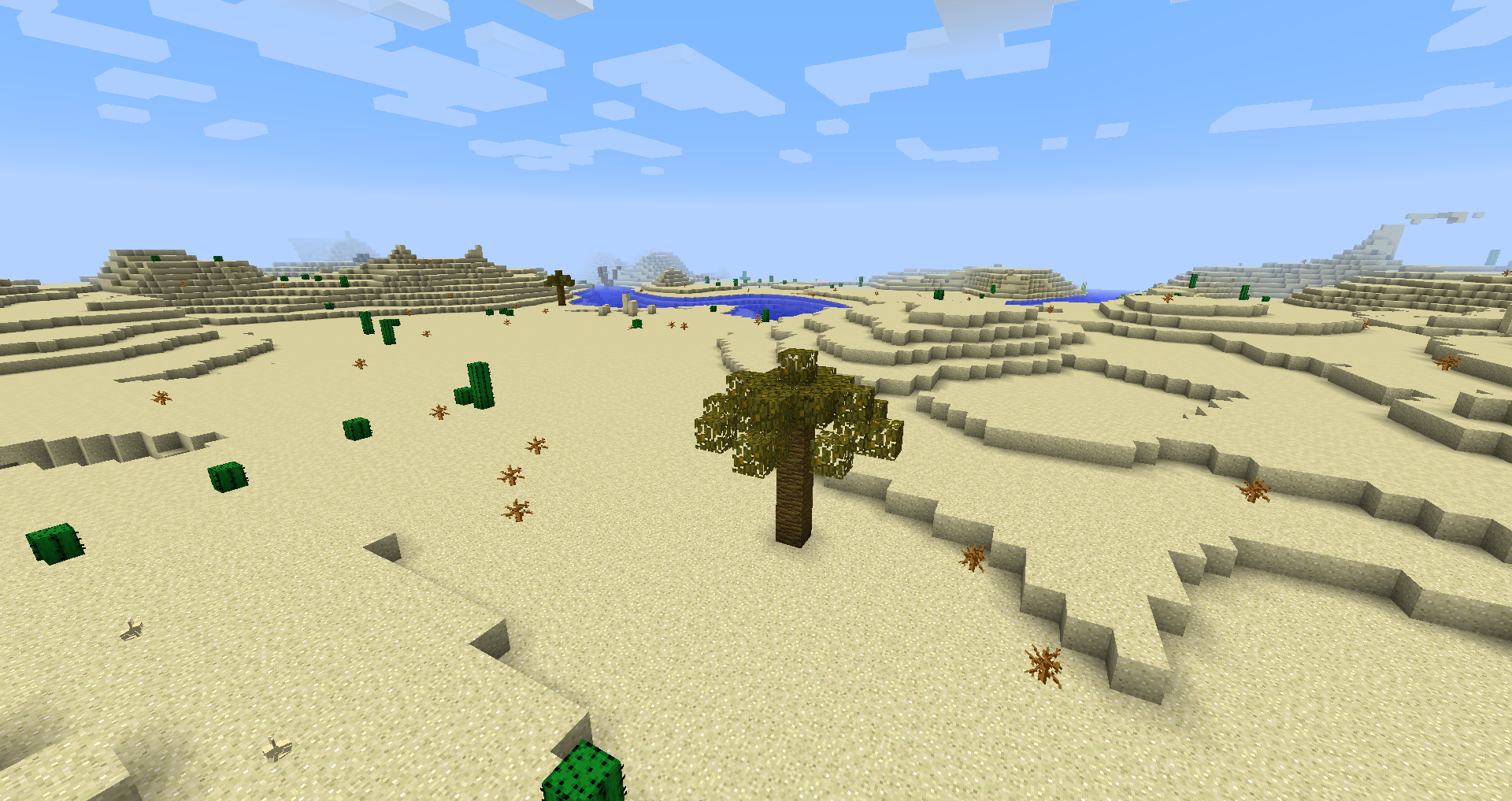
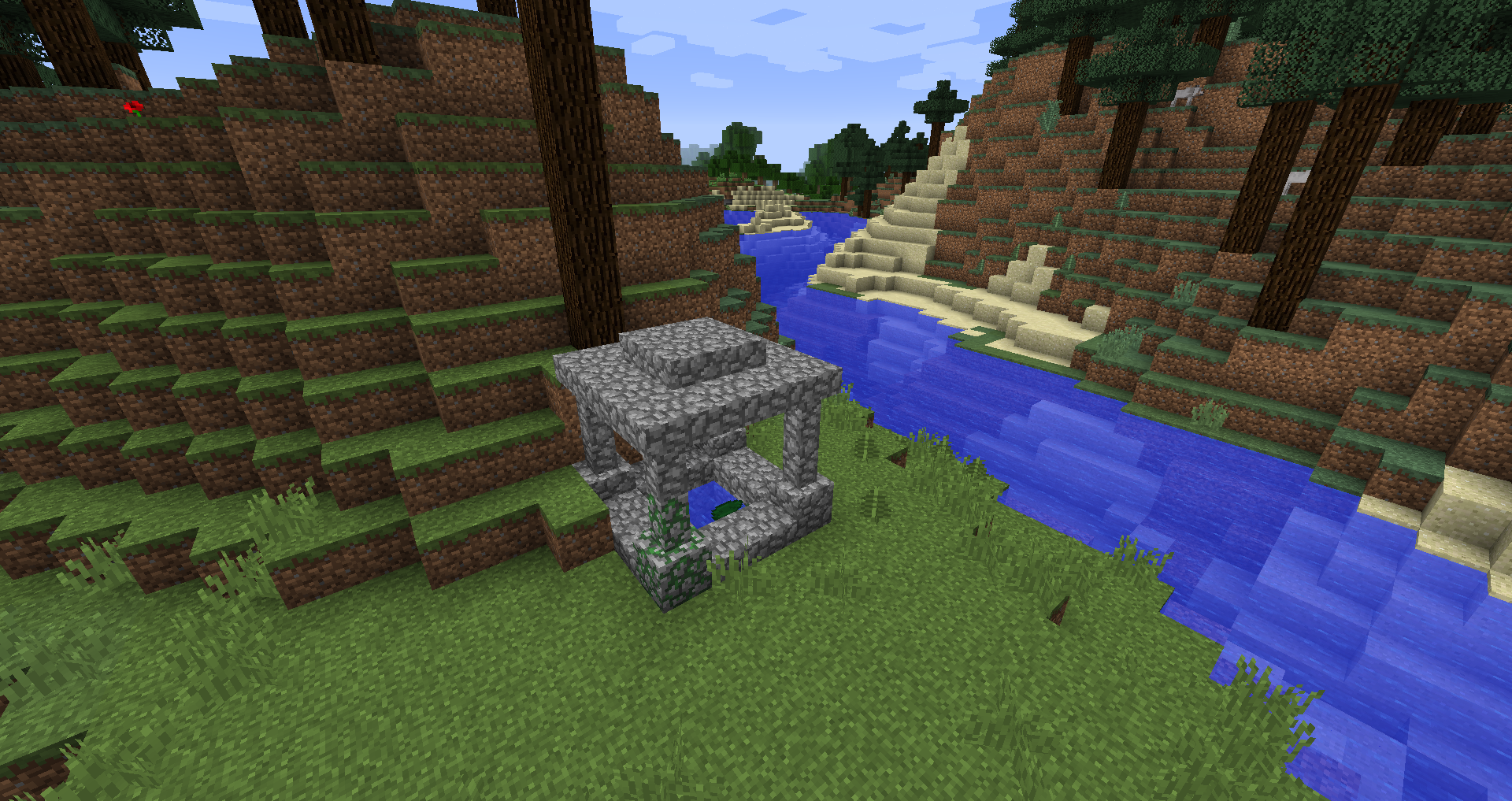
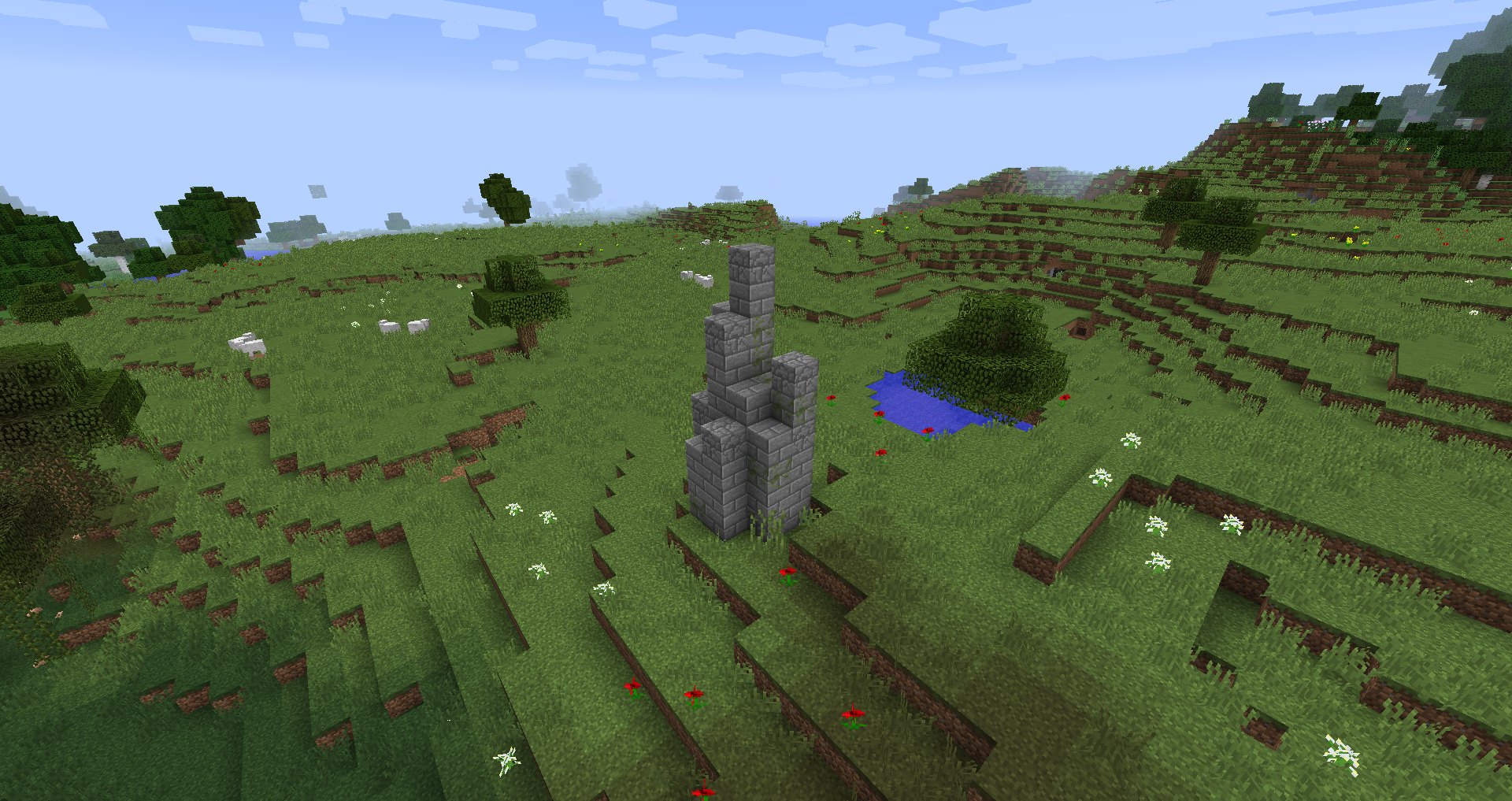
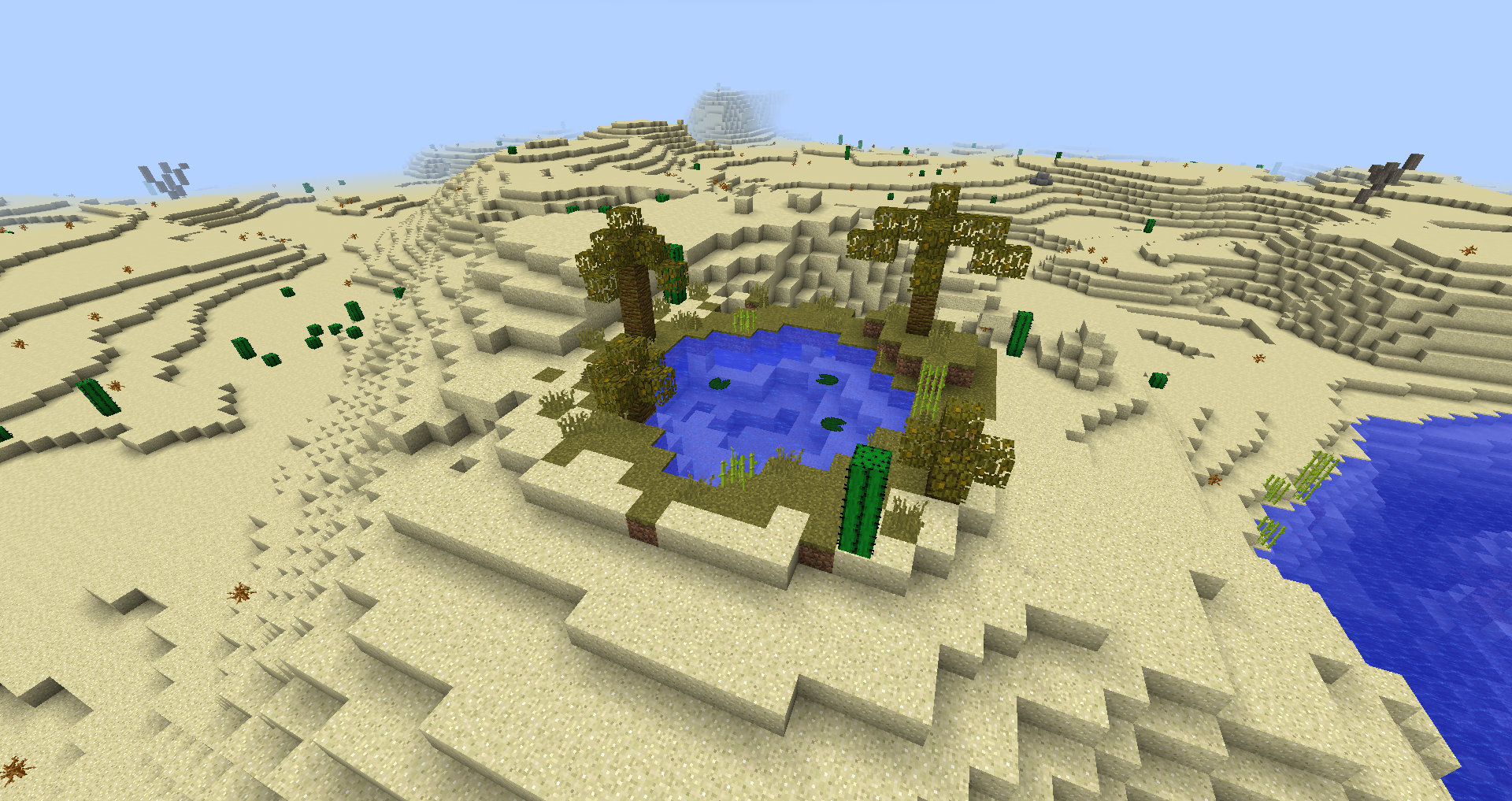
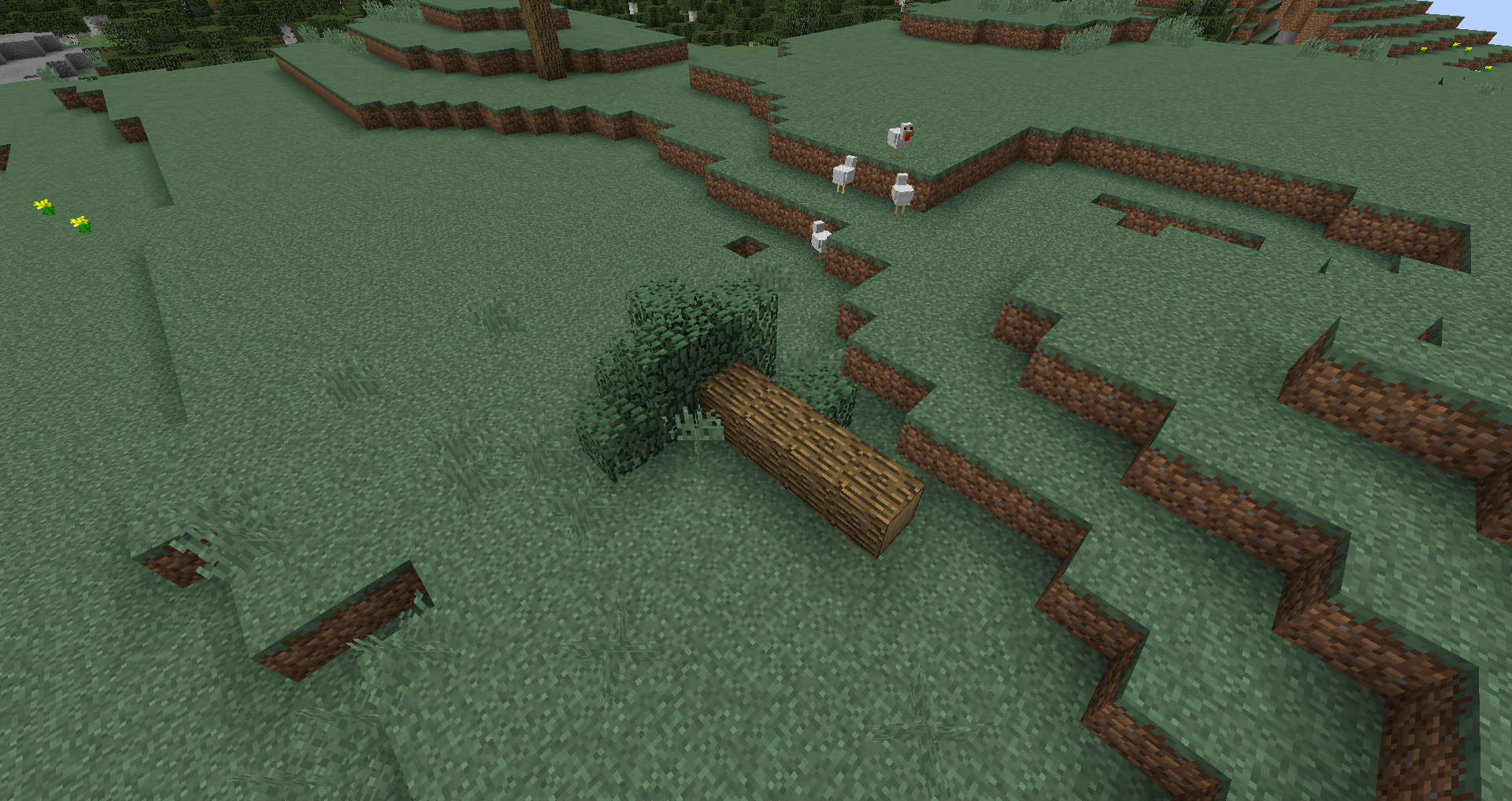
🗃️ Dependencies
Required:
- Magma Core [≥ MC 1.21.5]
- Provides basic code and features such as update-checker
- CurseForge | Modrinth
Supported:
- Mystcraft [MC 1.12]
- Feature symbols of AS structures added
- CurseForge | Modrinth
- Antique Atlas [≥ MC 1.21]
- Map marker for some structures on the map
- CurseForge | Modrinth
🎮 My other mods!







Project description from CurseForge.
Pick your setup
Additional Structures by Minecraft version and loader
Choose the version and loader you play, then open the matching release.
Minecraft version
1.21.10
3 loader buildsMinecraft version
1.21.9
3 loader buildsMinecraft version
1.21.8
2 loader buildsMinecraft version
1.21.7
2 loader buildsMinecraft version
1.21.6
2 loader buildsMinecraft version
1.21.5
3 loader buildsMinecraft version
1.21.4
3 loader buildsMinecraft version
1.21.3
3 loader buildsMinecraft version
1.21.2
3 loader buildsMinecraft version
1.21.1
3 loader buildsMinecraft version
1.21
3 loader buildsShowing the newest 12 of 30 game versions. Older files are in the list below.
Check the dependencies, then try the file in a copied instance before changing a world you care about.
Recent files
Additional Structures versions and loaders
Additional Structures v.4.2.2
AdditionalStructures-1.20.x-(v.4.2.2).jar
3 Sept 2024
Client Source doesn’t say Server Source doesn’t say Dependencies No extras listed Listed on Release listing
Check the 1.20.5 · Forge setup 1.20.21.20.51.20.31.20.1 release
Additional Structures v.4.2.1
Rex's-AdditionalStructures-1.20.x-(v.4.2.1).jar
23 Sept 2023
Client Source doesn’t say Server Source doesn’t say Dependencies No extras listed Listed on Release listing
Check the 1.20.5 · Forge setup 1.20.21.20.51.20.31.20.1 release
Looking for an older file? The official CurseForge project page is in Resources.
 mod
mod Modrinth · Minecraft
Hardcore Torches
Makes torches burn out after a configurable amount of time, as well as optionally starting unlit and extinguishing when broken or in the rain
 mod
mod Modrinth · Minecraft
Roundabout: The JoJo Mod
A Jojo's Bizarre Adventure mod that interprets the world and power system of the anime into the world of Minecraft. ( JJBA )
 mod
mod Modrinth · Minecraft
Feywild
With the Feywild mod you can summon all different kinds of Fey. Fey are the denizens of the Feywild. The denizens of the Feywild each have their own personality and abilities when summoned.