Baubles Optional for OpenGlasses2 OpenGlasses-MC1.12.2-2.2-53.jar
optionalNo matching file
CurseForge · Minecraft mod
Adds Augmented Reality features to Minecraft
Quick answer
OpenGlasses2 OpenGlasses-MC1.12.2-2.2-53.jar targets 1.12.2 with Forge. The project page does not say whether it belongs on the client. The project page does not say whether it belongs on the dedicated server. All 2 required mods have matching files.
Where it goes
The project page does not say whether it belongs on the client. The project page does not say whether it belongs on the dedicated server.
The source does not explicitly classify this release as client-only or server-only.
OpenGlasses-MC1.12.2-2.2-53.jar. Change the file and its required mods may change too.
Install Commons0815, OpenComputers first. We found matching files for this game-version and loader setup.
We only count dependency files that match this setup. A file for another loader does not fill the gap.
Before you install it
Built for OpenGlasses2 OpenGlasses-MC1.12.2-2.2-53.jar. Pick another file and the loader, install side or required mods may change.
Use OpenGlasses-MC1.12.2-2.2-53.jar. It targets 1.12.2 with Forge; another release may have different loader, side or dependency requirements.
Install Commons0815, OpenComputers first. We found matching files for this game-version and loader setup.
The project page does not say whether it belongs on the client. The project page does not say whether it belongs on the dedicated server.
Use the “Get this file” button beside OpenGlasses-MC1.12.2-2.2-53.jar. It opens that exact file at the source.
About this project
New version of OpenGlasses. Why 2.0? The new version breaks API compatibility and adds new features. More info on the wiki.
The Mod is called OpenGlasses and is an extension to OpenComputers. It is analogous to glasses from the OpenPeripherals add-on for ComputerCraft, but adds a few more nifty features.
OpenGlasses is a mod which adds Augmented Reality features to Minecraft. You can render objects, like shapes and text both in the world and on the players HUD, only visible to those with the Open Glasses on (think Google Glass, but in blocky form).
Warning for OC Tablet Users: the amount of widgets you can use is limited, once you reach the limit you'll get an error that the network payload is >32kb and you have to edit you player.dat with some NBT tool and remove the tablet or the glasses, there's currently no workaround for the issue. Widgets are stored on the computers NBT which in case of a tablet gets synced between client/server and so causing the crash
related github issue: https://github.com/Starchasers/OCGlasses/issues/92
As a workaround you can add a mod that lifts the packet limit, e.g.: https://www.curseforge.com/minecraft/mc-mods/bigger-packets-please
This mod depends on Commons0815 Library if your Launcher doesnt support autodownload for dependencies you have to get the library by yourself.
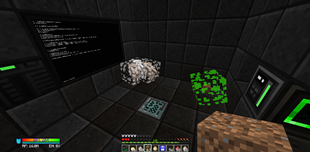
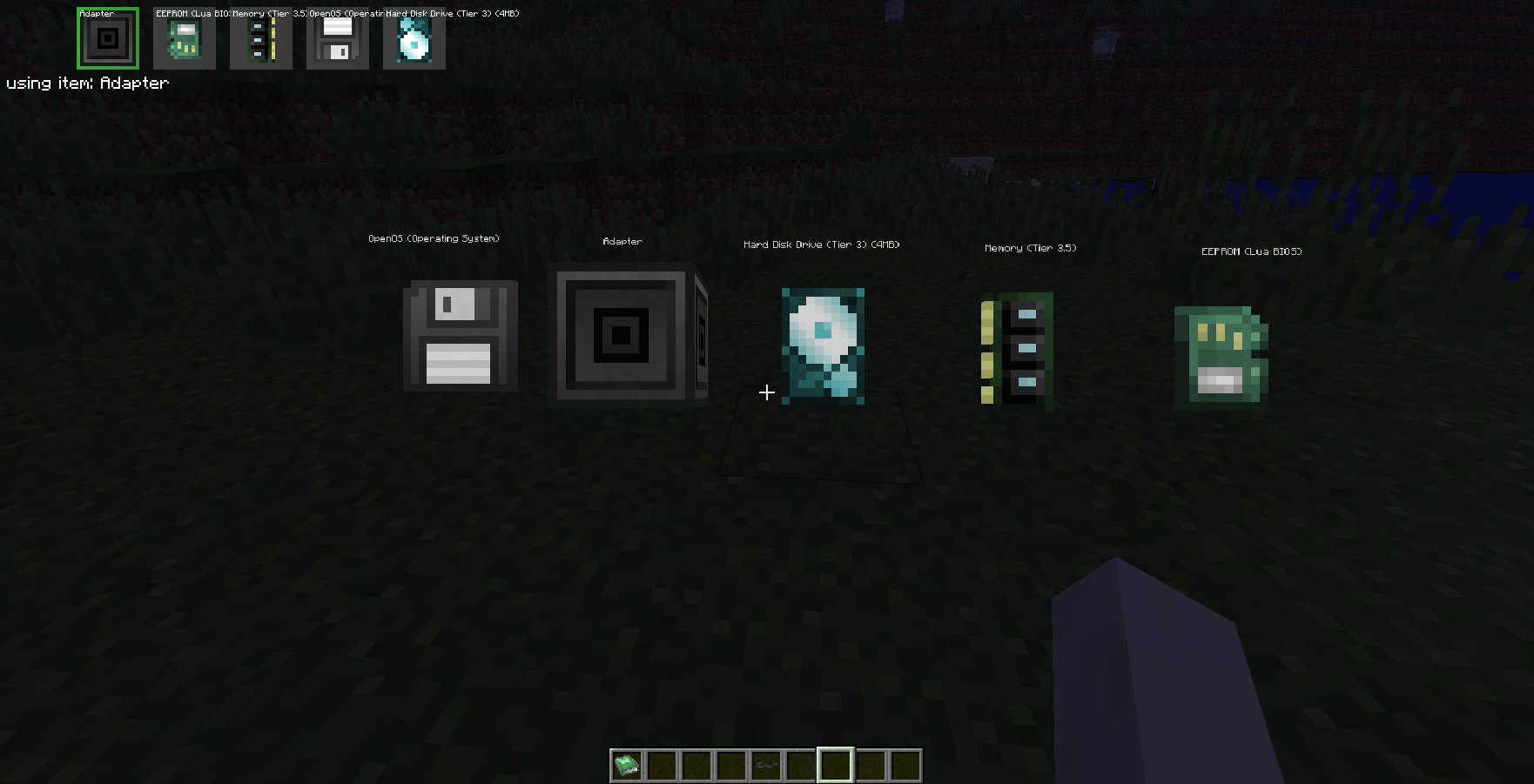
note for Optifine users: rebind the Optifine Zoom key or OpenGlasses overlay key if you use both mods
Project description from CurseForge.
Pick your setup
Choose the version and loader you play, then open the matching release.
Check the dependencies, then try the file in a copied instance before changing a world you care about.
Recent files
19 Dec 2020
Looking for an older file? The official CurseForge project page is in Resources.
 mod
modCryonUtil is a Minecraft 26.2 utility mod that adds automation, mobile mining, item transportation, lighting support, security systems, accessibility features, and special equipment for survival.
 mod
modInteract with job sites to locate or teleport villagers, or click on villagers to identify their current workplace,profession reset ,remove job,fire villager
 mod
modA simple block that allows for direct input of liquid lava into furnaces.

