Minecraft version
Back to mods 
CurseForge · Minecraft mod
Image Utils
View, manage, upload images ingame!
Choose a version Pick your version below, then grab the matching file.
Quick answer
Which Image Utils release matches 1.12.1?
Best match for your filters ImageUtils-1.0.5-recommended
Game version 1.12.1, 1.12, 1.12.2
Loader Not required
Image Utils ImageUtils-1.0.5-recommended targets 1.12.1, 1.12, 1.12.2. The project page does not say whether this file belongs on the client, dedicated server, or both. No extra mods listed for this file.
Where it goes
Is Image Utils required on the client, server, or both?
The project page does not say whether this file belongs on the client, dedicated server, or both.
Client Source doesn’t say
Dedicated server Source doesn’t say
Loader for this release No loader listed
Required install it here Optional supported, not mandatory Not supported do not install here Source doesn’t say do not assume
The source does not explicitly classify this release as client-only or server-only.
What else does Image Utils ImageUtils-1.0.5-recommended need?
ImageUtils-1.0.5-recommended on 1.12.1. Every mod below is checked against that same setup.
This file does not list any required mods. Do not add a library just because a different file uses it.
This file does not list any required or optional mods.
Before you install it
Add Image Utils without breaking your instance.
Built for Image Utils ImageUtils-1.0.5-recommended on 1.12.1. Pick another file and the loader, install side or required mods may change.
- 01
Stick to this file
Use ImageUtils-1.0.5-recommended. It targets 1.12.1, 1.12, 1.12.2; another release may have different loader, side or dependency requirements.
- 02
Bring the mods it needs
This file does not list any required mods. Do not add a library just because a different file uses it.
- 03
Put it on the correct side
The project page does not say whether this file belongs on the client, dedicated server, or both.
- 04
Pick the file you checked
Use the “Get this file” button beside ImageUtils-1.0.5-recommended. It opens that exact file at the source.
About this project
What does Image Utils add?
Image Utils
Love sharing your memes or builds? Then this is the perfect mod for you!
You can share your images with your friends with the press of a button. Did your friend find a cool meme? View it directly in-game!
Feel free to join our programming discord: https://discord.gg/yy8jwdS
Or add me personally: DarkEyeDragon#5583
Features:
Upload images directly to discord trough a webhook.
View images directly in-game (no browser needed.)
Take a screenshot and upload it instantly to imgur or sxcu.net (or any image server)
Multi threaded. No freezing when taking screenshots! Not even when uploading.
View/upload/delete local images from in-game.
Save locally and upload after.
Default keys:
F4 take a screenshot and upload it. (will upload to imgur if no other image server is set
F6 take a partial screenshot (with area selector)
F7 open local screenshots
Make sure to report issues in the comments below or on Github(Issues)
All information on how to use custom image servers and how to change settings can be found here
Project description from CurseForge.
Pick your setup
Image Utils by Minecraft version and loader
Choose the version and loader you play, then open the matching release.
Minecraft version
1.12.1
1 loader buildMinecraft version
1.12-Snapshot
1 loader buildMinecraft version
1.12
1 loader buildCheck the dependencies, then try the file in a copied instance before changing a world you care about.
Recent files
Image Utils versions and loaders
ImageUtils-1.0.6-beta.jar
3 Jan 2019
Client Source doesn’t say Server Source doesn’t say Dependencies No extras listed Listed on Release listing
Check the 1.12.1 setup 1.12.11.121.12.21.12-Snapshot beta
ImageUtils-1.0.5-recommended
ImageUtils-1.0.5-recommended.jar
11 Nov 2018
Client Source doesn’t say Server Source doesn’t say Dependencies No extras listed Listed on Release listing
Check the 1.12.1 setup 1.12.11.121.12.21.12-Snapshot release
ImageUtils-1.0.4-recommended
ImageUtils-1.0.4-recommended.jar
18 Oct 2018
Client Source doesn’t say Server Source doesn’t say Dependencies No extras listed Listed on Release listing
Check the 1.12.1 setup 1.12.11.121.12.21.12-Snapshot release
ImageUtils-1.0.3-beta.jar
10 Oct 2018
Client Source doesn’t say Server Source doesn’t say Dependencies No extras listed Listed on Release listing
Check the 1.12.1 setup 1.12.11.121.12.21.12-Snapshot beta
ImageUtils-1.0.2-beta.jar
13 Sept 2018
Client Source doesn’t say Server Source doesn’t say Dependencies No extras listed Listed on Release listing
Check the 1.12.1 setup 1.12.11.121.12.21.12-Snapshot beta
ImageUtils-1.0.1-beta
ImageUtils-1.0.1-beta.jar
31 Aug 2018
Client Source doesn’t say Server Source doesn’t say Dependencies No extras listed Listed on Release listing
Check the 1.12.1 setup 1.12.11.121.12.21.12-Snapshot beta
ImageUtils-1.0.0-beta
ImageUtils-1.2.0-beta.jar
29 Aug 2018
Client Source doesn’t say Server Source doesn’t say Dependencies No extras listed Listed on Release listing
Check the 1.12.1 setup 1.12.11.121.12.21.12-Snapshot beta
Looking for an older file? The official CurseForge project page is in Resources.
 mod
CurseForge · Minecraft
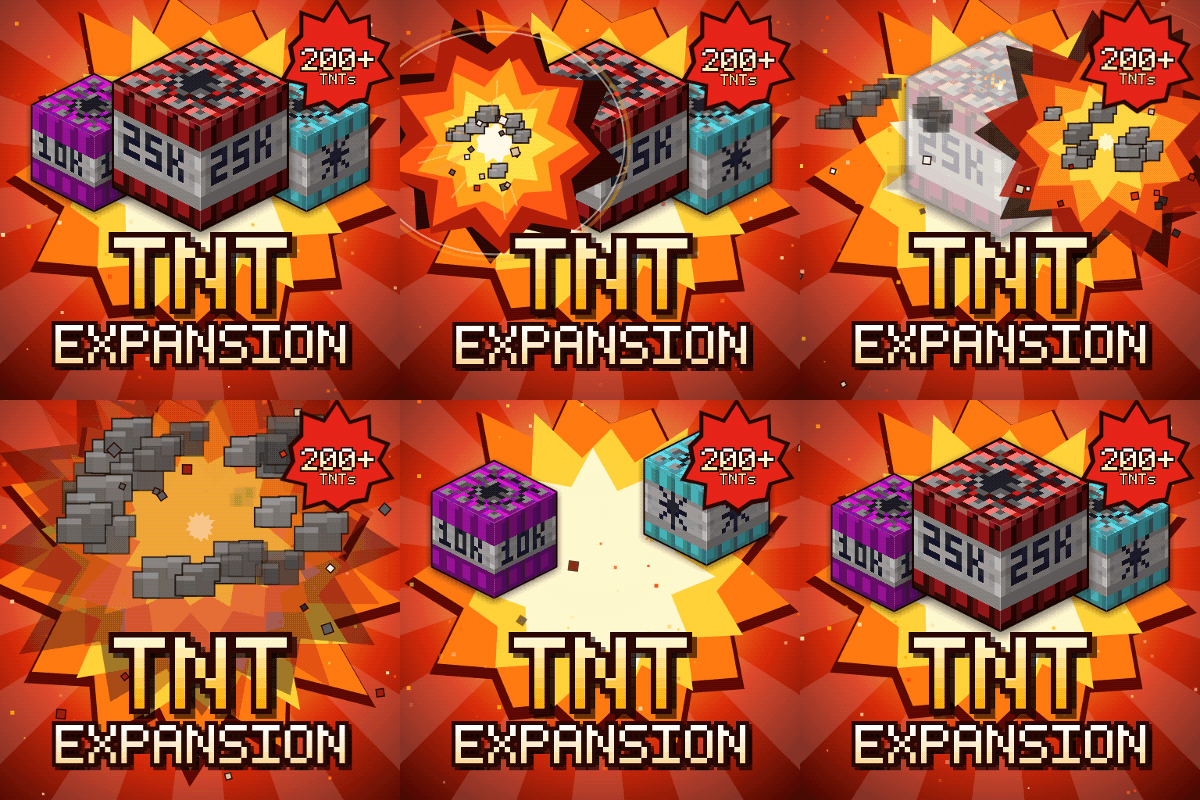
TNT Expansion (+200 new craftable TNT)
Over 200 craftable TNTs for Minecraft, from harmless mini TNTs to nukes, meteors, tornadoes, volcanoes, black holes, and the Brutal Cataclysm. Or leave the world with TNT Error 404: say goodbye to your entire world!
 mod
CurseForge · Minecraft
Bad Wither No Cookie - Reloaded
Localizes the wither and dragon death sounds.
 mod
CurseForge · Minecraft
Weaponry Extended
More weapons, same vanilla feel: 22 melee weapons in every vanilla material from wood to netherite, plus 4 bows and 2 crossbows, each with its own abilities.