MalisisCore Optional for CubicWorldGen-1.12.2-0.0.152.0-SNAPSHOT-all.jar
optionalNo matching file
CurseForge · Minecraft mod
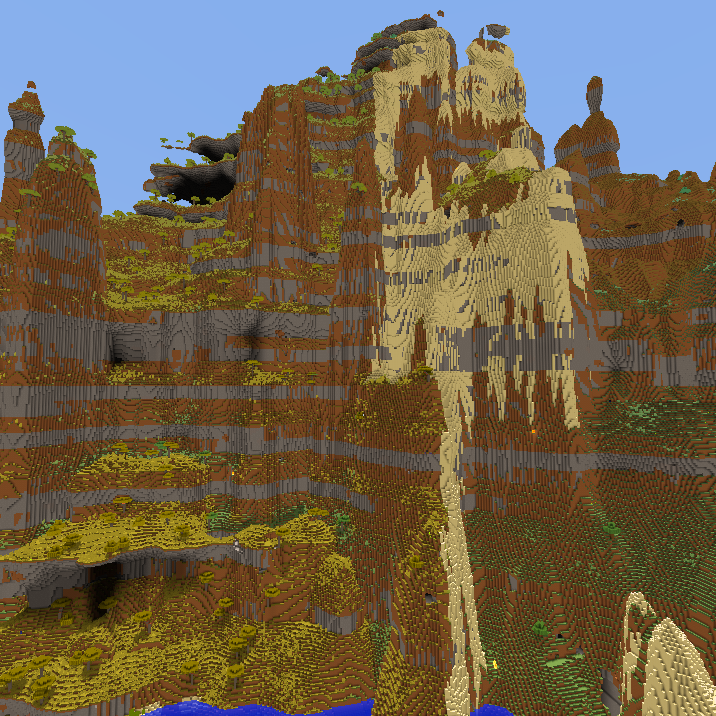
Customizable world generators for OpenCubicChunks
Quick answer
CubicWorldGen-1.12.2-0.0.152.0-SNAPSHOT-all.jar targets 1.12.2 with Forge. The project page does not say whether this file belongs on the client, dedicated server, or both. All 1 required mods have matching files.
Where it goes
The project page does not say whether this file belongs on the client, dedicated server, or both.
The source does not explicitly classify this release as client-only or server-only.
CubicWorldGen-1.12.2-0.0.152.0-SNAPSHOT-all.jar. Change the file and its required mods may change too.
Install CubicChunks first. We found matching files for this game-version and loader setup. 1 comes through another mod in the chain.
1 extra mod was pulled in by another dependency. Indented rows show who needs each one. We only count dependency files that match this setup. A file for another loader does not fill the gap.
Before you install it
Built for CubicWorldGen-1.12.2-0.0.152.0-SNAPSHOT-all.jar. Pick another file and the loader, install side or required mods may change.
Use CubicWorldGen-1.12.2-0.0.152.0-SNAPSHOT-all.jar. It targets 1.12.2 with Forge; another release may have different loader, side or dependency requirements.
Install CubicChunks first. We found matching files for this game-version and loader setup. 1 comes through another mod in the chain.
The project page does not say whether this file belongs on the client, dedicated server, or both.
Use the “Get this file” button beside CubicWorldGen-1.12.2-0.0.152.0-SNAPSHOT-all.jar. It opens that exact file at the source.
About this project
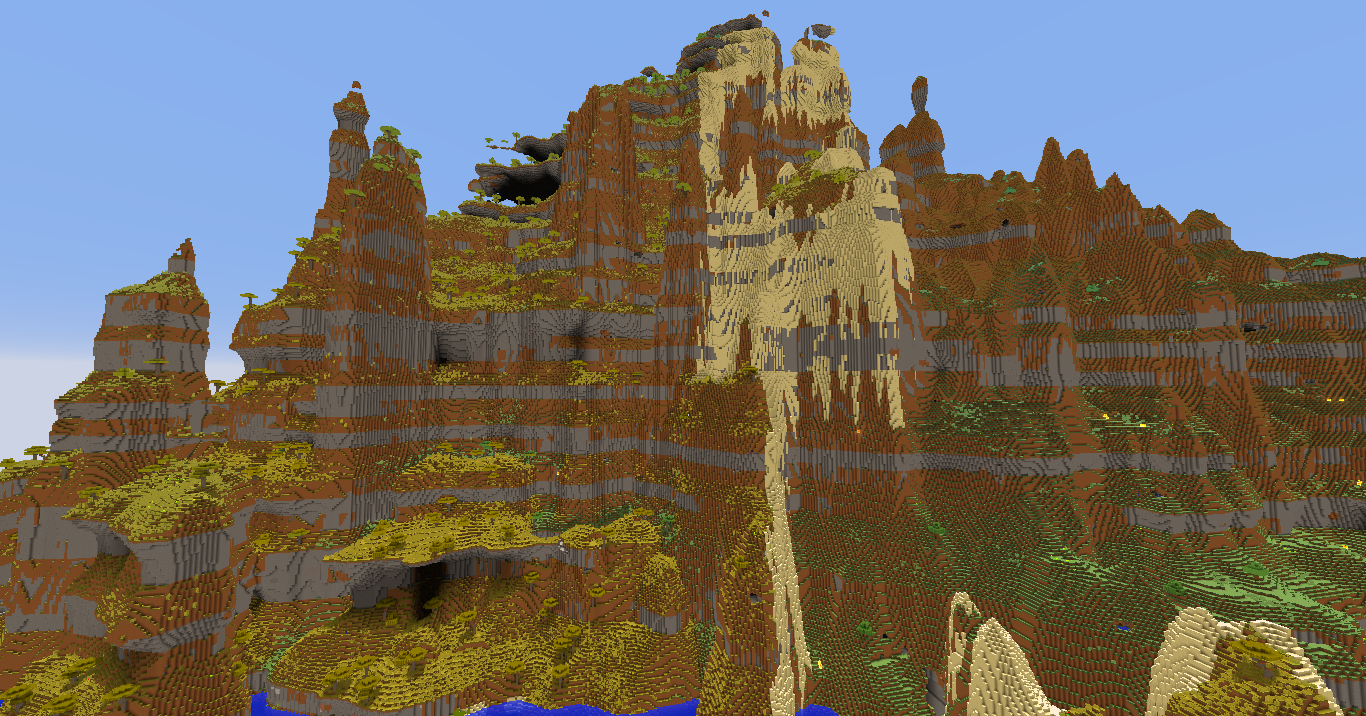
Note: If customization GUI does not work or crash with MalisisCore installed, try an older version of MalisisCore!
This mod contains 2 customizable world generators for OpenCubicChunks mod:
For cubic chunks versions 1.10.2-0.0.871.0, 1.11.2-0.0.856.0, 1.12.2-0.0.852.0 and earlier these generators are parts of cubic chunks.
Download the mod and required dependencies, install MinecraftForge, put the downloaded mods into mods folder.
This mod requires OpenCubicChunks, and to access generator customization GUI - also requires MalisisCore. There is no customization GUI for 1.10.2 version. These options can be accessed only with NBT editor or by creating a world on newer version and copying level.dat file to 1.10.2.
The custom world generators, with a few exceptions, won't be able to use any world generation features added by other mods. All other compatibility issues of OpenCubicChunks still apply.
Project description from CurseForge.
Pick your setup
Choose the version and loader you play, then open the matching release.
Check the dependencies, then try the file in a copied instance before changing a world you care about.
Recent files
3 Dec 2021
3 Dec 2021
3 Dec 2021
30 Jan 2021
24 Mar 2020
16 Feb 2020
7 Feb 2020
7 Feb 2020
7 Feb 2020
CubicWorldGen-1.12.2-0.0.39.1-SNAPSHOT-all.jar
15 May 2019
12 Feb 2019
12 Feb 2019
Looking for an older file? The official CurseForge project page is in Resources.
 mod
modColonyRank ranks MineColonies colonies by progression stats with two scoring systems, six presets, in-game commands, ignored-colonies management, and Discord webhook posting. NeoForge 1.21.1 & Forge 1.20.1.
 mod
modAdd some types of tanks, which can be combined vertically. Tanks can hold Fluids and Potions.
 mod
modThis is a terrifying wolf, and it's not normal; it's after you.