Minecraft version
Back to mods 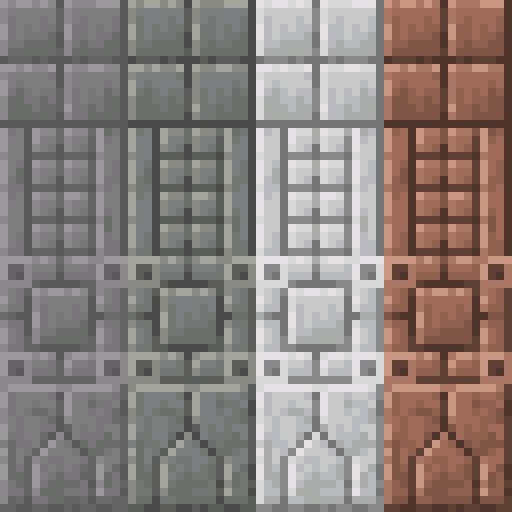
CurseForge · Minecraft mod
Masonry
Create new decorative blocks using the Stonecutter!
Choose a version Pick your version below, then grab the matching file.
Quick answer
Which Masonry release matches 26.2?
beta file Masonry-neoforge-26.2-0.7.0.jar
Game version 26.2, 26.3
Loader NeoForge
Masonry-neoforge-26.2-0.7.0.jar targets 26.2, 26.3 with NeoForge. The project page does not say whether this file belongs on the client, dedicated server, or both. No extra mods listed for this file.
Where it goes
Is Masonry required on the client, server, or both?
The project page does not say whether this file belongs on the client, dedicated server, or both.
Client Source doesn’t say
Dedicated server Source doesn’t say
Loader for this release NeoForge
Required install it here Optional supported, not mandatory Not supported do not install here Source doesn’t say do not assume
The source does not explicitly classify this release as client-only or server-only.
What else does Masonry-neoforge-26.2-0.7.0.jar need?
Masonry-neoforge-26.2-0.7.0.jar on 26.2. Every mod below is checked against that same setup.
This file does not list any required mods. Do not add a library just because a different file uses it.
This file does not list any required or optional mods.
Before you install it
Add Masonry without breaking your instance.
Built for Masonry-neoforge-26.2-0.7.0.jar on 26.2. Pick another file and the loader, install side or required mods may change.
- 01
Stick to this file
Use Masonry-neoforge-26.2-0.7.0.jar. It targets 26.2, 26.3 with NeoForge; another release may have different loader, side or dependency requirements.
- 02
Bring the mods it needs
This file does not list any required mods. Do not add a library just because a different file uses it.
- 03
Put it on the correct side
The project page does not say whether this file belongs on the client, dedicated server, or both.
- 04
Pick the file you checked
Use the “Get this file” button beside Masonry-neoforge-26.2-0.7.0.jar. It opens that exact file at the source.
About this project
What does Masonry add?
Masonry
By Team Metallurgy

Documentation forthcoming, construct a Stonecutter and insert any number of vanilla stone-like material blocks to carve them.
Current Release: Beta
Please report any and all bugs on the Github.
Join our Discord for Masonry updates as well as other Team Metallurgy mod updates! Discord Link
FAQ
Q: Can I use this mod in my modpack?
A: As long as the modpack is for private use or hosted on CurseForge you are more than welcome to include Masonry!
Q: Can I reuse this mods art assets?
A: Do not re-use our artwork elsewhere.
Q: Can I use this mod in my video or review it for my channel?
A: Yes! We highly encourage you to show off the mod and feel free to post the link in the comments when you finish it!
Q: Is <Material> going to be added?
A: All vanilla materials are possible candidates for future updates. If its another mod's materials we're less likely to introduce it but that doesn't mean its completely off the table.
Project description from CurseForge.
Pick your setup
Masonry by Minecraft version and loader
Choose the version and loader you play, then open the matching release.
Minecraft version
26.2
2 loader buildsMinecraft version
26.1.2
2 loader buildsMinecraft version
26.1.1
2 loader buildsMinecraft version
26.1
2 loader buildsMinecraft version
1.21.11
2 loader buildsMinecraft version
1.21.10
2 loader buildsMinecraft version
1.21.9
2 loader buildsMinecraft version
1.21.8
2 loader buildsMinecraft version
1.21.7
2 loader buildsMinecraft version
1.21.6
2 loader buildsMinecraft version
1.21.5
2 loader buildsShowing the newest 12 of 24 game versions. Older files are in the list below.
Check the dependencies, then try the file in a copied instance before changing a world you care about.
Recent files
Masonry versions and loaders
Masonry-neoforge-26.2-0.7.0.jar
30 Oct 2026
Client Source doesn’t say Server Source doesn’t say Dependencies No extras listed Listed on Release listing
Check the 26.2 · NeoForge setup NeoForge26.226.3 beta
Masonry-fabric-26.2-0.7.0.jar
30 Oct 2026
Client Source doesn’t say Server Source doesn’t say Dependencies 2 required · 2 unchecked Listed on Release listing
Check the 26.2 · Fabric setup Fabric26.226.3 beta
Looking for an older file? The official CurseForge project page is in Resources.
 mod
CurseForge · Minecraft
OhMyMeteors
A modern mod about Meteors and meteorites that fall from the sky!
 mod
CurseForge · Minecraft
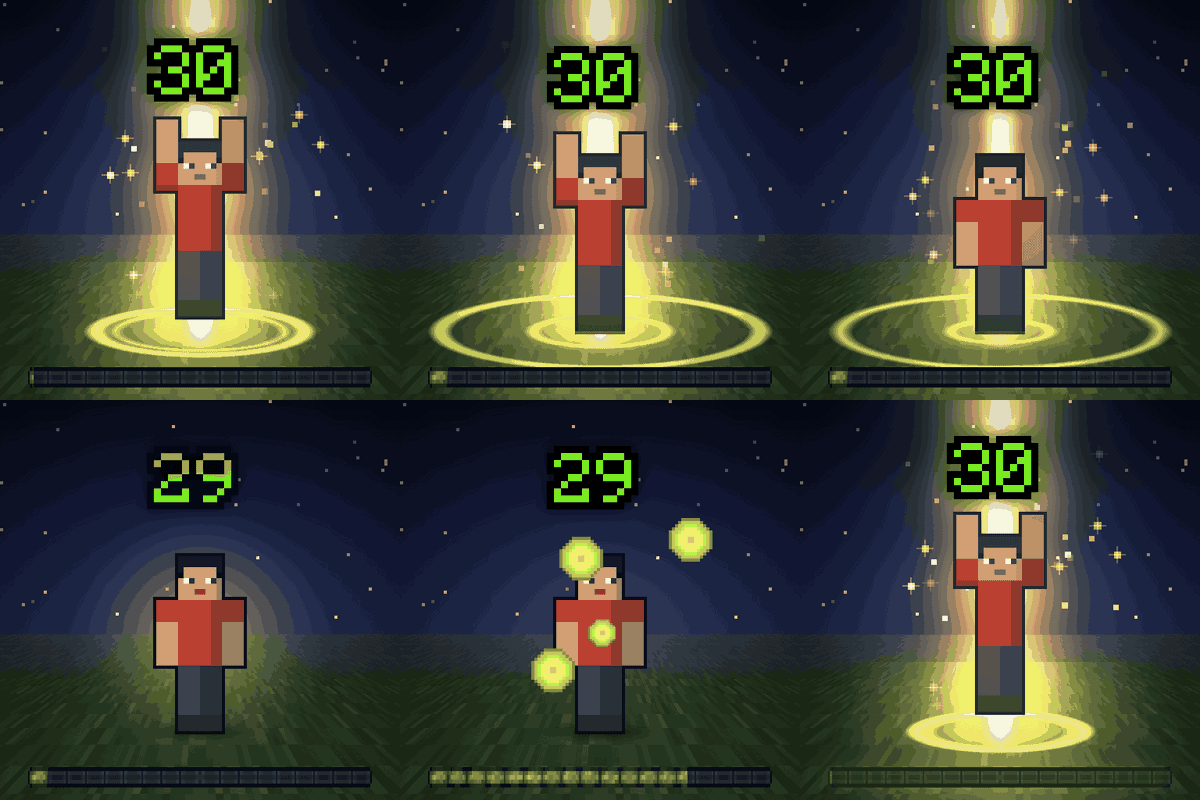
Immersive Level Up: XP, Advancement & Quest Effects
Level up effects in the world around you: a pillar of light and a ring on the ground for level ups, advancements, first diamonds and FTB Quests. Small for everyday moments, epic for milestones. Client-side.
 mod
CurseForge · Minecraft
More Sweet Treats! - Candy and Cake Food Expansion
Add a burst of sugar to your world with the 18 new food items in More Sweet Treats! Packed with candies, cakes, and delicious desserts, this addon brings fun, flavorful food to Minecraft. Perfect for decorating builds or anyone with a sweet tooth