Forge Config API Port Needed by Masonry-fabric-26.1-0.6.0.jar
requiredMatching file found Matched file: [FABRIC] [26.1.x] v26.1.5
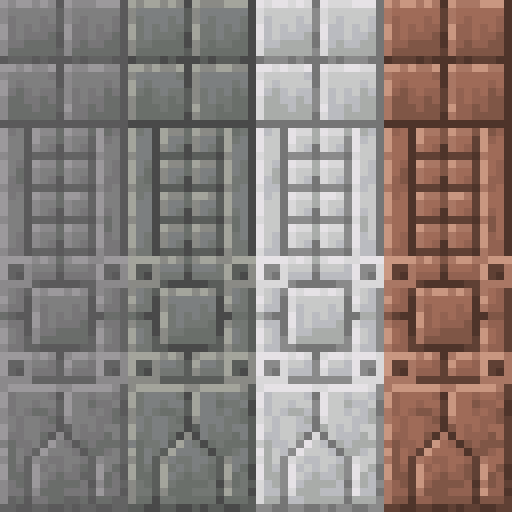
CurseForge · Minecraft mod
Create new decorative blocks using the Stonecutter!
Quick answer
Masonry-fabric-26.1-0.6.0.jar targets 26.1, 26.1.1, 26.1.2 with Fabric. The project page does not say whether this file belongs on the client, dedicated server, or both. All 2 required mods have matching files.
Where it goes
The project page does not say whether this file belongs on the client, dedicated server, or both.
The source does not explicitly classify this release as client-only or server-only.
Masonry-fabric-26.1-0.6.0.jar. Change the file and its required mods may change too.
Install Forge Config API Port, Fabric API first. We found matching files for this game-version and loader setup. 2 come through another mod in the chain.
2 extra mods were pulled in by other dependencies. Indented rows show who needs each one. We only count dependency files that match this setup. A file for another loader does not fill the gap.
Before you install it
Built for Masonry-fabric-26.1-0.6.0.jar. Pick another file and the loader, install side or required mods may change.
Use Masonry-fabric-26.1-0.6.0.jar. It targets 26.1, 26.1.1, 26.1.2 with Fabric; another release may have different loader, side or dependency requirements.
Install Forge Config API Port, Fabric API first. We found matching files for this game-version and loader setup. 2 come through another mod in the chain.
The project page does not say whether this file belongs on the client, dedicated server, or both.
Use the “Get this file” button beside Masonry-fabric-26.1-0.6.0.jar. It opens that exact file at the source.
About this project
Masonry
By Team Metallurgy

Documentation forthcoming, construct a Stonecutter and insert any number of vanilla stone-like material blocks to carve them.
Current Release: Beta
Please report any and all bugs on the Github.
Join our Discord for Masonry updates as well as other Team Metallurgy mod updates! Discord Link
FAQ
Q: Can I use this mod in my modpack?
A: As long as the modpack is for private use or hosted on CurseForge you are more than welcome to include Masonry!
Q: Can I reuse this mods art assets?
A: Do not re-use our artwork elsewhere.
Q: Can I use this mod in my video or review it for my channel?
A: Yes! We highly encourage you to show off the mod and feel free to post the link in the comments when you finish it!
Q: Is <Material> going to be added?
A: All vanilla materials are possible candidates for future updates. If its another mod's materials we're less likely to introduce it but that doesn't mean its completely off the table.
Project description from CurseForge.
Pick your setup
Choose the version and loader you play, then open the matching release.
Showing the newest 12 of 22 game versions. Older files are in the list below.
Check the dependencies, then try the file in a copied instance before changing a world you care about.
Recent files
29 Mar 2026
29 Mar 2026
14 Dec 2025
14 Dec 2025
6 Apr 2025
6 Apr 2025
12 Mar 2025
12 Mar 2025
12 Mar 2025
12 Mar 2025
12 Mar 2025
30 Jan 2025
Looking for an older file? The official CurseForge project page is in Resources.
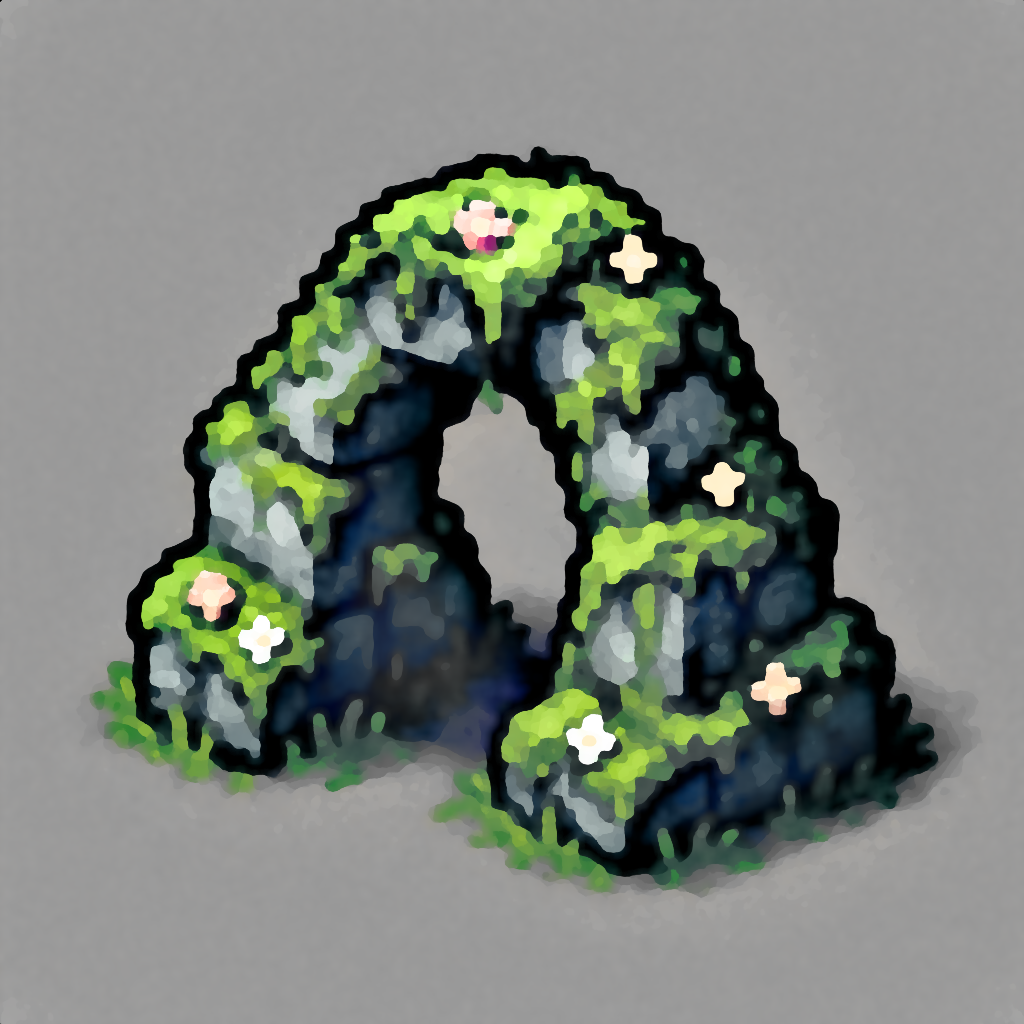 mod
modProcedurally generated rock formations, ponds, clearings, and more.
 mod
modAdds floating damage numbers above every target you hit, and your own incoming damage too — color-coded by damage type.
 mod
modLearn magic and create spells from scratch. The only limit is your creativity!